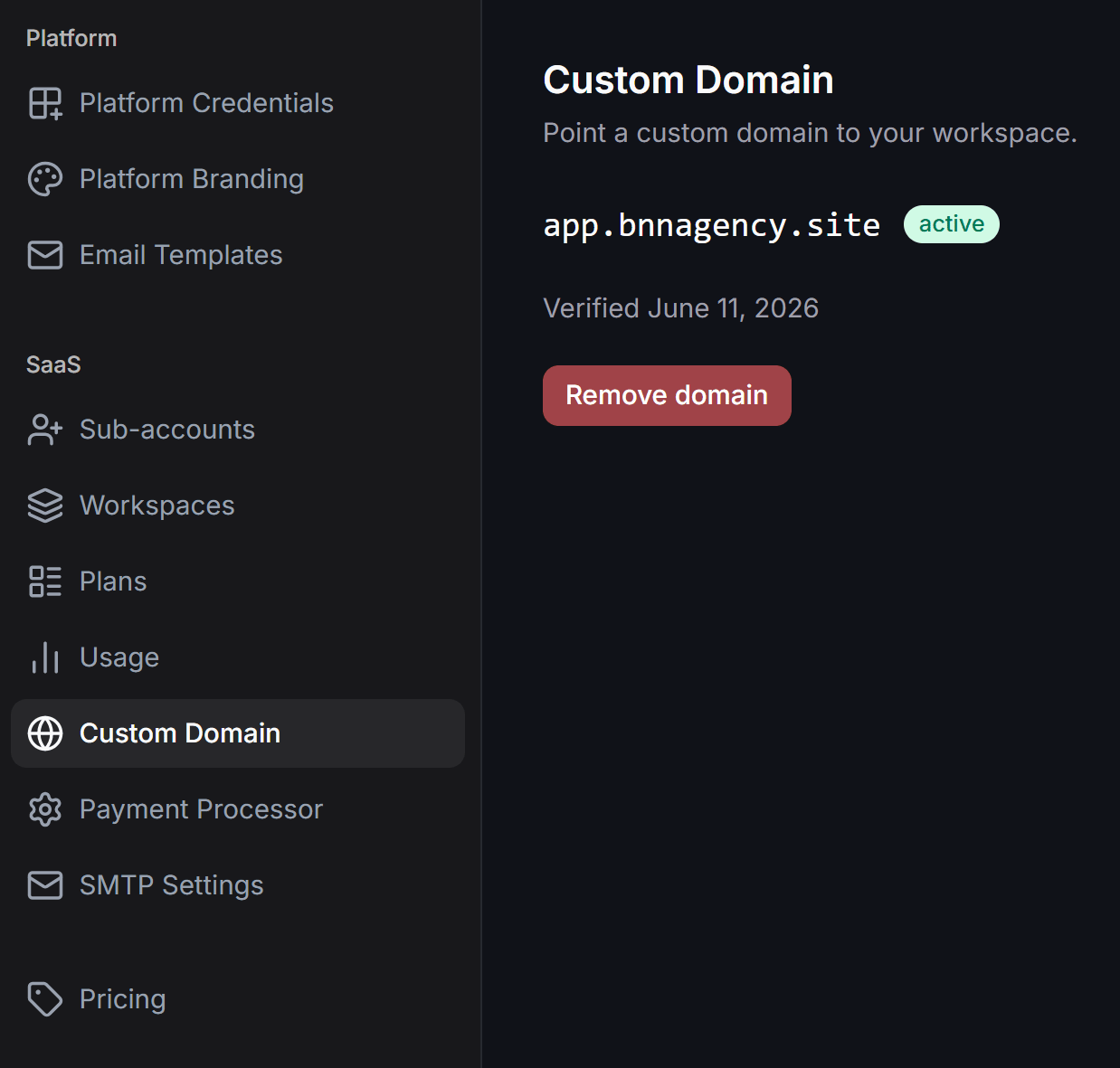
Custom Domain Setup Process
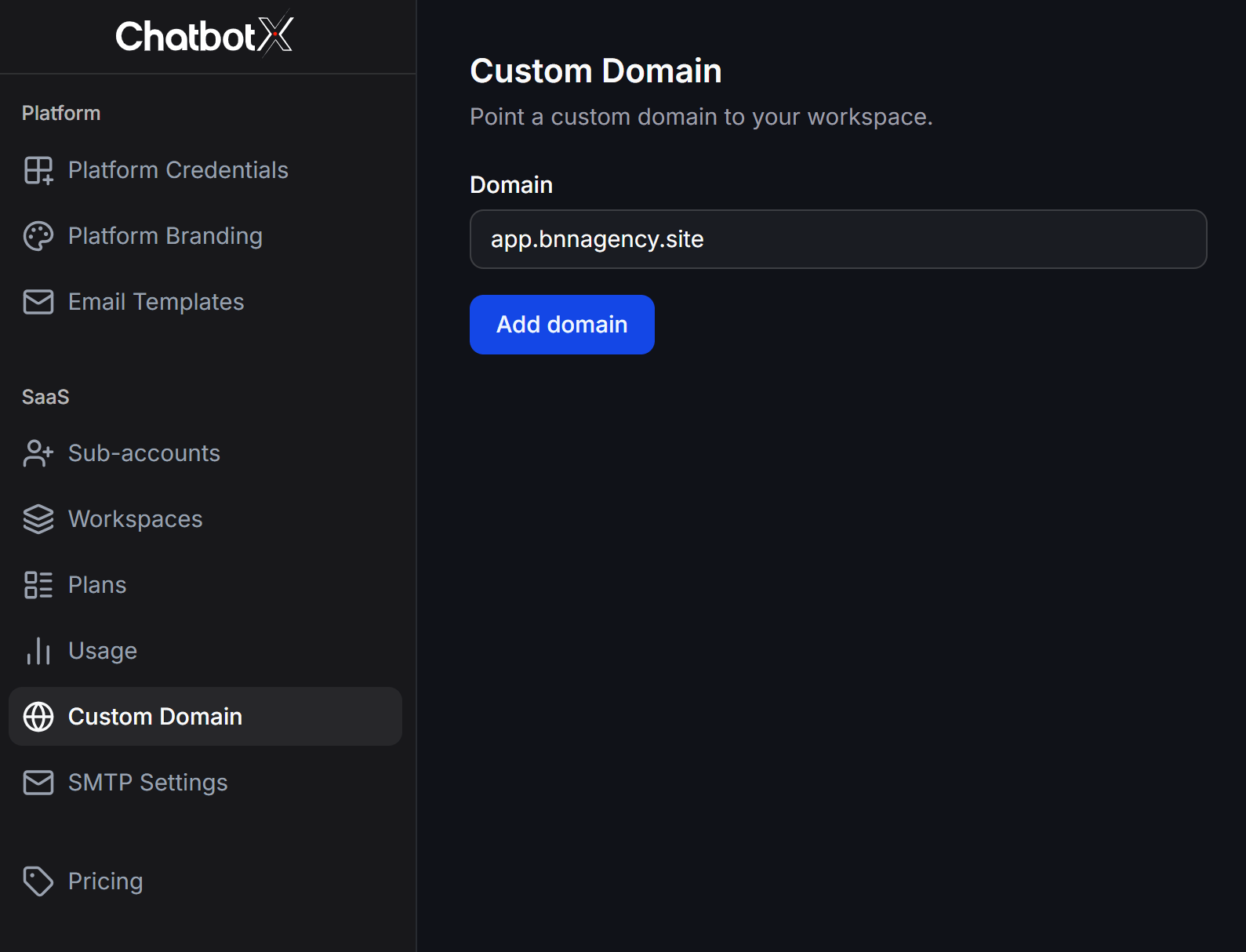
To activate your custom domain, follow these steps:Add your domain
In the Domain field, enter your domain or subdomain name and click the Add domain button.
Retrieve DNS records
Once added, the domain status will show as pending. The system will generate three DNS records that you need to configure.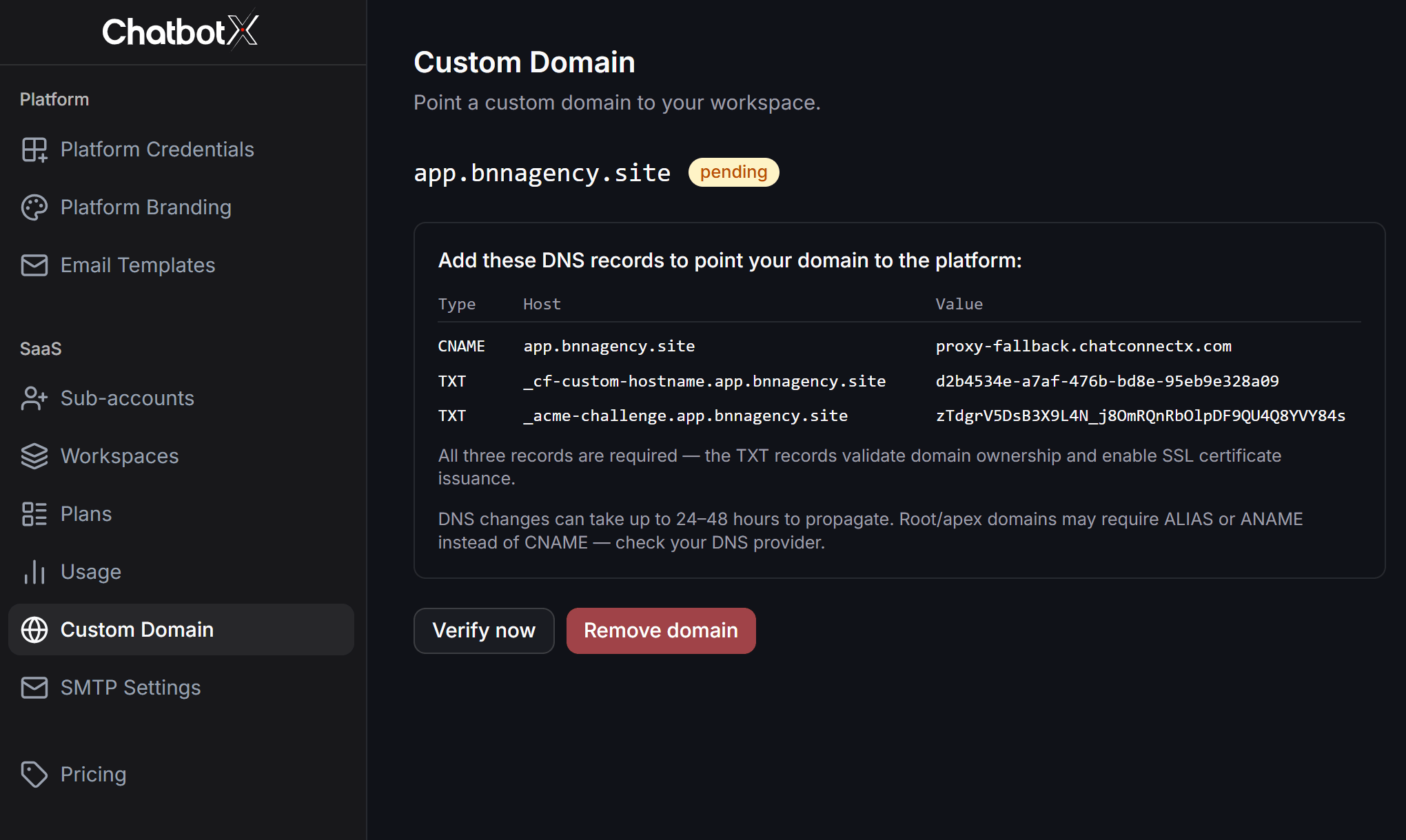
Configure records at your DNS provider
Log in to your domain registrar or DNS management portal and add the following three records:
- CNAME Record: Point your domain to
proxy-fallback.chatconnectx.com. For root domains, your DNS provider might require you to use an ALIAS or ANAME record instead of CNAME. - First TXT Record: Input the Host name and value provided to verify your domain ownership.
- Second TXT Record: Used to verify and provision your SSL security certificate (the value displays as
Creating...during initialization).
Verify your domain
After adding the records, return to your Portal admin page and click Verify now.DNS propagation typically takes a few minutes, but can take up to 24 to 48 hours depending on your domain registrar.