

Manage Workspaces
The Workspaces interface allows you to monitor all workspaces created by your reseller account as well as those of your client sub-accounts. You can access this page under the SaaS > Workspaces section on the left navigation menu.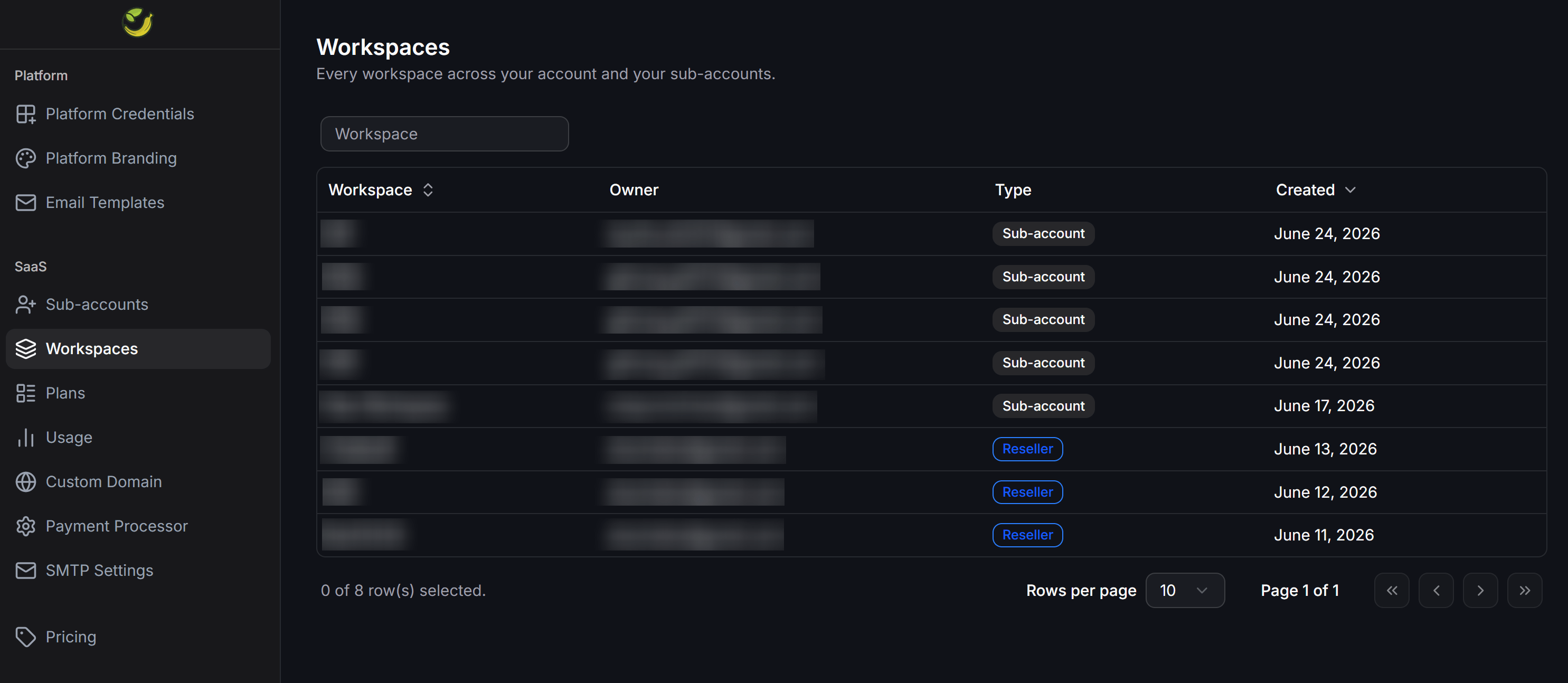
- Workspace: The name of the workspace.
- Owner: The login email address of the workspace owner.
- Type: The classification of the workspace owner. The system displays two distinct badges:
Sub-account: Workspace owned by an end user.Reseller: Workspace owned by your own agency.
- Created: The creation date of the workspace.
Monitor Resource Usage
The Usage page displays the maximum resource quotas allocated to you and monitors the real-time consumption across your entire reseller network. You can access this page under the SaaS > Usage section on the left navigation menu.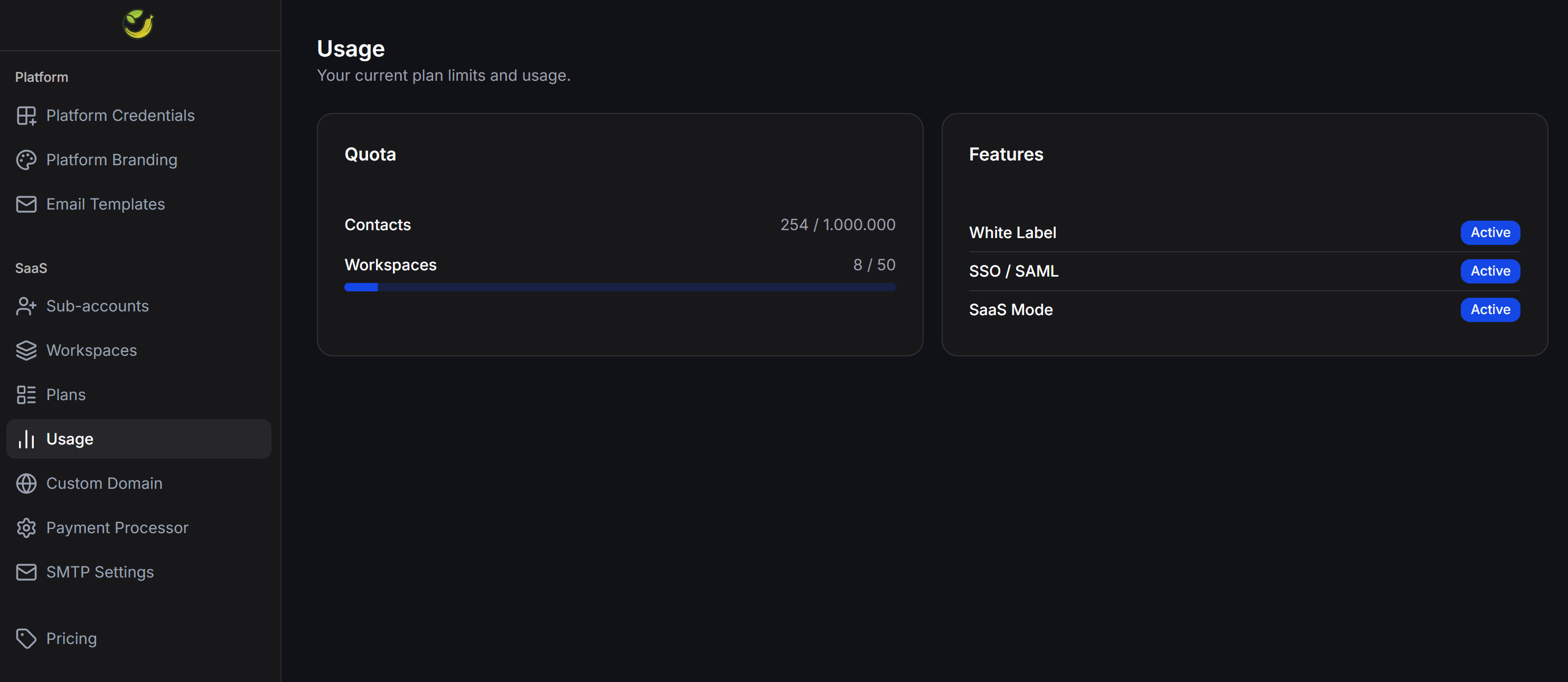
Quotas
This section summarizes your actual resource consumption against your total allowed limits:- Contacts: The total number of active contacts accumulated across your entire system (including your reseller account and all sub-accounts).
- Workspaces: The total number of workspaces created across your network compared to your limit.
Features
This section displays the activation status of advanced business features:- White Label: The activation status of the custom branding feature.
- SSO / SAML: The activation status of Single Sign-On authentication.
- SaaS Mode: The activation status of subscription pricing plans and automated billing.