Account Creation Methods
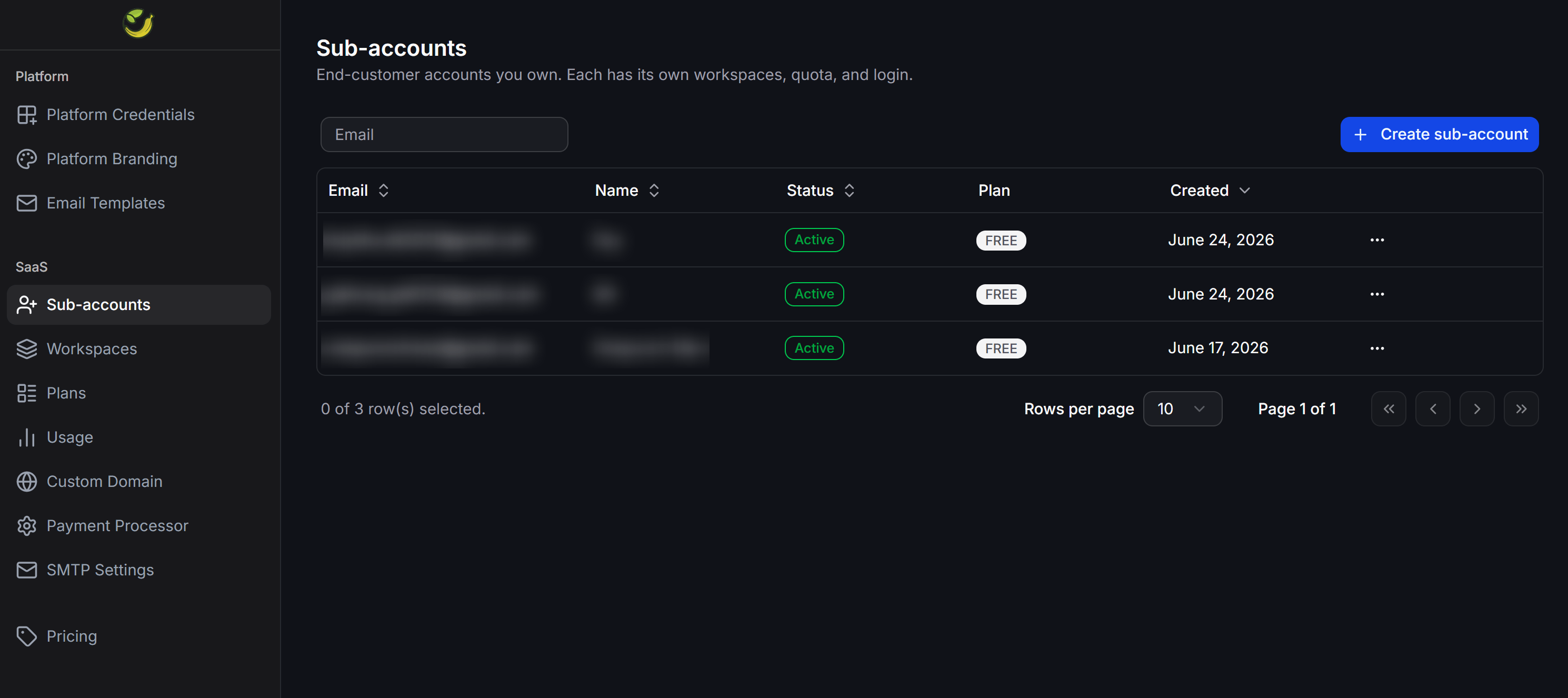
The system supports two methods to add new sub-accounts to your portal:Method 1: Client self-registration
Clients access the registration page directly on your custom white-labeled domain to create their own accounts.- Mechanism: Once a client completes the signup form, the system automatically generates a new sub-account in your admin dashboard.
- Applied Limits: Self-registered accounts are automatically assigned to the default service plan (Default Plan) that you have pre-configured.
Method 2: Manual administrator creation
Use this method when you want to proactively provision accounts for your clients without requiring them to complete the online signup form.Open the creation form
In the SaaS > Sub-accounts interface, click the + Create sub-account button in the top-right corner.
Enter account details
Fill in the required fields in the creation form: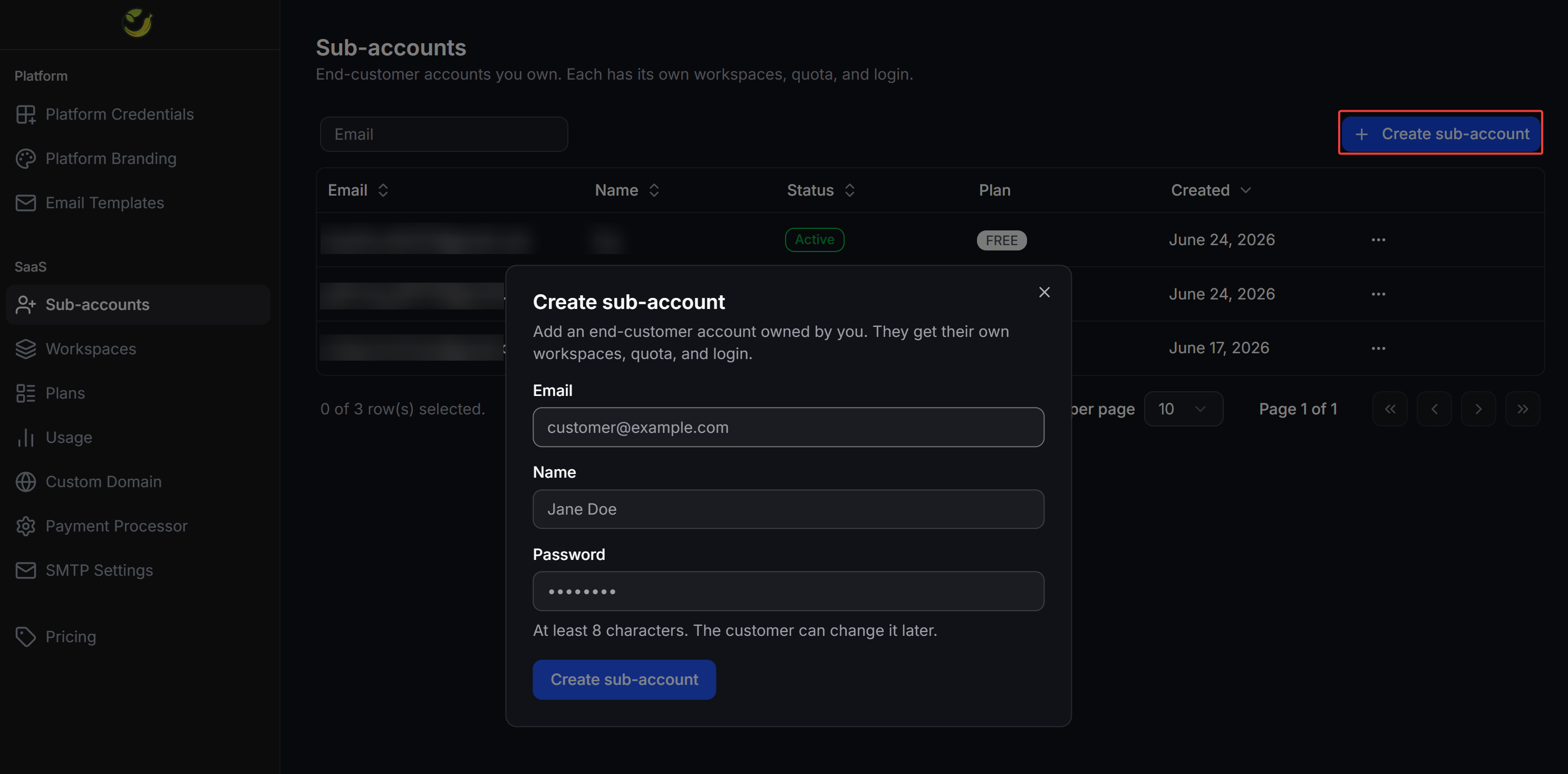
- Email: The client’s login email address.
- Name: The client’s display name or business name.
- Password: The initial login password (minimum of 8 characters).
Sub-account Administration Actions
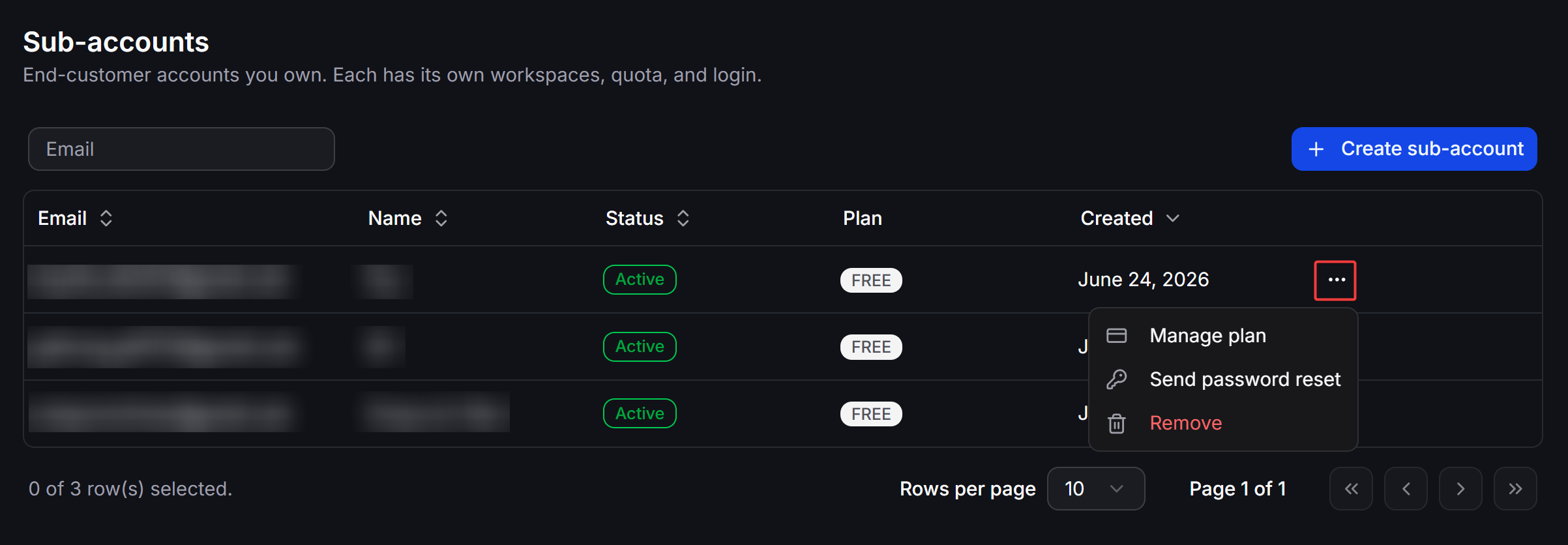
By clicking the three-dot... action icon on the right side of any sub-account row, you can perform quick administrative tasks: