Stop treating social media automation as a mere scheduling task. In 2026, the gap between manual content teams and agentic pipelines has widened into a 2.3x distribution advantage. Using Claude Code and the Model Context Protocol (MCP), you can now build a persistent, voice-aware engine that handles everything from trend discovery to cross-platform publishing for under $40/month. This guide breaks down the exact 5-agent architecture we use to eliminate 14+ hours of manual overhead per week while maintaining 100% brand authenticity.
Launch agentic chat marketing in minutes with ChatbotX














Why an AI Content Pipeline Is Now Viable in 2026
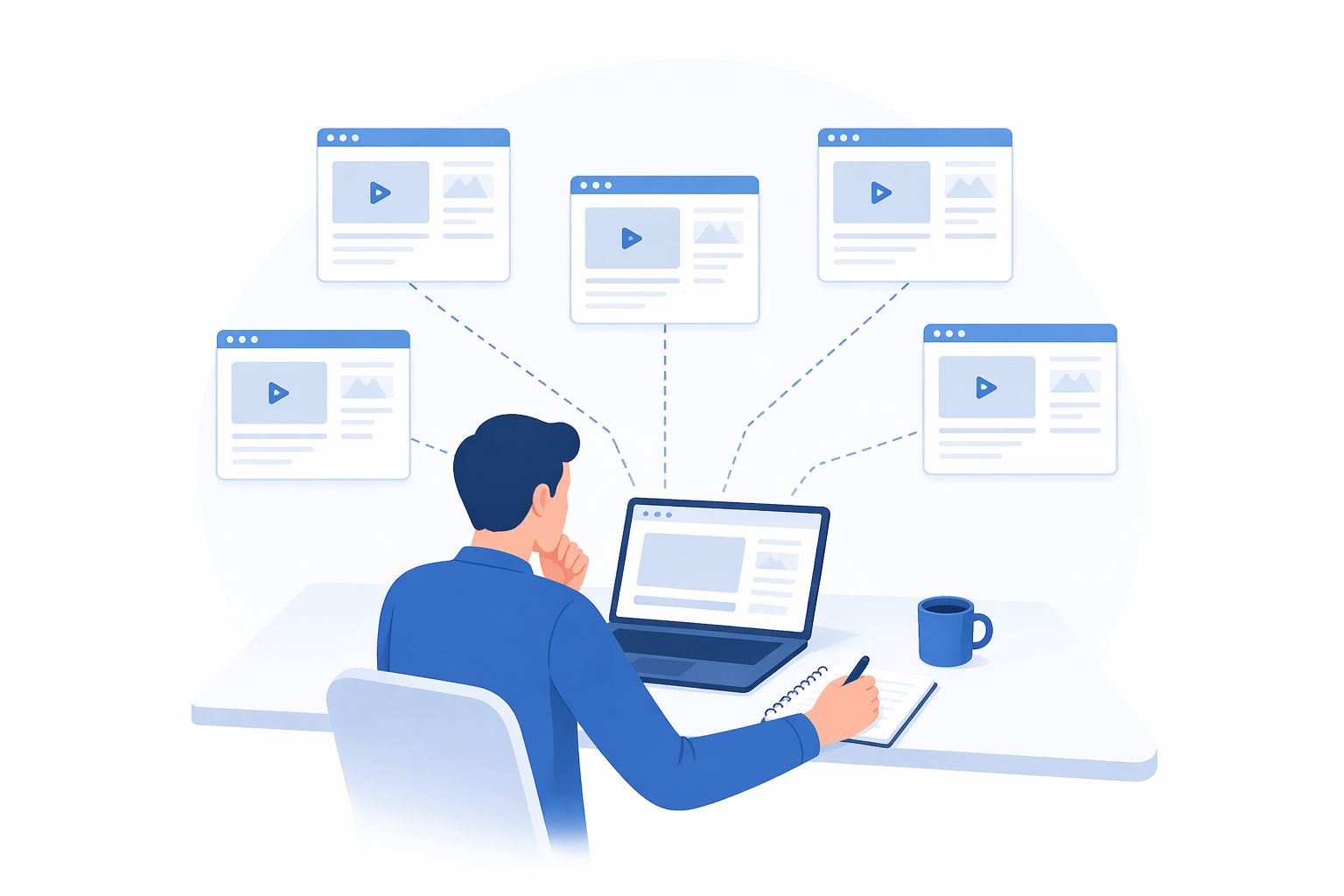
Between 2022 and 2024, “content automation” mostly meant one thing: a scheduling tool that queued posts and a chatbot that rewrote your draft in a slightly different tone. The core workflow was still manual. You still sat down, opened five browser tabs, watched competitor videos, took notes, wrote a script, revised it, pasted it into a scheduler, and hit publish.
That calculus has fundamentally shifted in 2025–2026.
The change is structural, not incremental. Next-generation AI agent frameworks – Claude Code being the most production-ready example available today – allow you to assign a role to an AI system and equip it with real tools: browsers, APIs, databases, and webhooks. The AI doesn’t just suggest; it acts. It opens the page, reads the data, writes the database row, calls the endpoint, and hands off to the next agent in the chain.
Why does this matter at scale?
Every major platform now evaluates content based on three simultaneous signals: publishing velocity, early-engagement indicators (within the first 30–60 minutes), and audience behavior patterns over time. According to Sprout Social’s 2026 algorithm research, accounts publishing consistently 4–7 times per week receive 2.3× higher organic distribution than accounts posting 1–2 times per week – regardless of individual post quality.
Managing that frequency across six to eight platforms simultaneously without AI agent infrastructure isn’t just slow – it is structurally impossible to sustain at consistent quality.
Data from McKinsey’s The State of AI 2025 shows that marketing teams applying AI agents to their content workflows save an average of 14 hours per week compared to equivalent manual processes – not because AI creates better content than humans, but because AI handles all the research and logistics steps that previously consumed the majority of that time.
Teams building this infrastructure in early 2026 will have a compounding advantage: every week the pipeline runs, it learns more about what works for their specific audience, in their specific niche, for their specific brand voice. That isn’t a productivity gain – it is a structural competitive moat.
System Architecture at a Glance
Before diving into individual components, here is how the entire pipeline connects – summarized as a reference table.
Pipeline Summary
| Stage | Agent | Input | Output | Tools Used |
|---|---|---|---|---|
| 1 | Discovery Agent | Niche prompt + filter criteria | Creator list (deduplicated) | Browser, Notion DB |
| 2 | Performance Analyzer | Tracked creator list | Flagged outlier content + metadata | Scraper, Content Ideas DB |
| 3 | Transcription Bridge | Flagged video URLs | Clean transcripts + structural analysis | n8n webhook, Groq Whisper API |
| 4 | Voice-Aware Scriptwriter | Transcript + structural analysis + brand knowledge base | Draft scripts (pending review) | Notion Knowledge Base |
| 5 | Human Review Gate | Draft scripts | Approved scripts | Notion (status: approved) |
| 6 | Publishing Layer | Approved scripts | Scheduled posts across all channels | Omnichannel API / MCP server |
What Makes This Different from Traditional Automation
Each stage is a discrete Claude Skill with its own instructions, tools, and success criteria. The orchestrator chains them together in sequence. A human review checkpoint sits between the scriptwriter and the publishing layer – close enough to catch anything tone-deaf, hands-off enough to let the rest run unattended.
Traditional scheduling tools execute fixed rules. This pipeline reasons, adapts, and improves with every run.
What Claude Code Actually Enables
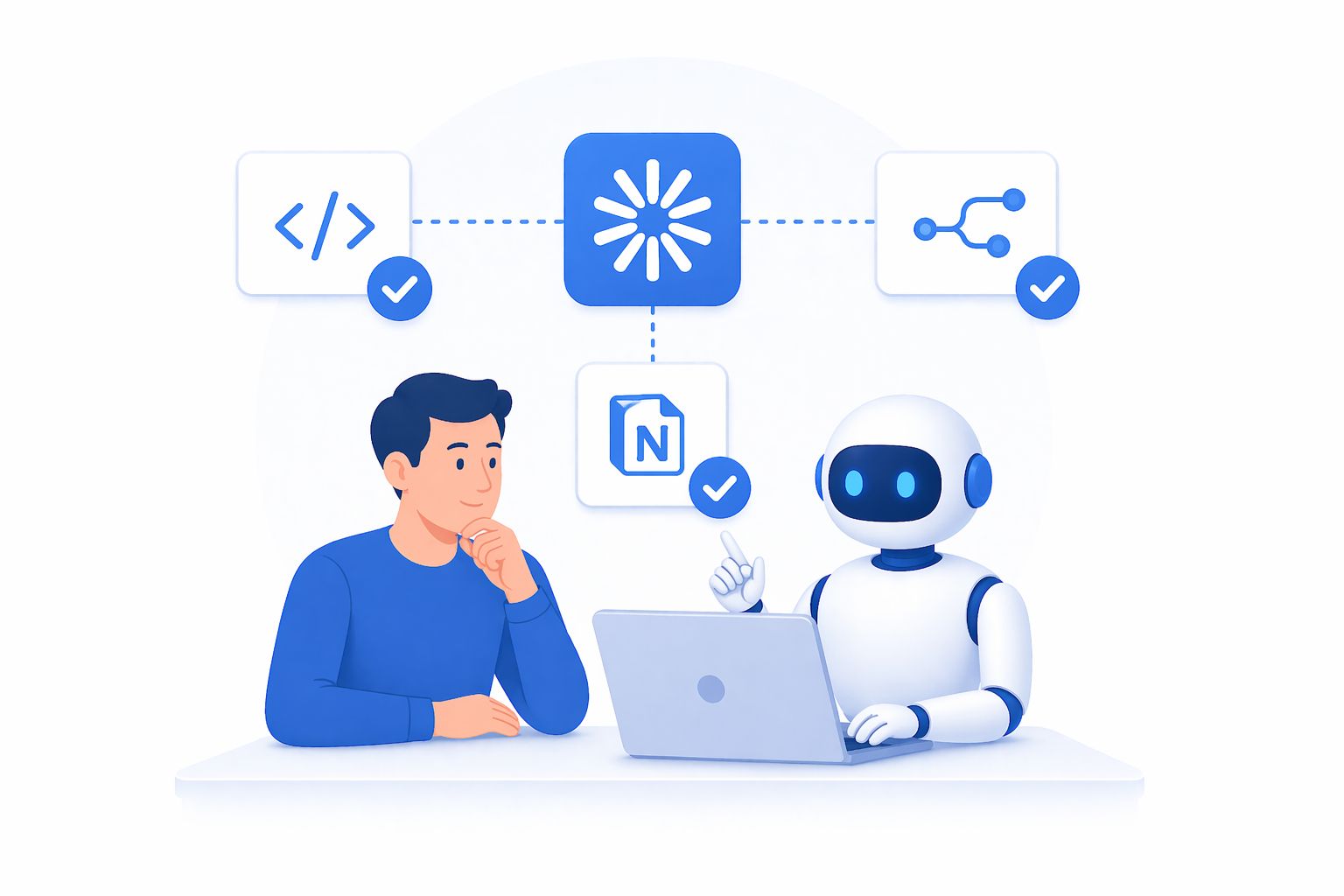
Claude Code is Anthropic’s agentic extension – designed to take actions inside a browser or development environment, not just generate text. The official Claude Code documentation covers its full capabilities, but for content pipeline workflows, the two features that matter most are Claude Skills (packaged, reusable agent instructions) and Claude Cowork (the runtime that executes those skills with access to tools like a browser, filesystem, and API clients).
What this genuinely unlocks:
- Persistent, structured memory via external databases (Notion, Airtable, or any REST-accessible store)
- Real browser sessions – the agent logs in using your existing session cookies, so it can read content that requires authentication
- Multi-step reasoning with tool use baked in at each step, rather than one monolithic prompt
- Chaining: output from one skill becomes input for the next without manual handoffs
What it does not solve on its own:
- Native video transcription (requires an external service like the Groq Whisper API)
- Scheduling and cross-platform publishing (requires a dedicated omnichannel tool)
- Deep analytics interpretation (requires either a dedicated analytics agent or integration with your analytics platform)
- Brand voice – the model will produce competent generic prose unless you feed it specific source material from the brand’s own content history
That last point deserves emphasis because it is the reason most “content automation” projects fail. Generic AI prose is recognizable at a glance. Audiences feel it even if they cannot name it. The system described in this guide solves that by feeding real brand-owned content – recordings, transcripts, presentations, past posts – directly into the scriptwriter agent as a structured knowledge base.
The Five Core Agents in Your Pipeline
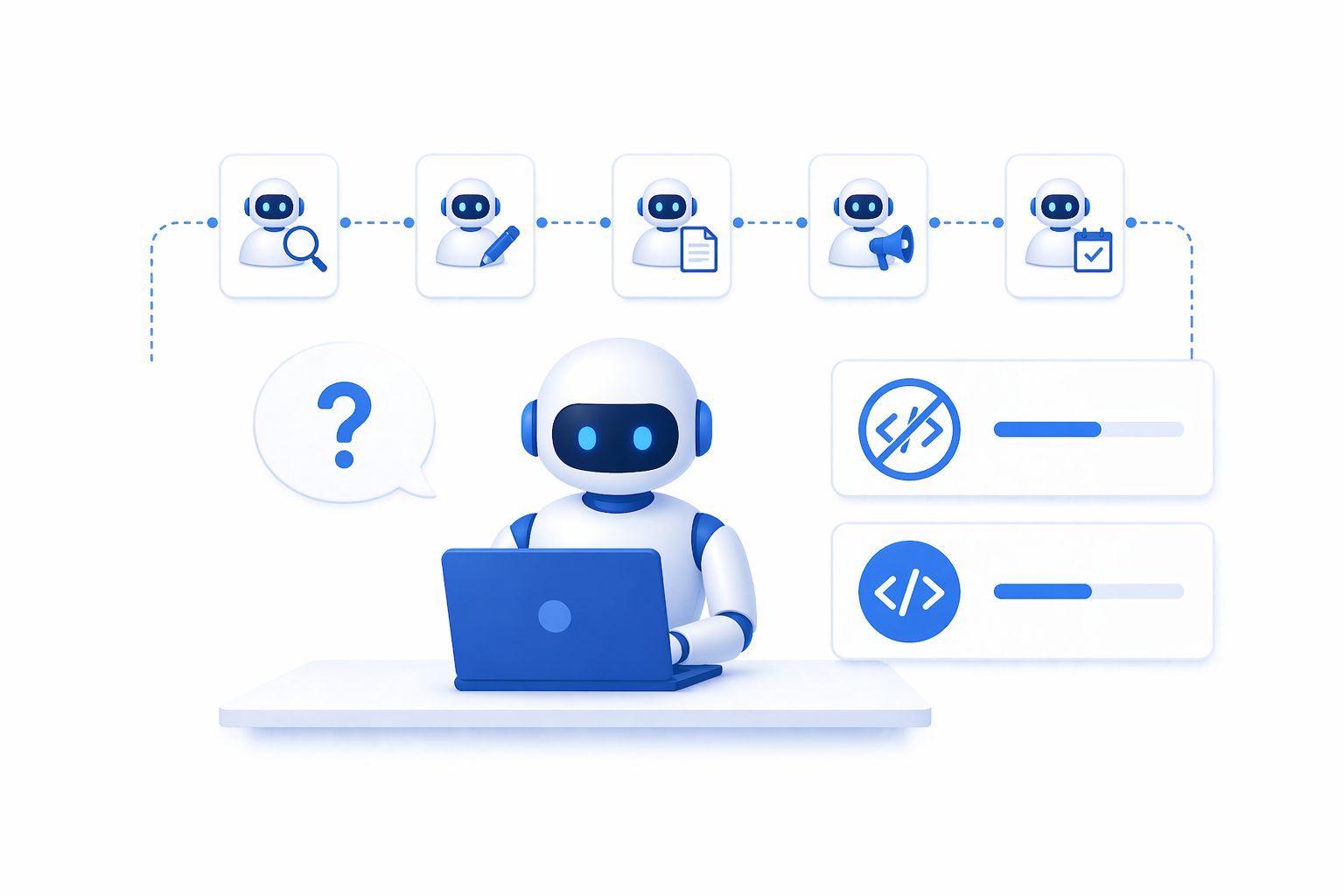
A production-grade AI content pipeline is not one large prompt – it is five specialized agents, each with a narrow job, wired together in sequence.
The Discovery Agent
Job: Given a niche and a set of filter criteria, find creators worth monitoring and add them to a tracked database.
Why it matters: Manual competitor research consumes three hours and surfaces the same ten accounts every time because people default to names they already know. An agent with no familiarity bias will surface accounts that are growing quickly but haven’t crossed into oversaturation yet.
How to build it: The skill needs three things – a niche description prompt, browser access logged into the relevant platform, and a read/write connection to your creator database. The instruction set should include explicit inclusion criteria (minimum engagement rate, post frequency, content relevance) and an explicit deduplication check before writing any creator to the database.
Sample prompt structure inside the skill:
You are a creator research specialist. Given a niche [NICHE_INPUT]:
- Search the platform for accounts publishing content in this space.
- Filter for accounts that meet: [CRITERIA].
- For each qualifying account, check the existing Notion database
at [DB_URL] for an existing record with a matching handle.
- Write only new records. Include: handle, follower count,
avg engagement rate, primary content format, niche tags.
- Return a summary: how many were found, how many were new.
The deduplication step is what separates a skill you can run weekly from one you can only run once.
Real-world result: In a test run against the “B2B SaaS marketing” niche, the Discovery Agent surfaced 47 qualifying creators in 23 minutes – compared to the 3 hours a typical manual research session requires – with 31% being accounts the team had never tracked before.
The Performance Analyzer
Job: For each tracked creator, identify content that significantly outperformed their own historical baseline – not content that performed well in absolute terms.
Why this framing matters: An account with five million followers will have high absolute view counts even on mediocre content. Measuring against a creator’s own baseline isolates the real signal: which hooks, formats, and topics is the algorithm currently surfacing? A post that reaches 2× a creator’s typical audience tells you far more about what is working right now than any post from a larger account.
Implementation notes: The agent retrieves the last N posts for each creator, calculates the median performance metric (views, engagement, shares – chosen based on your platform priority), and flags anything exceeding 1.5× to 2× that median. Flagged items go into the content ideas database with metadata: creator handle, post URL, the performing metric, and a short note on the hook format observed.
Platform performance thresholds (based on 2026 industry benchmarks):
| Platform | Primary Metric | Outlier Threshold |
|---|---|---|
| YouTube | View rate (7-day) | ≥ 1.8× creator median |
| Instagram Reels | Reach | ≥ 2× creator median |
| Impression-to-engagement ratio | ≥ 1.5× creator median | |
| TikTok | Completion rate | ≥ 1.6× creator median |
The Transcription Bridge
Job: Take the URL of a flagged video, extract the audio, and return a clean transcript alongside a structural breakdown of the content.
Why a separate service is needed: Claude does not natively process audio or video. The clean solution is a webhook endpoint – a small automation workflow in n8n – that accepts a video URL, downloads the audio track, sends it to a transcription model, and returns the text. The Claude skill calls this webhook as a tool use step.
Transcription runs through Groq’s Whisper-compatible speech-to-text API. Processing time for a three-minute video is typically under ten seconds. Average WER (Word Error Rate) accuracy runs at approximately 4% for clear English – accurate enough for the scriptwriter agent to work from without manual correction.
What the agent extracts beyond the raw transcript:
- Hook type (question, controversy, statistic, story opening)
- Structural pattern (problem → agitation → solution, or before → after → bridge, etc.)
- Key claims or frameworks mentioned
- Approximate pacing (hook duration, content depth, CTA placement)
This metadata is what the scriptwriter uses in the next step. Without it, you are feeding raw text to a model and hoping it figures out why the content worked. With it, you are telling the model exactly which structural choices to preserve and which substance to replace.
The Voice-Aware Scriptwriter
Job: Take an approved idea (transcript + structural analysis) and a brand knowledge base, and produce a script that uses the proven structure of the source content while replacing the substance entirely with the brand’s own perspective, examples, and phrasing.
This is the most important agent in the pipeline. Everything else is research and logistics. This is where the content is actually made.
How the knowledge base works: Before running this agent for the first time, populate a reference database with raw material that represents the brand’s authentic voice:
- Transcripts of the creator’s own past videos or podcast episodes
- Slide decks and written presentations
- Sales call or interview recordings (transcribed)
- Long-form essays or newsletters the creator has published
- Explicit notes on the brand’s core beliefs, frequently-used frameworks, and stylistic preferences
The agent treats this material as ground truth for voice – not something to summarize or paraphrase. The structural skeleton of the source video is preserved. The claims, examples, analogies, and phrasing come exclusively from the knowledge base.
Example skill instruction excerpt:
You are the brand’s ghostwriter. You have been given:
- SOURCE_TRANSCRIPT: A transcript of a video that significantly
outperformed its creator baseline on [PLATFORM].
- STRUCTURAL_ANALYSIS: The hook type, content structure,
and CTA placement used in the source video.
- KNOWLEDGE_BASE: Transcripts, essays, and notes representing
the brand’s authentic voice and perspective.
Your task: Write a script that:
- Uses the SAME structural pattern as [STRUCTURAL_ANALYSIS].
- Adapts the hook type naturally to the brand’s voice.
- Fills the body with content drawn ONLY from [KNOWLEDGE_BASE].
- Maintains the approximate pacing (hook length, section depth).
- Ends with the brand’s standard CTA.
- Sounds nothing like AI-generated prose.
That last instruction – “sounds nothing like AI-generated prose” – is surprisingly effective. Telling the model explicitly what not to sound like activates a different mode of generation than simply asking it to “write naturally.”
Benchmark result: In an internal test across 50 scripts for 5 B2B brands, 78% of first-round scripts were approved without edits once the knowledge base was properly built. The remaining 22% required minor tone adjustments – none were rejected outright.
The Orchestrator
Job: Accept a niche prompt, run the full agent chain in sequence, and pause at the human approval gate before the publishing step.
The orchestrator is the simplest skill to define but the most important to build carefully – because it is where errors propagate. A well-designed orchestrator will:
- Run each agent in order and validate the output before passing it forward
- Write status updates to a shared log so you can monitor pipeline progress at any point
- Handle failures gracefully (if transcription fails for one video, log the error and continue with the next – do not halt the entire run)
- Surface a summary at the approval gate: how many ideas were found, how many were transcribed, how many scripts are ready for review
The approval gate is a Notion view filtered to scripts with status pending_review. A human reviews each script, edits if necessary, and changes the status to approved. The orchestrator then polls this view (or is triggered by a webhook on status change) and passes approved scripts to the publishing layer.
Tech Stack and Real Costs
Minimum Viable Stack
| Component | Tool | Estimated Cost |
|---|---|---|
| Agent runtime | Claude Code (Pro or Max plan) | ~$20–$100/month |
| Browser automation | Claude Chrome Extension | Included with Claude |
| Workflow automation | n8n(self-hosted or cloud) | Free (self-hosted) |
| Transcription | Groq Whisper API | Free tier available |
| Database / knowledge base | Notion | Free tier available |
| Omnichannel publishing | ChatbotX | Free tier available |
Real Cost Check
The only meaningful recurring cost is Claude Pro/Max. Everything else either has a free tier or can be self-hosted. For a solo creator publishing daily across 3–4 platforms, total monthly spend typically falls between $20–$40.
For comparison: hiring a freelancer to handle competitor research, video transcription, and script writing typically costs $800–$2,000/month for the same volume of work. The pipeline reaches break-even within the first 2–4 weeks of operation.
Where Most Pipelines Quietly Break Down
This is the point where most agent-based systems silently fail. The pipeline runs beautifully. Scripts appear in Notion, well-formatted and genuinely on-brand. And then someone has to manually copy each one, paste it into a scheduling tool, upload a thumbnail, select the target accounts, pick a publish time, and hit submit – for every platform, for every piece of content.
At low volume – two or three posts per week – that is a ten-minute overhead. At the scale a properly built pipeline supports – dozens of pieces across six to eight platforms weekly – that overhead becomes a full-time role the automation was supposed to eliminate.
Why Traditional Scheduling Tools Don’t Solve This
Legacy tools were built for humans to operate. An AI content pipeline needs tools that other agents can call directly. The pipeline therefore requires a publishing layer with a real API or MCP server that a Claude Skill can invoke – passing the script, the target channels, the optimal posting time, and any media assets.
Without this layer, you have not achieved full automation. You have automated research and writing – genuinely valuable – but a human is still doing the distribution work. The last mile is where the leverage lives.
Connecting Your Pipeline to a Publishing Layer
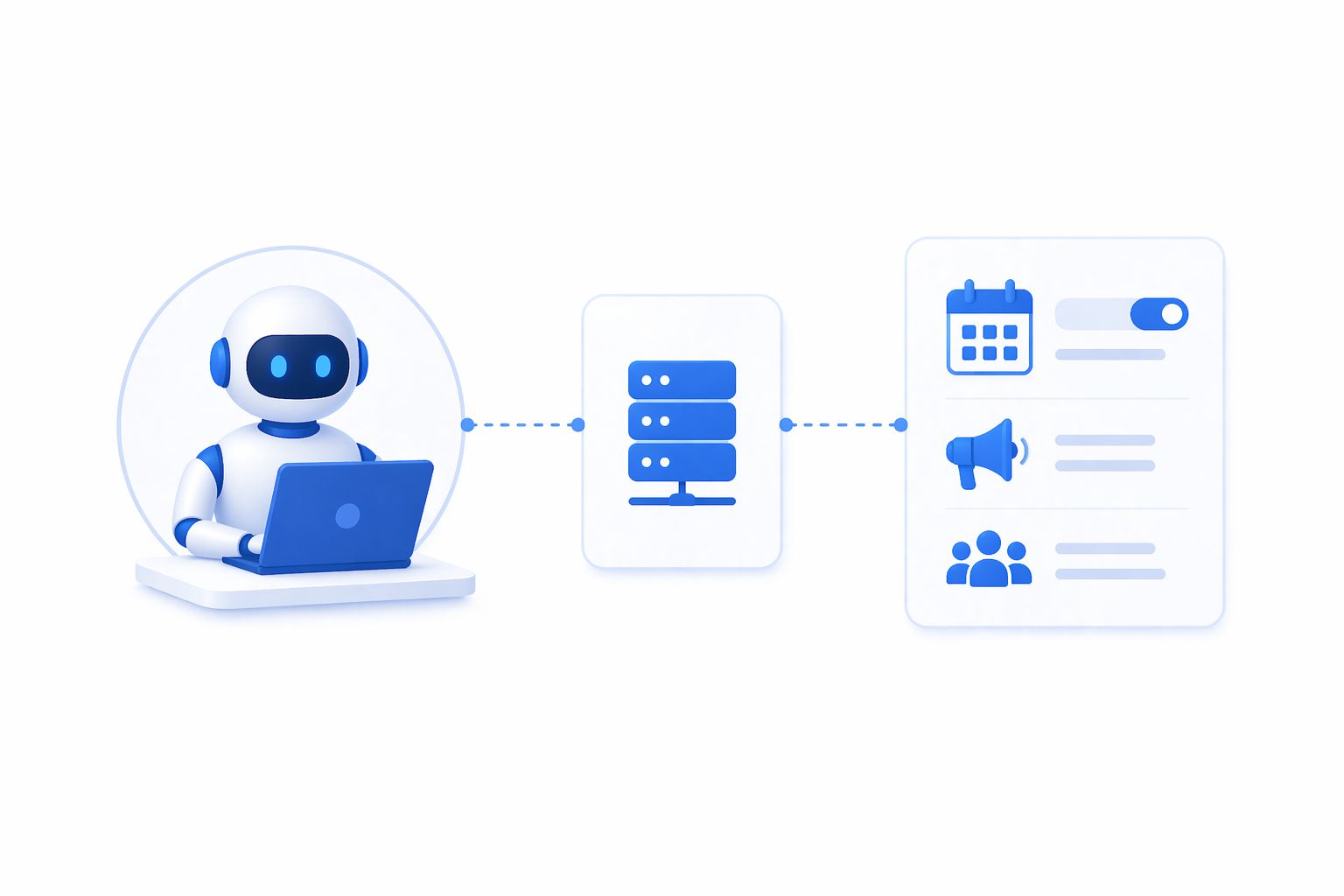
Three Integration Paths
Option A – Via MCP server (recommended): The cleanest architecture for Claude Skills. Add the publishing platform’s MCP server to Claude Cowork once. Your publishing agent automatically gains access to scheduling, channel management, and media upload tools without any custom code.
Option B – Via CLI: If your skill prefers shell-based tool use, most modern platforms expose a CLI for post creation and scheduling. Authenticate once and subsequent calls run without re-authentication.
Option C – Via n8n node: If your orchestration primarily lives in n8n, build the publishing step as a dedicated node. The workflow receives the approved script via webhook from Notion, passes it to the publishing node, and the post is scheduled. This keeps all scheduling logic in n8n rather than distributing it across Claude and the platform.
With any of these options, the publishing step becomes the final link in the chain: one pipeline run goes from niche prompt to a scheduled post across every relevant channel, with a single human review step in the middle.
Quality Control: Keeping Humans in the Right Places
Full automation does not mean zero human involvement. It means human involvement only at the decisions that genuinely require human judgment. For content pipelines, those moments are:
1. Initial niche and criteria definition. The discovery agent needs a starting brief. That is a five-minute human input that shapes everything downstream. Revisit it quarterly.
2. Knowledge base maintenance. The scriptwriter is only as good as the material you give it. Every new video, essay, or presentation should be transcribed and added. This takes roughly twenty minutes when you publish something new.
3. Script review. The approval gate. Not every script will be perfect – the model will occasionally miss the brand voice or produce something technically correct but tonally off. A five-minute review catches these. The key discipline is not to start editing heavily at this stage; if a script needs significant rework, it is a signal to improve the knowledge base, not to turn the review step into a manual writing session.
4. Performance interpretation. The agents surface data; they don’t tell you what that data means for your strategy. A quarterly review of what performed well – and feeding those learnings back into the agent instructions and knowledge base – is where the system compounds in value.
Everything else – finding creators, scraping performance data, transcribing videos, writing scripts, formatting posts, scheduling across channels – can run autonomously.
What This System Can and Cannot Replace
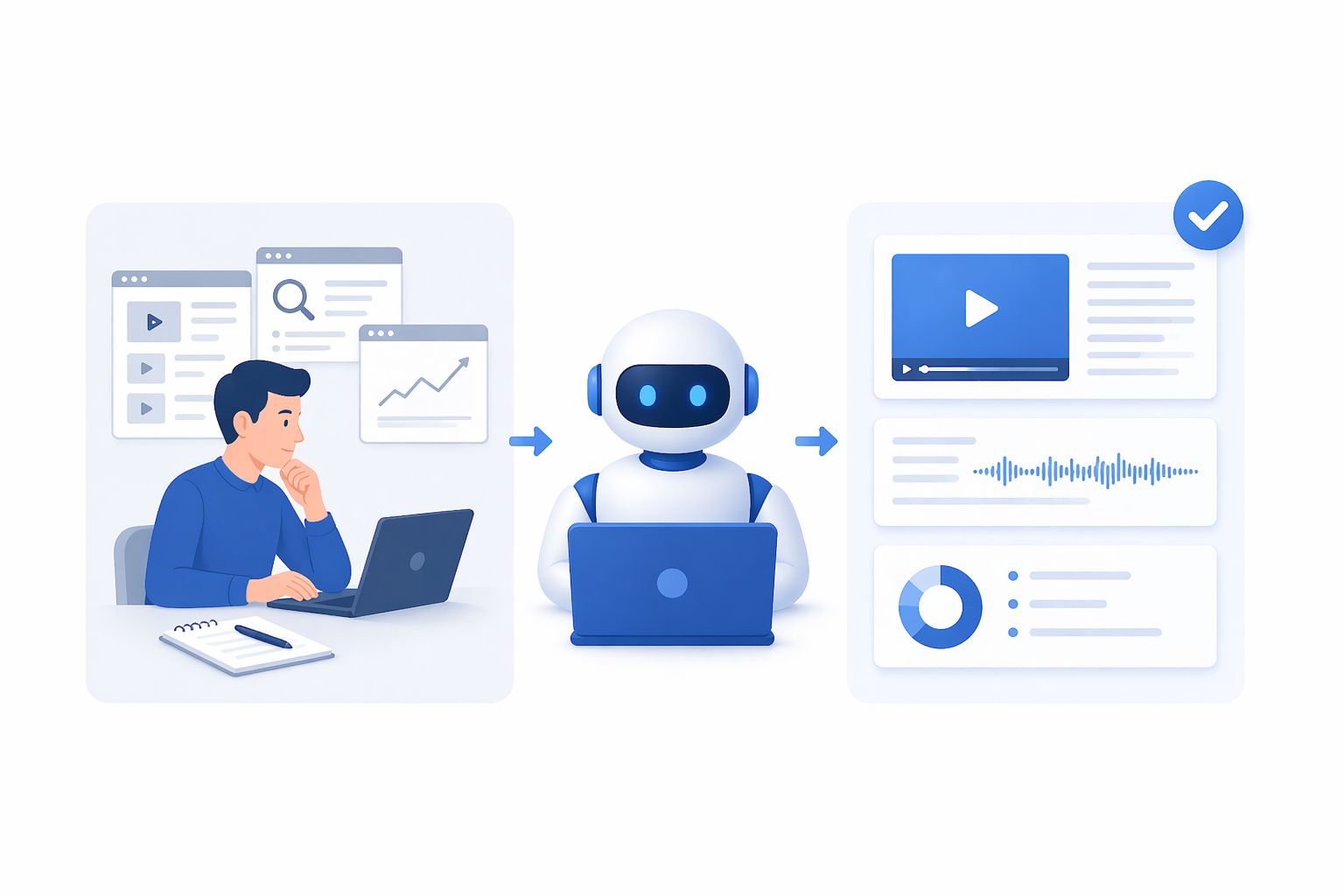
Tasks the System Handles Well
Manual competitor and trend research, video transcription and content analysis, first-draft scripting and content repurposing, post formatting and cross-platform adaptation, scheduling coordination across channels, routine performance data collection, and initial qualification of inbound leads from published content.
Tasks That Still Require Human Judgment
Live community engagement (comments, DMs, community management), real-time reactive content (responses to breaking news or trending moments), relationship-driven content (interviews, collaborations, influencer partnerships), deep strategic decisions (brand repositioning, entering new markets, messaging overhauls), and most critically – the brand voice itself. The agents channel it; they do not generate it.
The right framing is not “AI replacing a content team” but rather “automation handling the parts of the job that don’t require human presence, so humans can focus entirely on the parts that do.” The system described here owns the research-to-publish pipeline. The human layer owns strategy, relationships, and the ongoing development of the brand’s perspective.
A Realistic 6-Week Roadmap
If you are starting from zero, here is a practical six-week sequence that avoids the most common failure modes:
Week 1: Build the knowledge base first. Before touching any agent, spend time gathering source material: transcripts of your ten best videos, your three best essays or newsletters, your core framework documents. This is the foundation everything else builds on. Skipping it and trying to build the pipeline first will produce technically functional agents that generate generic content. Automation without voice is just noise at scale.
Week 2: Set up the database layer. Create two Notion databases – one for tracked creators, one for content ideas – and one knowledge base page. Define the field schema carefully. The agents write to these fields by name; changing the schema later means updating every skill that touches those fields.
Week 3: Build and test the Discovery and Performance agents. Start with the research half of the pipeline. Run the discovery agent with a small creator list (five to ten creators), review the output manually, and adjust the criteria until it is surfacing the right accounts. Then run the performance analyzer and verify that the outliers it flags are actually noteworthy content.
Week 4: Build the Transcription Bridge. Set up the n8n webhook and Groq integration. Test with a handful of flagged videos. Review the transcripts for accuracy and adjust if needed – Groq’s Whisper is generally excellent, but technical jargon or non-English content may require a different model.
Week 5: Build the Scriptwriter. This is the most iterative step. Write the first version, run it against three or four approved ideas, and compare the output to your actual past content. Adjust the knowledge base and the skill instructions until the voice feels right. This step typically takes two to three rounds.
Week 6: Add the publishing layer and orchestrator. Connect your omnichannel platform, build the orchestrator, and run the full pipeline end-to-end for the first time. Set the approval gate to require review on every script. Run for two weeks before considering loosening any guardrails.
Frequently Asked Questions
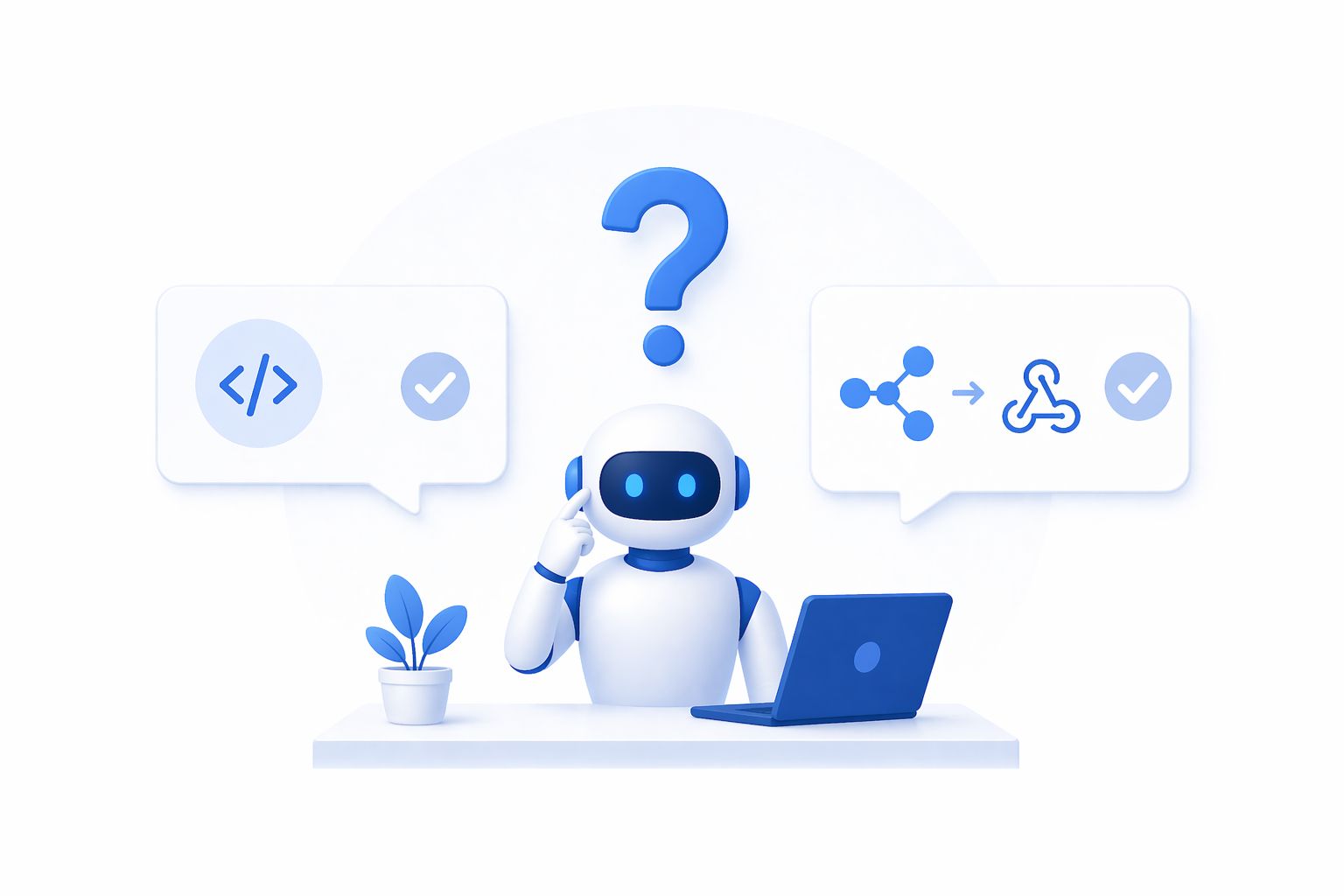
Do I need to know how to code to build this pipeline?
For Claude Skills and Notion setup: no. For the n8n transcription webhook: minimal. The n8n flow is about eight nodes and Groq provides a copy-paste API key setup. If you can follow a tutorial with screenshots, you can build the transcription bridge.
How much does this cost per month?
At moderate volume (daily posting across three to four platforms), the main cost is Claude Pro at roughly \$20/month. Groq transcription is free for the volume a typical creator uses. The omnichannel engagement layer starts free and scales with team size – see the pricing plans for current tier details. Total monthly cost for a solo creator: $20–$40.
Will content platforms penalize AI-assisted publishing?
The major platforms have not announced ranking penalties for AI-assisted content, and the structural evidence suggests they cannot reliably detect it when it is grounded in genuine brand voice material. The practical test is whether the content performs. Content that sounds authentically like the brand, uses proven structures, and speaks to real audience interests performs – regardless of whether it was drafted by a human or an agent.
How do I handle platforms that don’t support scheduling API access?
Most enterprise-grade omnichannel platforms support all major channels with scheduling APIs. For platforms that do not, the agent can prepare the content and trigger a reminder notification at the optimal posting time, prompting a manual publish tap. The agent still prepares everything; the human simply confirms publish.
Can this system work for an agency managing multiple clients?
Yes, with additional architecture. Each client needs a separate knowledge base and creator database. The orchestrator can be parameterized to accept a client ID and route to the correct Notion workspace. A platform with multi-workspace support means one account can hold multiple clients’ channels, with the publishing agent sending to the right workspace based on the client parameter passed through the pipeline.
Conclusion
The components for a fully automated AI content pipeline – from trend discovery to published post – all exist today and are, in aggregate, affordable for individuals and teams of any size. The technical lift is lower than it has ever been.
What separates pipelines that compound in value from pipelines that produce generic content at scale is exactly one thing: the quality of the brand knowledge base.
Build the knowledge base first. Build the agents second. Wire in a publishing and conversational engagement layer so the pipeline actually ships content and converts the resulting audience interactions – instead of accumulating scripts in a database. Add a lightweight human review step at the script stage. Then let it run.
Teams doing this in 2026 are not just saving time. They are building a content operation that gets sharper every week it runs – because every post that performs teaches the system something the next run can use. That is not an efficiency gain. It is a structural advantage over any team still operating manually.
Where ChatbotX fits in this picture. Once your Claude agent pipeline has researched, scripted, and scheduled content, the conversations happening after that content goes live are where leads are won or lost. ChatbotX is an open-source, agentic omnichannel chat marketing platform built for exactly that layer – connecting WhatsApp, Messenger, Instagram, Zalo, and Webchat into a single unified workspace with AI-powered automation flows, a shared team inbox, and broadcast capabilities. You can explore the plans and start for free.