

1
Create account and login to the console
Go to the Cloudflare Dashboard, and register if needed, then login.
2
Create a new Bucket
In the dashboard sidebar, and head to the R2 page.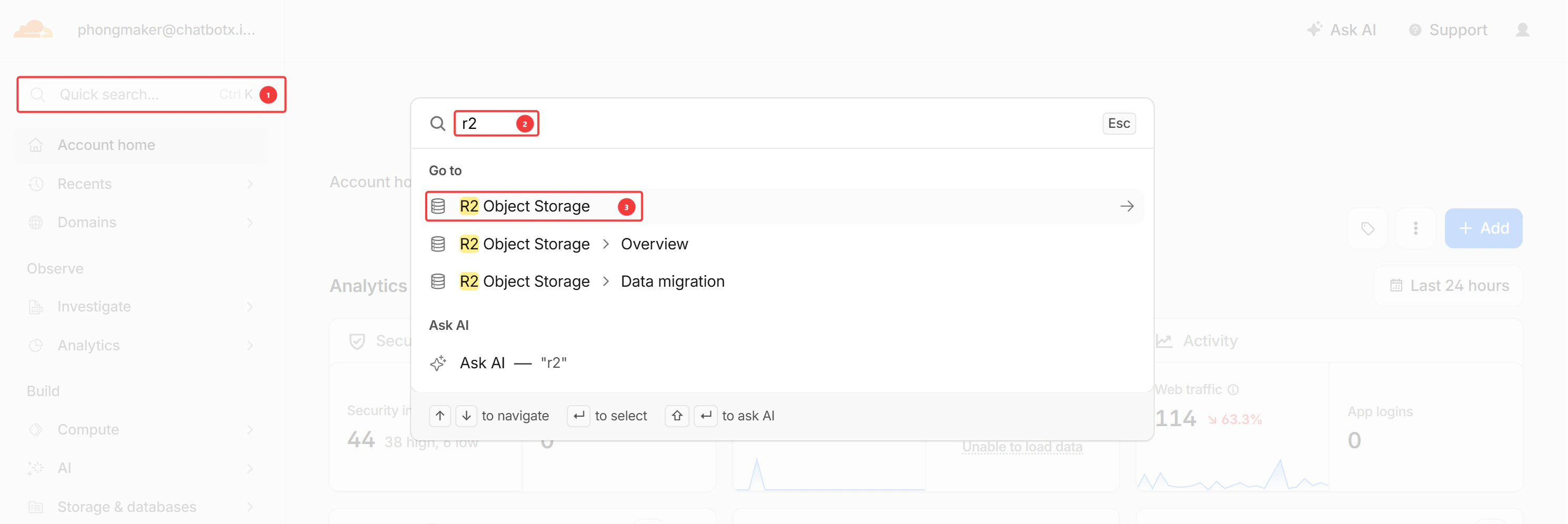

- Choose Automatic
- Choose Standard
3
Create your R2 Token
Create your R2 Token by going to R2 Object Storage: Click on the API dropdown, and select Manage API tokens:
 Copy your Account ID for later, and click on “Create an API token”:
 Create an Account API token:
 Under “Permissions” choose “Object Read & Write” and under “Specify bucket(s)” search for your created Bucket.
Click on the API dropdown, and select Manage API tokens:Copy your Account ID for later, and click on “Create an API token”:Create an Account API token:Under “Permissions” choose “Object Read & Write” and under “Specify bucket(s)” search for your created Bucket.4
Copy your credentials
After the R2 Token is created, copy your “Access Key ID” and “Secret Access Key”: Paste the respective information into your .env environment.
5
Configure Custom Domain and CORS policies
Go to configuration and connect a custom domain (if you don’t have one, you can use the one that CloudFlare provides.) Add it to your .env file. Click to edit the CORS policy and add the following JSON: