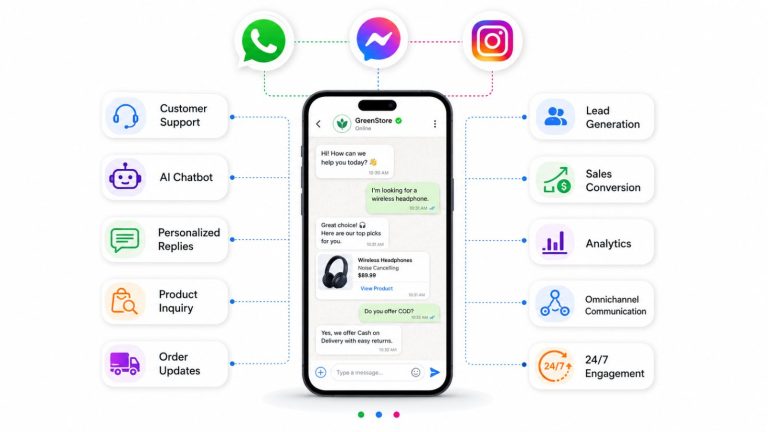
Quick Summary: WhatsApp is no longer just a messaging app – it is the highest-converting conversational sales channel available to B2C businesses in 2026. This guide walks you through every stage of a scalable WhatsApp sales system: capturing intent-driven leads, qualifying them with AI, routing conversations to the right rep, and closing transactions inside the chat.
Launch agentic chat marketing in minutes with ChatbotX












Why WhatsApp Dominates B2C Sales in 2026
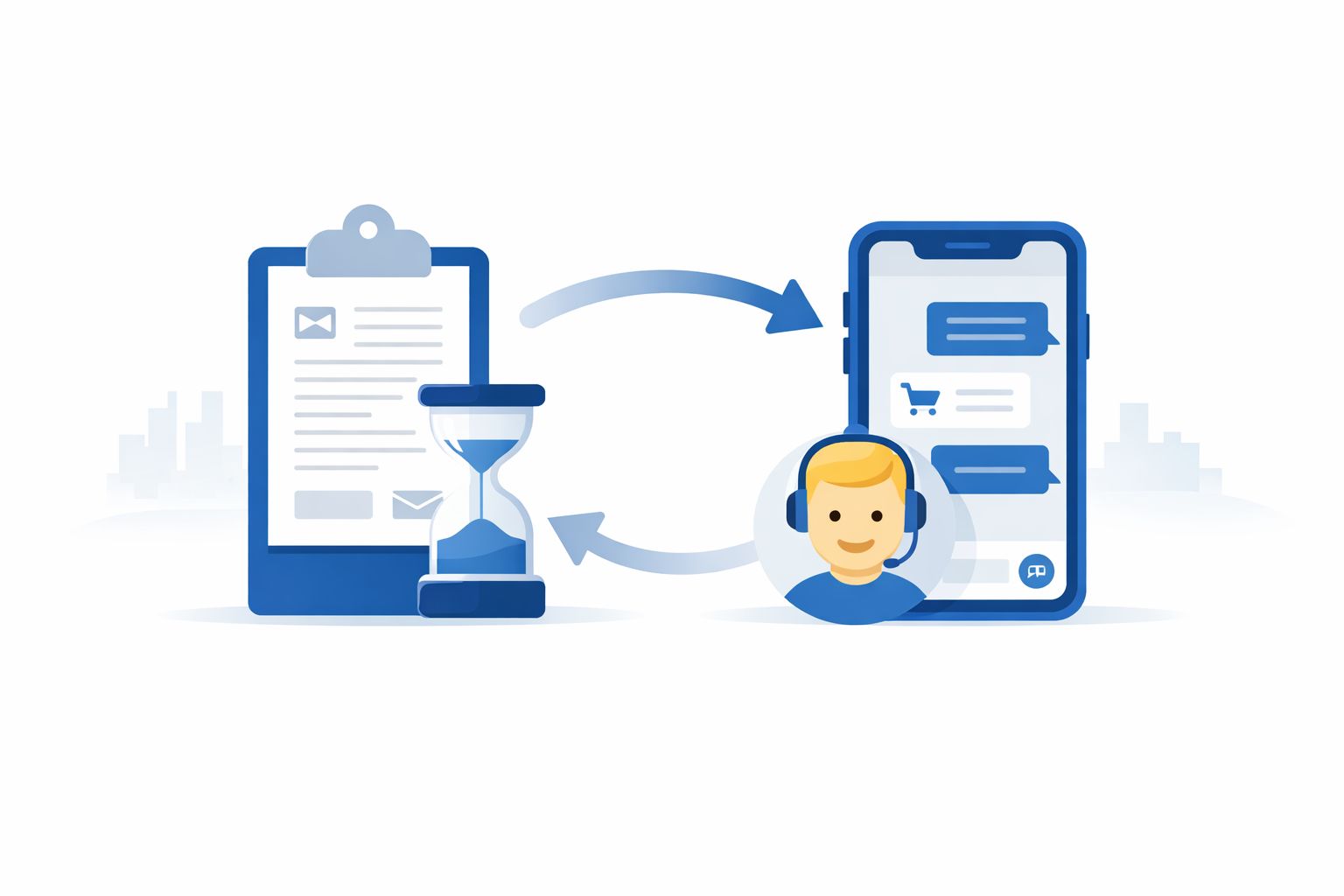
Most sales funnels are built around delay. A prospect fills out a form, sends an inquiry email, or requests a callback – then waits. By the time your team responds, that buyer has likely moved on or already made a purchase from a faster competitor.
WhatsApp eliminates that gap entirely. The moment a customer sends a message, the conversation begins. No waiting rooms. No ticket queues. No cold inbox refresh cycles.
Here is why this matters at scale:
| Metric | SMS | ||
|---|---|---|---|
| Average open rate | 98% | 21% | 35% |
| Average response time | 3 minutes | 11+ hours | 90 seconds |
| Click-through rate | 45–60% | 2–3% | 6–8% |
| Conversation-to-conversion rate | High (intent-driven) | Low | Medium |
| Channel familiarity | Everyday app | Work tool | Notification channel |
Three structural advantages explain why WhatsApp consistently outperforms other channels for B2C sales:
1. Qualification happens inside the conversation. Rather than analyzing form submissions or scheduling discovery calls, sales reps understand what a prospect wants within the first two or three messages – naturally, without friction.
2.The format feels personal. Customers ask questions the way they would ask a trusted friend: “Does this come in size M?”, “What’s included in the premium plan?”, “Can I book for next Saturday?” That conversational comfort accelerates decisions.
3. Reps can handle multiple buyers simultaneously. A phone call locks one salesperson into one conversation. Messaging enables parallel conversations – multiplying output without multiplying headcount.
💡 These advantages compound only when your infrastructure can handle the volume. Without routing, AI support, and manager visibility, the same high-intent leads that make WhatsApp powerful become the conversations that fall through the cracks. We cover that infrastructure in detail below.
WhatsApp Business App vs. WhatsApp Business API
Before building a WhatsApp sales system, you need to choose between the WhatsApp Business App and the WhatsApp Business API. The wrong choice creates a ceiling on growth before you even begin.
Side-by-Side Comparison
| Feature | WhatsApp Business App | WhatsApp Business API |
|---|---|---|
| Best for | Solo sellers or micro-teams | Multi-agent sales teams |
| Daily conversation volume | Up to\~30 comfortably | Unlimited |
| Multiple agents, one number | ❌ Not supported | ✅ Yes – shared inbox |
| Automation & routing | ❌ Very limited | ✅ Fully configurable |
| AI agent integration | ❌ No | ✅ Yes |
| CRM sync | ❌ No | ✅Salesforce,HubSpot, etc. |
| Broadcast campaigns | ✅ Limited (256 contacts) | ✅ Unlimited, segmented |
| Message template management | Manual | Centralized in platform |
| Lead source attribution | ❌ No | ✅ Per campaign, per channel |
| Manager dashboards & SLA tracking | ❌ No | ✅ Full visibility |
| Cost | Free | Per-conversation fee + platform |
When to Use Each
Use the WhatsApp Business App if:
- One person handles all incoming messages
- Your daily volume stays below 30 inquiries
- Your sales flow has fewer than three steps
- You do not need conversation history shared across a team
Switch to the WhatsApp Business API if:
- Leads consistently arrive from paid ads, your website, or social media
- More than one rep needs to reply and share context
- You need routing by region, language, product line, or availability
- You want AI to qualify leads before a human joins
- Leadership needs performance data and SLA visibility
The API is not a standalone inbox – it requires a platform to operate day-to-day. Tools like ChatbotX connect the WhatsApp Business API to a shared workspace with AI agents, routing flows, broadcast campaigns, and a full contact management system – without requiring custom development.
3 WhatsApp Rules Every Sales Team Must Understand
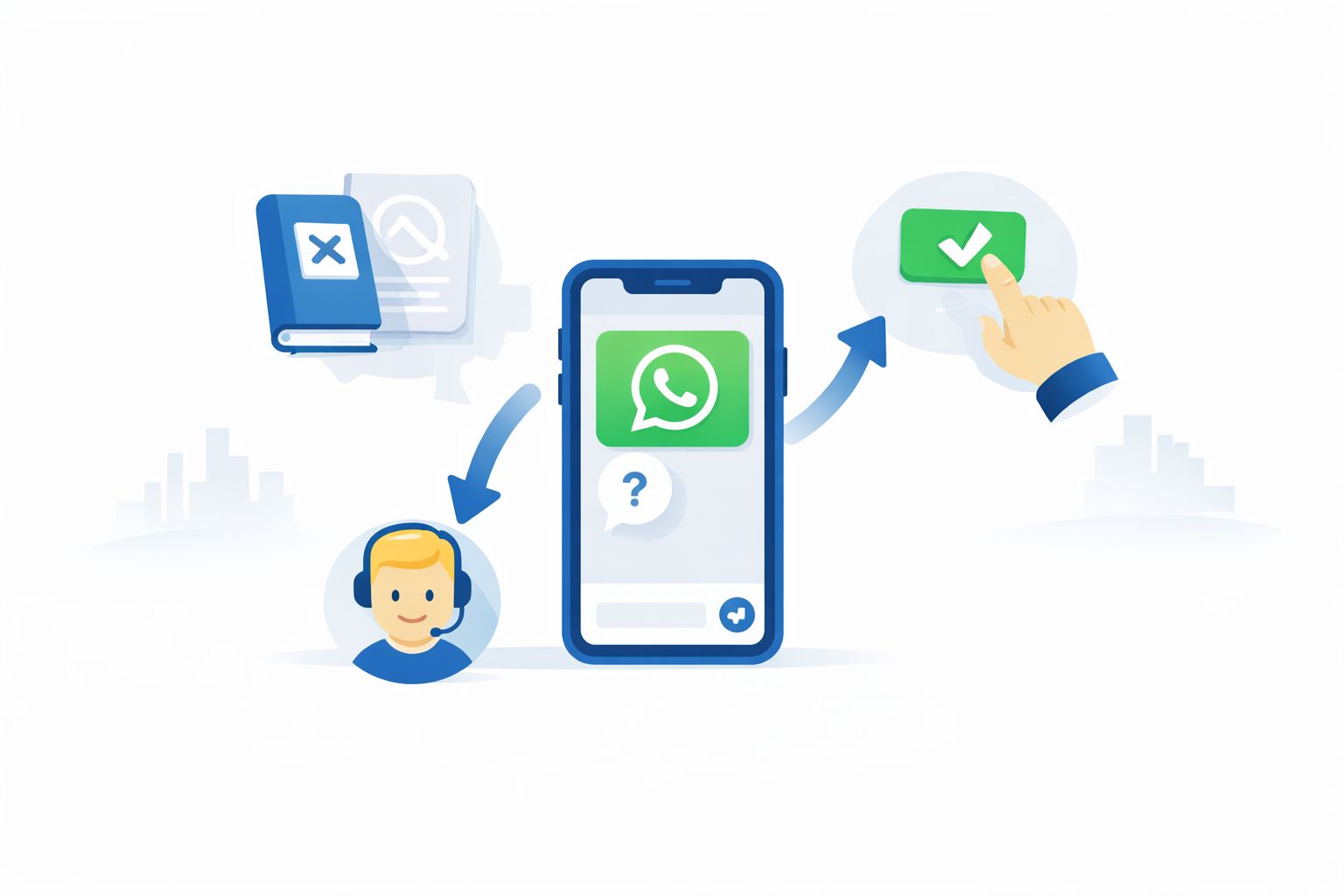
You do not need to memorize WhatsApp’s full business policy. In practice, three rules shape nearly every sales workflow on the platform.
Rule 1: Customers Must Initiate Contact or Opt In First
Businesses cannot send the first WhatsApp message to a user unless that person has explicitly opted in or already contacted you. In practice, opt-ins happen when a customer:
- Clicks a Click-to-WhatsApp ad on Facebook or Instagram
- Taps a chat button on your website or landing page
- Scans a QR code at an event, in-store, or in a printed ad
- Follows a direct WhatsApp link from your bio or email
This rule works in your favor. Because customers start the conversation themselves, the inquiries you receive are already intent-driven. These are not cold leads – they are people who actively wanted to reach out. That makes WhatsApp leads fundamentally different from email outreach or cold calling.
Rule 2: The 24-Hour Window Is Your Primary Sales Window
Once a customer sends a message, your team can reply freely for the next 24 hours using any message format. During this window, conversations behave like normal chat – reps can ask clarifying questions, share pricing, handle objections, and guide the prospect toward a decision.
Most WhatsApp sales activity happens inside this window. Responding quickly is the single biggest conversion lever on the platform. A lead that waits more than 15 minutes for a first reply is significantly less likely to convert than one who gets an immediate response.
⚠️ The 24-hour window is also a risk signal. If your team responds slowly or inconsistently, you are losing deals inside the window you already opened. SLA tracking – available in platforms like ChatbotX – flags conversations at risk of going cold before the clock expires.
Rule 3: Message Templates Reopen Conversations After 24 Hours
When the 24-hour window closes and you need to re-engage a prospect, you must use a WhatsApp Message Template – a pre-approved message format reviewed by Meta before use. Templates are designed for:
- Follow-up messages to prospects who went silent
- Appointment reminders and booking confirmations
- Promotional updates and limited-time offers
- Order status updates and post-purchase communication
Templates are not a restriction – they are a re-engagement tool. Teams that use them proactively to restart stalled conversations close significantly more deals than those who wait for the customer to message again.
How to Sell on WhatsApp: A 6-Step System
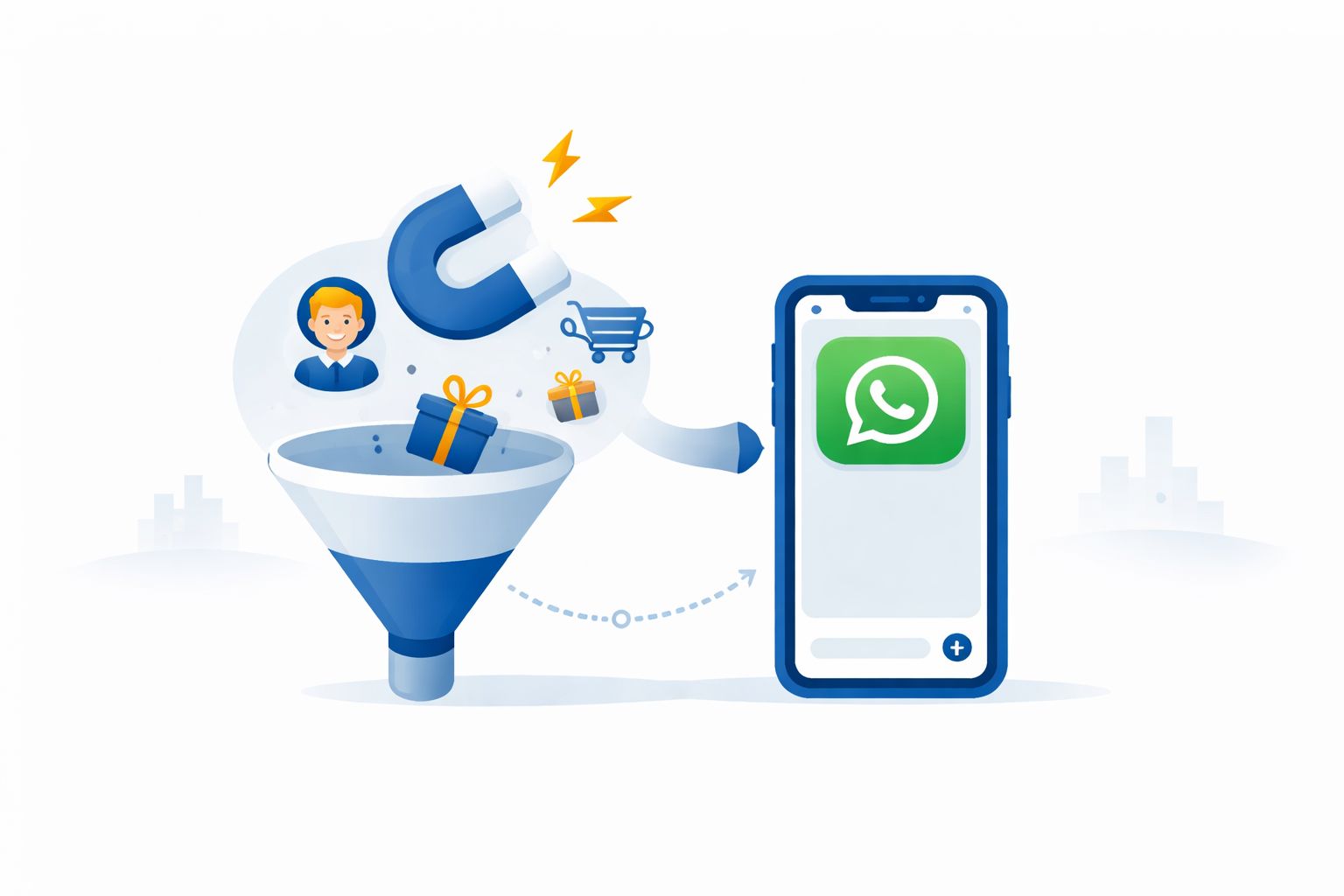
High-performing B2C sales teams do not treat WhatsApp like a casual inbox. They run it as a structured channel with defined entry points, qualification logic, routing rules, and follow-up workflows. Here is the complete system.
Step 1: Capture High-Intent Leads Into WhatsApp
WhatsApp sales begins before the first message arrives. You need deliberate entry points that funnel interested buyers directly into a conversation.
The most effective entry points in 2026:
| Entry Point | Best Used For | Lead Quality |
|---|---|---|
| Click-to-WhatsApp Ads (Meta) | Paid acquisition at scale | ⭐⭐⭐⭐⭐ Very high |
| Website chat button | Organic and direct traffic | ⭐⭐⭐⭐ High |
| QR codes (print, in-store, packaging) | Offline-to-online conversion | ⭐⭐⭐⭐ High |
| Instagram/Facebook bio link | Social media followers | ⭐⭐⭐ Medium-high |
| Email signature link | Existing contacts re-engagement | ⭐⭐⭐ Medium |
| WhatsApp Broadcast (opted-in list) | Warm audience re-activation | ⭐⭐⭐⭐ High |
Unlike website forms – which vanish when someone closes the browser tab – a WhatsApp conversation creates a persistent thread tied to the customer’s phone number. Your team can pick up that thread days or weeks later without losing context.
🔗 Related: 12 Reasons AI-Powered WhatsApp Automation Drives Unstoppable Growth in 2026
Step 2: Qualify Leads in the First Exchange
The first two or three messages must do real work. Their job is to separate buyers from browsers – fast – so your team’s time goes to prospects with genuine intent.
Effective early-stage qualification questions:
- “Which product/service are you interested in?”
- “What’s your timeline for getting started?”
- “Are you based in [city/region]?”
- “What’s your approximate budget range?”
- “Have you tried anything similar before?”
Most teams automate this step entirely using an AI agent that greets new leads, asks qualifying questions, and records key details before a human rep enters the conversation. This means your reps only join conversations where the lead has already been screened.
But AI qualification should not stop at the entry point. Effective AI agents stay active throughout the conversation – surfacing product information mid-discussion, suggesting next-step prompts to the rep in real time, flagging high-intent signals when a prospect asks about pricing or availability, and automatically re-engaging leads that go quiet.
💡 Platforms like ChatbotX let you configure AI agents that handle initial qualification, pass the conversation to a human with the full context already recorded, and re-enter the chat to assist the rep at any stage of the sales conversation.
🔗 Related: 10 Powerful Wins Agentic AI as a Service Delivers for Ambitious Teams in 2026
Step 3: Route Conversations to the Right Rep
When message volume grows beyond what one person can handle, conversations need to be distributed across the team – but not randomly. Effective routing is a multi-variable system that determines who gets which conversation based on context.
Routing variables that matter:
| Variable | Why It Matters | Example |
|---|---|---|
| Language | Mismatched language kills conversion | Spanish-speaking lead → Spanish-speaking rep |
| Region / Time zone | After-hours coverage, market knowledge | APAC lead → APAC team or fallback AI |
| Product line | Specialists convert better | Premium inquiry → Senior rep, not the general queue |
| Deal size | High-value leads need faster, senior attention | Enterprise lead → Account executive |
| Agent availability | Overloaded reps perform worse | Route to agent with lowest active conversation count |
| Fallback logic | Prevents dead ends | No match → AI holds conversation until rep is available |
Without routing logic, conversations pile up on whoever checks the inbox last – creating both double-replies and ignored leads at the same time.
Step 4: Manage Everything in a Shared Inbox
Conversations spread across personal phones are unmanageable at scale. A shared inbox gives your entire team visibility into every active conversation, with the full history of each lead in one place.
A good shared inbox for WhatsApp sales needs to answer the questions that individual threads cannot:
| Question | Without Shared Inbox | With Shared Inbox |
|---|---|---|
| Which leads have not been followed up in 24+ hours? | Manual scroll through every thread | Filtered view, instantly |
| Who last spoke to this customer? | Ask around, hope someone remembers | Visible in conversation history |
| Is this lead ready to close or still browsing? | Unknown – depends on rep’s memory | Lifecycle stage tag, visible to all |
| How many new leads came in this week vs. last? | No data | Dashboard report |
| Which agents are meeting response SLAs? | No visibility | Real-time monitoring |
🔗 Related: From Data to Insights: How AI Helps You Truly Understand Your Customers in 2026
Step 5: Follow Up Consistently with Message Templates
The majority of WhatsApp deals do not close on the first conversation. A prospect might express interest, ask a few questions, then go silent. Without a structured follow-up system, those conversations simply disappear.
Message Templates make follow-up systematic, not accidental.
| Template Use Case | When to Send | Goal |
|---|---|---|
| Soft re-engagement | 24–48 hours after silence | Bring prospect back into conversation |
| Pricing reminder | After quote is sent without reply | Surface the offer again, prompt decision |
| Limited-time offer | Promotional window | Create urgency without pressure |
| Appointment confirmation | After booking | Reduce no-shows |
| Post-inquiry check-in | 3–5 days after initial contact | Catch late-stage decision makers |
| Product update alert | When relevant inventory or features change | Re-engage dormant interested leads |
Teams that build these templates into automated workflows – triggered by lifecycle stage rather than relying on rep memory – consistently outperform those that handle follow-ups manually.
Step 6: Close the Deal Inside the Conversation
WhatsApp conversations move faster from interest to purchase than almost any other sales channel – because the prospect can ask a question and get an answer in seconds, without switching tools or waiting for a callback.
What reps can send inside a WhatsApp conversation to close deals:
- Product images, videos, and spec sheets
- Pricing breakdowns and custom quotes
- Booking confirmations and calendar links
- Payment links or invoice links
- Terms of service and digital agreements
- Post-purchase onboarding materials
In many B2C use cases, the entire transaction – from first question to final payment – happens inside a single WhatsApp thread. Removing the need to switch to a website checkout, email, or phone call is a significant friction reduction that directly improves conversion rates.
🔗 Related: Predictive Customer Service: Complete 2026 Guide to Proactive CX, AI Models & ROI
Real Business Results: 3 Case Studies
Case Study 1 – Travel Agency: 60% Shorter Sales Cycle
A tour operator replaced their contact form with Click-to-WhatsApp ads, directing prospective travelers into chat conversations instead of long inquiry forms.
Because every conversation persisted in a single thread, agents could continue guiding customers toward a booking decision even days after the initial contact – without losing context. Automation ensured that no inquiry went unanswered and that every lead was prioritized by purchase intent.
Results:
| Metric | Outcome |
|---|---|
| Sales cycle reduction | 60% shorter |
| Follow-up rate | 99.97% |
| Ad-driven leads | 3× increase in 3 months |
Case Study 2 – Luxury Auto Dealership: 42× ROI from WhatsApp Broadcasts
A premium car dealership used WhatsApp to nurture buyers who discovered vehicles through social media and listing platforms. Sales agents engaged prospects immediately with photos, videos, and spec details. Targeted broadcasts kept interested buyers updated when relevant inventory arrived.
Results:
| Metric | Outcome |
|---|---|
| Monthly WhatsApp broadcasts sent | 80,000+ |
| New leads generated monthly | 6,000–8,000 |
| ROI from broadcast campaigns | 42.5× |
| Conversion rate improvement | +10% |
Case Study 3 – Beauty & Wellness Chain: 18× More Booked Appointments
A multi-branch spa and beauty provider managed all sales conversations – from WhatsApp, Instagram, Facebook, and TikTok – inside a single shared inbox with lead source tracking. AI-assisted routing distributed conversations evenly across agents, and lifecycle stage tags helped reps prioritize new and high-intent leads.
Results:
| Metric | Outcome |
|---|---|
| Response time improvement | 75% faster |
| Spam lead reduction | 60% drop |
| Appointments booked via chat | 18× increase |
🔗 Related: 8 Proven Social Media Strategy Examples That Drive Real Results in 2026
Quick Wins to Accelerate WhatsApp Revenue Now
These are operational improvements that deliver measurable results without requiring a full system overhaul.
| Quick Win | What to Do | Expected Impact |
|---|---|---|
| Prioritize intent-rich entry points | Run Click-to-WhatsApp ads; add chat button to product pages | Higher-quality leads from day one |
| Deploy AI for the first exchange | Use an AI agent to greet leads and collect qualification data | Reps spend time only on qualified prospects |
| Add lifecycle stage tags | Label conversations as New / Qualified / Negotiating / Closing | Team always knows where each deal stands |
| Build 3 core follow-up templates | Re-engagement, pricing reminder, appointment nudge | Consistent follow-up without manual effort |
| Track lead source by campaign | Connect ad IDs to WhatsApp conversations | Know which campaigns generate real buyers, not just volume |
| Set a 5-minute first-response goal | Use SLA alerts to flag slow responses | Conversion rates drop sharply after 15 minutes |
| Escalate to WhatsApp voice when needed | Move from chat to call when typing slows the decision | Close deals that stall in text |
🔗 Related: Facebook Messenger Marketing in 2026: The Complete Strategy Guide to Turn Chats into Revenue
When WhatsApp Alone Is No Longer Enough
WhatsApp is a powerful sales channel – but it stops being sufficient when conversations need coordination across teams, campaigns, or revenue systems. Most teams hit this ceiling gradually, then suddenly.
The warning signs that you have outgrown a basic WhatsApp setup:
| Signal | What It Means | What You Need |
|---|---|---|
| 50+ conversations/day across 2+ agents | Ownership is unclear; leads get missed | Shared inbox + automatic assignment |
| Leads from multiple ad campaigns | Cannot attribute revenue to spend | Lead source tracking + attribution reporting |
| Reps working in different time zones | Coverage gaps; no handoff protocol | Routing rules + fallback AI |
| No answer to “which leads are stalling?” | No pipeline visibility | Lifecycle stages + manager dashboard |
| WhatsApp activity not in your CRM | Revenue is invisible to leadership | CRM sync + deal tracking |
| Agents “forget” to follow up | Follow-up is manual, inconsistent | Automated template workflows by lifecycle stage |
The inflection point: When your team handles more than 50 WhatsApp conversations per day across multiple agents and you cannot answer the question “which leads are stalling and why?” without scrolling through every thread manually – that is the moment to invest in proper infrastructure.
Platforms like ChatbotX are built specifically for this stage: the transition from a busy group inbox to a structured, measurable sales channel. ChatbotX adds a shared inbox, configurable routing workflows, AI agents active throughout the conversation, broadcast campaign management, and a contact system that tracks every lead from first message to closed deal – on top of the official WhatsApp Business API.
Frequently Asked Questions
Is WhatsApp effective for B2B sales, or only B2C?
WhatsApp is most effective for B2C sales where purchase decisions are personal, fast-moving, and driven by conversation. In B2B contexts, it works well for relationship management and warm outreach but is less suited to complex multi-stakeholder deals that require formal documentation trails. The infrastructure described in this guide – AI qualification, routing, shared inbox – is designed primarily for high-volume B2C use cases.
Do customers need to opt in before I send them a WhatsApp message?
Yes. WhatsApp’s business messaging policy requires that users have either initiated contact with your business or explicitly opted in before you can message them. The safest and most effective approach is to drive customers to message you first (via ads, website buttons, or QR codes). Once they do, you hold an active conversation thread you can build on.
What is the difference between a WhatsApp chatbot and a WhatsApp AI agent?
A traditional chatbot follows a predefined decision tree – it can only handle scenarios that were scripted in advance. A WhatsApp AI agent uses a large language model to understand intent, generate contextual responses, and handle unexpected inputs without breaking down. AI agents can qualify leads, answer product questions, re-engage stalled conversations, and hand off to human reps with full context – making them far more effective in real sales situations than rule-based bots.
How many message templates should a sales team have?
A well-prepared sales team typically needs six to ten approved templates covering the most common scenarios: initial follow-up, pricing reminder, appointment confirmation, appointment reminder, limited-time offer, re-engagement after long silence, and post-sale check-in. Start with the three highest-frequency use cases in your sales cycle and expand from there.
Can I measure ROI from WhatsApp sales?
Yes – but only if you connect WhatsApp conversations to your CRM (such as Salesforce or HubSpot) and track outcomes by lifecycle stage. Without that connection, WhatsApp revenue is “invisible” – you feel it working, but cannot prove it to leadership or optimize spend based on it. Lead source attribution (which ad campaign started the conversation), lifecycle stage tracking (where each lead sits in the funnel), and deal outcome recording (won, lost, value) are the three data points that make WhatsApp ROI measurable.
How does WhatsApp compare to other messaging channels for sales?
| Channel | Best For | Key Limitation |
|---|---|---|
| High-intent B2C buyers; personal conversations | Requires opt-in; 24-hour window rule | |
| Facebook Messenger | Social-first audiences; retargeting | Lower purchase intent vs. WhatsApp |
| Instagram DM | Visual products; influencer-driven discovery | Less suited to extended sales conversations |
| Zalo | Southeast Asian markets (especially Vietnam) | Limited outside the region |
| Formal B2B communication; nurture sequences | Very low open and response rates | |
| SMS | Transactional alerts; appointment reminders | Not conversational; no rich media |
🔗 Related: Facebook Messenger Marketing in 2026: The Complete Strategy Guide to Turn Chats into Revenue
Ready to turn your WhatsApp inbox into a structured sales channel? Get started with ChatbotX – an open-source omnichannel AI platform that connects WhatsApp, Messenger, Instagram, and more into one shared workspace with AI agents, routing flows, and broadcast campaigns built in.