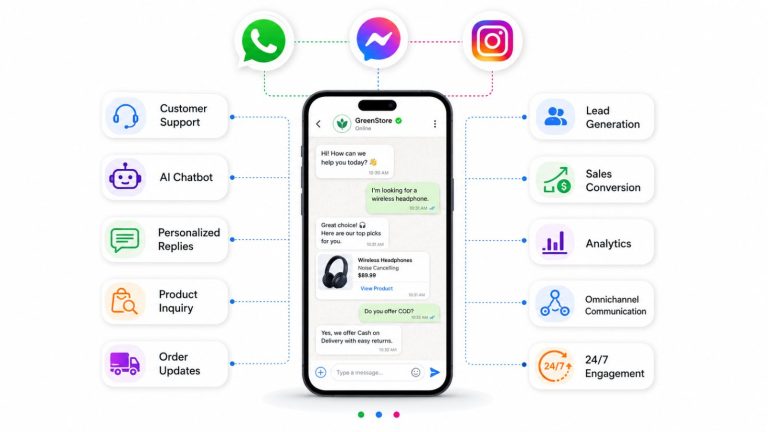
Key insight: With over 2 billion monthly active users, Facebook Messenger remains one of the highest-engagement channels available to businesses today – yet most companies still fail to unlock its full revenue potential due to poor CRM integration.
Launch agentic chat marketing in minutes with ChatbotX












What Is Facebook Messenger CRM?
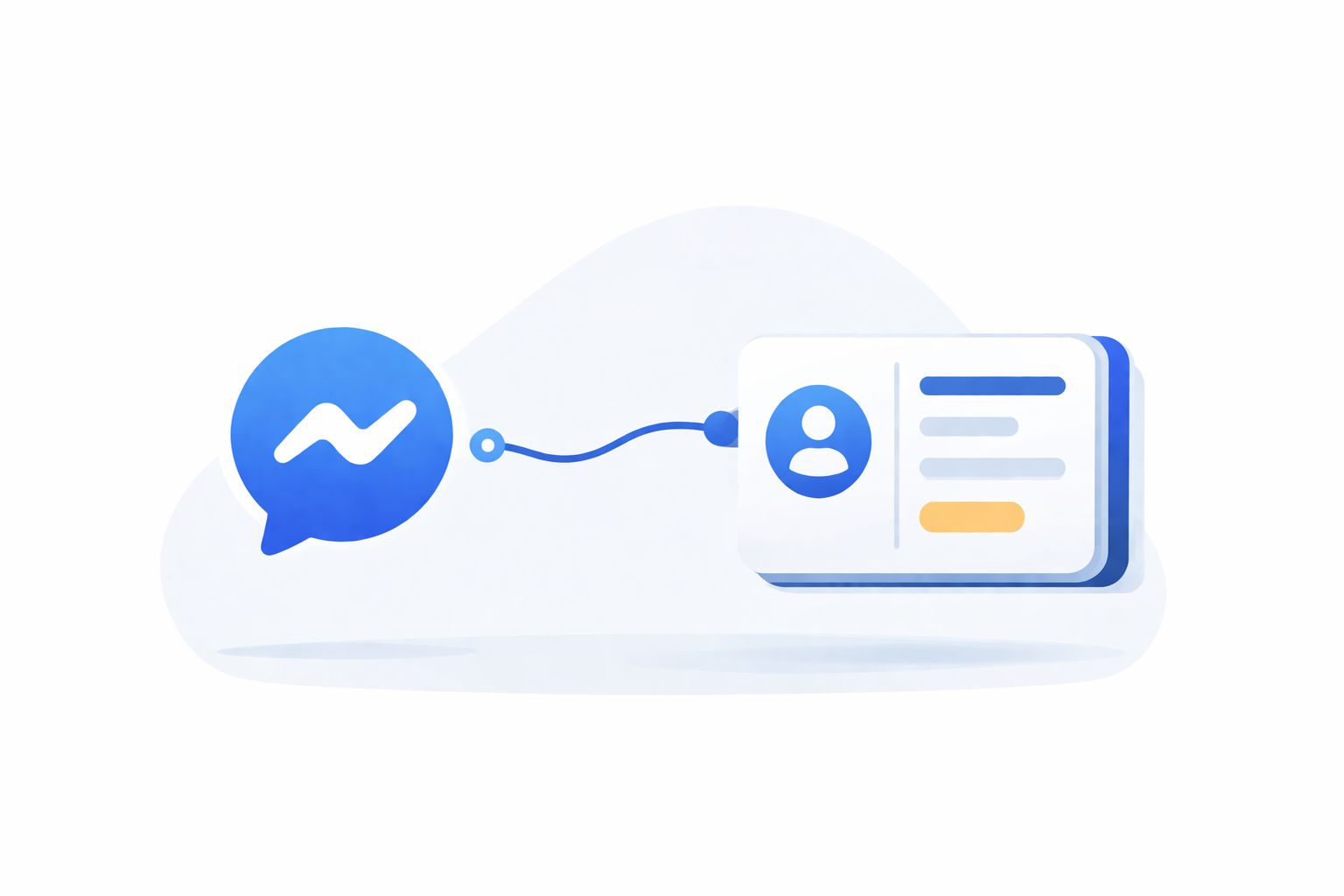
A Facebook Messenger CRM is the integration between Facebook Messenger and a company’s Customer Relationship Management system. The goal is straightforward: bring every Messenger conversation into a single, structured environment where teams can track, qualify, and nurture customers systematically – without any manual data entry.
Unlike traditional channels such as email or phone, Messenger delivers instant, media-rich interactions. Customers routinely send images, short videos, voice notes, GIFs, and location pins. When these conversations are connected to a CRM, businesses gain a complete picture of each customer’s journey across every touchpoint.
Why this matters more in 2026
According to Meta’s official Messenger platform data, Messenger messages achieve open rates exceeding 80% – roughly four to five times higher than standard email marketing campaigns. Meanwhile, consumers now expect replies within minutes, not hours. Businesses that treat Messenger as a strategic CRM channel rather than just another inbox hold a measurable competitive advantage.
If you are also exploring how to turn Messenger conversations directly into revenue, the Facebook Messenger Marketing 2026 strategy guide on ChatbotX is a strong companion read that covers campaign structure, automation flows, and conversion tactics in depth.
What to Know Before Integrating
Not every CRM handles Facebook Messenger equally well. Because most CRM platforms were architected for email and phone workflows, their ability to process rich messaging formats is often limited. Before committing to an integration path, three factors deserve careful evaluation:
1. Daily conversation volume
A small boutique receiving 20 messages a day has very different infrastructure needs from an e-commerce brand handling 5,000 daily inquiries. The chosen solution must scale with actual traffic – both now and 12 months from now.
2. Media format requirements
Do your customers regularly send voice notes, product videos, or location data? Many native CRM integrations force agents to download these files separately before viewing them, which disrupts response speed and creates friction in the workflow.
3. Number of active CRM platforms
Businesses operating multiple CRMs simultaneously – one for sales, one for support, another for marketing automation – need a middleware layer rather than a direct point-to-point integration, which would quickly become unmanageable.
Meta Business Suite vs. Facebook Messenger API
Facebook offers two primary access points for businesses managing Messenger conversations. Choosing the right one from the start saves significant time and cost down the line.
| Criteria | Meta Business Suite | Facebook Messenger API |
|---|---|---|
| Best suited for | Small to mid-size businesses | Mid-market to enterprise |
| Message volume | Low to moderate | High volume, unlimited |
| External CRM integration | ✗ Not supported | ✓ Fully supported |
| Advanced automation | ✗ Very limited | ✓ Fully customizable |
| Built-in interface | ✓ Ready to use | ✗ Requires third-party software |
| Broadcast messaging | ✗ Not available | ✓ Via approved templates |
| Multi-agent support | Limited | ✓ Unlimited agents |
Critical point: The Facebook Messenger API is purely a technical connector – it has no user interface of its own. To send and receive messages, it must be linked to a conversation management platform or CRM. The features available through the integration depend entirely on whichever software you connect it to.
For the full technical specification of what the Messenger API supports, refer to Meta’s official Messenger Platform developer documentation. This is the authoritative source for messaging window rules, template approval requirements, and webhook configuration.
Native CRM Integrations: Features & Limitations
Several major CRM platforms offer native Facebook Messenger connectors. While convenient, these integrations come with notable constraints that affect the quality of the messaging experience.
| CRM Platform | Available Features | Key Limitations |
|---|---|---|
| Salesforce | Team inbox, conversation queues, basic routing | Requires third-party add-ons for automation; struggles under high message volumes |
| HubSpot | Shared team inbox | No in-line preview for voice notes, videos, or location data; routing requires a paid add-on |
| Zendesk | Team inbox, message triggers, routing rules | 2,000-character limit per message; media files not viewable inline |
Beyond individual platform limitations, native integrations share a structural problem: they typically support only a one-to-one connection between Messenger and a single CRM. Businesses using multiple CRM tools simultaneously have no clean way to route conversations across systems without building custom workarounds.
To understand CRM fundamentals and how modern businesses are restructuring customer data pipelines around AI, HubSpot’s CRM knowledge base provides a solid foundational reference – particularly useful if your team is evaluating CRM platforms for the first time.
The case for a dedicated messaging platform
A growing number of businesses are solving this by routing Messenger through a specialized conversation management platform – a middleware layer that connects to the Messenger API on one side and integrates with multiple CRMs on the other. This approach unlocks the full feature set of Messenger while preserving data consistency across all back-end systems.
How to Connect Any CRM with Facebook Messenger
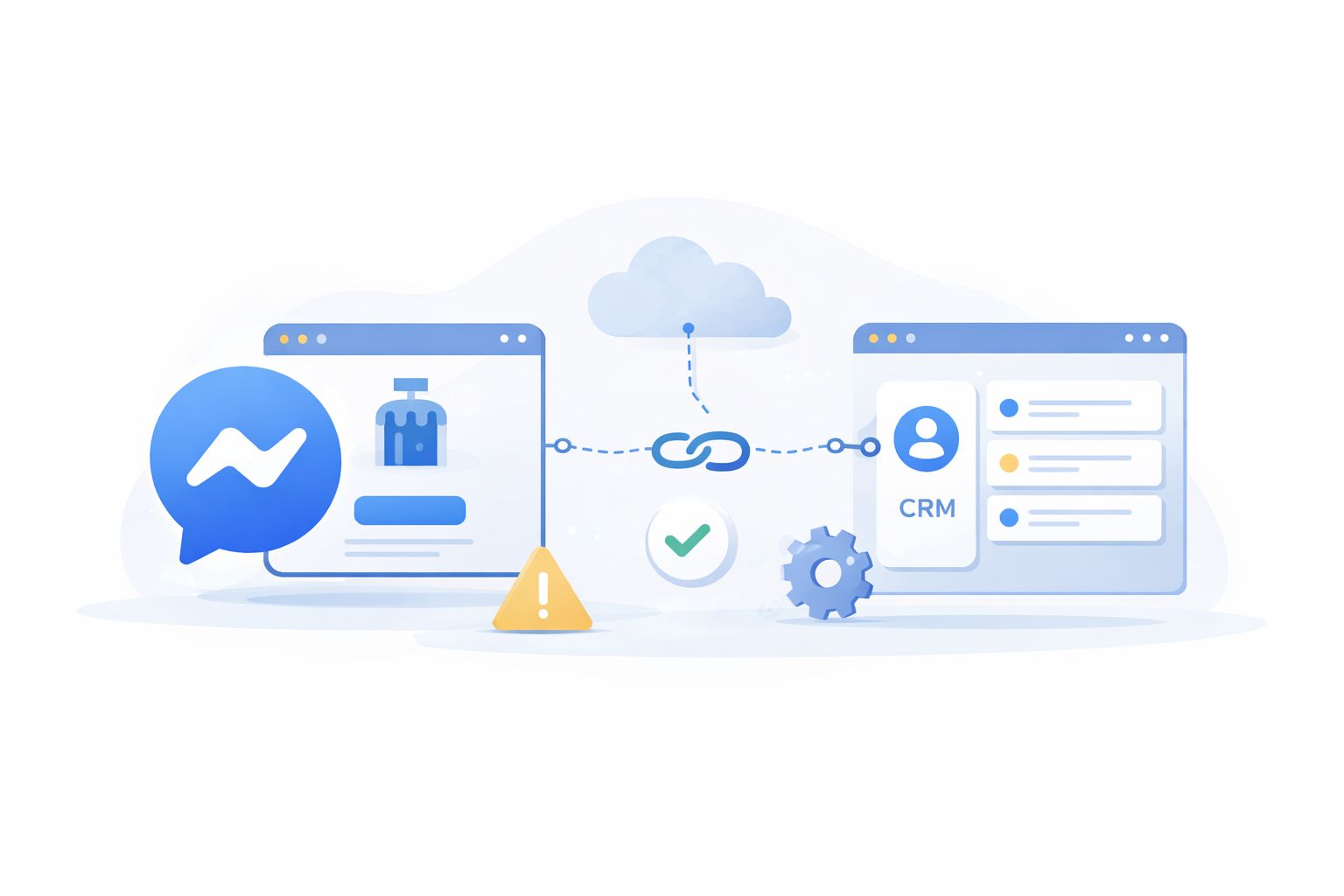
The most flexible and scalable integration path works in three steps:
Step 1 – Connect Messenger to your conversation platform
Link your Facebook Page’s Messenger channel to your chosen conversation management software via the Facebook Messenger API. This establishes the communication layer.
Step 2 – Build a workflow with HTTP Request automation
Inside the platform, create a workflow that includes an HTTP Request step. This step acts as the bridge between incoming Messenger conversations and your external CRM – passing lead data, updating contact records, and triggering actions in real time.
Step 3 – Exchange data without switching tabs
Once connected, agents can qualify leads, update deal stages, create support tickets, and retrieve customer history from external CRMs – all without leaving the Messenger conversation window. Context stays intact, and no information falls through the cracks.
Pro tip: This approach also works with multiple CRMs simultaneously. A sales CRM can receive qualified lead data while a support CRM logs service interactions – from the same Messenger conversation, automatically.
Facebook Messenger for Marketing
Meta’s policies prohibit businesses from cold-messaging users on Messenger to prevent spam. However, there are several compliant and highly effective methods to drive inbound conversations at scale.
For a deep-dive into full-funnel campaign architecture – including how to structure click-to-Messenger ads alongside broadcast sequences and AI-driven qualification – read the complete Facebook Messenger Marketing strategy guide on ChatbotX. It covers everything from ad setup to post-conversation nurture flows.
Inbound conversation entry points
Click-to-Messenger Ads These ads open a Messenger thread directly when clicked, bypassing landing pages and contact forms entirely. The result is a dramatically shorter path from ad impression to live conversation – which is why click-to-Messenger campaigns consistently outperform standard traffic ads for lead generation. Meta’s advertising policies for Messenger outline the formats and content rules that govern these placements.
Chat Links and QR Codes A simple m.me/ link or scannable QR code can be placed anywhere: website pages, email footers, packaging inserts, business cards, or offline marketing materials. Each link opens a Messenger conversation pre-loaded with optional context about where the user came from.
Comment Auto-Reply When users comment on a Facebook post or promotion, an automated system can send them a private Messenger reply – turning passive commenters into active, trackable leads. This works particularly well for giveaways, product launches, and promotional posts.
Messenger Website Widget Embedding a Messenger chat widget on your website captures visitor intent in real time and routes conversations into your CRM-connected inbox, where they can be followed up long after the session ends.
Merging leads and personalizing follow-up
Once a conversation opens, businesses can immediately run a pre-chat survey to determine whether the contact is new or already exists in the CRM. If the customer previously interacted on another channel (email, WhatsApp, or live chat), their profiles can be merged into a unified record – giving agents complete context without asking the customer to repeat themselves.
Understanding the data layer behind these profiles is crucial. The article From Data to Insights: How AI Helps You Truly Understand Your Customers in 2026 on ChatbotX explains how AI transforms raw conversation data into actionable customer intelligence – directly applicable to Messenger CRM workflows.
Facebook Messenger for Sales

When Messenger is connected to a sales CRM, every conversation becomes a structured revenue opportunity. Agents work from a single interface that surfaces deal status, contact history, and next-action suggestions – without opening a separate CRM tab.
Automating the top of the sales funnel
AI Agents can handle the initial stages of lead qualification entirely on their own: greeting inbound contacts, asking pre-qualification questions, collecting contact details, and creating deal records in the CRM – all before a human sales agent ever gets involved.
This dramatically reduces time-to-first-meaningful-response and ensures that no inbound lead is lost simply because the team was busy.
Watch this 2026 walkthrough on how to turn your Messenger interface into a high-converting sales pipeline:
For a broader look at how agentic AI is reshaping sales workflows across channels, the Agentic AI as a Service guide on ChatbotX outlines ten concrete business outcomes that teams are achieving right now.
If your business is also active on WhatsApp and wants to replicate a similar sales automation model there, the complete guide to selling on WhatsApp in 2026 on ChatbotX runs through the full B2C playbook – from product catalogues to payment-ready conversations.
Intelligent lead routing and fair distribution
Workflow automation can distribute incoming leads according to business-defined criteria:
- Geographic territory – route by city, region, or country
- Deal size or product type – match leads to specialists
- Agent availability – respect working hours and capacity limits
- Customer history – return existing customers to their dedicated account owner
The outcome is a level playing field for the sales team and a more consistent experience for the customer.
AI-assisted communication
Integrated AI tools can suggest message improvements, adjust tone, or translate messages in real time – enabling sales teams to engage effectively with customers across different languages and communication styles without slowing down the conversation.
Facebook Messenger for Customer Support

Support teams are routinely overwhelmed by high volumes of repetitive inquiries. A well-configured Messenger CRM integration introduces a tiered response model that matches each issue type to the appropriate resource – reducing agent workload while improving resolution speed.
Tiered response architecture
| Tier | Handled By | Typical Use Cases |
|---|---|---|
| Tier 1 | Chatbot / automation | FAQs, order status, store hours, basic troubleshooting |
| Tier 2 | AI Agent (supervised) | Product recommendations, account queries, moderate complexity |
| Tier 3 | Human agent | Complaints, billing disputes, sensitive or high-value issues |
At each handoff, the next tier receives the full conversation context – so customers never have to repeat information they already provided.
The shift from reactive to predictive support is one of the most significant trends in 2026. The Predictive Customer Service guide on ChatbotX covers the AI models and data architecture behind proactive CX – which pairs directly with Messenger as the delivery channel for real-time intervention.
Escalation without friction
When an agent needs assistance, they can add an internal note visible only to the team, or escalate the case directly to an external CRM platform with a single click – while remaining in the conversation window. No tab switching, no copy-pasting, no lost context.
Measuring support quality
Automated CSAT surveys sent via Messenger immediately after a conversation closes provide high-response feedback loops. Combined with real-time performance dashboards tracking individual agent metrics and team-level KPIs, support managers have the data they need to continuously improve operations.
According to Salesforce’s State of the Connected Customer report, 88% of customers say the experience a company provides is as important as its product or service – making response quality through every channel, including Messenger, a direct driver of retention and revenue.
Facebook’s Human Agent Tag grants a 7-day extended messaging window for complex support cases that cannot be resolved within the standard 24-hour session – a critical feature for businesses handling multi-step resolutions.
ChatbotX: An AI-Powered Option Worth Considering

Within the ecosystem of tools that support Facebook Messenger CRM workflows, ChatbotX has emerged as a noteworthy option for small to mid-size businesses looking to deploy AI-powered automation without heavy infrastructure investment.
ChatbotX offers a visual, drag-and-drop interface for building Messenger conversation flows, collecting lead data, and pushing structured information to external CRMs via webhooks. Its AI Agents feature handles routine queries autonomously, while the Flows builder enables teams to map out complex conversation logic without writing a single line of code. The Broadcasts module allows sending Meta-approved message templates to opted-in contacts at scale – directly from the same platform.
Where ChatbotX fits best:
- Early-stage businesses testing Messenger automation for the first time
- Teams with limited technical resources who need a no-code setup
- Use cases focused primarily on lead capture and FAQ deflection
Where to consider alternatives:As conversation volumes grow and requirements expand to include multi-channel coverage (WhatsApp, Zalo, email alongside Messenger), complex conditional routing, or deep enterprise CRM integrations, graduating to a more comprehensive conversation management platform becomes necessary. ChatbotX is a strong starting point – not necessarily a long-term ceiling.
Frequently Asked Questions
What is Facebook Messenger CRM integration?
Facebook Messenger CRM integration connects your Messenger inbox to a Customer Relationship Management system, allowing every conversation to be automatically tracked, qualified, and acted upon without manual data entry. It gives teams a unified view of each customer’s journey across all touchpoints.
What is the difference between Meta Business Suite and the Facebook Messenger API?
Meta Business Suite is a ready-to-use interface best suited for small to mid-size businesses with low to moderate message volumes. The Facebook Messenger API is a technical connector designed for mid-market to enterprise businesses – it supports full CRM integration, advanced automation, unlimited agents, and broadcast messaging, but requires a third-party platform to function since it has no built-in interface.
Do native CRM integrations like HubSpot or Zendesk fully support Facebook Messenger?
Native integrations offer basic shared inbox functionality but come with notable limitations. HubSpot does not support inline previews of voice notes, videos, or location data. Zendesk enforces a 2,000-character message limit and does not display media files inline. All native integrations are typically one-to-one, meaning businesses using multiple CRMs simultaneously need a dedicated middleware layer instead.
How can businesses drive inbound Messenger conversations without violating Meta’s policies?
Since Meta prohibits cold-messaging users, compliant inbound methods include: Click-to-Messenger Ads that open a thread directly from an ad; chat links and QR codes placed on websites, emails, or packaging; Comment Auto-Reply that sends a private Messenger message when a user comments on a Facebook post; and a Messenger website widget that captures visitor intent in real time.
Is Facebook Messenger CRM integration suitable for customer support?
Yes. A well-configured integration supports a tiered response model: Tier 1 uses chatbots for FAQs and order status; Tier 2 uses supervised AI Agents for moderate-complexity queries; Tier 3 escalates to human agents for complaints or billing disputes. Each handoff carries full conversation context, so customers never need to repeat themselves. Facebook’s Human Agent Tag also extends the messaging window to 7 days for complex cases.
Final Thoughts
Facebook Messenger CRM integration is no longer optional for businesses that rely on social channels to generate and retain customers. The gap between a team replying manually from Meta Business Suite and a team running a fully automated, CRM-connected Messenger workflow is measured in conversion rates, response times, and customer lifetime value.
The right path depends on where your business stands today:
- Early stage: Start with a tool like ChatbotX to establish basic automation and test conversion flows.
- Growing business: Move to a dedicated conversation management platform connected to your existing CRM stack via API.
- Scaling enterprise: Implement a full omnichannel inbox with AI Agents, advanced routing logic, and unified reporting across all messaging channels.
Every interaction on Messenger holds the potential for a lasting relationship and a closed deal. The winners of 2026 will be those who capture this data systematically. Leverage ChatbotX to build that infrastructure now-automate your workflows, enrich your CRM, and transform every message into a measurable win.