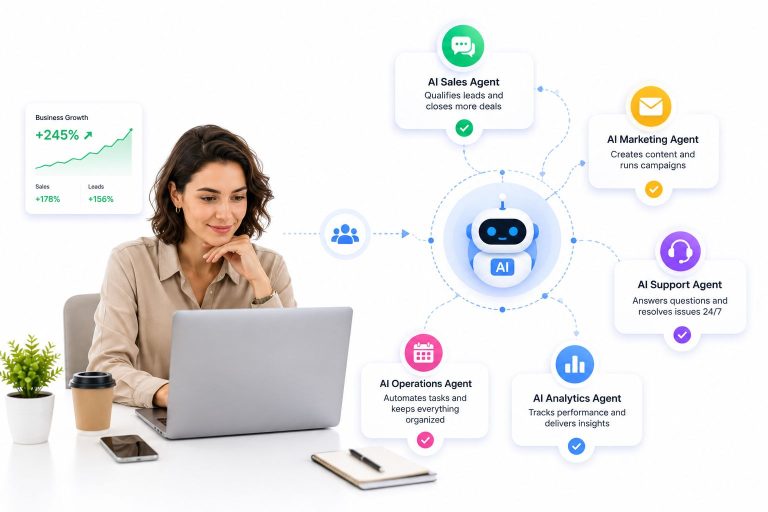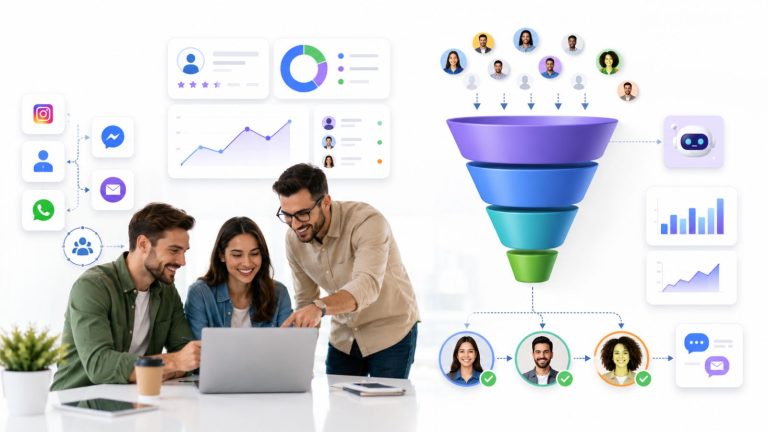
If you have been building AI-powered chatbots for any length of time, you have run into the same wall: getting your bot to actually do things – query a live database, push a contact into a CRM, trigger a WhatsApp broadcast – requires a brittle web of custom integrations that breaks every time a model or API updates. The chatbot MCP server is the solution the industry has been waiting for, and in 2026 it has become the defining architecture for any team serious about agentic AI.
This guide breaks down exactly what an MCP server is, why it changes how chatbots are built, and how you can deploy one today – with or without writing a single line of code.
Launch agentic chat marketing in minutes with ChatbotX












What Is a Chatbot MCP Server?
MCP stands for Model Context Protocol, an open standard first released by Anthropic in late 2024 and now natively supported by OpenAI, Google DeepMind, Microsoft, and a rapidly expanding ecosystem of developer tools. By early 2026, more than 10,000 public MCP servers existed across public registries, making it the de facto standard for connecting large language models (LLMs) to the real world.
The core idea is elegant: instead of writing a custom integration for every combination of AI model and external tool, you write one MCP server that exposes your capabilities, and every MCP-compatible client can discover and use them immediately. Think of it as the USB-C port for AI – universal, plug-and-play, and direction-agnostic.
A chatbot MCP server specifically applies this protocol to conversational AI. Your chatbot becomes a client that calls MCP servers to:
- Read and write data in external systems (CRM, Google Sheets, databases)
- Trigger workflows across messaging channels (WhatsApp, Messenger, Instagram, Telegram)
- Execute business logic like sending broadcasts, updating contacts, or routing conversations
- Chain multiple tools into multi-step agentic sequences without manual prompting
Before MCP, a team integrating a chatbot with five external tools faced a matrix of N×M custom connectors. With MCP, you build or configure one server and every compatible AI client inherits access to all its tools immediately.
Why MCP Is the Shift from Reactive Bots to Autonomous Agents
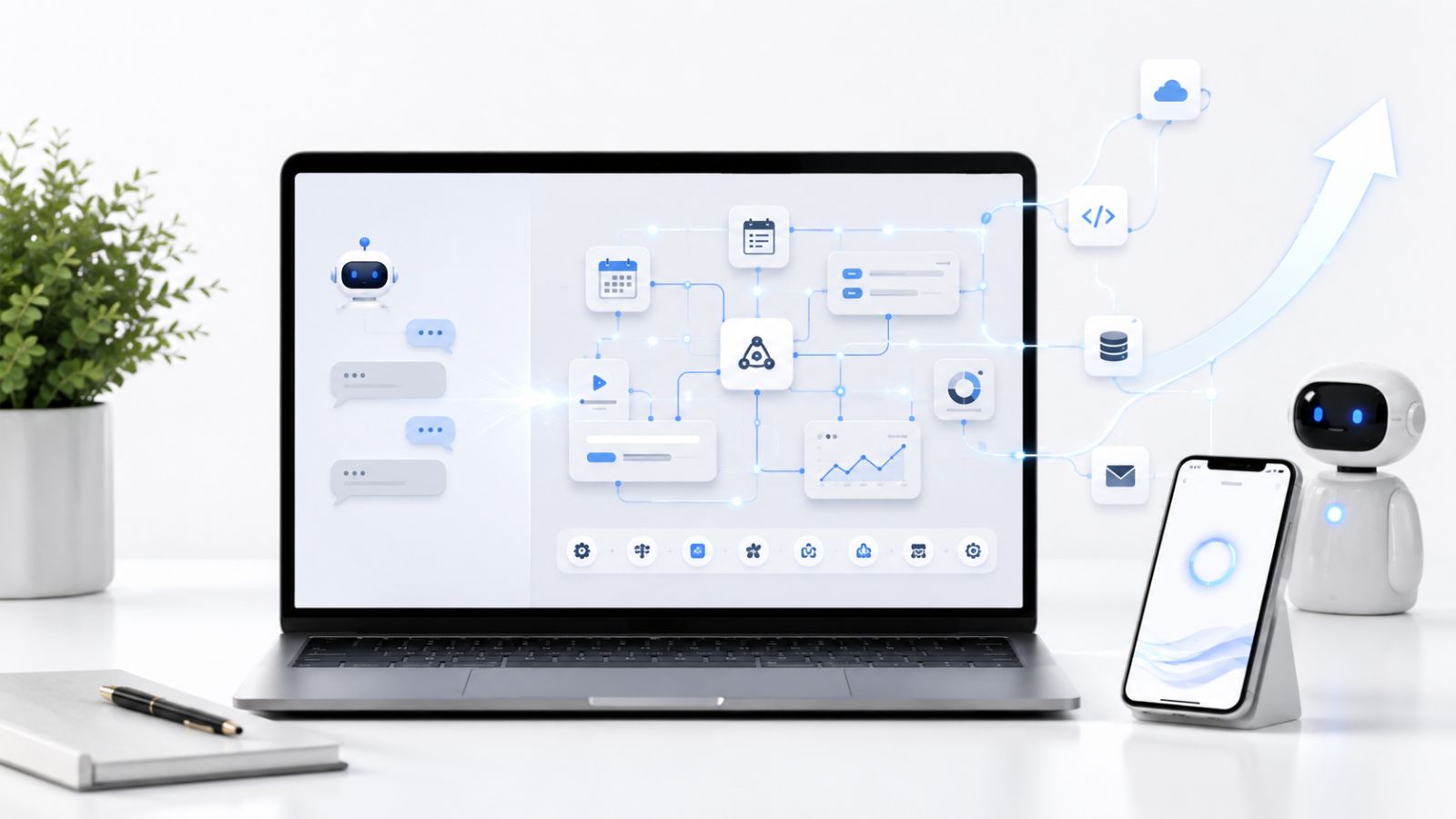
Traditional chatbots operate in reactive mode: a user sends a message, the bot replies, conversation ends. This model has a ceiling. It cannot initiate actions, chain decisions, or adapt to live context without a human triggering every step.
An agent powered by a chatbot MCP server operates differently. It can:
- Read context – pull a contact record from a CRM, check a calendar, query a product catalog
- Reason – use an LLM (OpenAI, Gemini, DeepSeek, or any compatible model) to decide the next step
- Act – write data back, send a message, trigger a campaign, escalate to a human agent
- Loop – continue until the goal is achieved or a human override is needed
This is the architecture behind what practitioners now call agentic workflows – and the MCP server is the connective tissue that makes them reliable. Unlike Retrieval-Augmented Generation (RAG), which gives models read-only access to external data, MCP enables both read and write operations across external systems. Your chatbot does not just know things; it changes things.
According to Anthropic’s MCP documentation, the protocol defines three core primitives:
- Tools – executable functions the model can invoke (send a message, update a contact, query a database)
- Resources – data contexts the model can read (conversation history, CRM records, analytics)
- Prompts – reusable server-side instruction templates that guide agents through structured multi-step workflows
The Business Case for MCP-Powered Chatbots in 2026

The shift to MCP is not just a technical preference – it is a business imperative. According to McKinsey’s 2025 State of AI Report, organizations that deployed agentic AI workflows reported an average of 40% reduction in manual process handling time. The same report found that businesses using structured AI integration standards saw significantly lower maintenance overhead compared to teams running bespoke integrations.
The practical gains for chatbot teams include:
Speed to market. Configuring an MCP server for a new integration takes hours, not sprints. Teams report dropping tool integration time from days to minutes once the protocol is in place.
Model portability. If you need to switch from GPT-4 to Gemini or DeepSeek, your MCP server stays the same. Only the client-side model reference changes.
Auditability and control. Because all tool calls pass through a defined protocol layer, you get a clean audit trail for every action your agent takes – critical for compliance in finance, healthcare, and e-commerce.
Composability. Multiple MCP servers can be chained together. A chatbot can simultaneously access a billing tool, a messaging tool, and a scheduling tool within a single agentic session.
How a Chatbot MCP Server Works: Architecture Overview
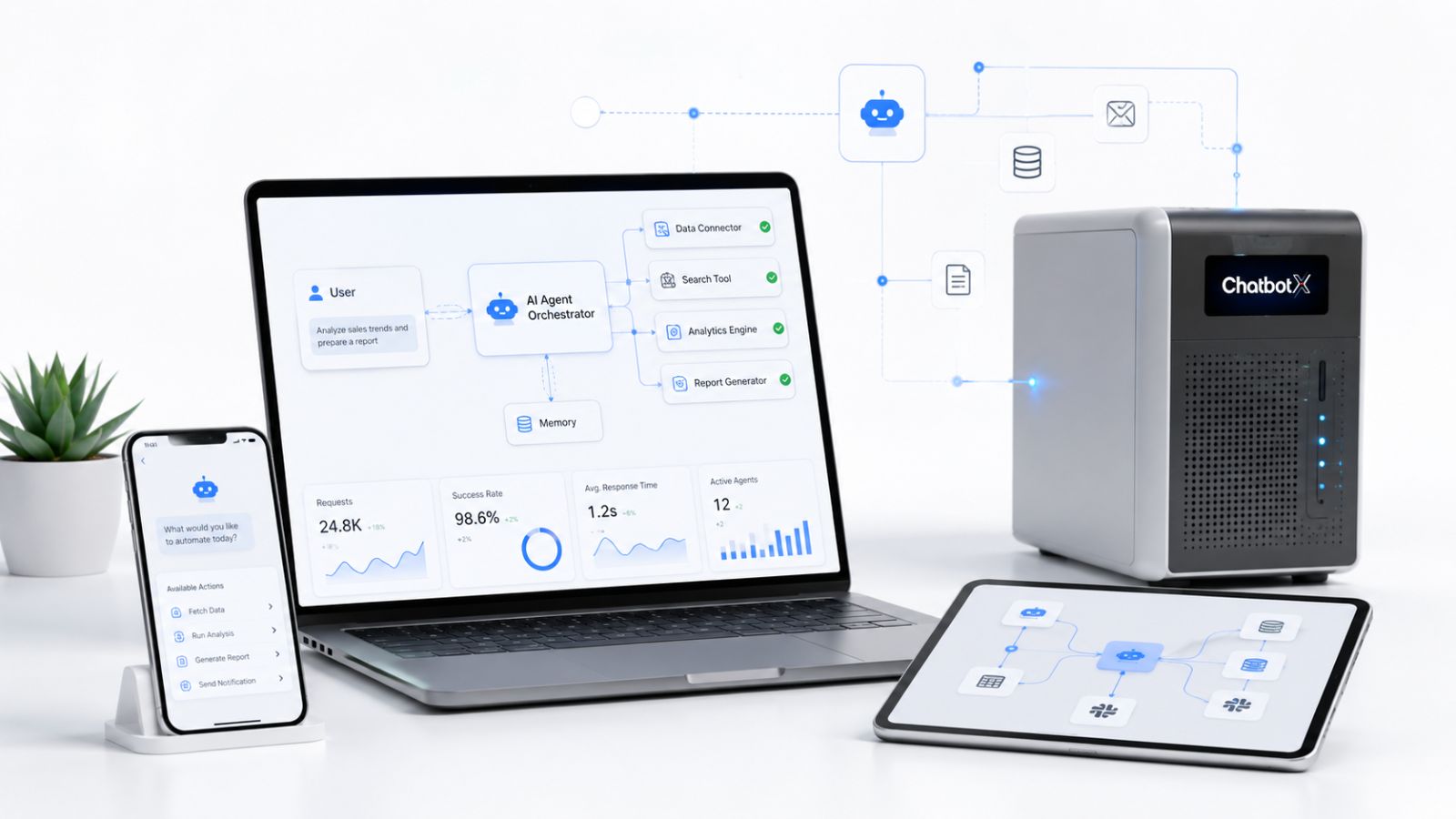
Understanding the MCP architecture helps you design better agentic workflows. There are three layers:
1. The Host
The application that orchestrates everything – your chatbot platform, an IDE with AI, or a command-line agent client. The host manages one or more MCP clients and decides when to invoke tools.
2. The MCP Client
Instantiated by the host, one per server. It handles the connection, discovers available tools, and speaks JSON-RPC 2.0 over either a stdio (local) or HTTP (remote) transport. As of 2026, the evolving specification is moving toward Streamable HTTP as the preferred remote transport, replacing the older SSE approach.
3. The MCP Server
The server exposes tools, resources, and prompts. It can be local (running on the same machine) or remote (a hosted service over HTTPS). A chatbot MCP server backed by a messaging platform would expose tools like send_whatsapp_message, create_contact, trigger_broadcast, or get_conversation_history.
The key security principle: secrets live in the server, not the model. API keys and credentials are stored as environment variables on the server side. The LLM only calls named functions – it never touches credentials directly.
Setting Up a Chatbot MCP Server: Step-by-Step
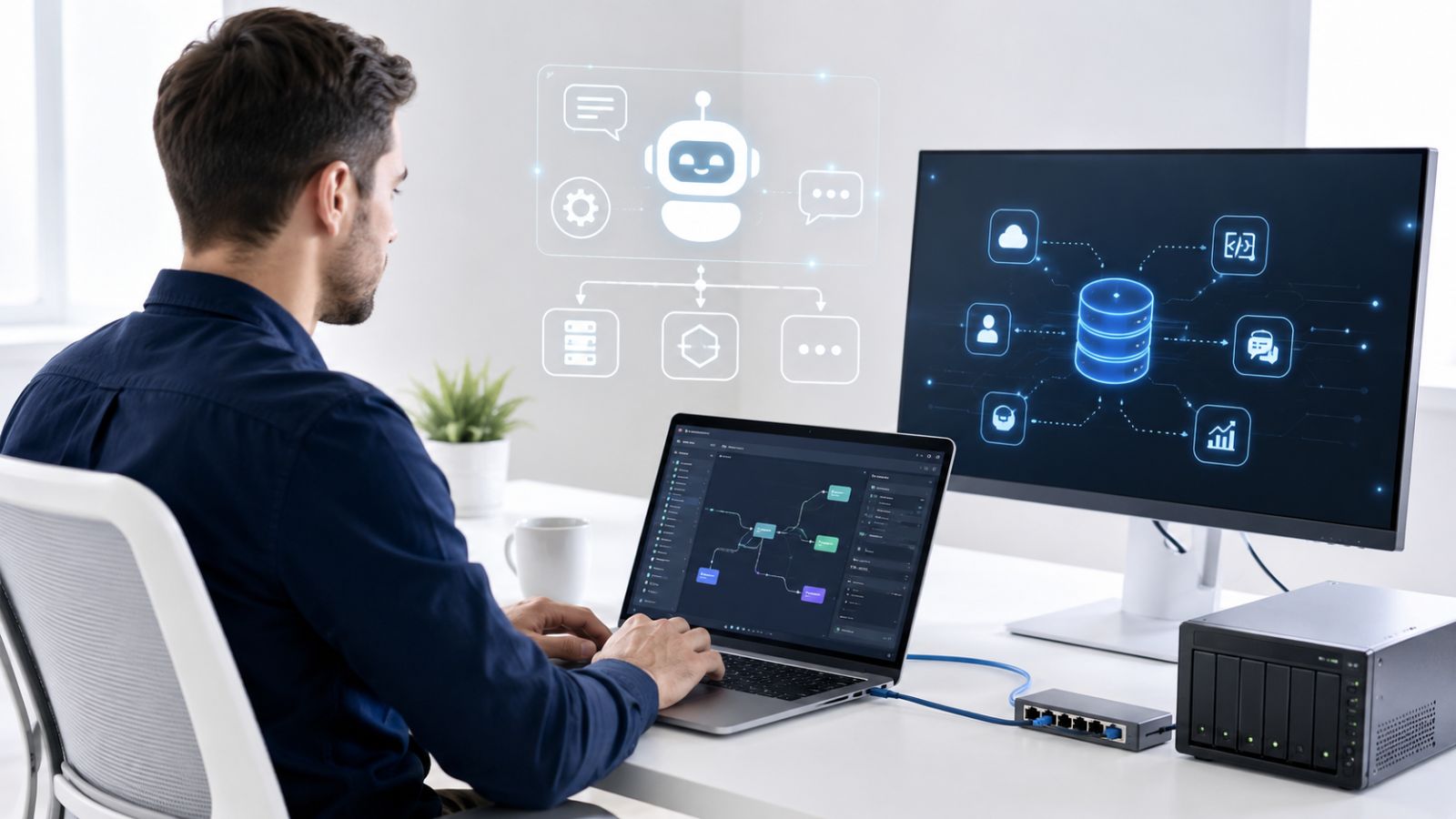
Here is a practical overview of what a setup process looks like for a team deploying a chatbot MCP server for the first time.
Step 1: Define Your Tool Set
List every external action your chatbot needs to perform. Common starting points for chat marketing teams:
- Send or schedule a broadcast message
- Create or update a CRM contact
- Fetch conversation analytics
- Trigger a pre-built automation flow
- Escalate a conversation to a live agent
Step 2: Choose Your Transport
For local development or single-server deployments, stdio transport is simpler – the host spawns the server as a child process. For production remote deployments, use Streamable HTTP with TLS and OAuth 2.1 for authentication.
Step 3: Implement or Configure Your Server
If you are building from scratch, the MCP TypeScript SDK and Python SDK both provide well-documented starting points. Define each tool with a name, description, and JSON Schema for its parameters – the model uses this schema to decide when and how to call the tool.
If you are using a platform that already ships an MCP server (more on this below), you skip this step entirely and connect your preferred AI client to the hosted endpoint.
Step 4: Connect Your AI Client
Any MCP-compatible client – Claude Desktop, ChatGPT, Cursor, a custom agent – can discover your server’s capabilities through the standard initialization handshake. Add the server URL and credentials, and your agent immediately has access to all declared tools.
Step 5: Test and Iterate
Use the MCP Inspector tool during development to validate tool calls and responses. For production, implement structured error returns so the LLM can reason about failures and retry or escalate appropriately.
ChatbotX: A Production-Ready Chatbot MCP Server Built In
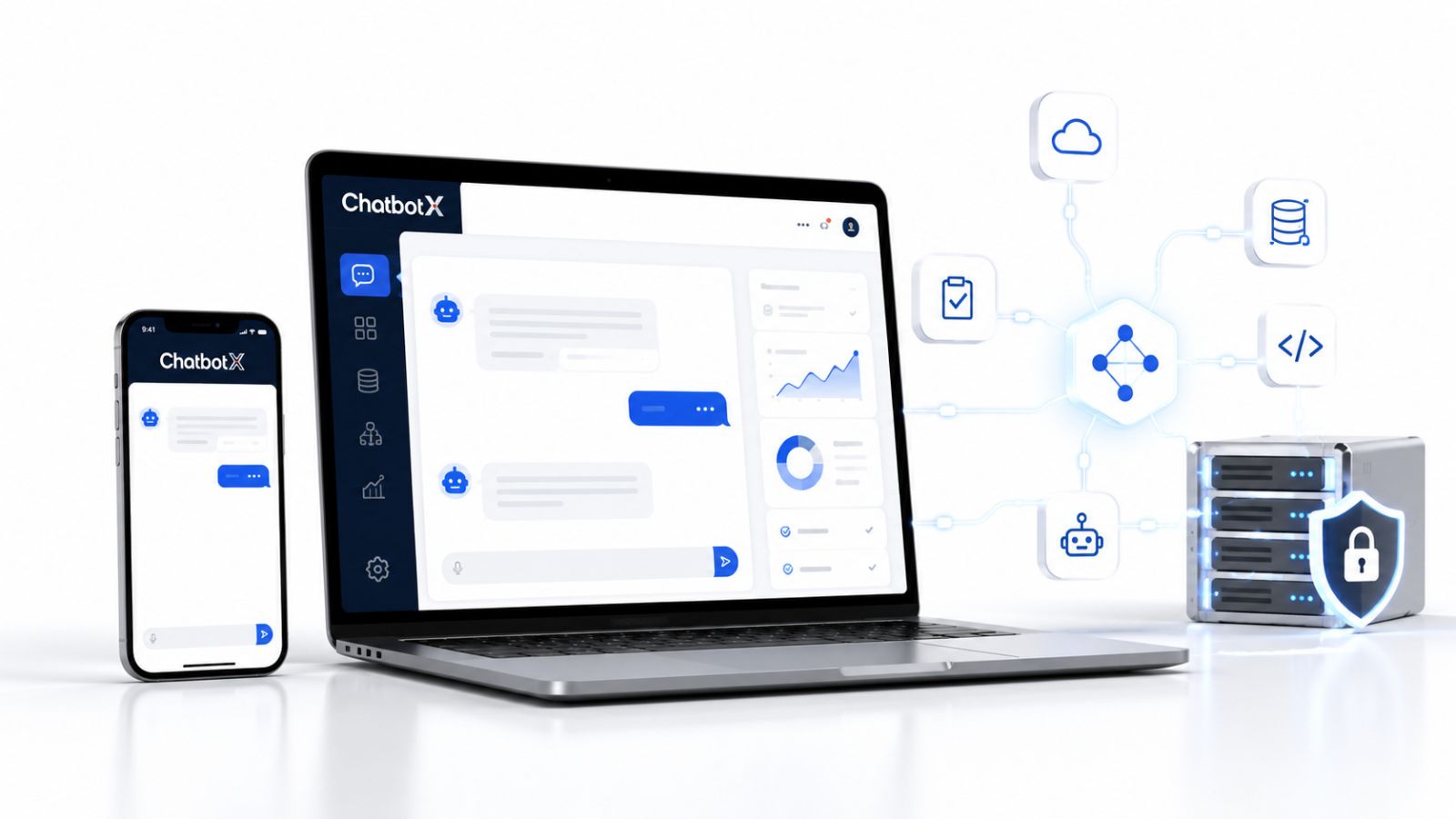
For teams that do not want to build an MCP server from scratch, ChatbotX offers a fully integrated solution. ChatbotX is an open-source, agentic omnichannel chat marketing platform that ships with a native MCP server backed by public APIs – enabling any MCP-compatible AI client to interact with your chatbot flows, contacts, channels, and analytics without writing custom connectors.
The platform supports OpenAI, Gemini, and DeepSeek as AI backends, meaning you can pair the MCP server with whichever model best fits your compliance, cost, or capability requirements.
What the ChatbotX MCP Server Exposes
The ChatbotX API, CLI & MCP feature gives developers and agencies access to:
- Full chatbot flow execution via tool calls
- Contact creation, tagging, and CRM updates
- Broadcast and sequence triggers across WhatsApp, Messenger, Instagram, Telegram, Zalo, and Webchat
- Conversation analytics and performance metrics
- Human takeover handoffs through the Shared Inbox
Paired with the platform’s AI Agents feature, which runs LLM-powered decision logic inside visual flow nodes, the MCP layer allows external AI clients to extend those same agentic capabilities beyond the chatbot interface – into your IDE, your CRM automation, or a custom internal tool.
This is what distinguishes ChatbotX from closed SaaS alternatives: because the codebase is fully open source on GitHub, teams can inspect the MCP server implementation, fork it, extend it, and self-host the entire stack without vendor lock-in.
Real-World Use Cases for a Chatbot MCP Server
E-Commerce: Autonomous Cart Recovery
An agent client connects to the ChatbotX MCP server and a Shopify MCP server simultaneously. When an abandoned cart event fires, the agent pulls product details from Shopify, personalizes a message using an LLM, and triggers a WhatsApp follow-up through ChatbotX – all without a human in the loop.
Lead Generation: Intelligent Qualification
An AI agent processes inbound leads from a Facebook ad, queries a CRM to check for duplicates, scores the lead using an LLM, and either enrolls the contact in a nurture sequence or routes them to a live sales agent via the shared inbox – in under three seconds.
Customer Support: Proactive Resolution
Rather than waiting for a customer complaint, an agent monitors a ticketing MCP server for escalations above a certain severity score, drafts a resolution message using the conversation history, and sends a proactive WhatsApp message – closing the loop before the customer needs to follow up.
MCP Best Practices for Chatbot Teams in 2026

Deploying a chatbot MCP server well requires more than just standing up an endpoint. These practices separate reliable production deployments from fragile prototypes:
Keep tools atomic. Each tool should do one thing. Avoid multi-action tools that are hard for the model to reason about. send_message and update_contact should be separate tools, not combined.
Use stateless servers where possible. Stateless MCP servers scale horizontally and simplify debugging. Reserve stateful servers for genuinely session-dependent operations.
Return structured errors. The LLM needs machine-readable failure reasons (RATE_LIMIT_EXCEEDED, CONTACT_NOT_FOUND) to decide whether to retry, escalate, or abort.
Version your server. Embed a version string in the server’s capability response so MCP-aware hosts can detect breaking changes during initialization.
Scope permissions tightly. An MCP server for a support chatbot does not need tools that delete contacts or export data. Least-privilege architecture limits blast radius when something goes wrong.
For a deeper dive into open-source vs. hosted architecture decisions for AI chatbots, see the ChatbotX blog post: Open Source Chatbot vs SaaS Chatbot: The Definitive Guide for 2026.
Extending ChatbotX with Custom MCP Integrations
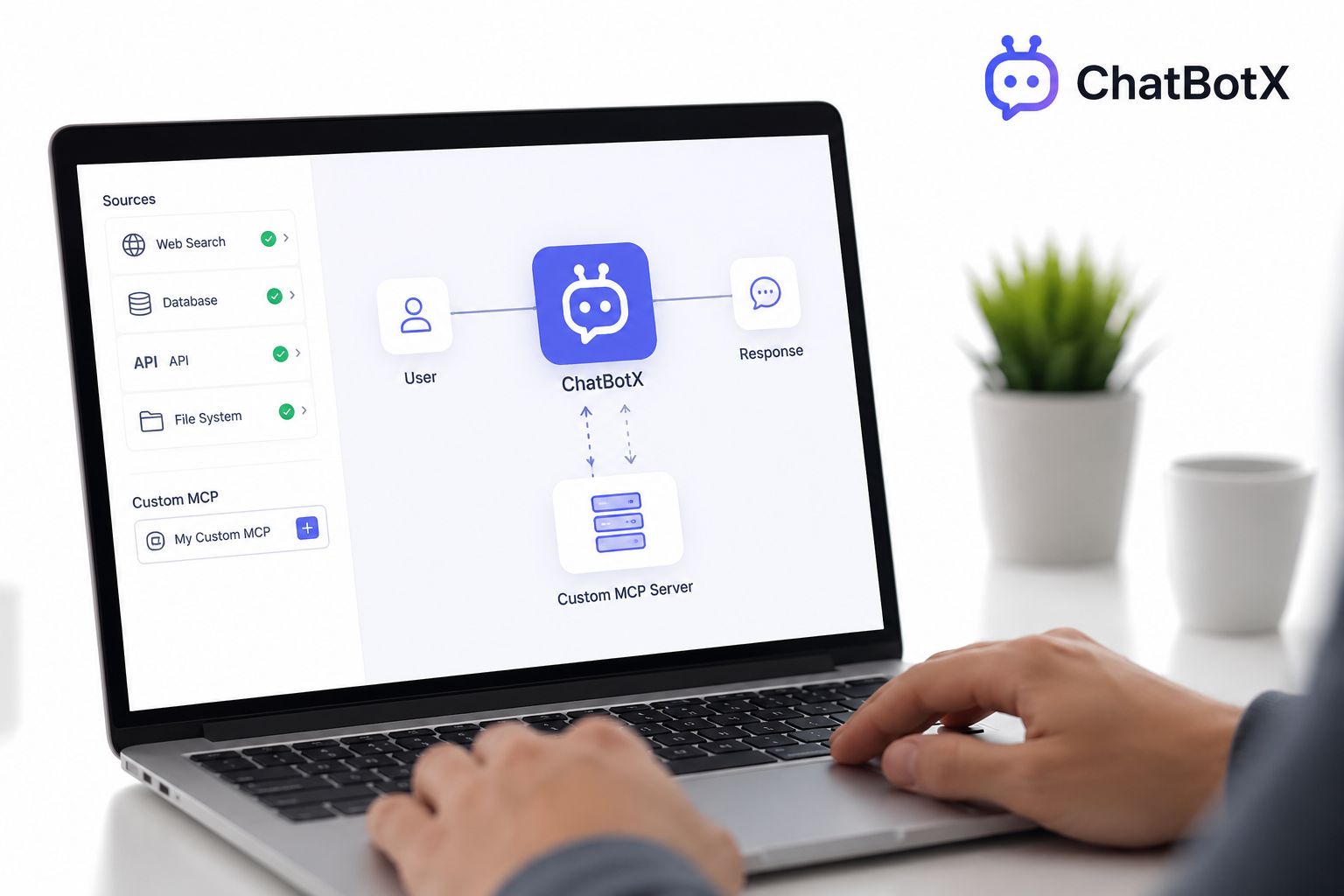
Because ChatbotX is open source, developers can extend the built-in MCP server or add entirely new tool sets. The GitHub repository includes the full apps/mcp-server/ directory, which developers can fork and modify to expose custom business logic, proprietary databases, or third-party APIs as MCP tools.
The monorepo structure also makes it straightforward to add new channel integrations. Once an integration is built as an MCP-compatible tool, any AI client in the ecosystem can consume it – not just the ChatbotX builder itself. This is the compounding value of building on an open standard: contributions to the codebase benefit every client in the ecosystem.
For teams looking to contribute or follow the project’s roadmap, the ChatbotX GitHub repository is the canonical source for releases, pull request discussions, and integration examples.
Agentic AI and the Future of Chatbot MCP Servers
The trajectory is clear. Reactive bots are a 2023 pattern. Agentic chatbots powered by MCP servers are the 2026 standard. Within the next 12 months, expect:
- Multi-server composition to become the norm – agents that orchestrate five or more MCP servers simultaneously across CRM, messaging, analytics, billing, and scheduling tools
- OAuth 2.1 to be fully standardized as the authentication mechanism for production remote MCP servers
- Streamable HTTP to complete its replacement of SSE as the dominant transport
- Domain-specific MCP servers to proliferate – pre-built, certified servers for healthcare, finance, real estate, and e-commerce that plug into any compliant agent framework
For practical guidance on building agent flows without code on top of this infrastructure, the ChatbotX blog post How to Build AI Agent Flows Without Code: The Complete 2026 Guide walks through the no-code implementation layer that sits above the MCP protocol.
The Sprout Social 2026 Index found that 78% of marketers expect AI automation to handle the majority of routine customer interactions within the next two years. The chatbot MCP server is the architectural foundation that makes that possible – not as a gimmick, but as a reliable, auditable, production-grade integration layer.
Conclusion: Start Building with a Chatbot MCP Server Today
The Model Context Protocol has resolved one of the most persistent pain points in AI application development: the explosion of bespoke integrations that accumulate technical debt faster than they deliver value. For chatbot teams specifically, a chatbot MCP server is the path from scripted automation to genuine agentic intelligence – a bot that does not just reply, but reasons, acts, and completes tasks across your entire business stack.
Whether you are a developer looking to build from scratch using the open MCP specification, an agency ready to deploy a self-hosted solution with full white-label control, or a business that wants agentic capabilities without writing a single line of code, the tools exist today to make it happen.
Ready to Deploy Your Chatbot MCP Server?
ChatbotX is the open-source, agentic omnichannel platform built for exactly this moment. It ships with a native MCP server, supports OpenAI, Gemini, and DeepSeek as AI backends, and runs across WhatsApp, Facebook, Instagram, Telegram, Zalo, Email, and Webchat – all from a single self-hosted deployment.
Here is what you can do right now:
- 🚀 Get started with ChatbotX – explore the platform, pricing, and live demos
- 🤖 Browse the AI Agents feature – see how LLM-powered decision nodes work inside the visual flow builder
- 🔌 Explore the API, CLI & MCP capabilities – connect your AI clients to the ChatbotX MCP server today
- ⭐ Star the repository on GitHub – follow development, fork the codebase, or contribute to the growing open-source community
- 📦 Review the source code and releases – inspect the MCP server implementation and deploy it on your own infrastructure
If you are an agency, ChatbotX supports full white-labeling and reselling – meaning you can offer MCP-powered agentic chatbot automation as a premium service to your clients under your own brand.
The era of reactive bots is over. Join the teams already building with agentic AI and MCP – starting today.