
In 2026, the era of “chat-and-forget” AI is over. The shift toward agentic workflows means your AI no longer waits for a prompt-it acts. A true personal AI agent serves as an invisible operating layer between you and your digital clutter, autonomously managing your inbox, triaging your calendar, and executing complex scripts while you sleep. Whether you are a solo creator or a SaaS professional, this guide provides the technical blueprint to build a scalable, high-memory agent stack that cuts operational costs by up to 90% and reclaims 20–30% of your workweek.
Launch agentic chat marketing in minutes with ChatbotX













1. The New Reality: AI Agents That Live Inside Your Workflow
For the last two years, most people’s relationship with AI looked like this: open a browser tab, type a question, get an answer, close the tab, forget it existed. That era is ending.
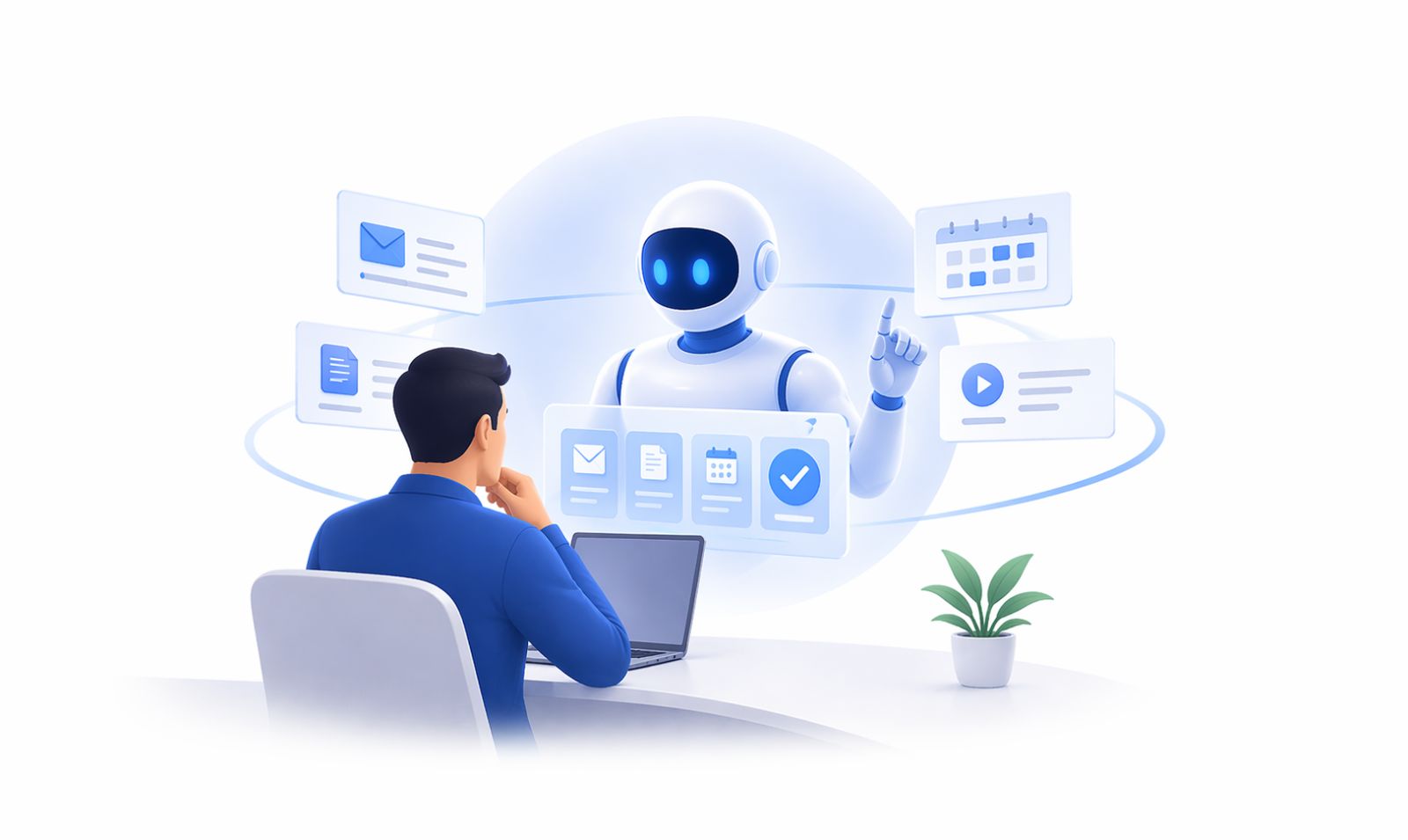
The category that is quietly taking over in 2026 is the personal AI agent – software that does not wait to be asked. It monitors your inbox, maintains your notes, schedules your content, runs your cron jobs, and executes tasks in the background while you focus on decisions only humans can make.
This is not a chatbot. It is not a copilot embedded in your IDE. It is an always-on layer that sits between you and every repetitive cognitive task in your day – and it is already affordable enough to run continuously on modest hardware.
The shift matters because according to McKinsey’s research on generative AI’s economic impact, knowledge workers who offload repetitive, low-judgment tasks to AI agents can redirect 20–30% of their workday toward higher-value work. That is not an incremental improvement. That is a restructured week.
This guide covers how to build that system from scratch – from choosing the right model router to wiring your agent into your social media channels, your messaging inbox, and your daily notes. And at the end, we will show you how ChatbotX fits into the conversational layer of that architecture.
2. What Separates a Personal AI Agent from a Regular Chatbot?
The distinction is worth getting precise about, because the market is full of products that claim to be agents but are really just chat interfaces with a memory toggle.
A genuine personal AI agent has four characteristics:
| Capability | Regular Chatbot | Personal AI Agent |
|---|---|---|
| Memory | Session-only | Persistent across sessions |
| Tool access | None or limited | Browser, files, APIs, scheduler |
| Initiative | Waits for prompts | Runs scheduled tasks autonomously |
| Cost awareness | N/A | Routes requests to cheapest viable model |
The memory piece is the most underrated. An agent that forgets every conversation is not an assistant – it is a search engine with a natural language interface. Real agents write their completed tasks, key facts about your projects, and your stated preferences to a persistent store (commonly SQLite or a local vector database). Over days and weeks, the accumulated context makes the agent dramatically more useful – it no longer needs to be told the same background every time.
According to Wikipedia’s entry on intelligent agents, an autonomous agent is defined by its ability to perceive its environment and take actions toward goals without constant human direction. That definition is the north star for evaluating whether a tool you are considering is truly agentic or just marketing language.
3. The Three Non-Negotiables of Any Real AI Agent Stack
Before installing anything, clarify what you actually need from your agent. The three properties that distinguish a productive daily AI operating system from an expensive experiment are:
3.1 Durable, Searchable Memory
Your agent needs to remember – not just between turns in a conversation, but across days, weeks, and projects. The most practical implementation for a personal setup is a SQLite database where completed task outputs, extracted facts, and API credentials (referenced by variable name, never raw) are written after every successful operation.
Why SQLite specifically? It is a single file, requires zero infrastructure, survives restarts, and can be queried by the agent itself with a simple grep or a structured SQL query. When you paste an API key into a conversation and forget to store it as an environment variable, a memory-equipped agent can retrieve it from its own logs in seconds.
3.2 Multi-Tool Surface Area
A personal AI agent that can only generate text is not actually a personal AI agent. The baseline toolkit should include at minimum: a web browser tool, a file system reader/writer, a web search tool, a cron/scheduler capability, and at least one channel connector (email, messaging, or social). Agents that ship with 40+ built-in tools out of the box skip the painful hours of assembling this from scratch.
3.3 Transparent Token Economics
Token cost is invisible until it hurts. Running a personal AI agent all day using a frontier model without a routing layer can cost $100+ every few days – an amount that turns a productivity tool into a line item that requires justification. The solution is a model router that matches task complexity to model cost: use a free or low-cost model for classification, summarization, and simple retrieval; route only genuinely complex reasoning tasks to expensive frontier models.
With a routing layer in place, early adopters have reported cutting per-day agent spend by up to 90% compared to running all tasks through a single top-tier model. The math changes the calculation entirely for whether you can afford to keep the agent running continuously.
4. Choosing Your Models: Routing for Quality and Cost
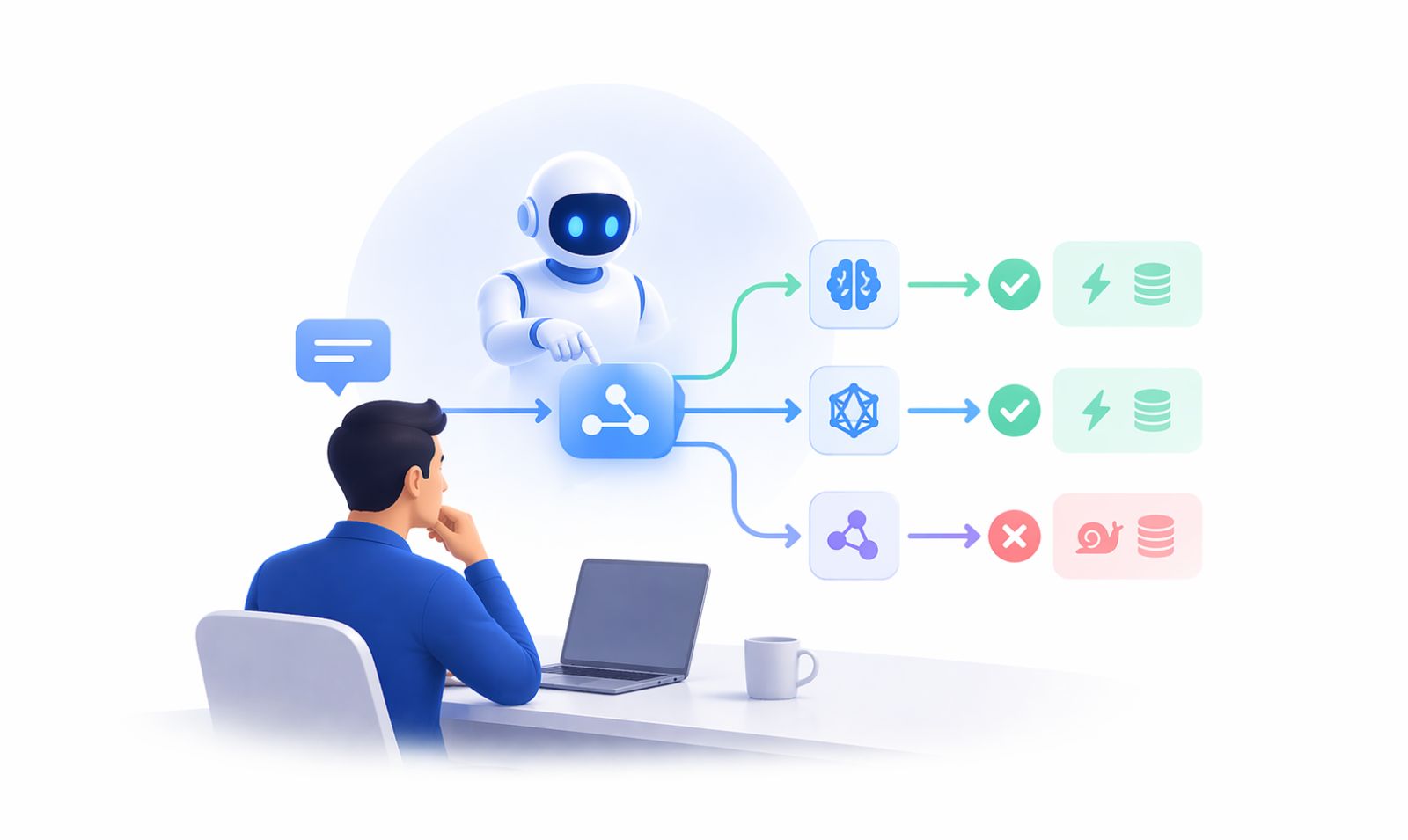
Model routing is the single highest-leverage architectural decision in your personal AI agent setup. Get it right and the agent runs cheaply and fast. Get it wrong and you are either burning money or getting mediocre outputs on tasks that deserved better.
A practical tier structure for 2026:
Tier 1 – Free or near-free models: Use for simple tasks with structured outputs – email classification, tag generation, short summary extraction, yes/no routing decisions. Several capable open models are available via API aggregators at zero or near-zero cost per million tokens.
Tier 2 – Mid-cost models: Use for drafting, code generation, data analysis, and multi-step reasoning that does not require frontier capability. These deliver 80–90% of top-model quality at 20–30% of the cost.
Tier 3 – Frontier models: Reserve for tasks where quality has a direct downstream consequence – final drafts of client-facing content, complex debugging, nuanced decision support. The Anthropic Claude family and equivalent frontier models earn their cost here.
API aggregators that show per-million-token pricing for every available model – including free options – are essential infrastructure. The visibility alone changes behavior: when you can see the cost difference between sending a task to a free model versus a frontier model, you make smarter routing decisions.
5. Wiring Your Agent Into Daily Life: Email, Calendar, Notes
The most time-dense wins from a personal AI agent come from the three systems most people interact with dozens of times a day: their inbox, their calendar, and their notes.
Email Triage on Autopilot
A morning email triage routine that runs before you wake up is one of the clearest demonstrations of what a personal AI agent can do. The agent connects to your inbox, classifies every message by type and urgency, unsubscribes from lists you have not opened in 90 days, archives automated notifications, and surfaces a plain-language digest of the five messages that actually require your attention.
The time saved is 30–60 minutes daily. The compounding effect over a quarter is significant: hundreds of hours redirected from inbox processing to actual work.
Calendar Intelligence
Your agent can read your calendar and cross-reference it against your task list every morning – then suggest what to defer, what to protect, and whether back-to-back blocks will leave enough buffer for deep work. Over time, with access to your patterns, it learns that you are never productive after 3pm on Fridays and stops scheduling anything cognitively demanding there.
Notes as a Living Dashboard
Tools like Obsidian – built on plain markdown files stored locally – are the ideal notes layer for a personal AI agent because the agent can read, write, and reorganize them without any special API access. A single home.md file updated by the agent each morning – with this week’s priorities, active projects, upcoming commitments, and a rolling log of open questions – eliminates the 10 minutes of “what was I doing?” that starts many people’s mornings.
The agent builds this dashboard better after a week of watching your behavior than any template you could configure manually.
6. Your Agent as a Content Machine
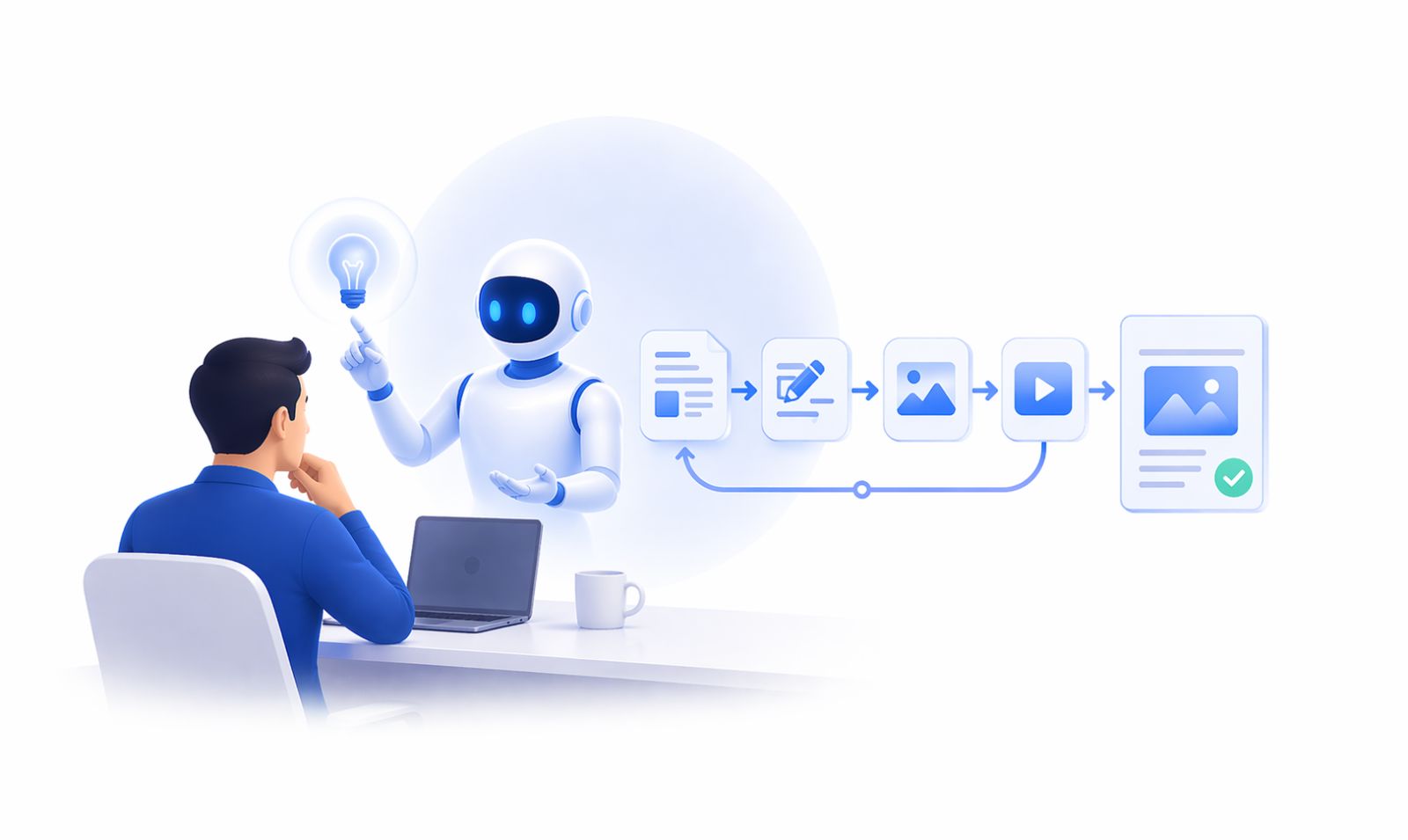
If you create content – whether for business, a personal brand, or both – a personal AI agent fundamentally changes your output capacity. Not by replacing your ideas, but by handling everything between “the idea” and “the published post.”
A content-focused agent workflow might look like:
- You dictate a rough idea or pull a headline from your notes.
- The agent expands it into a draft appropriate for each target platform.
- It schedules the formatted output across your channels at optimal times.
- The next morning, it reports back on which post performed and why.
The critical infrastructure layer here is the channel connector – the piece that handles platform-specific formatting, character limits, OAuth token refreshes, and API retry logic so you never have to think about it. This is where platforms like ChatbotX’s AI Agents feature become relevant: rather than writing brittle custom integrations for each messaging platform, you delegate the channel complexity to a purpose-built layer and let your agent focus on the content itself.
Pro tip: Use the agent to draft content; use an omnichannel Flow Builder to govern how that content reaches your audience across platforms without duplicating effort.
7. The Codify-Don’t-Repeat Principle: From LLM Calls to Scripts
This is the principle that separates people who run a genuinely efficient personal AI agent from people who run an expensive one.
Every time your agent uses an LLM to answer the same type of question twice, it has failed you. The first time is learning. The second time is waste.
The workflow should be:
- Ask your agent to do something for the first time → it reasons through it with an LLM call.
- Ask your agent to write a script that does the same thing → it generates a bash script, Python function, or cron job.
- All future executions of that task run the script, not the LLM.
Applied systematically, this converts your agent from a reasoning engine into a growing library of executable automations, each of which runs at near-zero cost. The LLM remains active for tasks that genuinely require judgment. Everything else becomes infrastructure.
This is also how you scale without scaling your bill. By codifying repeatable tasks, you can add more agents or more workflows without the token cost growing proportionally.
8. Running a Personal AI Agent on Affordable Hardware
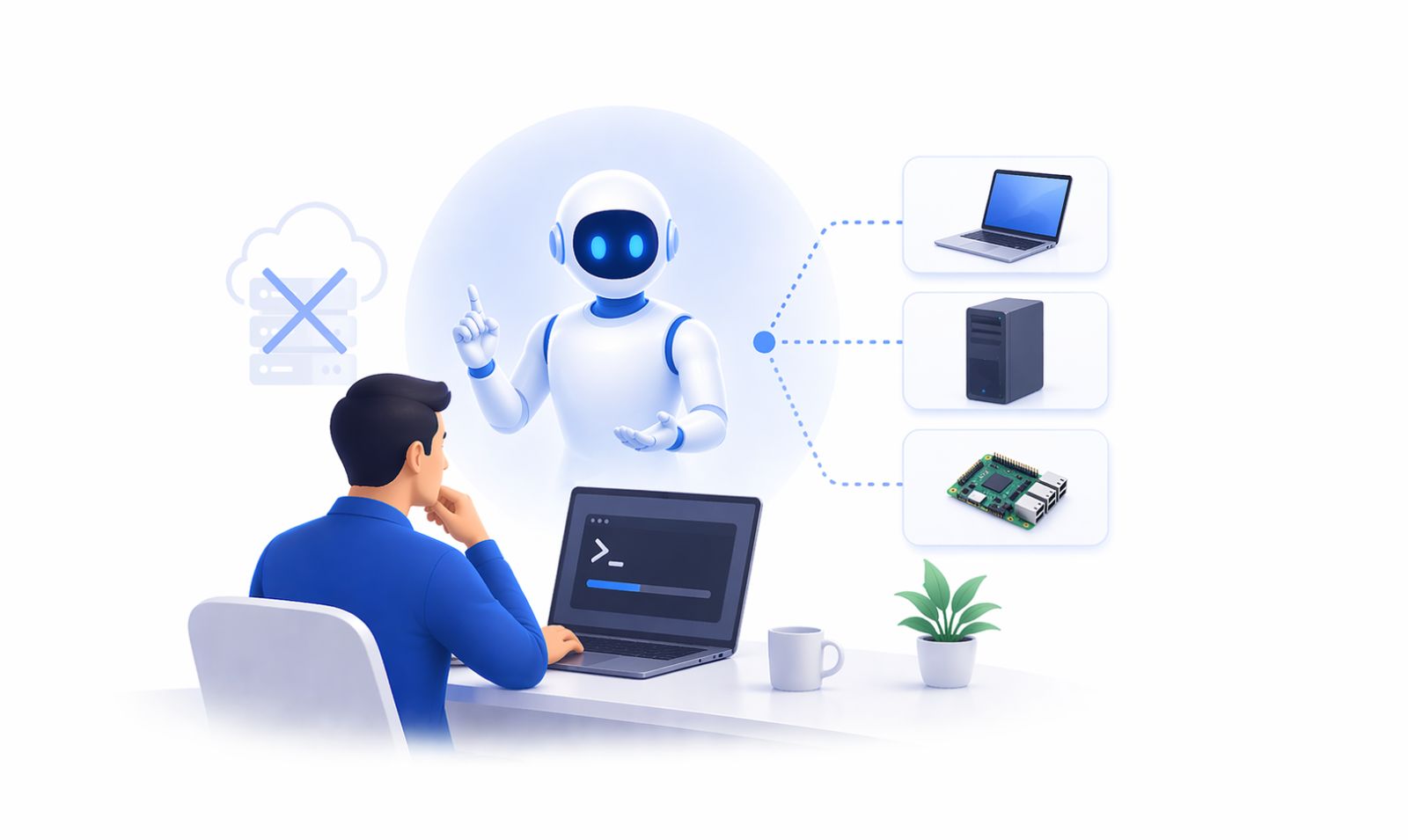
Many people assume a personal AI agent requires dedicated server infrastructure. It does not.
The minimum viable setup is a device you already own – a Mac, a Linux machine, or a Windows Subsystem for Linux (WSL) environment – running your agent process in the background. Installation for most modern agent frameworks is a single command, and the memory footprint is light.
The always-on setup trades desktop hardware for a phone. An Android device running a terminal emulator exposes device-level capabilities – camera, SMS, Wi-Fi state, vibration – to the agent. A $150–200 Android phone with a SIM card and a modest data plan becomes a dedicated agent node that costs less than a month of frontier model API access.
The reason this matters for anyone thinking about social media or messaging: posting from a real device running a native app produces different outcomes on some platforms than posting from a server-side API call. Reach, timing accuracy, and platform trust signals can all differ. A device-native agent handles the nuance automatically.
For businesses managing multi-channel messaging, the equivalent to device-native posting is using a platform that has genuine, certified API access – like ChatbotX’s WhatsApp and Messenger integrations – rather than unofficial API wrappers that risk account suspension.
9. The Four Nightly Questions That Compound Over Time
The biggest mistake people make with a personal AI agent is treating it like a search engine: ask a question, get an answer, close the window. That usage pattern produces none of the compounding benefits.
The pattern that actually works is a daily ritual – a set of fixed questions you ask your agent at the end of every working day, which force it to reason across everything it has observed and stored.
These four questions, asked every night for a week, produce more insight about your work patterns than most productivity systems deliver in a year:
Question 1: “What have I been putting off this week?”
Forces the agent to cross-reference your task list against what actually got done. Surfaces the avoidance patterns you may not want to acknowledge but need to see.
Question 2: “What is the single most important thing I should do first tomorrow?”
Requires the agent to synthesize your goals, deadlines, and open loops into one prioritized decision – so your morning starts with clarity rather than inbox anxiety.
Question 3: “Which tasks did I do today that you could have automated?”
This is the meta-question. Every task you did manually that the agent could have handled is an automation waiting to be built. Asking it explicitly, every day, is how the library grows.
Question 4: “What is one tool or script you could build tonight that would make tomorrow easier?”
The agent works while you sleep. This question gives it permission – and a direction. By morning, you have a new capability you did not have at bedtime.
Run this ritual for 30 consecutive days. The compounding effect is real.
10. How to Measure Your Agent’s Real-World ROI
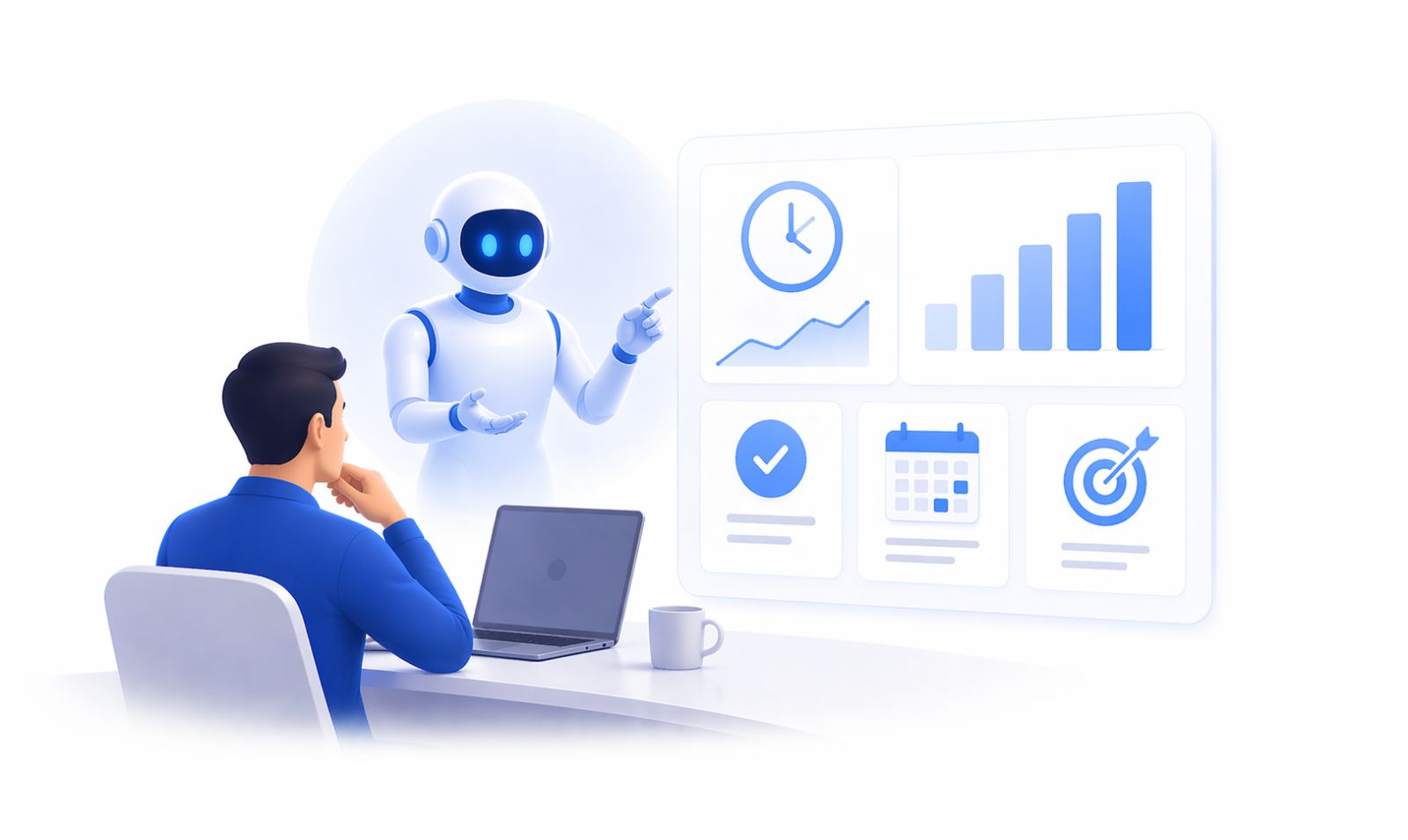
Agent ROI is not difficult to measure. Most people just do not measure it. Here is a simple framework:
Time saved (daily average): Track the tasks your agent handles autonomously each day and estimate the time you would have spent on each. After two weeks, you have a baseline. Typical wins after setup: 45–90 minutes per day across email, content scheduling, and admin.
Token cost per day: Your model router should give you this number. Compare it against the hourly value of your time. If you save 60 minutes at $50/hour in value, and your agent costs $3/day to run, the ROI is roughly 16:1.
Output volume increase: Measure concrete outputs – emails sent, posts published, reports generated, leads followed up – before and after. A personal AI agent typically increases output volume without increasing working hours. That ratio is the productivity multiplier.
Decision quality: Harder to quantify, but track whether you are making better-informed decisions when your agent surfaces relevant context proactively. Founders and knowledge workers who have agents actively surfacing deal flow, competitor movements, and customer signals report qualitatively better decision-making within 60 days.
For teams using conversational AI across customer-facing channels, ChatbotX’s built-in Analytics feature provides the same measurement lens for external conversations – tracking message volume, resolution rates, and conversion events so you understand what the agent is actually delivering, not just what it is doing.
11. Practical Roadmap: From Zero to a Running Agent This Week
If you are starting from scratch and want a working personal AI agent by end of week, this is the minimum viable path:
Day 1 – Choose your agent framework and install it.
Look for one that ships with built-in memory, at least 20+ tools, and a model routing layer. Avoid frameworks that require you to assemble these separately – you will spend a week on setup and never get to the actual work.
Day 2 – Connect your model router and set cost thresholds.
Wire in an API aggregator that shows per-token pricing. Configure hard limits per day so you cannot accidentally run up a large bill. Set free or low-cost models as the default and frontier models as the escalation path.
Day 3 – Install your notes and email integrations.
Wire the agent into your existing note system (markdown files are easiest) and your email inbox. Let it observe your inbox for one day without taking action – just logging what it sees. This builds its understanding of your patterns before it starts making decisions.
Day 4 – Run the nightly ritual for the first time.
Ask all four nightly questions. Take the agent’s answers seriously even if they feel rough. The first iteration is never polished. That is fine.
Day 5 – Add your content and messaging layer.
This is where ChatbotX’s API, CLI & MCP integration connects your agent to the channels where your audience already lives. Instead of building OAuth flows and per-platform formatters yourself, plug your agent into ChatbotX and let it handle the channel complexity.
Day 6 – Codify your first two automations.
Take the two most repetitive tasks your agent handled this week and ask it to write scripts for them. Add those scripts to a cron schedule. You have just stopped paying the LLM tax on those tasks forever.
Day 7 – Review and reset.
Measure what changed. Calculate the time saved. Identify the next three tasks to automate. Repeat.
12. Conclusion: ChatbotX — The Conversational Layer Your Agent Stack Is Missing
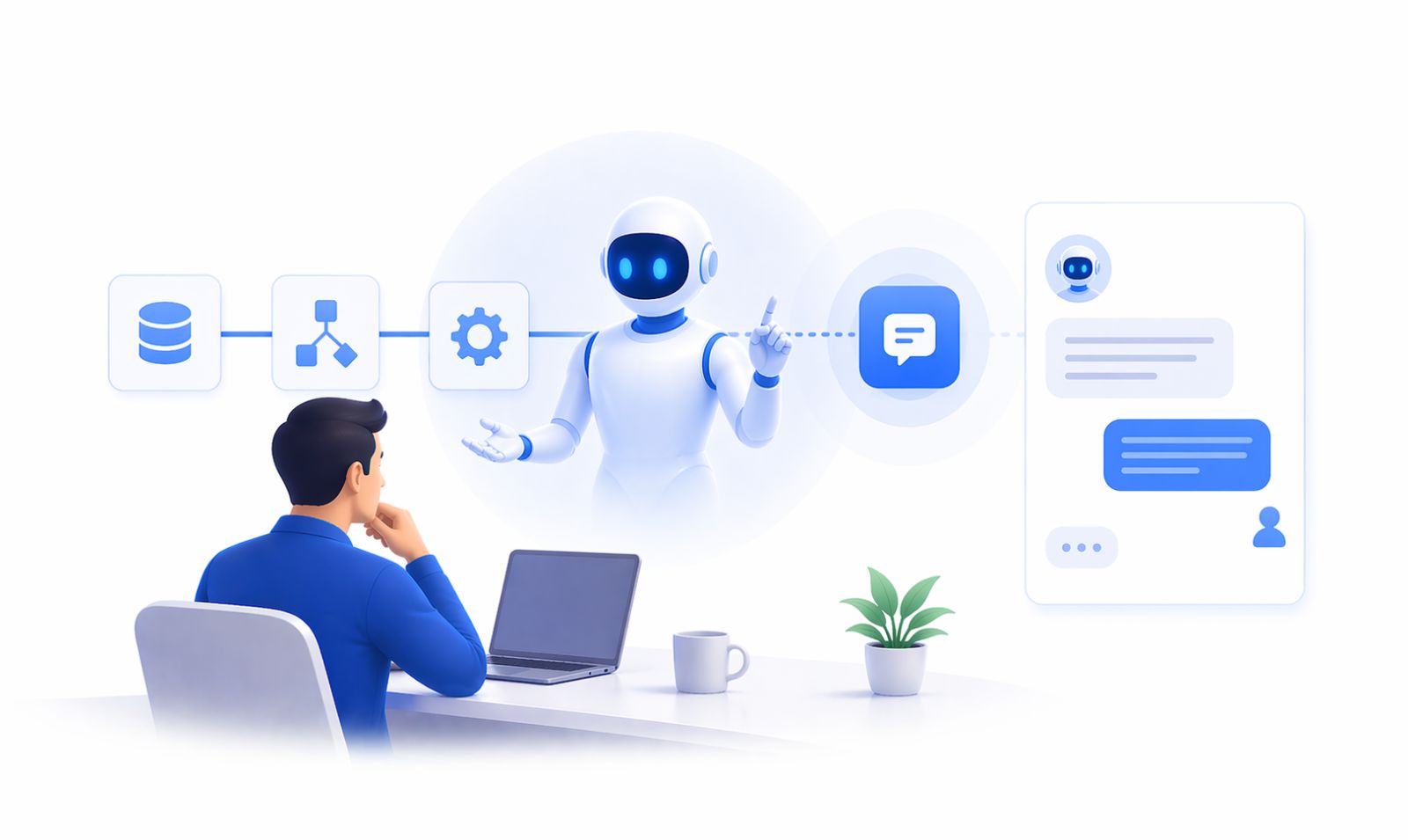
Building a personal AI agent that genuinely runs your day requires assembling several layers: a reasoning engine with persistent memory, a model router that keeps costs rational, tool integrations that connect to your existing workflows, and a channel layer that reaches the people and platforms that matter to you.
Most personal AI agent frameworks excel at the first three. The fourth – the conversational channel layer – is where the majority of productivity builders hit a wall. Writing and maintaining integrations for WhatsApp, Messenger, Instagram, Telegram, and email individually is engineering work that has nothing to do with the goals you set up an agent to achieve.
ChatbotX solves exactly that problem. As an open-source, agentic omnichannel chat marketing platform trusted by 5,000+ brands, ChatbotX provides the certified channel infrastructure your AI agent can call without managing OAuth flows, API versions, or per-platform formatting rules.
Here is what that looks like in practice:
- Your personal AI agent decides what to send and to whom – applying reasoning, memory, and context.
- ChatbotX’s AI Agents feature handles intent detection, routing, and response delivery across WhatsApp, Messenger, Instagram, Telegram, and Webchat.
- The Shared Inbox keeps your team aligned on every customer conversation happening across all channels simultaneously.
- Growth Tools and Remarketing automations let your agent trigger targeted follow-up sequences based on user behavior – the kind of precision that manual social media management never achieves at scale.
- The Flow Builder translates your agent’s decision logic into structured conversation flows that non-technical teammates can read, audit, and modify.
- CRM Contacts gives your agent a structured view of everyone it has ever interacted with – feeding better personalization back into every future conversation.
For developers who want to extend beyond the UI, ChatbotX’s API, CLI & MCP layer – including Model Context Protocol support – means your personal AI agent can programmatically trigger flows, fetch conversation history, and push messages across channels with a single authenticated API call.
You have spent time and effort building a personal AI agent that reasons well, remembers your patterns, and operates autonomously. Give it a channel layer that matches that ambition. Explore what ChatbotX can do for your agent stack – the first 14 days are free, no credit card required.