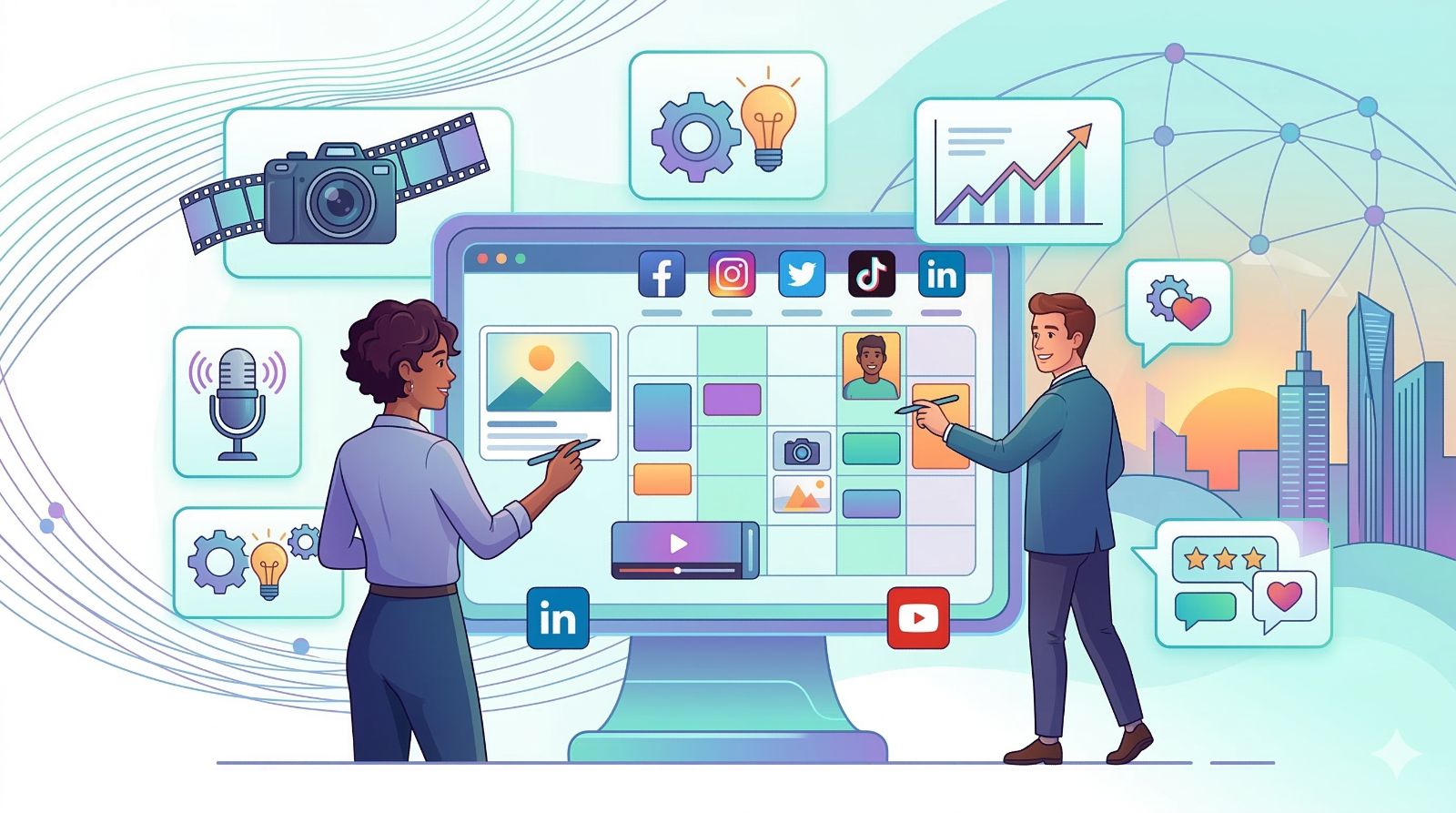
Quick Summary: A social media content planning template gives your brand the structure it needs to post consistently, save hours every week, and turn every piece of content into a measurable growth driver. With 5.66 billion social media users worldwide – representing 68.7% of the global population (DataReportal, 2026).
Launch agentic chat marketing in minutes with ChatbotX








Why Most Social Media Strategies Fail Before They Even Start

Here’s a scenario most marketers know well: you open your brand’s Instagram profile on a Monday morning and realize the last post was eleven days ago. You sit down to “quickly put something together,” and suddenly an hour has disappeared with nothing to show for it.
This is not a creativity problem or a budget problem. It’s a systems problem.
According to Buffer’s 2026 analysis of 52+ million posts across 200,000+ accounts, the brands and creators that consistently outperform their competitors share one common trait: they show up regularly, and they respond. Accounts that reply to comments outperform those that don’t by up to 42% on engagement – but you can only reply consistently when your publishing workflow is already under control.
The fix isn’t working harder. It’s working with a system – specifically, a social media content planning template that turns content creation from a daily scramble into a predictable, repeatable process.
And when you pair that system with the right automation layer, results compound fast. As covered in the complete guide to social media automation for 2026, teams that combine structured content planning with intelligent automation consistently outperform those relying on manual effort alone.
What Is a Social Media Content Planning Template?
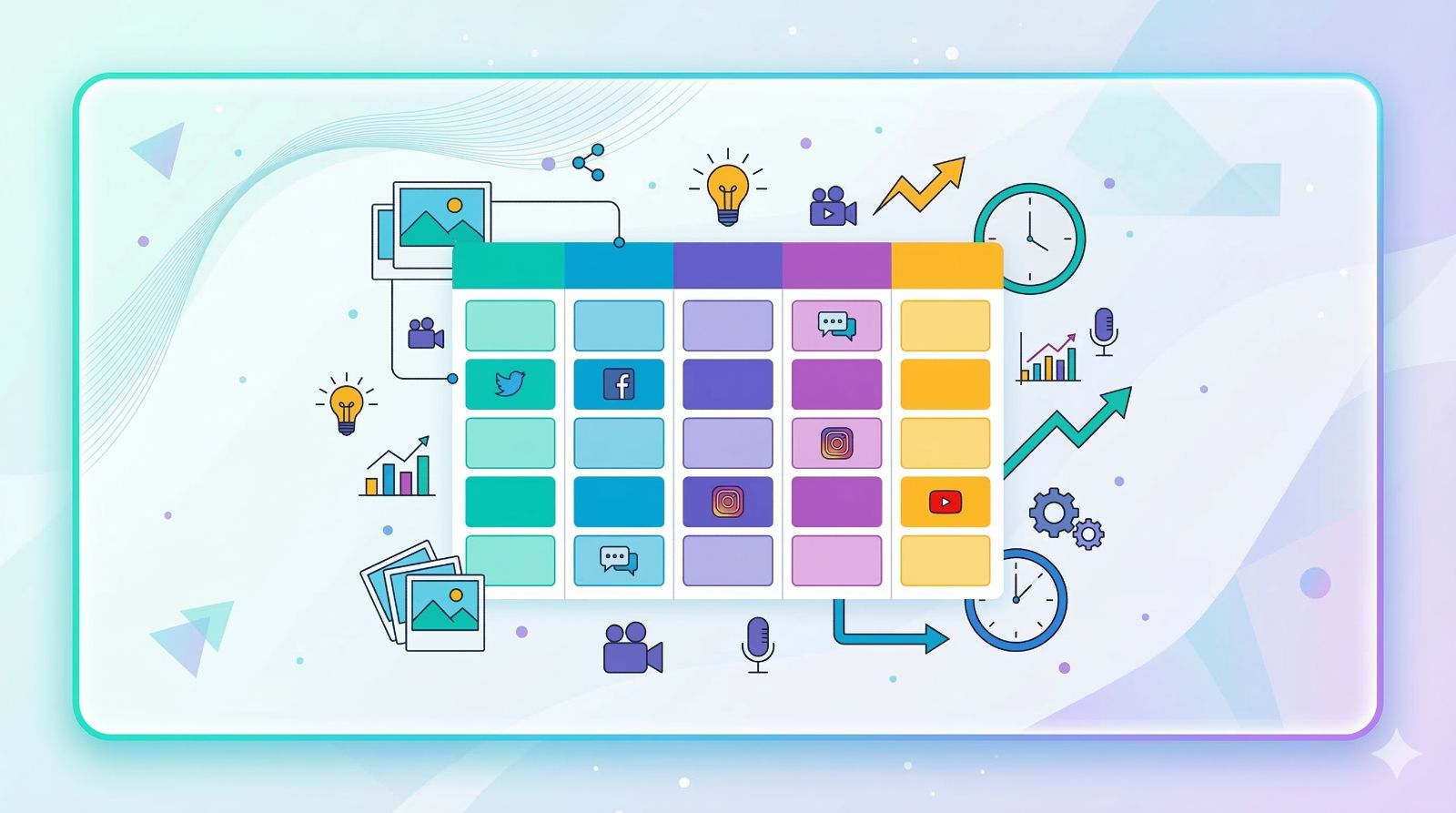
A social media content planning template is a pre-built framework – a spreadsheet, app, or structured document – that organizes every aspect of your social publishing workflow in one place. Think of it as the operational backbone of your content strategy: it tells your team what to publish, where, when, and how to measure whether it worked.
A fully functional template typically captures the following:
- Publish date and time – per platform, accounting for peak engagement windows
- Platform – Instagram, LinkedIn, TikTok, Facebook, X (Twitter), YouTube Shorts, etc.
- Content pillar / category – the thematic bucket this piece belongs to
- Content format – short video, static image, carousel, infographic, text-only post, Story, Reel
- Caption draft and hashtags – ready to copy-paste or schedule
- Asset status – Draft / In Review / Approved / Scheduled / Published
- Assigned team member – critical for collaborative workflows
- UTM-tagged link – for traffic tracking in Google Analytics
- Performance metrics – reach, impressions, engagement rate, clicks, conversions
5 Proven Benefits of Using a Social Media Content Calendar Template
1. Brand Consistency Across Every Channel
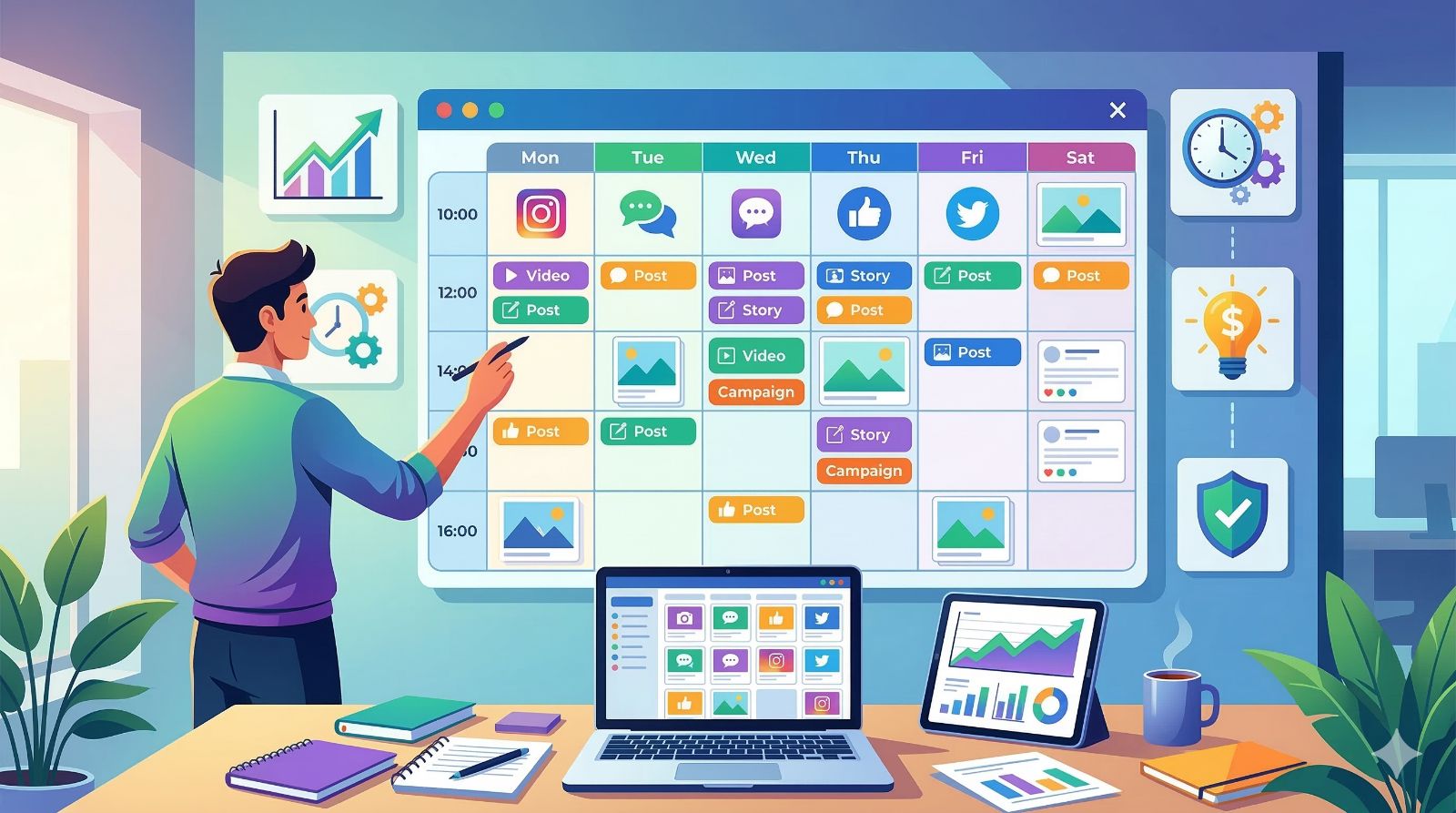
When content is planned in advance, your brand voice, visual identity, and messaging remain aligned – post after post, week after week. In 2026, the average user maintains a presence on 6.83 social platforms simultaneously – meaning your audience is comparing your brand across channels in real time. Consistent brands earn recognition faster, deeper trust, and longer-term loyalty. This consistency is also the foundation of any effective social media growth strategy.
2. Massive Time Savings Through Batching
Content batching – creating a week’s or month’s worth of posts in a single focused session – is one of the highest-leverage habits in digital marketing. With a solid template, many marketers plan an entire month of content in under three hours, compared to the 20–30 minutes spent daily when working reactively.
3. Never Miss a Trending Moment or Key Date
A calendar-based template surfaces upcoming holidays, industry events, product launches, and seasonal campaigns weeks in advance. You’ll never again find yourself rushing to create a Valentine’s Day post on February 13th – or missing a major industry conference entirely.
4. Higher Content Quality
Content created under pressure is rarely your best work. When posts are planned ahead, your team has time to research, write, design, review, and refine. The data backs this up: according to 2026 Instagram benchmarks, carousels generate nearly 3× the impressions of single-image posts, and Reels average 4.2–7.1% engagement across account sizes – performance that only comes from deliberate creative effort, not rushed publishing.
5. Cleaner Measurement and Faster Optimization
A content planning template naturally encourages a performance-tracking habit. When you log results alongside each planned post, patterns emerge quickly. To give you a 2026 baseline: average engagement rates by platform are TikTok 3.70% (up 49% YoY), Instagram 0.48%, LinkedIn 3–3.5%, and Facebook 0.15% – according to Socialinsider’s analysis of 70 million posts. Knowing your benchmarks is what transforms a calendar into a strategic tool. For a deeper framework on tying content to revenue, see these 15 proven social media ROI strategies.
7 Best Social Media Content Planning Templates in 2026

1. Google Sheets – Best Free Option for Individuals and Startups
Google Sheets remains the most accessible starting point for anyone new to content planning. You can build a fully functional content calendar with monthly views, platform-specific tabs, status filters, and UTM tracking – all at zero cost. Dozens of free templates are available in the Google Workspace Marketplace to give you a running start.
| Best for | Solopreneurs, freelancers, early-stage startups |
| Pros | Completely free, real-time collaboration, no setup required, highly customizable |
| Cons | No native scheduling automation, limited visual calendar UX, no built-in analytics |
2. Notion – Best All-in-One Workspace for Creative Teams
Notion has become the tool of choice for content teams that want to manage the entire lifecycle of a post – from ideation to performance review – in a single workspace. Its flexible database architecture lets you build a content hub that combines a calendar view, task assignments, approval workflows, and a brand knowledge base, all interconnected.
| Best for | Marketing teams of 2–15 people, boutique content agencies |
| Pros | Highly customizable, clean UI, strong collaboration features, generous free tier |
| Cons | Steep learning curve for non-technical users, free plan has page limits |
3. Trello – Best Visual Workflow for Process-Oriented Teams
If you think in workflows rather than calendars, Trello’s Kanban-style boards make the status of every piece of content instantly visible. Each post lives on a card that moves through columns – Ideation → Writing → Design → Review → Scheduled → Published – giving the whole team a real-time snapshot of the pipeline.
| Best for | Teams that prioritize workflow clarity and task management |
| Pros | Intuitive drag-and-drop, solid free tier, excellent mobile app |
| Cons | Calendar view is limited without Power-Ups, requires third-party tools for auto-scheduling |
4. Buffer – Best for Lightweight Scheduling + Planning
Buffer has evolved well beyond a simple scheduling tool. Its modern interface lets you draft content, preview how posts will look on each platform, organize ideas in a content queue, and publish automatically across multiple channels – all within a clean, distraction-free environment.
| Best for | Small businesses wanting an all-in-one planning and scheduling solution |
| Pros | Clean UX, generous free plan (up to 3 channels), basic analytics included |
| Cons | Limited deep analytics; team collaboration features require paid tiers |
5. Sprout Social – Best Enterprise-Grade Content Management
Sprout Social is one of the most comprehensive social media management platforms available, combining a sophisticated content calendar with social listening, CRM-level inbox management, and boardroom-ready analytics. Its multi-user approval workflows are especially powerful for organizations managing multiple brands simultaneously.
| Best for | Enterprise teams, large agencies, multi-brand organizations |
| Pros | Deep analytics, built-in social listening, multi-account management at scale |
| Cons | Premium pricing; feature depth may be overkill for smaller teams |
6. CoSchedule – Best for Cross-Channel Marketing Alignment
CoSchedule’s Marketing Calendar goes beyond social media – it unifies blog content, email campaigns, paid ads, and social posts into a single master calendar. For teams that need to coordinate messaging across multiple marketing channels simultaneously, this bird’s-eye view is invaluable.
| Best for | Marketing teams running multi-channel campaigns |
| Pros | True omni-channel calendar view, strong WordPress integration, team task management |
| Cons | Higher price point than social-only tools; setup time is significant |
7. ChatbotX – Best for Turning Planned Content Into Automated Revenue
Most content planning tools stop at publishing. ChatbotX is where the conversation – and the conversion – begins. As an open-source omnichannel AI platform, ChatbotX automatically engages every comment, DM, and message your published content generates across WhatsApp, Messenger, Instagram, Telegram, TikTok, and more – without your team lifting a finger.
The workflow is powerful: your content calendar drives consistent publishing; ChatbotX’s visual Flows automatically respond to inbound engagement, qualify leads, and route them into your sales pipeline. Meanwhile, the AI Agent handles complex queries 24/7, turning passive viewers into active customers – at any scale.
For a full breakdown of how AI-powered chatbots integrate into a social media growth strategy, the guide on what an AI chatbot is and how to deploy one effectively is essential reading.
| Best for | Businesses that want their content to generate leads and revenue automatically |
| Pros | Open-source, omnichannel (8+ platforms), visual Flow builder, AI-powered responses, no per-message fees |
| Cons | Self-hosting requires technical setup; cloud plan recommended for non-technical teams |
How to Build a Social Media Content Planning System from Scratch (5-Step Framework)
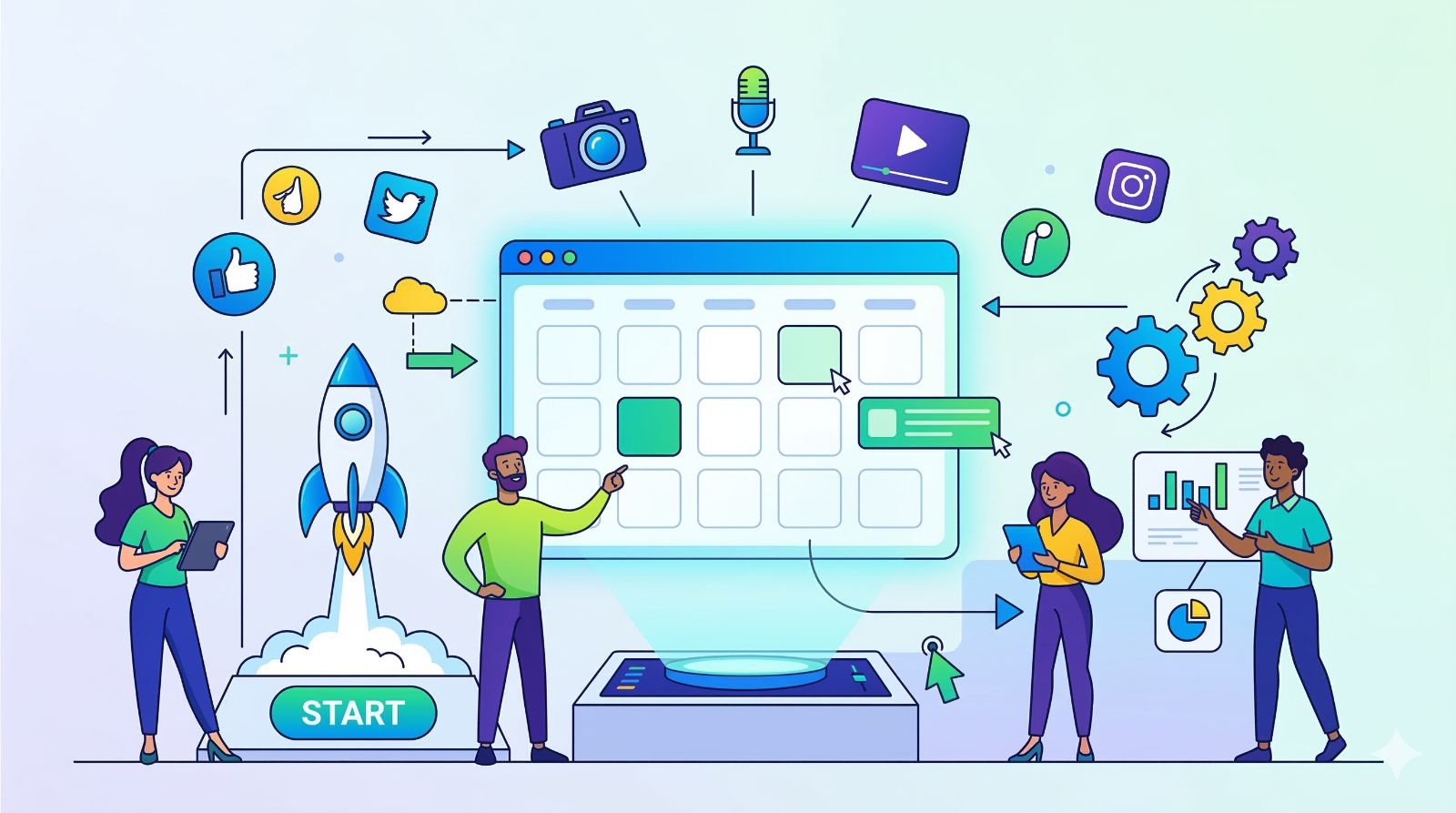
Step 1: Define Specific, Measurable Goals
Before you open any template, answer one question: what does success look like in 90 days? Not “grow our following” – but something measurable. Use 2026 platform benchmarks as your baseline: if your Instagram engagement rate is sitting at 0.3%, a realistic 90-day goal might be reaching the platform average of 0.48%. If you’re on TikTok, aim to reach 3.70% – the current platform average – before targeting top-performer territory.
Your goal dictates your content mix. A brand-awareness goal calls for very different content than a lead-generation goal. Get specific before you plan a single post.
Step 2: Define 3–5 Content Pillars
Content pillars are the core themes your brand owns and returns to consistently. A B2B SaaS company might build its content around: Product Education / Customer Success Stories / Industry Trends / Behind-the-Brand / Thought Leadership. Each pillar serves a distinct purpose in the customer journey – some build awareness, others nurture trust, others drive direct action.
Map each pillar to a business objective. Then, in your template, color-code posts by pillar so you can instantly spot imbalances – like three consecutive weeks of product-focused content without a single value-add post.
Step 3: Set a Realistic Publishing Cadence
The number one content planning mistake is over-committing. According to 2026 benchmarks from Socialinsider, brands post an average of 5 times per week on both Instagram and TikTok. However, more isn’t always better: Social Media Examiner’s 2026 data shows accounts posting 3× per week achieve 4.1% average engagement, while those posting daily drop to 3.2% – a direct result of content fatigue in their audiences.
Start conservatively. Build the muscle. Then increase frequency when your workflow is proven and your content bank is deep enough to absorb bad weeks.
Step 4: Build a Clear Production Workflow
Your template is only as good as the process behind it. Define who writes the copy, who creates the visuals, who approves before publishing, and who monitors comments after. Even a two-person team needs clarity on these roles to avoid bottlenecks.
Once your workflow is stable, explore how strategic automation can eliminate the repetitive parts of your production process – freeing your team to focus on the creative work that actually requires human judgment.
Step 5: Review, Analyze, and Iterate Every Month
Block 45 minutes at the end of each month for a content performance review. Ask three questions: Which posts drove the most engagement? Which format outperformed expectations? Which platform delivered the highest-quality traffic? The answers should directly reshape the next month’s template.
This feedback loop – plan, publish, measure, adjust – is what separates brands that plateau from brands that compound their growth quarter over quarter.
The 80/20 Rule: The Content Mix That Builds Audiences and Drives Sales
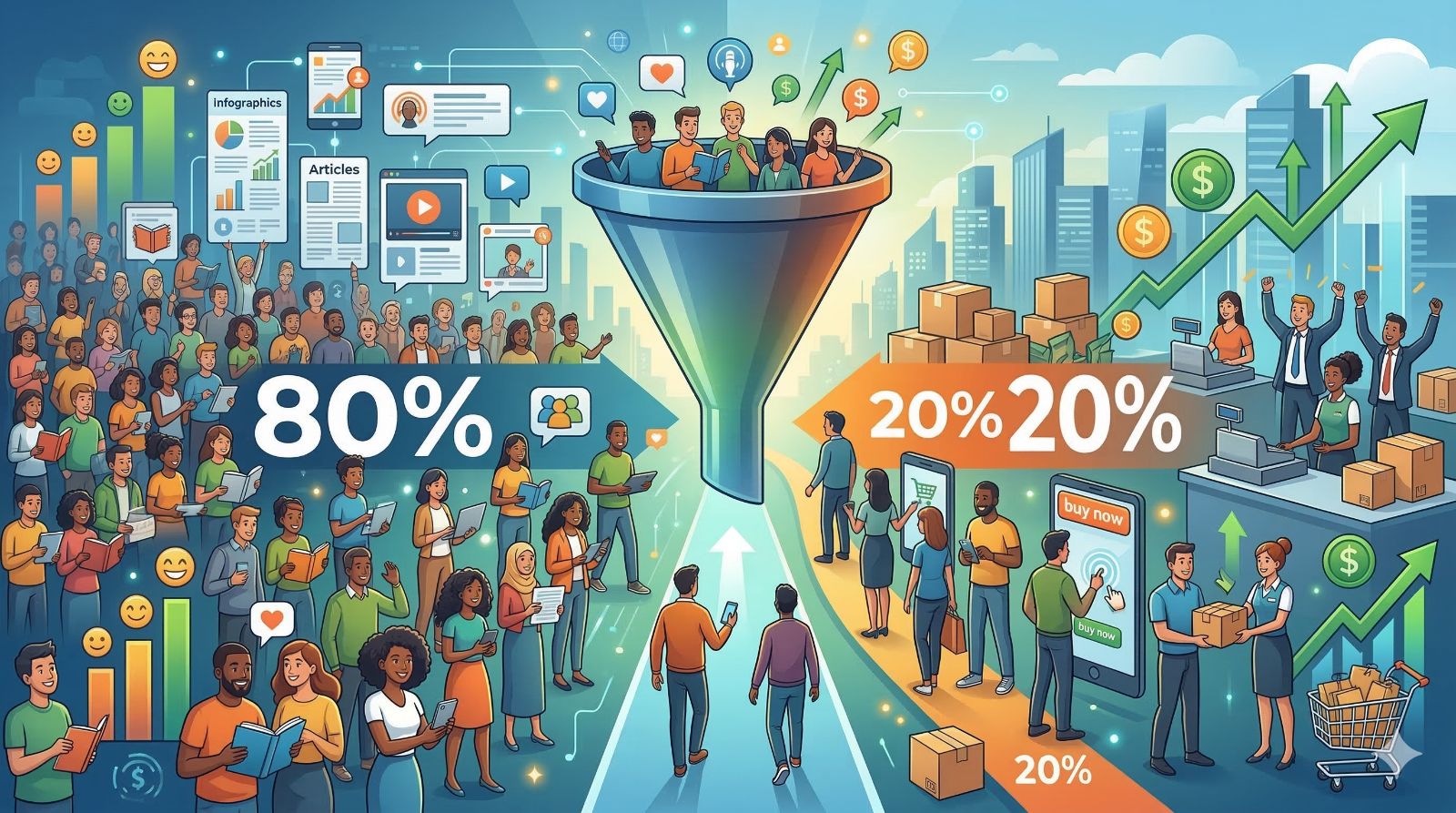
One of the most effective frameworks for structuring your content calendar is the 80/20 rule:
- 80% of your content delivers genuine value to your audience – tutorials, industry insights, inspiring stories, useful tips, behind-the-scenes content, and community-building posts.
- 20% of your content serves direct business objectives – product announcements, promotional offers, free trial CTAs, and sales-oriented content.
When your template enforces this ratio, your audience follows you for value and stays loyal through promotions. Brands that flip this ratio – selling 80% of the time – see rapid follower fatigue and declining organic reach. The 2026 data reinforces this: on Instagram, likes on standard posts have dropped 48% year-over-year, but shares are up 11% and comments up 7% – users are demanding real, two-way value exchanges, not broadcast-style selling.
Critically, 2026 data also confirms that short-form video continues to dominate – roughly 139 million Instagram Reels are watched every minute, and TikTok shares per post have surged 45% year-over-year. Your 80% value content should prioritize these formats.
The 80% value content becomes even more powerful when paired with an AI Agent that engages every person who interacts with it – answering questions, collecting leads, and starting conversations that convert.
7 Critical Mistakes to Avoid With Your Content Planning Template
❌ Copying a competitor’s content calendar verbatimTheir audience is not your audience. A template is a tool; your strategy must be built on your own audience research, brand voice, and business objectives.
❌ Planning so rigidly there’s no room for real-time contentReserve 15–20% of your calendar slots for reactive posts – trending topics, breaking industry news, viral formats. Brands that can move quickly when the moment is right consistently punch above their weight.
❌ Planning without measuringA template with no performance tracking column is just a schedule. The measurement layer is what transforms a calendar into a strategic tool. If you’re not sure which metrics matter most, review the framework for measuring social media ROI before building your tracker.
❌ Using one template identically across all platformsThe 2026 benchmarks make this clearer than ever: TikTok’s engagement rate (3.70%) is 24× higher than Facebook’s (0.15%), and LinkedIn rewards long-form commentary while X rewards real-time speed (posting pace on X is up 40% YoY). A single “universal” post underperforms everywhere. Your template should have platform-specific columns or dedicated tabs.
❌ Ignoring the post-publish phaseContent planning doesn’t end at “Published.” The first 60 minutes after a post goes live are critical for engagement signals. Responding to comments quickly – or automating those responses with keyword-triggered automation – significantly boosts organic reach on most platforms.
❌ Building your template in isolationYour content calendar should connect to your broader marketing calendar – email campaigns, paid ad schedules, product launches, and seasonal promotions. Silos between channels create inconsistent messaging that confuses your audience.
❌ Choosing the most complex tool instead of the most suitable oneThe best content planning template is the one your team actually uses. A simple Google Sheet maintained consistently will always outperform a sophisticated enterprise platform that no one logs into.
Content Planning Template vs. Content Calendar: What’s the Difference?
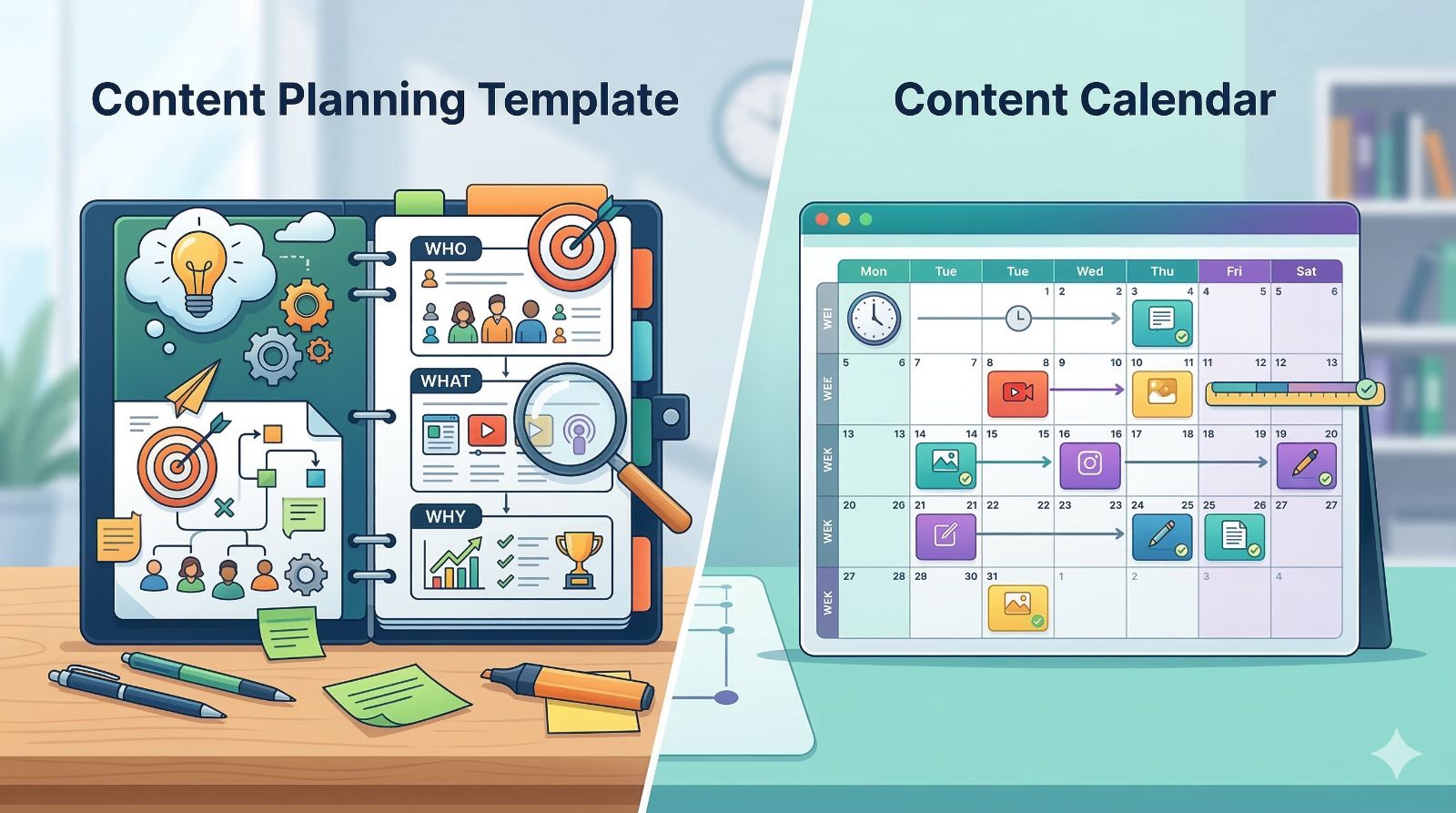
These two terms are often used interchangeably, but they refer to slightly different things – and understanding the distinction helps you use both more effectively:
- A content calendar is primarily a time-based view – it answers “what is being published when?” It’s the scheduling layer.
- A content planning template is a broader operational system – it answers “what are we publishing, why, who’s creating it, and how will we measure success?” It’s the strategic layer that the calendar sits inside.
Best practice is to use both: the planning template as your strategic foundation, and the calendar as its visible output. Most dedicated tools (Buffer, Sprout Social, CoSchedule) give you both within a single interface.
From Content Planning to Automated Growth: The Full-Funnel Approach

The most sophisticated brands in 2026 don’t treat content planning and customer engagement as separate workflows. They’ve built a seamless pipeline:
- Plan – A structured content template ensures the right content reaches the right audience on the right platform at the right time.
- Publish – Automated scheduling tools execute the calendar without manual intervention.
- Engage – AI-powered chatbots respond instantly to every comment, DM, and message the content generates.
- Convert – Conversation flows qualify leads, collect contact details, and hand off high-intent prospects to the sales team.
- Measure – Integrated analytics close the loop, feeding performance data back into the next planning cycle.
This is precisely the model outlined in the complete 2026 social media growth strategy guide – and it starts with a solid content planning template as the foundation.
For businesses operating across multiple messaging channels, the cross-platform chatbot guide explains how to maintain a unified customer experience from the moment someone sees your content to the moment they complete a purchase.
Frequently Asked Questions
What is a social media content planning template?
A social media content planning template is a pre-built framework that organizes every aspect of your social publishing workflow: content ideas, publish schedules, platform assignments, content formats, caption drafts, team responsibilities, and performance tracking – all in one place.
How many times per week should I post on social media?
According to 2026 benchmarks, leading brands average 5 posts per week on Instagram and TikTok. However, frequency alone isn’t the answer: accounts posting 3× per week actually achieve higher average engagement (4.1%) than those posting daily (3.2%), due to content fatigue. The safest approach is to start with a sustainable cadence of 3–4 posts per week, measure your engagement rate against platform averages, and scale up only when your content quality remains consistently high.
What is the best free social media content planning template?
Google Sheets remains the top free option for individuals and small teams. No installation is required, collaboration is real-time, and the spreadsheet can be fully customized to track content status, platform, format, captions, hashtags, and KPIs.
What should a social media content calendar include?
A complete social media content calendar should include: publish date and time, platform, content pillar/category, content format, caption draft, hashtags, assigned team member, approval status, the live post URL (after publishing), and key performance metrics to review at month-end.
Ready to see how planned content combined with intelligent automation drives real business growth? Start your free ChatbotX account and build your first automated response flow in under 10 minutes.