
The era of passive chatbots is over. In 2026, the elite are building personal AI agents-persistent, memory-equipped systems designed to automate complex workflows and manage daily operations autonomously. This guide breaks down how to design your own intelligent operating system, integrate it with your existing tools, and slash AI token costs by 90% while scaling your productivity to new heights.”
Launch agentic chat marketing in minutes with ChatbotX














The Shift Nobody Talks About: From AI Tool to AI Infrastructure
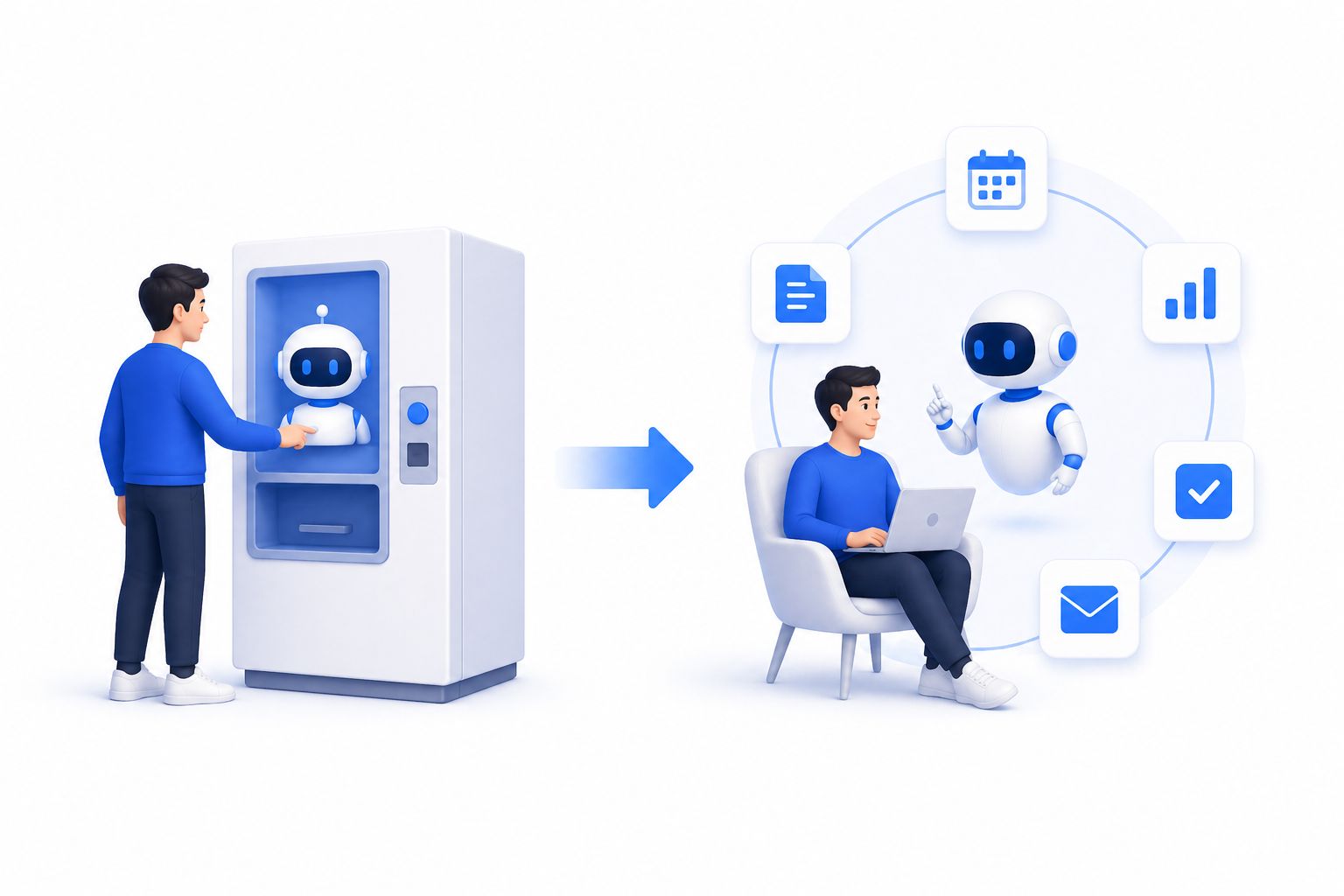
Most people interact with AI the same way they interact with a vending machine – put in a prompt, take out an answer, close the tab. That model made sense in 2023. In 2026, it’s leaving serious productivity on the table.
The professionals quietly pulling ahead aren’t using AI more often. They’ve restructured it differently: instead of one-shot conversations, they run a personal AI agent – an always-on layer that remembers context, manages recurring tasks, coordinates tools, and makes decisions autonomously without waiting to be asked.
Think of it as the difference between hiring a freelancer for a single project versus hiring a chief of staff who already knows your priorities, your communication style, your blockers, and your goals. The first is convenient. The second is transformative.
According to McKinsey’s 2025 State of AI report, organizations and individuals that treat AI as infrastructure – not a point tool – report 3x higher productivity gains than those using AI reactively. Building a personal AI agent is how you join that group.
What Makes a Personal AI Agent Different from a Chatbot
Before diving into architecture, it’s worth being precise about terminology, because the word “agent” gets overloaded fast.
| Feature | Standard AI Chatbot | Personal AI Agent |
|---|---|---|
| Memory | Resets each session | Persistent across days/weeks |
| Trigger | You prompt it | Scheduled, event-driven, or proactive |
| Scope | Single task | Multi-step workflows |
| Tools | Minimal | Browser, calendar, email, APIs, files |
| Cost over time | Linear | Decreasing (codifies logic into scripts) |
| Learning | None | Improves with your patterns |
A chatbot answers questions. A personal AI agent runs processes. The distinction is architectural, not cosmetic. If your AI forgets everything every morning, it’s not an agent – it’s a very fast search engine.
For a deeper breakdown of these differences and a step-by-step implementation guide, read: How to Build a Personal AI Agent That Actually Runs Your Day – The 2026 Guide to Your AI-Powered Daily Operating System
The Four Pillars of a High-Performance Personal AI Agent
Reliable personal AI agents share four structural characteristics. These are the non-negotiables before you start adding skills and automations.
1. Persistent Memory
Without memory, you become your agent’s memory – and that defeats the purpose entirely. The best setups write completed tasks, user preferences, project states, and learned patterns to a local database (SQLite is common, lightweight, and queryable by the agent itself).
The practical payoff: after two weeks, you stop explaining context. The agent already knows that your Monday morning priorities differ from Friday afternoons, that you prefer bullet-point summaries over prose, and that you never want to see promotional emails before 10 AM.
To understand how modern AI systems handle memory architecture, see OpenAI’s research on long-context reasoning.
2. Stable, Autonomous Runtime
Most people’s first experience with an AI agent crashes within 24 hours because of gateway failures, token limits, or context window overflows. A production-grade personal agent needs to run unattended – on a home server, a Mac mini, an Android device, or a cloud VM – without requiring a daily restart.
The best implementations run as a background service with watchdog processes and automatic reconnection logic. If you are regularly babysitting your agent, you have not set it up correctly yet.
3. Real Cost Transparency
Token costs without visibility are the silent budget leak of AI power users. Running a personal AI agent 24/7 with a frontier model will cost hundreds of dollars per month – unless you’re intentional about the model-routing strategy.
The professionals who have cracked this use tiered model logic:
- Frontier models (Claude Opus, GPT-4o) for reasoning-heavy decisions
- Mid-tier models for drafting and summarization
- Free or near-free models for classification, routing, and cron-triggered batch work
Switching from “always use the best model” to “use the right model for each job” is typically where you find the 70–90% cost reduction everyone talks about.
4. Extensible Tool Surface
An AI agent with no tools is a text generator. The real leverage comes when your agent can read your emails, query your calendar, browse the web, execute code, trigger API calls, and publish content – all without switching context.
Look for agents that ship with a broad default toolset and allow skill/plugin installation rather than starting from scratch. The first few hours of setup should give you genuine utility, not a weekend of configuration.
Designing Your Personal AI Agent: A Practical Blueprint
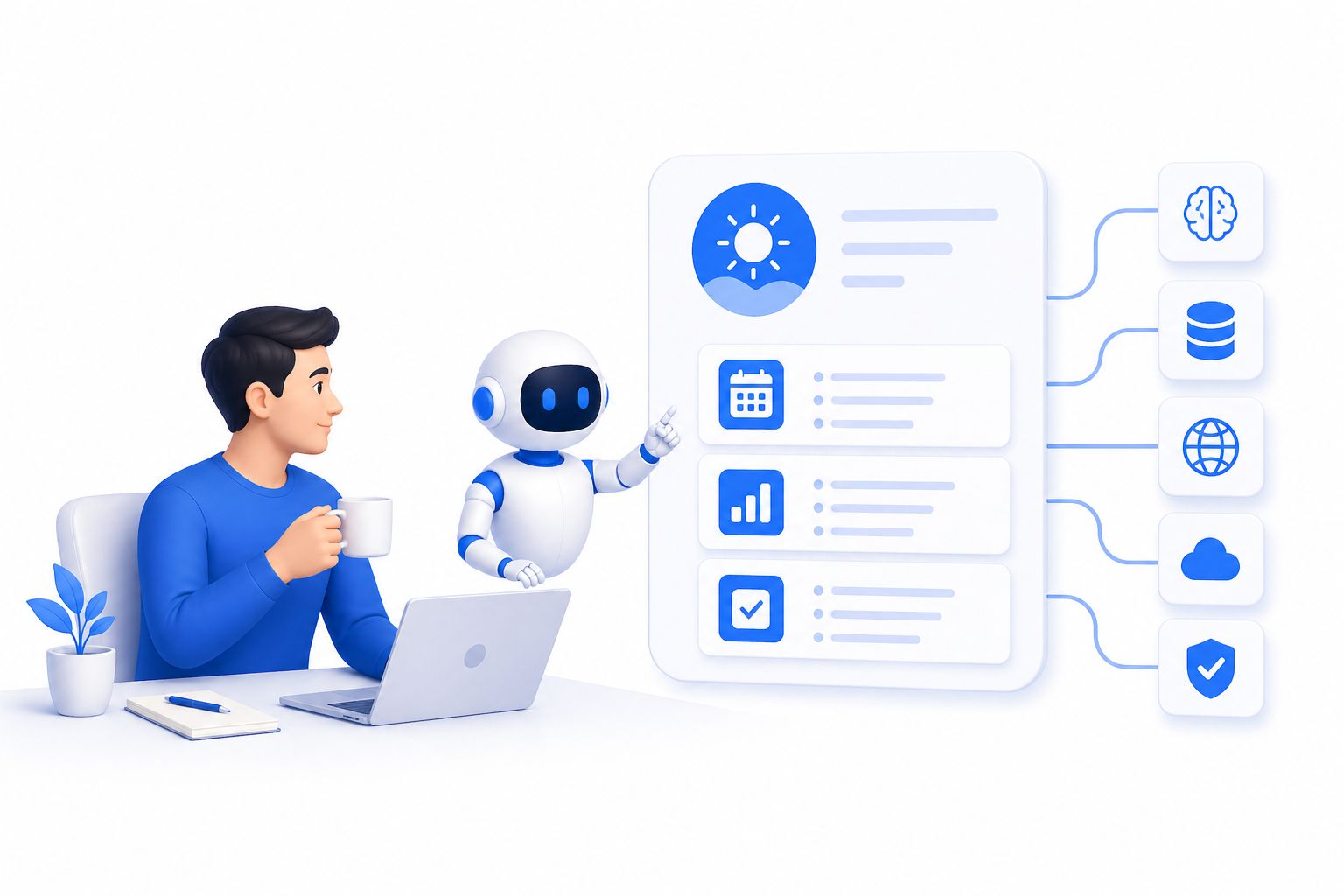
Here is a modular architecture that works whether you are a solo creator, a startup founder, or a knowledge worker at a large organization.
Module 1: The Morning Intelligence Layer
Every morning before you touch your inbox, your agent should deliver a structured brief:
- Email digest: 5 emails that require action, with priority ranking and draft replies
- Calendar scan: conflicts identified, prep notes pulled for each meeting
- Task carry-forward: unfinished items from yesterday with updated context
- News relevance filter: 3–5 headlines directly relevant to your projects or industry
The key implementation detail: this shouldn’t cost you LLM tokens every morning for the parts that can run as deterministic code. Let the agent write the email-fetching and calendar-parsing scripts on day one, then run those scripts on a cron job. Only the final synthesis – “what do these signals mean for my day?” – needs LLM reasoning.
This is how you build a truly intelligent layer without a $200/month token bill.
For more on building intelligent AI content pipelines that run autonomously, check out: Build an AI Content Pipeline with Claude Code: The Complete 2026 Guide
Module 2: The Decision Support Engine
The highest-leverage use of a personal AI agent is not task execution – it’s decision support. Most knowledge workers spend 30–40% of their cognitive energy on decisions that feel important but are actually mechanical: which email to respond to first, which meeting to accept, which project to deprioritize.
Train your agent to make these mechanical decisions on your behalf by surfacing a ranked list rather than a flood of inputs. The prompt pattern that works:
“Given my current projects, calendar load, and pending tasks, rank today’s decisions from highest to lowest strategic importance. For each, show me the 2–3 factors that determined the ranking.”
Run this as part of your morning brief and you start each day with a cognitive map instead of a blank slate.
Module 3: The Content Engine
For creators, marketers, and founders, content is the perpetual bottleneck. A personal AI agent eliminates the “staring at a blank screen” problem entirely.
The workflow that consistently produces output:
- Capture raw input – voice notes, meeting transcripts, article links, shower thoughts – into a single inbox (Obsidian, Notion, or a plain markdown folder all work)
- Agent processes the inbox nightly – clusters related ideas, identifies the strongest angles, and drafts content outlines
- You review outlines, not blank pages – editing takes 20 minutes; origination took zero
The agent that does this well also understands channel-specific formatting. A LinkedIn article is not a Twitter thread is not a blog post. Your agent should know the difference and adapt accordingly.
For the psychological principles behind content that captures attention at scale – and how your agent can apply them automatically: The Psychology of Viral Hooks: How to Stop the Scroll and Command Attention in 2026
Module 4: The Automation Codification Loop
This is the module most people skip, and it’s the one that compounds the most.
Every time your agent solves a problem for the second time, that’s a signal. Second repetition means there will be a third, a fourth, a fiftieth. At that point, paying LLM token costs every single time is wasteful – convert the pattern into a deterministic script or a lightweight function call.
The meta-prompt that surfaces these opportunities:
“Based on the tasks you’ve completed for me this week, which 3 workflows are good candidates to be codified into scripts or functions? Explain why each one qualifies.”
Run this every Friday. In 90 days, you’ll have a library of automations that used to cost you LLM tokens and now run for free.
Running Your Personal AI Agent on a Budget Device
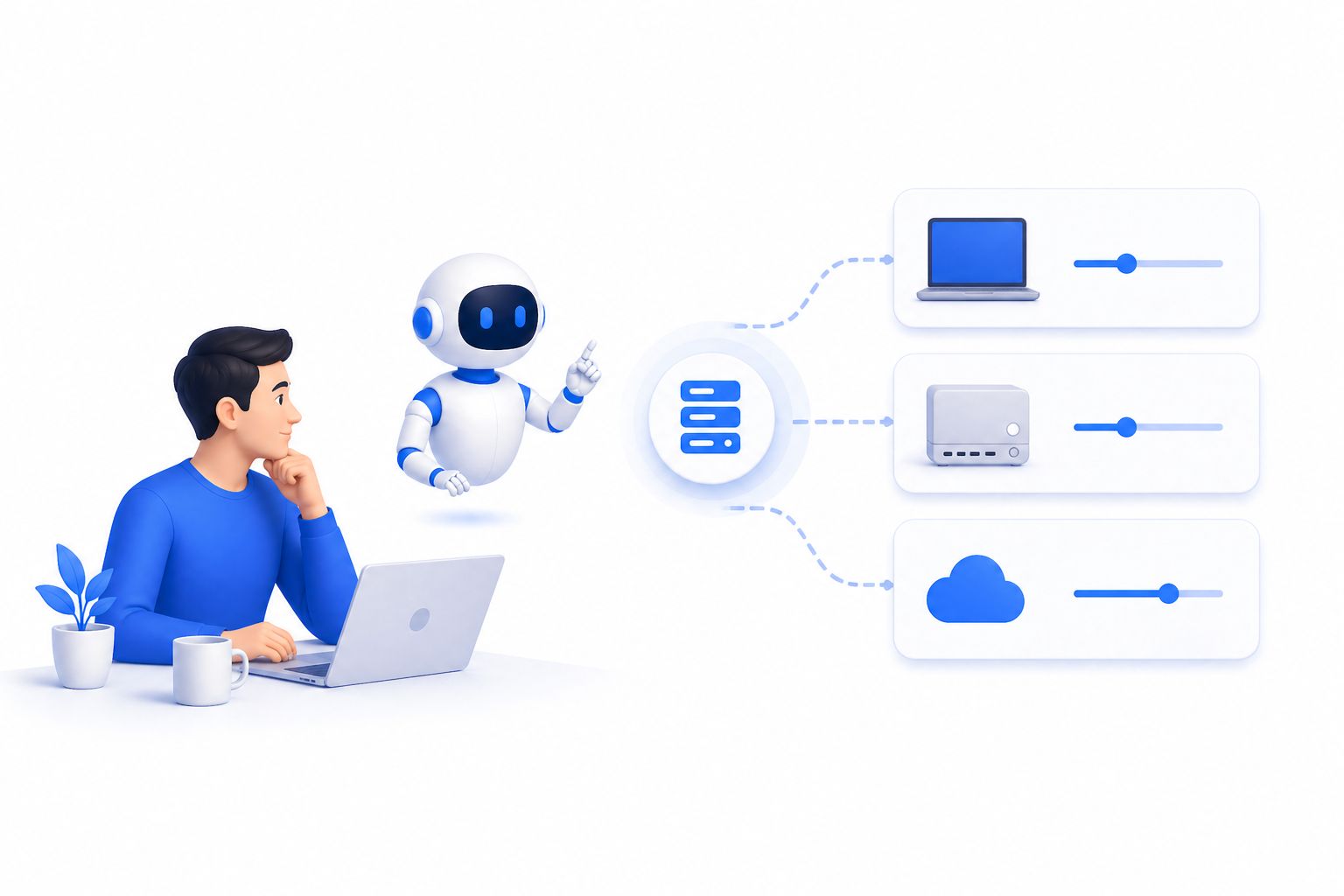
The hardware question comes up constantly: where does the agent actually live?
The honest answer for most people is not a dedicated server. A few practical options by cost:
Option A: Repurposed Android Phone (~$50–$150)
An older Android device running Termux gives you a Linux environment, persistent uptime, SMS access, and native app interaction for a fraction of desktop hardware costs. The device charges on a USB cable, fits in a drawer, and can post to social platforms from a real device MAC address – which matters for reach on platforms that flag API-only posting.
Option B: Always-On Mac or Windows Machine
If you already have a desktop that runs 24/7, run the agent there. The main cost is electricity, and the benefit is full desktop integration – your agent can control apps, manage files, and trigger local scripts.
Option C: Cloud VPS (~$6–$20/month)
For those who want zero hardware management, a small cloud instance (2GB RAM, 50GB SSD) is sufficient for most personal agent workloads. Combine with an OpenRouter account for model access and you have a fully managed stack with transparent, per-token pricing.
The economics matter. According to real-world deployments, moving from a frontier-model-only approach to a tiered model strategy on OpenRouter regularly cuts monthly agent costs from $100–$130 down to $10–$15 for equivalent task volume. That’s not a minor optimization – that’s the difference between a sustainable system and one you abandon in month two.
Integrating Your Agent with a Persistent Knowledge Base
The single best companion to a personal AI agent is a local, plaintext knowledge base – Obsidian being the most popular choice in 2026.
Here’s why this combination works so well:
Obsidian stores everything as markdown files on disk. Your agent can read, write, search, and reorganize those files without any API, without any sync conflicts, and without any vendor dependency. The knowledge base grows with you, and because the agent has direct filesystem access, it can maintain a live “home dashboard” – a single file that surfaces your week’s priorities, upcoming deadlines, and open questions, updated automatically each morning.
The pattern that makes this genuinely useful:
- Morning: Agent reads your task files, calendar, and email digest → updates
home.mdwith today’s structured brief - Throughout the day: Agent appends notes from meetings, captures ideas you voice-memo, and flags items that conflict with existing commitments
- Evening: Agent synthesizes what happened, updates project files, and queues tomorrow’s context
After two weeks of this loop, you have a knowledge base that actually reflects how you think – not a graveyard of notes you never revisit.
The Six Prompts That Compound Over Time
The prompts that generate the most value aren’t clever one-shot requests. They’re the ones you run on a repeating cadence. These six are worth building into your daily or weekly rhythm:
Daily (End of Day):
- “What did I actually spend time on today versus what I planned? Identify the three biggest gaps.”
- “What am I avoiding that is likely blocking something important?”
- “Which task, if I completed it tomorrow morning, would make the rest of the week easier?”
Weekly:
- “Which decisions I made this week turned out to be correct, and which should I revisit? What pattern do you see?”
- “What recurring tasks am I still doing manually that you could automate or batch?”
- “Build me one new tool, script, or automation tonight that would save me the most time next week.”
The sixth prompt is the compounding one. Run it every Sunday night for a month and you’ll have four new automations – each one built from real pattern recognition rather than speculation about what might be useful.
When your agent starts managing your social content, you’ll also want to know which signals the algorithms actually reward in 2026: 5 Instagram Viral Triggers for 2026: Master the New Algorithm
Why Most Personal AI Agent Setups Fail (And How to Avoid It)
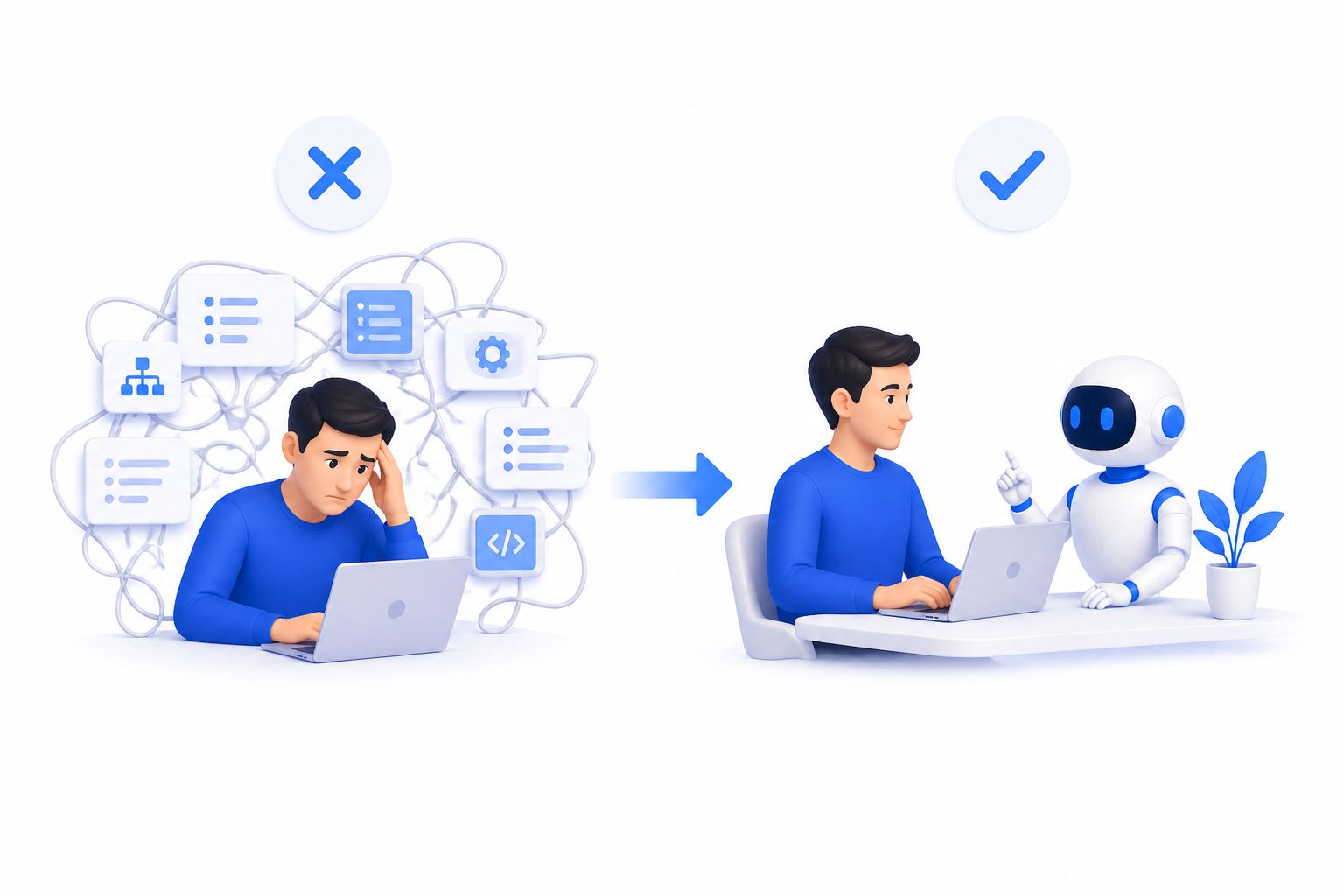
In conversations with power users across industries, the same failure patterns appear repeatedly:
Failure Pattern 1: Over-engineering before usingSpending two weekends configuring custom skills, forking repositories, and tuning system prompts before doing a single real task. The agent that helps you is the one you use daily – not the one you configured perfectly.
Failure Pattern 2: Using one model for everythingTreating the most expensive frontier model as the default for every task – including ones where a $0.001/million-token model would perform identically. Model routing is the single highest-leverage cost optimization available.
Failure Pattern 3: Not codifying repetitionLetting the agent solve the same problem with LLM reasoning every day instead of converting it to a script after the second occurrence. This is the core of sustainable personal AI agent economics.
Failure Pattern 4: Siloed memoryRunning multiple AI tools with separate memory stores – one for email, one for writing, one for coding – so no single agent has a complete picture. The goal is one unified memory layer that all workflows read from and write to.
One of the most common places agent setups break down is in re-engagement workflows. To see how modern AI-driven messaging handles this properly: Facebook Marketing Messages 2026: The Ultimate Guide to Re-Engaging Your Messenger Subscribers
The Business Case: What a Personal AI Agent Actually Changes
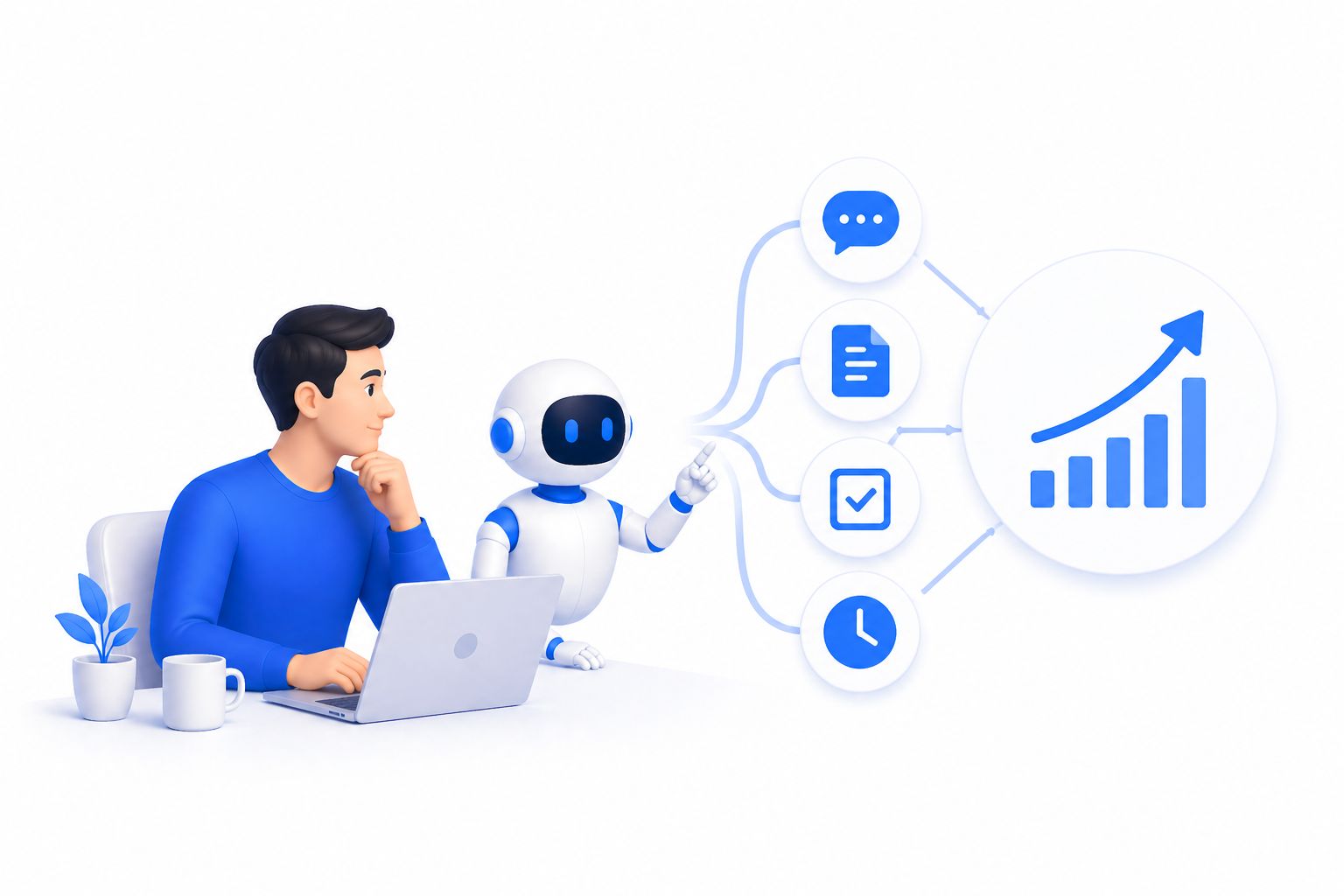
It’s easy to talk about productivity. It’s harder to quantify it. Here are the categories where personal AI agents are producing measurable shifts in 2026:
Communication throughput: Knowledge workers report handling 30–50% more meaningful communications per day without increasing stress – because the mechanical parts (triage, drafting, follow-up) are handled by the agent.
Decision quality: With a daily brief that includes ranked priorities and historical context, people report fewer “I forgot about that” crises and more consistent follow-through on high-value commitments.
Content output: Creators with AI-assisted content pipelines are publishing 2–4x more frequently without proportionally longer working hours. The agent handles the intake, structuring, and first draft; the human handles judgment and voice.
Compounding toolkit value: Unlike SaaS subscriptions that stay flat, a well-maintained personal AI agent accrues value – every automation added, every preference learned, every pattern codified makes the next task cheaper and faster.
Your agent’s content output is only as effective as the brand identity behind it. For the visual layer that amplifies everything your AI agent produces: Social Media Aesthetic in 2026: How to Build a Visual Brand Identity That Converts
Your 30-Day Roadmap to a Functioning Personal AI Agent
Week 1 – Foundation
- Choose your runtime environment (local, cloud, or repurposed device)
- Set up your AI agent with a persistent memory store
- Configure model routing with a cost-aware provider (OpenRouter recommended)
- Install your knowledge base (Obsidian or equivalent)
- Run the agent for one full week doing one real task per day
Week 2 – Integration
- Connect email and calendar access
- Set up your morning intelligence brief
- Begin the nightly meta-prompts (what am I avoiding? what should I automate?)
- Connect content publishing channels for automated scheduling
Week 3 – Codification
- Identify the three tasks your agent completed more than twice
- Work with the agent to convert each into a script or cron job
- Review token spend – adjust model routing based on real usage data
Week 4 – Optimization
- Audit the agent’s weekly performance: which decisions did it get right? which need tuning?
- Add one new automation or skill based on the Sunday meta-prompt
- Document your agent’s knowledge base structure so it scales cleanly
By day 30, you should have an agent that makes your mornings noticeably more structured, your afternoons more focused, and your week measurably more productive – not as a feeling, but as trackable time recovered and output produced.
Conclusion: Your Daily Operating System Deserves AI Infrastructure
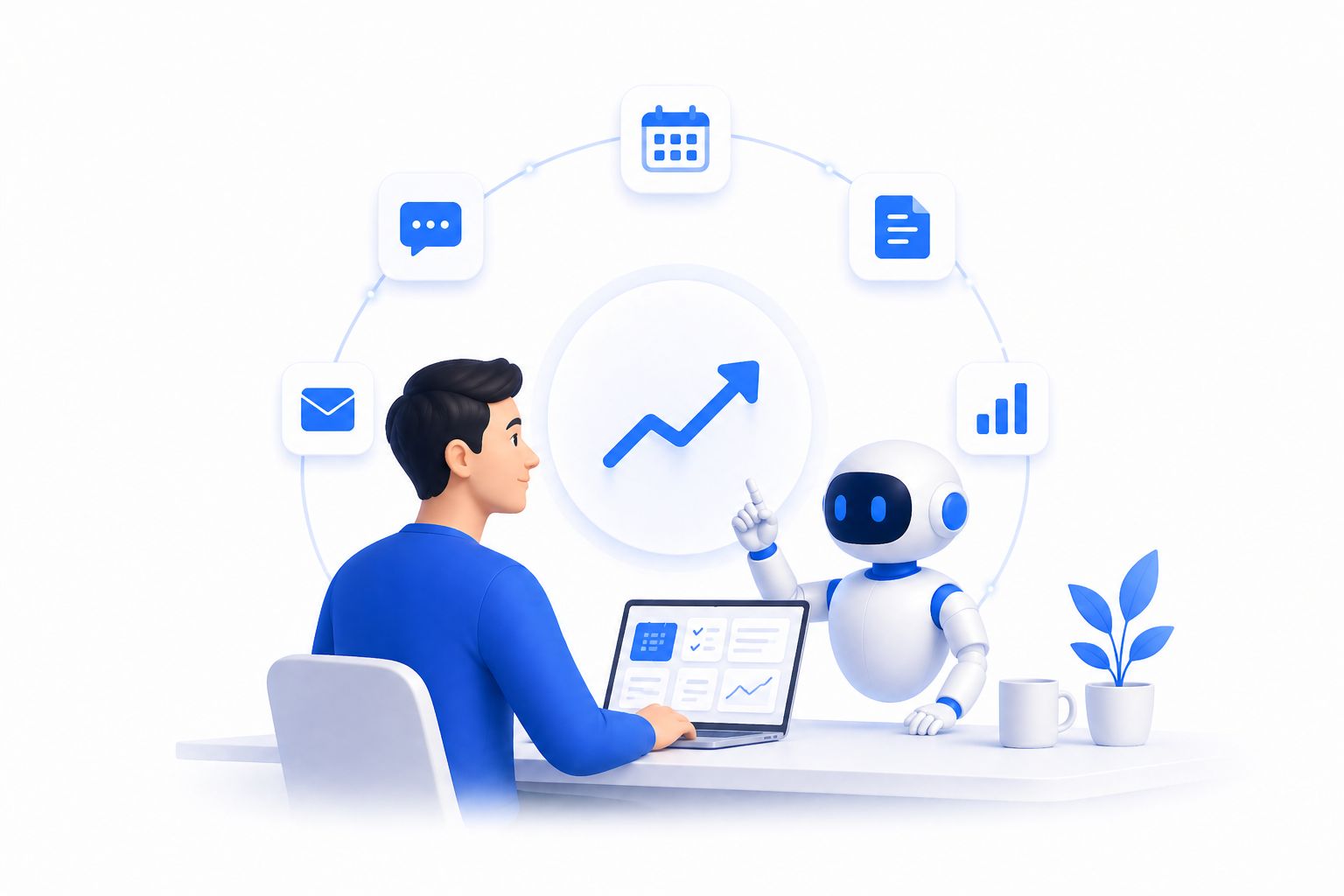
The era of treating AI as an on-demand assistant is closing. The professionals, creators, and entrepreneurs who will define the next few years aren’t using AI more – they’ve built AI into the fabric of how they operate. A personal AI agent is not a productivity hack. It is infrastructure: persistent, compounding, and increasingly indispensable.
The shift requires a mindset change more than a technical one. Stop asking AI questions. Start delegating systems. Stop optimizing prompts. Start codifying patterns. Stop paying for reasoning on tasks that became deterministic last Tuesday.
If you’re looking for a platform that makes this transition seamless – especially for AI-powered conversational workflows, customer interaction automation, and business communication – ChatbotX is built precisely for this moment.
ChatbotX is an advanced AI agent platform designed to handle the conversational and workflow layer that most personal AI setups struggle with: context-aware multi-turn conversations, automated lead qualification, intelligent customer support, content triage, and smart escalation – all without requiring you to engineer the underlying infrastructure from scratch.
Whether you’re a solo operator building your first personal AI agent or a growing team looking to systematize AI-assisted communication, ChatbotX gives you the conversation intelligence layer your operating system needs to work at scale.
👉 Explore ChatbotX AI Agents – the conversational automation layer built for exactly this kind of agentic workflow.
Frequently Asked Questions
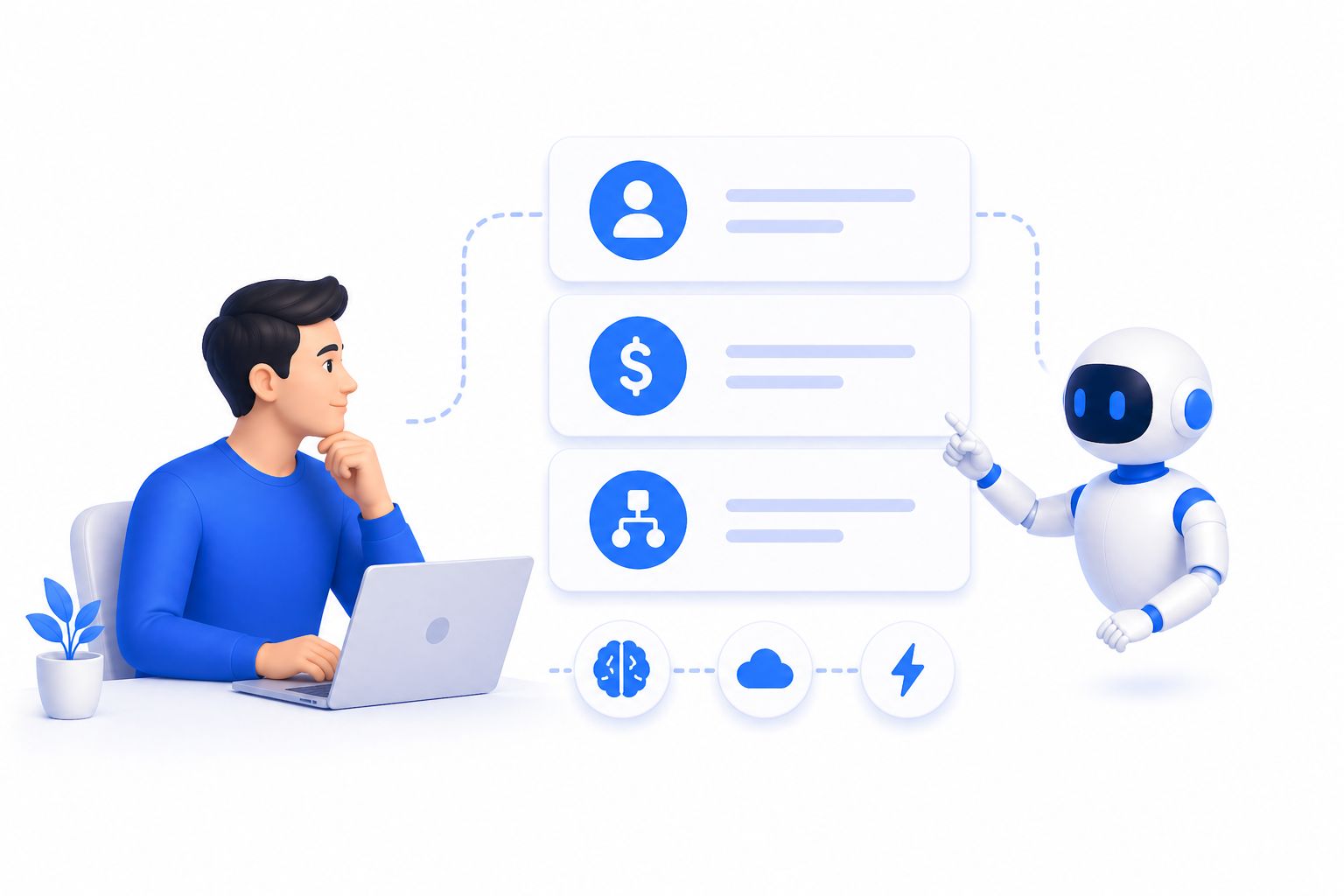
What is a personal AI agent? A personal AI agent is a persistent, autonomous AI system that manages recurring tasks, maintains memory across sessions, uses tools like email and calendars, and operates continuously – unlike a standard chatbot that resets with each conversation.
How much does it cost to run a personal AI agent in 2026? With smart model routing (using frontier models only for high-reasoning tasks and free or low-cost models for batch and mechanical work), most personal AI agent setups run for $10–$30 per month. Unoptimized setups using frontier models for everything can cost $100–$200/month.
Do I need coding skills to build a personal AI agent? Basic familiarity with terminal commands is helpful for setup, but most modern agent frameworks are designed for non-engineers. The agent itself can also write the scripts and automations it needs – you describe the goal, it builds the implementation.
What tasks are best suited for a personal AI agent? Email triage, meeting preparation, content drafting, task prioritization, research synthesis, social media scheduling, and daily briefings are the highest-value starting points. The best candidates are tasks you do repeatedly and that follow recognizable patterns.
How is a personal AI agent different from a virtual assistant? A virtual assistant is typically a human who completes tasks when asked. A personal AI agent is always-on, self-directed, learns your patterns over time, can execute multi-step workflows autonomously, and costs a fraction of human VA rates once configured.
For more guides on building intelligent AI systems, workflow automation, and AI-powered productivity strategies, visit the ChatbotX.