When you spend hours crafting the perfect visual, the last thing you want is for it to be sliced in half by a crop algorithm or rendered blurry at full size. Yet this happens constantly – and it costs brands credibility, engagement, and clicks.
The problem is rarely poor design. It is almost always wrong dimensions.
Every major social platform applies its own compression rules, display containers, and crop behaviors. An image that looks immaculate in your design tool will look very different once it passes through a platform’s rendering pipeline at the wrong size. Understanding these specs up front is one of the easiest ways to level up the professional quality of every post you publish.
This guide covers the correct image dimensions for nine major networks in 2026, with platform-by-platform breakdowns you can bookmark and return to every time you plan a campaign.
Pro tip: If you manage social media conversations across multiple platforms, ChatbotX’s Growth Tools can help you coordinate your messaging campaigns alongside your visual content strategy – all from one omnichannel dashboard.
Launch agentic chat marketing in minutes with ChatbotX














Why Getting Image Sizes Right Still Matters in 2026
Platforms render images differently depending on device, layout, and context. A profile photo on desktop may be displayed at a larger resolution than on mobile, and a link preview on one network is cropped entirely differently than on another.
Beyond appearance, image sizing has a direct effect on performance metrics:
- Engagement signals: Properly formatted visuals load faster and display fully, increasing the likelihood of saves, shares, and comments – which are the highest-value signals on most platforms in 2026. For a deeper look at how those signals translate into algorithmic reach, see How Social Media Algorithms Really Work in 2026.
- Click-through rates: A well-framed link preview drives significantly more clicks than one that is awkwardly cropped.
- Brand perception: Crisp, correctly sized images signal professionalism, while stretched or pixelated images erode trust immediately.
According to Sprout Social’s research on visual content, brands that consistently post optimally sized visuals report measurably higher engagement rates compared to those that do not optimize.
Key Terms: Aspect Ratio and Pixels Explained

Before diving into platform specifics, two terms appear throughout every image sizing conversation:
Aspect Ratio refers to the proportional relationship between an image’s width and height – expressed as width:height. The three ratios you will encounter most often are:
- 1:1 – Square format. Used widely for Instagram feed posts and profile pictures.
- 9:16 – Vertical format. The standard for Stories, Reels, and TikTok.
- 16:9 – Horizontal format. Dominates YouTube covers and X banners.
- 4:5 – Slightly taller than square. Frequently performs better than 1:1 in mobile feeds because it claims more screen real estate without being full vertical.
Pixels (expressed as width × height) define the actual resolution of an image. A 1080 × 1080 px image contains more detail than a 400 × 400 px image of the same subject, and it will display more crisply on high-resolution screens.
One consistent pattern across 2026’s platforms: vertical and near-vertical formats outperform square and horizontal formats in mobile-first feeds. Most users scroll on phones, and a 4:5 or 9:16 image naturally occupies more of their screen, commanding more attention before they scroll past.
For file formats, JPG remains the standard for photographs, PNG is preferred for graphics with text or transparency, and WEBP is increasingly accepted – offering equivalent quality at smaller file sizes.
Master Reference Table: 2026 Social Media Image Sizes at a Glance
| Platform | Profile Photo | Cover / Banner | Feed Post | Stories / Vertical | Thumbnail | Link Preview |
|---|---|---|---|---|---|---|
| 320 × 320 px | Profiles & Pages: 851 × 315 px / Groups: 1640 × 856 px / Events: 1920 × 1005 px | Square: 1080 × 1080 px / Vertical: 1080 × 1350 px / Horizontal: 1200 × 630 px | 1080 × 1920 px | – | 1200 × 630 px | |
| 320 × 320 px | – | Square: 1080 × 1080 px / Vertical: 1080 × 1350 px or 1080 × 1440 px / Horizontal: 1080 × 566 px | 1080 × 1920 px | Reels: 1080 × 1920 px | – | |
| X (Twitter) | 400 × 400 px | 1500 × 500 px | Square: 1080 × 1080 px / Vertical: 1080 × 1350 px / Horizontal: 1600 × 900 px | – | – | 1200 × 630 px |
| 400 × 400 px | Profiles: 1584 × 396 px / Company Pages: 1128 × 191 px | Vertical: 1080 × 1350 px / Horizontal: 1080 × 360 px | – | – | 1200 × 627 px | |
| Threads | 320 × 320 px | – | Flexible (any dimensions) | – | – | 1200 × 600 px |
| 165 × 165 px | 800 × 450 px | 1000 × 1500 px | – | – | – | |
| YouTube | 800 × 800 px | 2560 × 1440 px | – | – | 1280 × 720 px | – |
| TikTok | 200 × 200 px | – | 1080 × 1920 px | 1080 × 1920 px | – | – |
| Bluesky | 400 × 400 px | 1500 × 500 px | Flexible (any dimensions) | – | – | 1200 × 627 px |
Facebook Image Sizes in 2026
Facebook’s visual ecosystem is expansive – covering personal profiles, business pages, groups, events, and ads. Each context has its own sizing logic.
Profile Photo
320 × 320 pixels (displayed at 176 × 176 px on desktop, smaller on mobile). Facebook displays this as a circle, so center your subject and avoid important content near the edges.
Cover Photo
Cover dimensions vary by account type:
- Profiles and Business Pages: 851 × 315 px (aspect ratio 2.7:1). Displayed at 820 × 312 px on desktop and 640 × 360 px on mobile, so design the center of the image to be safe across both.
- Groups: 1640 × 856 px. This wider canvas allows more creative layout freedom.
- Events: 1920 × 1005 px. Given that events cover photos appear prominently at the top of event pages, invest in a high-quality graphic at this size.
Feed Post Images
- Square: 1080 × 1080 px (1:1)
- Vertical: 1080 × 1350 px (4:5) – this is the recommended format for maximum feed visibility
- Horizontal: 1200 × 630 px (1.91:1)
Stories
1080 × 1920 px (9:16). Keep all critical text and visual elements in the central 60% of the frame to avoid being obscured by the profile icon at the top and engagement buttons at the bottom.
Link Preview Images
1200 × 630 px. Facebook auto-generates link previews from Open Graph meta tags. Following Meta’s best practices for link sharing ensures your preview renders correctly and consistently. Always define og:image and og:image:width/height tags explicitly.
Instagram Image Sizes in 2026
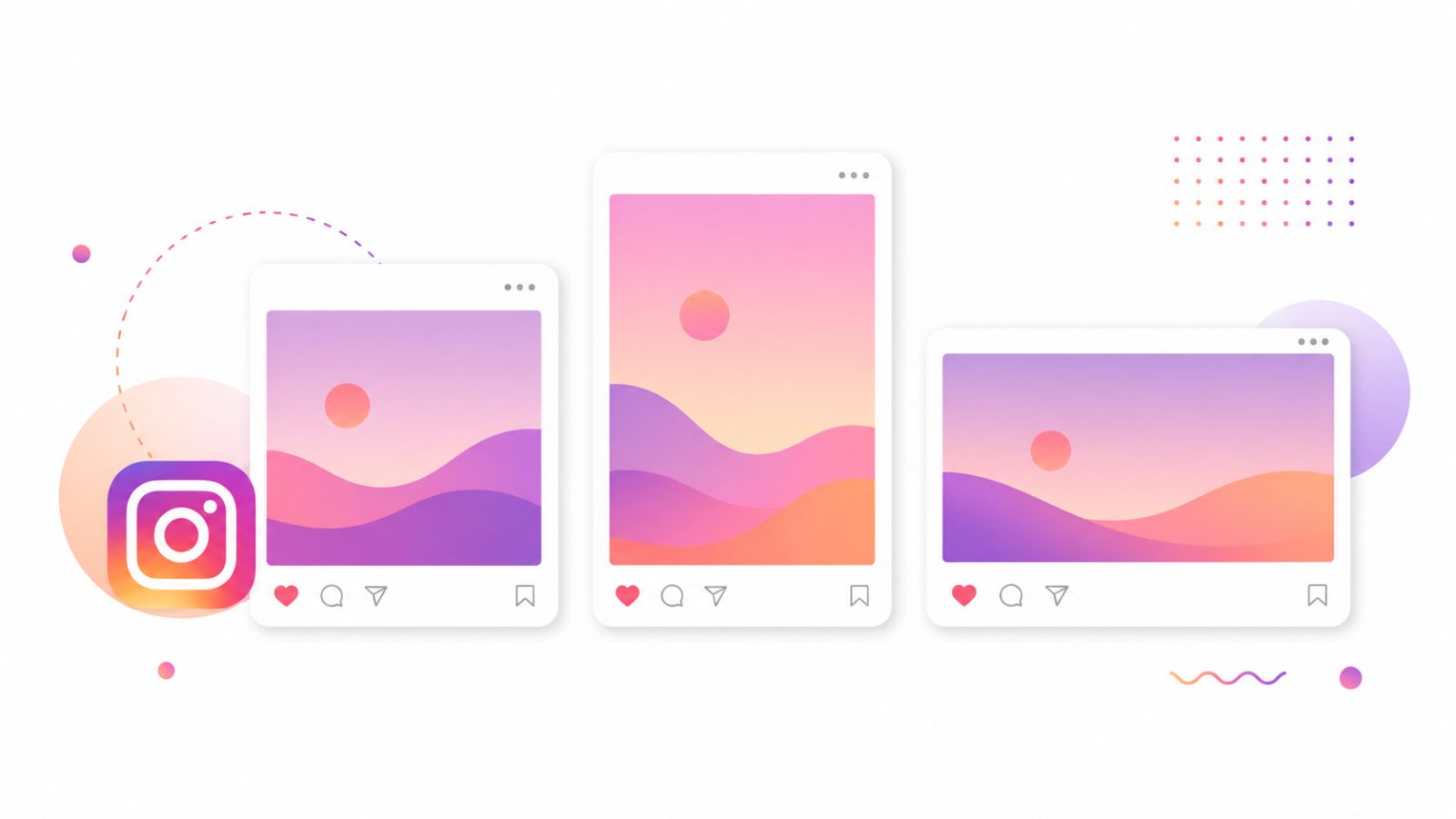
Instagram continues to operate multiple distinct algorithmic surfaces – Feed, Explore, Reels, and Stories – each with its own ranking model and display container.
Profile Photo
320 × 320 px, cropped and displayed as a circle. Use your brand logo or a clean headshot with generous padding around the central element.
Feed Post Images
- Square: 1080 × 1080 px (1:1) – still widely used, particularly for grid consistency.
- Vertical Portrait: 1080 × 1350 px (4:5) – the single most effective format for feed reach in 2026. Instagram displays this size at the maximum allowable height, dominating the scroll.
- Tall Portrait: 1080 × 1440 px (3:4) – used for carousel slides and single posts when you want maximum vertical real estate.
- Horizontal: 1080 × 566 px (1.91:1) – suitable for landscape photography, but receives less screen space in the feed.
Note on carousels: Instagram carousels support both square and portrait orientations. Choose one format and keep it consistent across all slides within a single post.
Reels Thumbnail
1080 × 1920 px (9:16). Reels are displayed as a vertical full-screen experience. Design your thumbnail so the core message reads in the top third of the frame – the portion visible in grid view.
Stories
1080 × 1920 px (9:16). The safe zone for critical visual content is roughly 1080 × 1420 px centered – leaving margin at the top (profile icon area) and bottom (interaction zone).
If you want to connect your Instagram content strategy to automated conversation workflows, ChatbotX’s native Instagram channel integration lets you trigger chatbot sequences based on user engagement – turning your visual reach into direct conversations.
X (Twitter) Image Sizes in 2026

X has evolved significantly from its original Twitter design language, but the core image behaviors remain consistent.
Profile Photo
400 × 400 px, displayed as a circle. Minimum upload size is 200 × 200 px, but 400 × 400 px ensures crisp rendering on retina displays.
Header / Banner Image
1500 × 500 px (3:1). This banner is heavily responsive – it scales and crops differently on desktop browsers versus mobile apps. Position your most important visual element in the center third horizontally and vertically.
Feed Post Images
- Single image (square): 1080 × 1080 px
- Single image (vertical): 1080 × 1350 px
- Single image (horizontal): 1600 × 900 px – this is X’s native landscape format and displays with minimal cropping
- Multi-image posts (2 images): Each image renders at approximately 1200 × 900 px
- Multi-image posts (3–4 images): X splits the display container; uploading 1200 × 900 px per image maintains quality
Link Preview Card
1200 × 630 px. X supports Twitter Card meta tags. Set twitter:card to summary_large_image and define twitter:image for a consistently clean preview.
LinkedIn Image Sizes in 2026
LinkedIn’s audience skews professional, and the platform rewards high-quality, information-rich visuals. Document posts, infographics, and data visualizations consistently outperform pure photo posts.
Profile Photo
400 × 400 px (minimum), displayed as a circle on most surfaces. For personal profiles, a clean headshot with a neutral or simple background photographs best at this size.
Background / Banner Image
- Personal Profiles: 1584 × 396 px (4:1)
- Company Pages: 1128 × 191 px (approximately 6:1) – this is a wide, narrow strip, so use a horizontal layout that reads left to right
Feed Post Images
- Portrait / Vertical: 1080 × 1350 px (4:5) – highest-performing in the LinkedIn mobile feed
- Square: 1080 × 1080 px – safe and clean for branded graphics
- Landscape: 1080 × 360 px – suitable for wide-format infographics but displays smaller in the feed
Company Logo
- Standard logo: 300 × 300 px
- Square logo (for ads): 100 × 100 px
Link Preview
1200 × 627 px. LinkedIn scrapes Open Graph tags. Providing explicit og:image dimensions prevents the platform from auto-selecting an unsuitable image from your page.
For professionals building client pipelines through LinkedIn, ChatbotX’s Facebook Messenger CRM integration guide shows how to bridge social media touchpoints with CRM workflows – a model that applies equally to LinkedIn-sourced leads.
Threads Image Sizes in 2026
Meta’s Threads platform maintains a deliberately minimal approach to image formatting – there are no enforced dimension constraints for feed posts.
Profile Photo
320 × 320 px, consistent with Instagram (Threads accounts share profile photos with connected Instagram accounts).
Feed Post Images
Threads currently supports any image dimensions, with no enforced crop. However, for the best visual experience across devices, square (1:1) or vertical 4:5 ratios remain the most visually consistent choice.
Link Preview
1200 × 600 px. Link unfurls on Threads follow Open Graph metadata, and this dimension produces the cleanest card display.
Pinterest Image Sizes in 2026
Pinterest is fundamentally a visual discovery engine, and its algorithm heavily rewards tall, high-quality images that capture user attention as they scroll an infinite vertical feed.
Profile Photo
165 × 165 px, displayed as a circle. Upload at a higher resolution (at least 500 × 500 px) and let Pinterest scale it down for best quality.
Board Cover Image
800 × 450 px (16:9). This displays at the top of each board and is the first visual a viewer sees when exploring your profile.
Standard Pin
1000 × 1500 px (2:3). This is Pinterest’s optimal Pin ratio. Taller formats (up to 1:2.1 ratio, roughly 1000 × 2100 px) are also supported but may be truncated in some views. Pins with visible text overlays and clear value propositions consistently outperform image-only content.
Video Pin
1080 × 1920 px (9:16) or 1:1 for square video. Maximum video length is 15 minutes, though shorter pins (under 60 seconds) typically perform better for discovery.
Tip: Pinterest’s algorithm favors original, high-resolution content that hasn’t been repinned from other sources. Creating platform-native images – designed specifically for 2:3 ratio – produces better distribution than repurposing Instagram exports.
YouTube Image Sizes in 2026
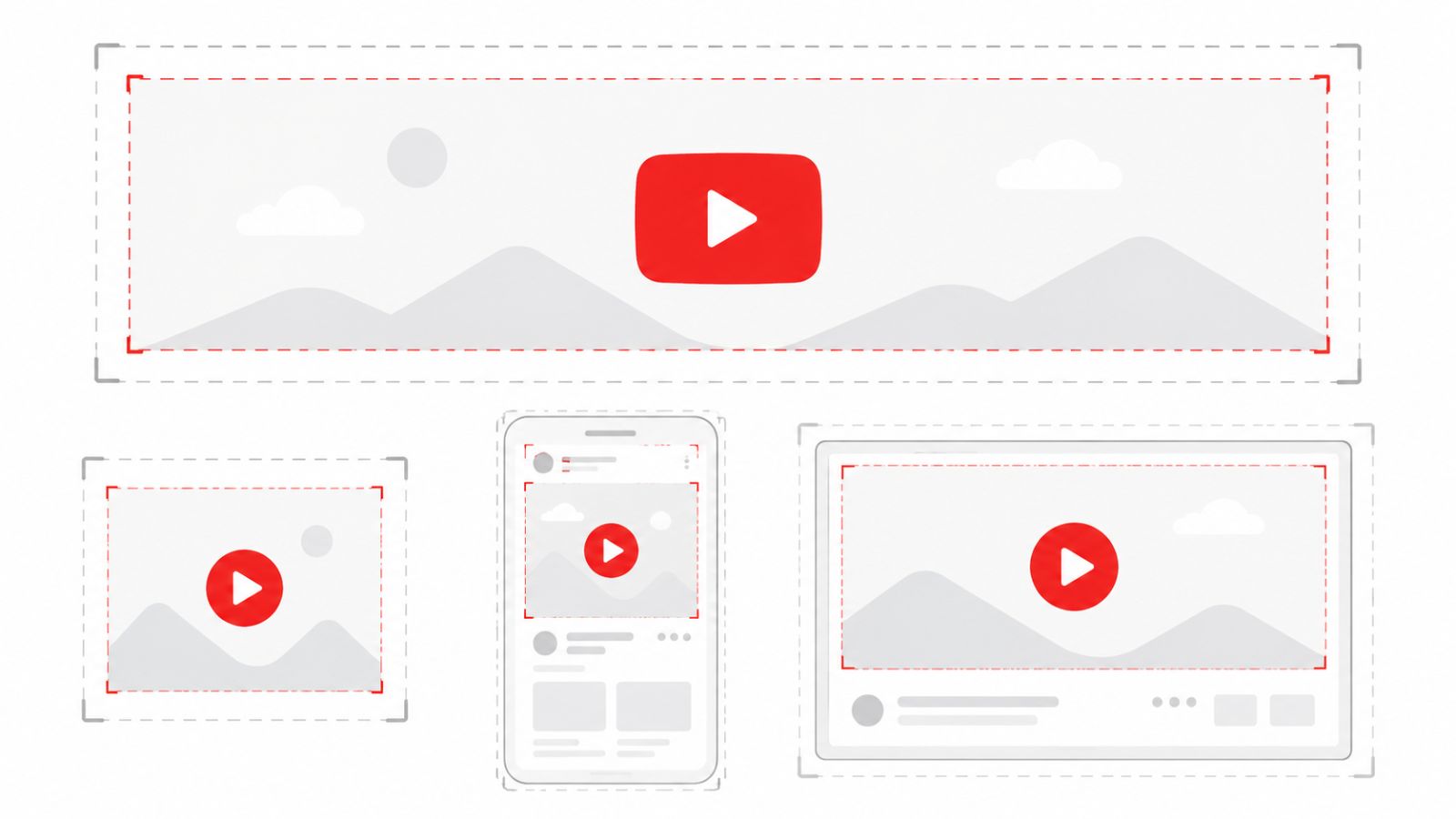
YouTube remains the world’s largest video platform, and while it is video-first, your static image assets – thumbnails, banners, and profile photos – significantly influence click-through rates and channel credibility.
Profile Photo (Channel Icon)
800 × 800 px. Displayed as a circle across YouTube surfaces. Use a clean logo or headshot with maximum contrast at small sizes, since the icon appears at just 98 × 98 px in many contexts.
Channel Art (Banner)
2560 × 1440 px (16:9). This is the maximum size, and YouTube scales it down for different devices:
- TV display: Full 2560 × 1440 px
- Desktop: 2560 × 423 px (center safe zone)
- Tablet: 1855 × 423 px
- Mobile: 1546 × 423 px
The safe zone – the area guaranteed to display across all devices – is the central 1546 × 423 px of the canvas. Design everything critical within this zone.
Video Thumbnail
1280 × 720 px (16:9). Thumbnails are the single most influential factor in YouTube click-through rates. A thumbnail that communicates the video’s core value proposition – with or without audio – can dramatically outperform an identical video with a generic thumbnail. Keep file size under 2MB.
End Screen Elements
End screens appear in the final 20 seconds of a video and are configured through YouTube Studio. They are not static image uploads but are instead placed over video frames. Ensure your video outro leaves visual space in corners for overlay placement.
TikTok Image Sizes in 2026
TikTok is a video-native platform, but static image formats – including photo slideshows – have grown significantly in reach and are now a legitimate content format alongside video.
Profile Photo
200 × 200 px (minimum), displayed as a circle. Larger uploads are automatically resized. Given how small profile photos appear in the feed, opt for a single high-contrast element rather than complex imagery.
Feed Video / Photo Slideshow
1080 × 1920 px (9:16) for both video and image content. TikTok is built entirely around vertical full-screen consumption. Horizontal content will display with black bars.
Stories (TikTok Stories)
1080 × 1920 px (9:16). Keep critical elements within the central safe zone, as TikTok overlays timestamps, profile links, and interaction buttons at the edges.
TikTok Ads
- TopView and In-Feed Ads: 1080 × 1920 px (9:16)
- Spark Ads: Same dimensions as organic content
Bluesky Image Sizes in 2026
Bluesky has grown into a credible alternative social platform since its public launch, and it continues to expand its creator and brand user base.
Profile Photo
400 × 400 px, displayed as a circle. Bluesky handles images similarly to X, and the same design principles apply – center your subject with adequate padding.
Banner Image
1500 × 500 px (3:1), identical to the X banner format. This creates a convenient opportunity to repurpose X banner assets on Bluesky without resizing.
Feed Post Images
Bluesky accepts flexible dimensions for post images, with no enforced crop. For visual consistency across platforms, using 1:1 or 4:5 aspect ratios is recommended.
Link Preview Card
1200 × 627 px. Bluesky’s link card rendering follows Open Graph standards, and explicit OG image tags ensure clean preview generation.
Image Optimization Tips for 2026 Feeds
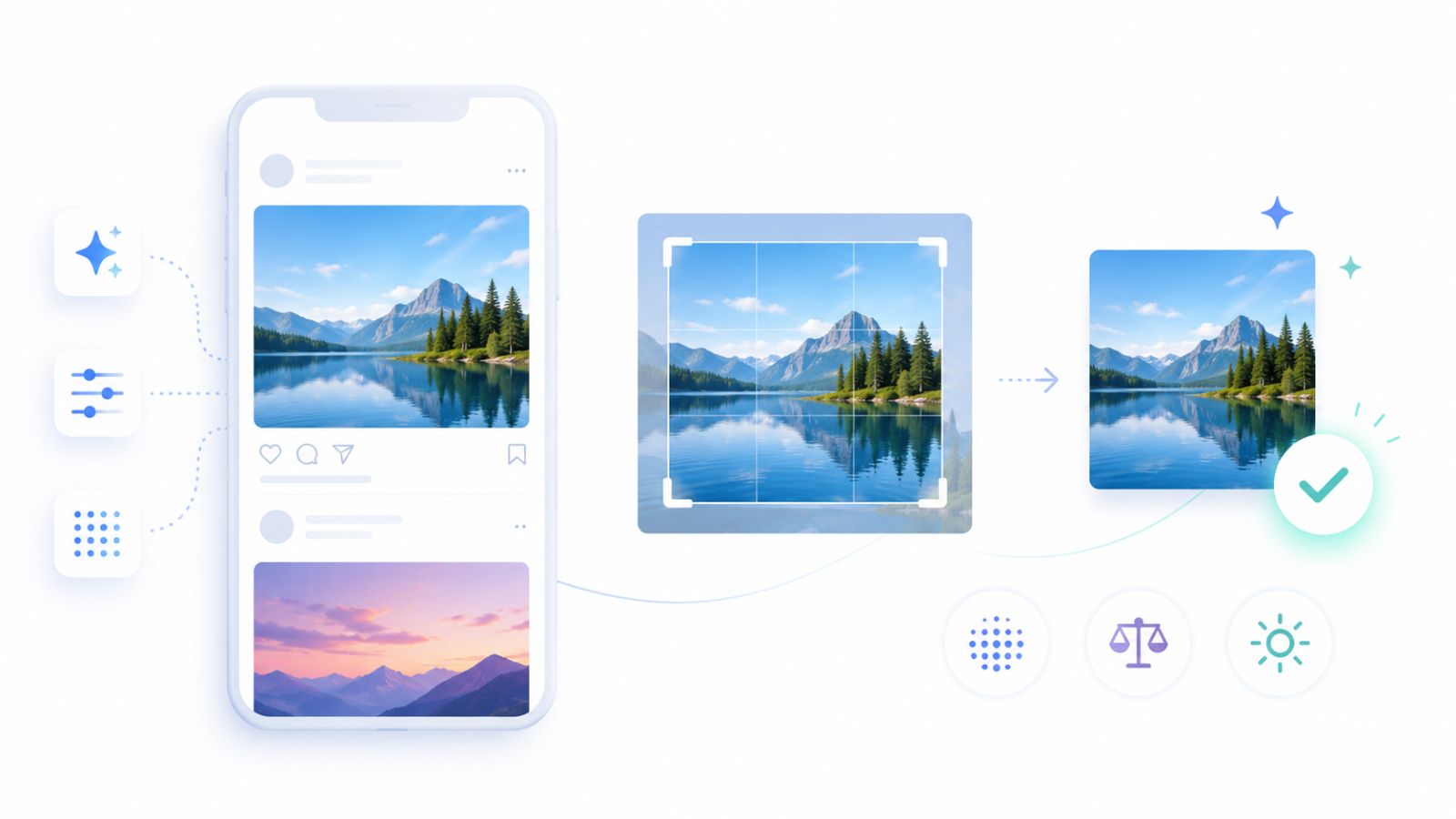
Getting the dimensions right is the foundation. These additional practices will help your visuals perform at the highest level across every platform:
1. Compress without sacrificing quality. Use tools like Google PageSpeed Insights to audit your web-hosted images. Compressing images appropriately reduces load time, which affects both user experience and platform ranking signals.
2. Design mobile-first, always. More than 80% of social media consumption happens on mobile devices. Review every image on a phone screen before publishing – not just on a monitor.
3. Test before you publish. Upload a test image to each platform’s composer before adding your real post. This surfaces cropping issues before they go live.
4. Leave breathing room. Regardless of the platform’s maximum dimensions, avoid placing text or critical visual elements within 150 pixels of any edge. Platform UI overlays – timestamp badges, profile icons, share buttons – commonly obscure these zones.
5. Use RGB color mode. Social platforms render images in RGB, not CMYK. Exporting in CMYK produces unexpected color shifts after upload.
6. Maintain a consistent visual system. A library of templates sized correctly for each platform eliminates the guesswork on every posting cycle. ChatbotX’s Analytics feature can help you measure which image formats drive the most engagement on each channel, so you can double down on what your specific audience responds to.
Frequently Asked Questions

Do I need a different image for every single platform?
Not necessarily. Designing from a 1080 × 1350 px (4:5) base and then cropping to 1080 × 1080 px (1:1) covers the majority of feed post contexts across Facebook, Instagram, X, and LinkedIn. For Stories, Reels, and TikTok, a separate 9:16 asset is essential.
Why does my image look blurry after upload?
Platform compression is the most common cause. Uploading at the exact recommended pixel dimensions – rather than at a larger size that the platform then downscales – typically produces the sharpest results. For heavily compressed platforms like Instagram, exporting at 80–85% JPEG quality (rather than maximum) sometimes produces a better outcome than 100% quality exports.
Are there differences in image sizing for paid ads versus organic posts?
Yes. Ad placements often have stricter specifications – particularly for text overlay limits and aspect ratio constraints within ad units. Always check the current ad specs for each platform’s Business Manager or Ads Manager before designing campaign assets.
What is the safest universal image size if I can only design one version?
1080 × 1080 px (1:1) is the closest thing to a universal safe format. It renders acceptably across every major platform without cropping. For best results on mobile-first feeds, however, 1080 × 1350 px (4:5) is the stronger choice.
How often do social media image sizes change?
Platform design updates happen several times per year, and sizing specifications sometimes shift as a result. Checking official platform documentation – or a regularly updated reference like this one – once per quarter is a reasonable cadence.
A Note on ChatbotX and Social Media Content Strategy

Nailing image dimensions is one piece of an effective social media strategy. The other piece is what happens after your content reaches an audience – how quickly and consistently you respond to DMs, comments, and customer inquiries.
ChatbotX is an open-source omnichannel chatbot platform designed to automate and manage customer conversations across WhatsApp, Messenger, Instagram, Telegram, Zalo, and Webchat from a single dashboard. It bridges the gap between your visual content strategy and the real-time conversations that follow.
Rather than letting high-performing posts generate unmanaged inbox volume, ChatbotX lets you build automated flows that respond instantly, qualify leads, and hand off complex conversations to your team – all while your content continues to drive reach.
The project is fully open source and available on GitHub at ChatbotXIO/ChatbotX, making it accessible for teams that want full control over their deployment environment.
Start Creating Content That Looks Right, Every Time
Social media image sizing does not need to be a recurring frustration. With the specifications in this guide, you have everything required to produce correctly sized visuals for every major platform – without guessing, without re-uploading, and without apologizing to clients for blurry cover photos.
Bookmark this guide. Share it with your design team. Build a template library from these dimensions, and make correct sizing the baseline standard for every piece of content that leaves your workflow.
Ready to take your social media presence further?
If you want to combine great-looking content with powerful conversation automation – so every post becomes an opportunity to capture leads and build relationships – explore what ChatbotX can do for your team.
👉 Get started with ChatbotX today and turn your social media reach into real business conversations.