
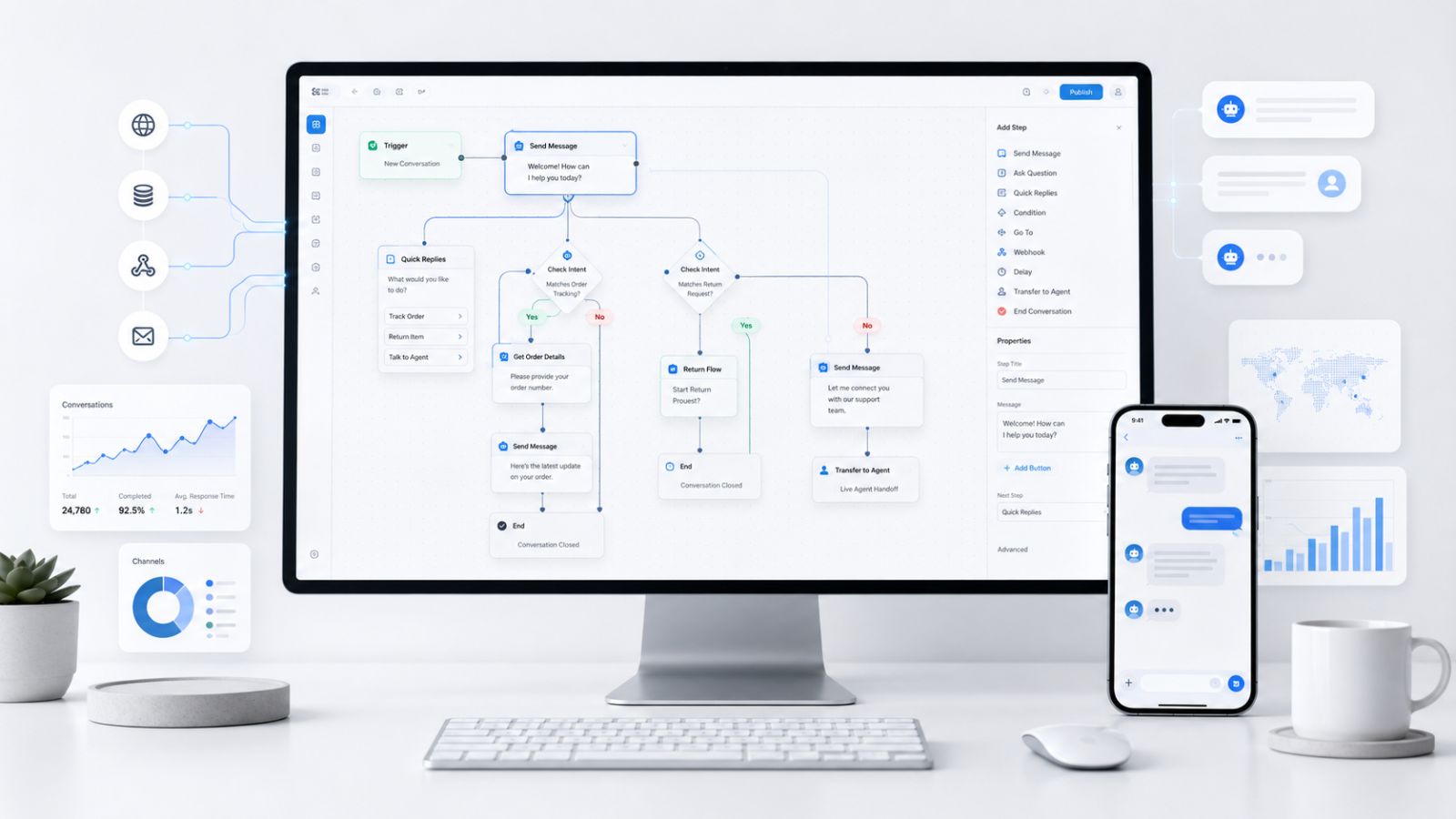
Every business that deploys a chatbot eventually hits the same wall: a single-response bot can answer FAQs, but it cannot close a sale, recover an abandoned cart, qualify a lead, or onboard a new customer. Closing that gap requires a chatbot workflow engine the orchestration layer that transforms isolated replies into intelligent, multi-step automated conversations.
This guide breaks down exactly what a chatbot workflow engine is, how its core components work, what to look for when evaluating platforms, and how modern open-source solutions are making enterprise-grade automation accessible to every team.
Launch agentic chat marketing in minutes with ChatbotX














What Is a Chatbot Workflow Engine?
A chatbot workflow engine is the execution runtime that powers multi-step conversational flows. It manages the logic, branching conditions, API calls, data persistence, and channel routing that allow a chatbot to move users through structured journeys – from a first message to a final conversion.
Think of it as the difference between a telephone operator who can only say “hello” and a skilled sales agent who listens, qualifies, recommends, and follows up. The workflow engine gives the chatbot that second capability.
At a technical level, the engine processes:
- Trigger events (incoming message, webhook, scheduled timer, form submission)
- Conditions and branching logic (if/else, user attributes, intent classification)
- Actions (send message, call API, update CRM, tag user, trigger another flow)
- State management (remembering where a user is in a conversation across sessions)
- Channel routing (Facebook Messenger, WhatsApp, website live chat, Instagram DM)
According to Gartner’s 2025 automation forecast, organizations that deploy AI-driven workflow automation report up to 40% reduction in manual task overhead within the first year. The chatbot workflow engine sits at the center of that efficiency gain.
Why a Chatbot Workflow Engine Matters in 2026
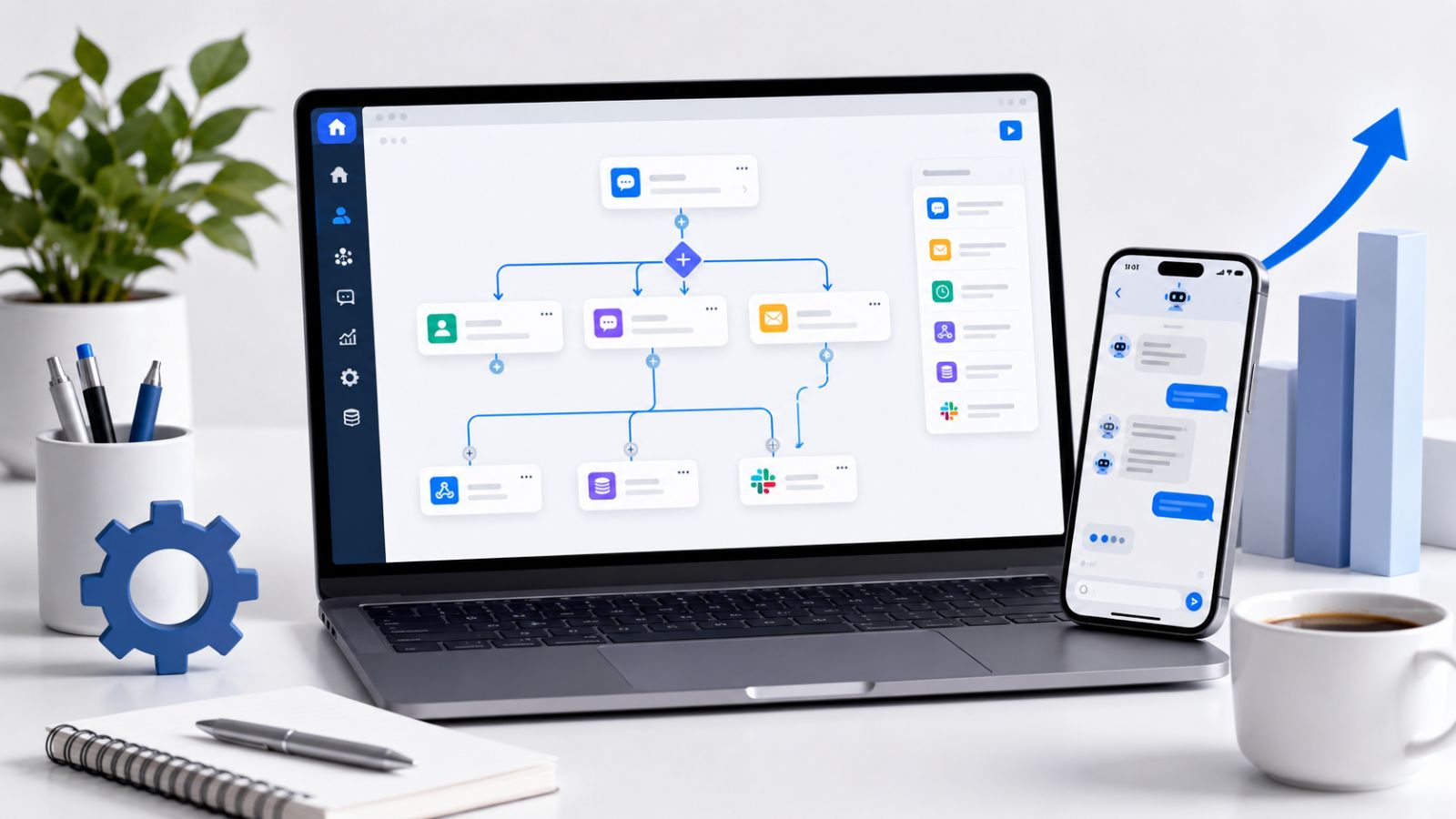
The landscape has shifted dramatically. In 2026, customers expect instant, context-aware responses across every channel – and they expect those responses to lead somewhere useful. A static FAQ bot no longer meets that expectation.
Here is why a purpose-built workflow engine is now a competitive necessity:
Multi-Step Conversational Journeys Are the Norm
Modern customer interactions rarely resolve in one message. A product inquiry leads to a qualification question, then a personalized recommendation, then a checkout link, and finally a post-purchase follow-up. Without a workflow engine, each step requires human intervention. With one, the entire sequence runs automatically.
Cross-Channel Consistency Is Expected
Customers move between Instagram DMs, WhatsApp, and a website chat widget and expect a coherent experience. A workflow engine with unified state management ensures the conversation picks up where it left off, regardless of the channel.
AI Alone Is Not Enough
Large language models are powerful, but they are non-deterministic. For business-critical flows – payment confirmations, legal disclaimers, order updates – you need guaranteed execution paths. A workflow engine provides the deterministic backbone that makes AI responses reliable and auditable.
Speed-to-Lead Is a Revenue Driver
Research from HubSpot’s Sales Trends Report shows that leads contacted within five minutes of showing interest are 21 times more likely to convert than those contacted after 30 minutes. A workflow engine with real-time trigger support closes that gap without human monitoring.
Core Components of a Modern Chatbot Workflow Engine
Understanding the architecture helps you evaluate platforms more accurately. Every production-grade workflow engine shares these foundational components:
Visual Flow Builder
A drag-and-drop canvas where you design conversation flows as connected nodes. Each node represents a step – a message, a condition, an API call, or an action. Visual builders eliminate the need to write conversation logic in code, making workflow design accessible to marketers and operations teams.
Look for builders that support:
- Node-based design with conditional branching
- In-canvas testing and preview
- Reusable sub-flows (templates)
- Version history and rollback
Trigger Engine
The trigger engine is what starts a flow. Common trigger types include:
| Trigger Type | Use Case |
|---|---|
| Incoming message keyword | FAQ auto-replies, menu navigation |
| Webhook / API event | Order update from e-commerce platform |
| Scheduled time | Broadcast campaign at 9 AM Monday |
| User attribute change | Tag added, segment changed |
| Button click / postback | Product catalog navigation |
| Re-entry condition | User inactive for 24 hours |
Condition and Branching Logic
Real conversations branch. A user who says “yes” needs a different next step than one who says “no.” The condition engine evaluates user inputs, stored attributes, API responses, and session variables to route users down the correct path.
Advanced engines support logical operators (AND/OR/NOT), regex matching, and integration with external data sources for real-time decisioning.
Action Nodes
Actions are what the chatbot does beyond sending a message. A robust workflow engine offers:
- API call nodes – POST/GET to any external endpoint
- CRM update nodes – write lead data to HubSpot, Salesforce, or a custom database
- Tag and segment nodes – classify users for retargeting
- Human handoff nodes – escalate to a live agent with full context
- Notification nodes – send email, Slack alert, or SMS to the business team
State and Session Management
State management keeps track of where each user is in a flow and what data has been collected. Without it, every message starts a new conversation. With it, a user can leave a flow mid-way, return the next day, and continue exactly where they stopped.
Analytics and Monitoring
A workflow engine without observability is a black box. Look for built-in dashboards that show:
- Flow completion rates per step
- Drop-off points
- Message delivery and read rates
- Conversion attribution
How ChatbotX Implements the Workflow Engine
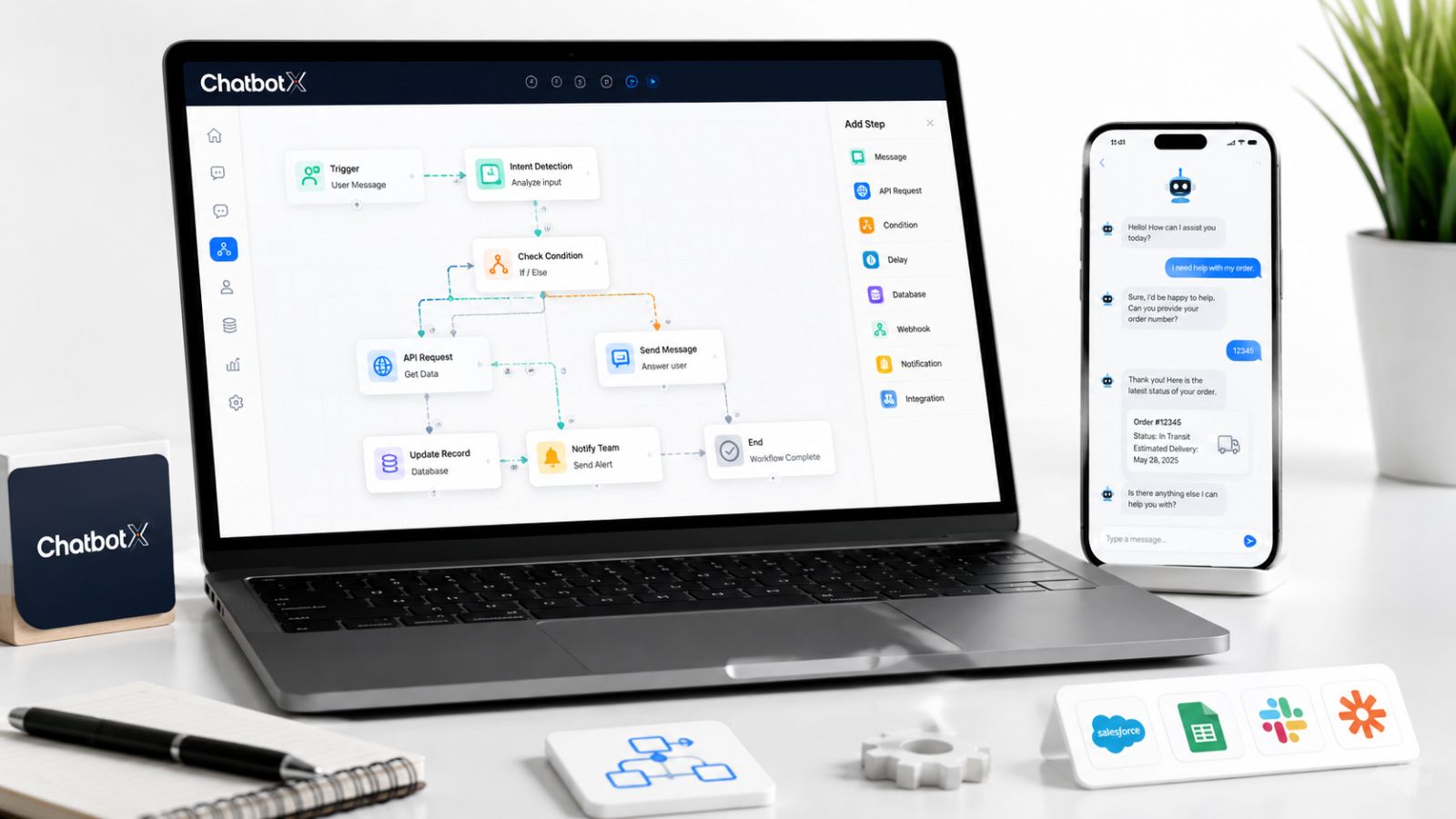
ChatbotX is an open-source AI-powered chat marketing automation platform built specifically around this architecture. Rather than bolting automation onto a simple chatbot, ChatbotX was designed from the ground up with the workflow engine as the core primitive.
Here is how key capabilities map to the components above:
Visual AI Flow Builder
ChatbotX’s AI Flow Builder provides a node-based canvas where teams can design complex, branching conversation sequences without writing code. Each node is configurable with conditions, delays, and custom variables. The builder supports nested flows, making it possible to create reusable conversation modules that can be embedded across multiple campaigns.
Omnichannel Broadcast and Triggers
The Broadcast & Messaging Engine connects to Facebook Messenger, Instagram, WhatsApp, and website live chat from a single workflow. Trigger types include keyword detection, button postbacks, webhook events, and time-based scheduling – covering the full trigger matrix described above.
Smart Segmentation and CRM Integration
ChatbotX’s Contact & Segmentation System stores user attributes, conversation history, and tags within a unified profile. Workflow conditions can query this data in real time, enabling highly personalized branching logic – for example, routing VIP customers to a premium support flow while sending new visitors through an onboarding sequence.
Because ChatbotX is fully open source, teams can inspect every layer of the workflow engine, self-host for data sovereignty, and extend the platform through the GitHub repository. The codebase is available at github.com/ChatbotXIO/ChatbotX, where you will find documentation, contribution guides, and the complete source for the workflow runtime.
Chatbot Workflow Engine: Key Evaluation Criteria
When selecting a workflow engine for your business, score each platform against these criteria:
No-Code vs. Code-First Flexibility
The best platforms serve both audiences. Non-technical teams need a visual builder; developers need access to raw logic, custom scripts, and API hooks. Avoid platforms that lock one group out.
Native Channel Integrations
Integrations built natively into the workflow engine are more reliable than third-party middleware. Verify that the platform supports your specific channels (WhatsApp Business API, Instagram Messaging API, etc.) without requiring a separate connector tool.
Scalability and Rate Limit Handling
Broadcasting to 100,000 contacts requires an engine that manages delivery queues, respects platform rate limits, and handles failures gracefully with retry logic. Ask vendors directly about throughput limits.
Open Source vs. Proprietary
Proprietary platforms offer faster onboarding but create vendor lock-in and limit customization. Open-source platforms like ChatbotX – available on GitHub – give teams full ownership of their automation infrastructure and the ability to audit, modify, and extend the codebase.
Compliance and Data Residency
For businesses operating in the EU, APAC, or regulated industries, the ability to self-host and control data residency is non-negotiable. Verify where conversation data is stored and whether the platform supports GDPR and PDPA compliance modes.
Common Chatbot Workflow Patterns That Drive Results
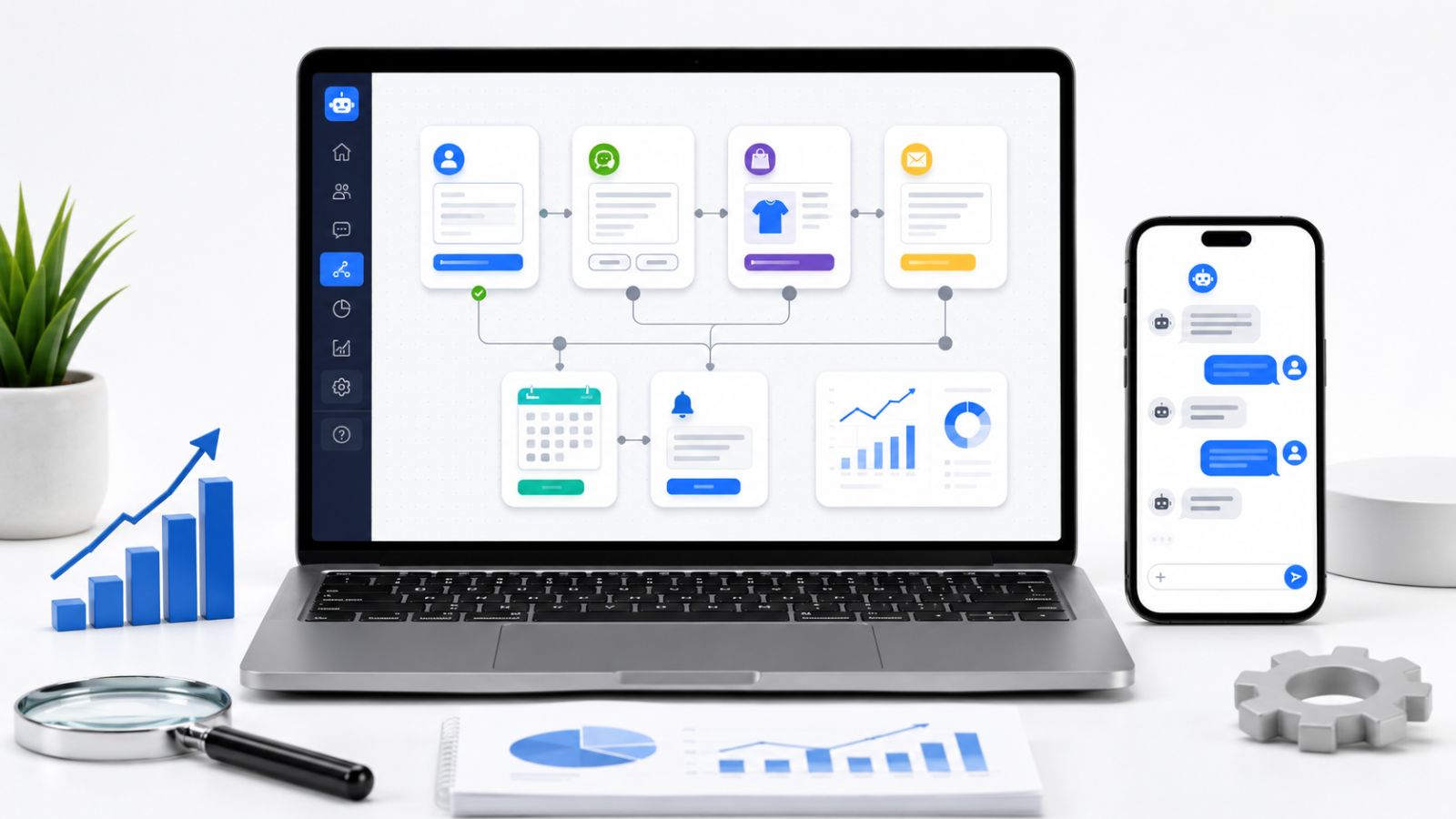
These are the highest-ROI workflow patterns based on deployment data across e-commerce, SaaS, and service businesses:
Abandoned Cart Recovery
Trigger: Webhook from e-commerce platform when cart is abandoned for 30 minutes
Flow: Personalized reminder → product image + price → discount code offer → one-click checkout link
Typical result: 10–20% cart recovery rate
Lead Qualification Funnel
Trigger: User clicks “Get a Quote” button on website widget
Flow: Budget question → timeline question → use-case question → CRM write → sales team notification → calendar booking link
Typical result: Qualified leads delivered to sales in under 2 minutes, 24/7
Post-Purchase Onboarding
Trigger: Order confirmation webhook
Flow: Welcome message → setup guide links → 48-hour check-in → NPS survey → upsell sequence
Typical result: Reduced support tickets, higher product activation rates
Re-Engagement Campaign
Trigger: User inactive for 7 days
Flow: Personalized re-engagement message → new product highlights → exclusive offer → unsubscribe option
Typical result: 15–25% re-engagement rate among dormant subscribers
Chatbot Workflow Engine vs. Traditional Marketing Automation
| Capability | Traditional Marketing Automation | Chatbot Workflow Engine |
|---|---|---|
| Primary channel | Messaging apps + chat | |
| Average open rate | 20–25% | 70–90% |
| Response time | Asynchronous (hours/days) | Real-time (seconds) |
| Conversation context | Limited | Full session + history |
| Two-way interaction | Minimal | Native |
| Setup complexity | High (ESP + CRM + workflows) | Unified platform |
| Cost | Often per-contact pricing | Often per-conversation or flat |
Messaging channels consistently outperform email on engagement metrics. According to Salesforce’s State of Marketing report, customers who engage via messaging apps have a 3.5x higher likelihood of completing a purchase compared to those who engage via email alone.
Implementation Best Practices

Getting the most from a chatbot workflow engine requires more than just building flows. These practices separate high-performing deployments from stalled ones:
Start with one high-value flow. Rather than automating everything at once, identify the single workflow with the clearest ROI – often lead capture or cart recovery – and launch that first. Validate performance before expanding.
Map your conversation paths on paper first. Before touching the visual builder, sketch the full decision tree including all possible user responses, edge cases, and exit conditions. This prevents incomplete flows that dead-end users.
Build in explicit opt-out paths. Every flow should include a clear, easy way for users to stop receiving messages. Beyond being a compliance requirement under most messaging platform policies, it also protects your sender reputation.
Test with real users before going live. Internal QA is not a substitute for real-world testing. Run a soft launch with a small segment, monitor drop-off rates, and iterate before broad deployment.
Use A/B testing on message copy. Workflow engines that support variant testing let you continuously improve message performance. Even small copy changes – a different emoji, a more specific call to action – can shift completion rates by 10–15%.
Frequently Asked Questions
What is the difference between a chatbot and a chatbot workflow engine?
A chatbot is the interface users interact with. A workflow engine is the underlying system that determines what the chatbot does next at every step in a conversation. You can have a chatbot without a workflow engine (a simple FAQ bot), but you cannot have a sophisticated automated conversational flow without one.
Does a chatbot workflow engine require coding skills?
Modern platforms, including ChatbotX, offer visual no-code builders that allow non-technical users to create complex flows. However, having developer access unlocks advanced features such as custom API integrations, conditional logic based on external data, and workflow extension via code.
Can a workflow engine connect to my existing CRM?
Yes. Most production-grade engines offer native integrations or webhook-based connections to CRMs such as HubSpot, Salesforce, and custom systems. ChatbotX supports HTTP action nodes that can write data to any endpoint that accepts a POST request.
How is open-source different from SaaS for workflow automation?
SaaS platforms manage hosting, updates, and support. Open-source platforms give you the codebase to deploy on your own infrastructure. For ChatbotX, the open-source model means no per-contact pricing, full data ownership, and the ability to customize the workflow engine itself.
What messaging channels does a workflow engine typically support?
The most common channels are Facebook Messenger, WhatsApp Business API, Instagram Messaging, website live chat, and Telegram. Multi-channel engines allow a single workflow to be deployed across all channels with channel-specific adaptations.
Start Automating With ChatbotX
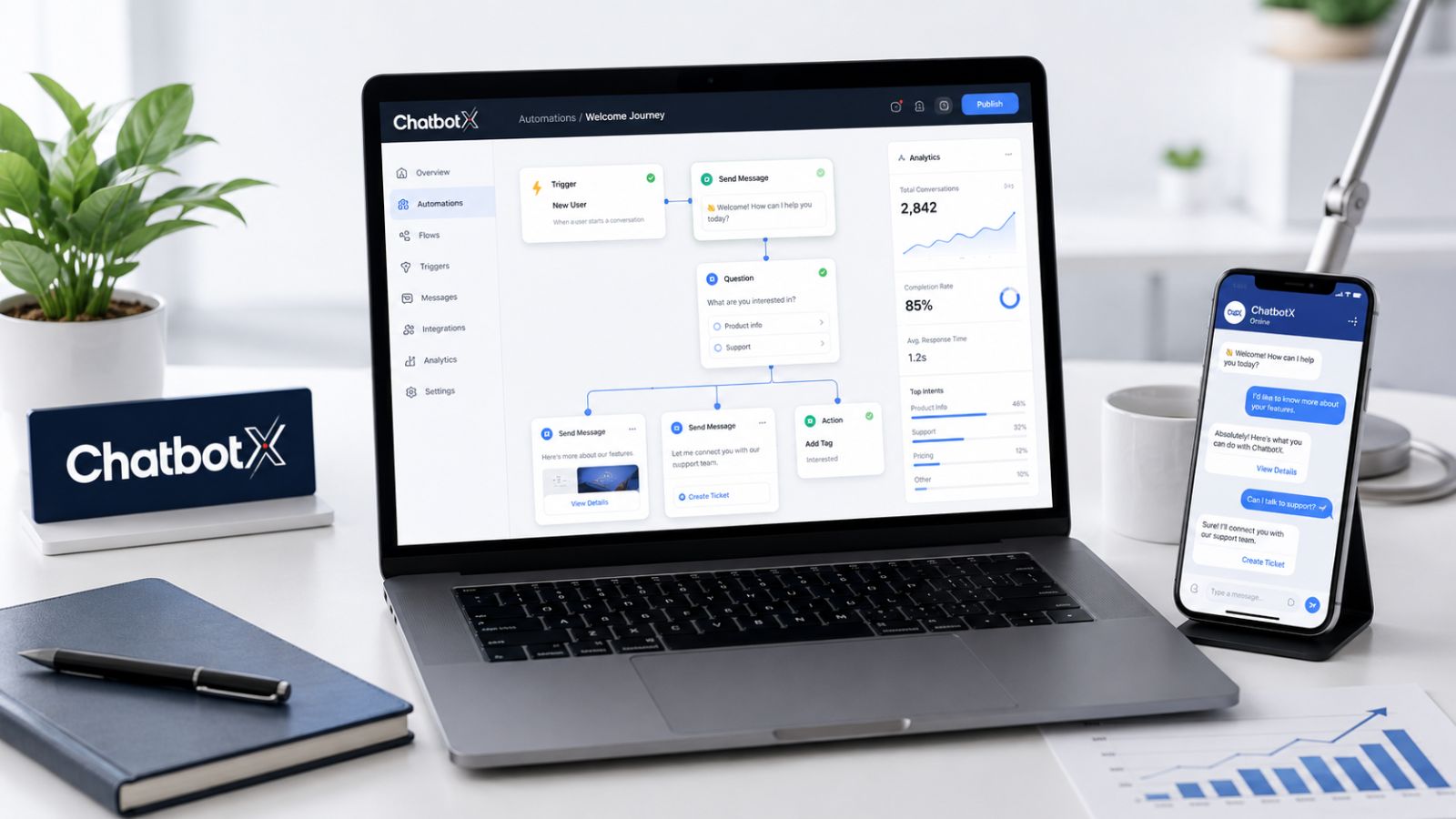
A chatbot workflow engine is no longer a nice-to-have. In 2026, it is the infrastructure that separates businesses that convert at scale from those that lose leads between messages.
ChatbotX is built for exactly this challenge. As a fully open-source platform, it gives your team:
- A visual AI flow builder for designing complex, branching conversations without code
- Omnichannel support across Facebook, Instagram, WhatsApp, and website chat
- Smart segmentation and real-time CRM sync
- Self-hosting for complete data ownership and zero vendor lock-in
- An active developer community and transparent, auditable source code
Ready to see what a real workflow engine looks like in action?
- 🚀 Explore ChatbotX features at chatbotx.io
- 📖 Read more about automation strategies on the ChatbotX Blog
- ⭐ Star and fork the project on GitHub – ChatbotXIO/ChatbotX
Whether you are a solo founder building your first automation or an enterprise team replacing a legacy platform, ChatbotX gives you the workflow engine to automate conversations at every stage of the customer journey – without compromise.
The conversation starts here. Make every step count.


