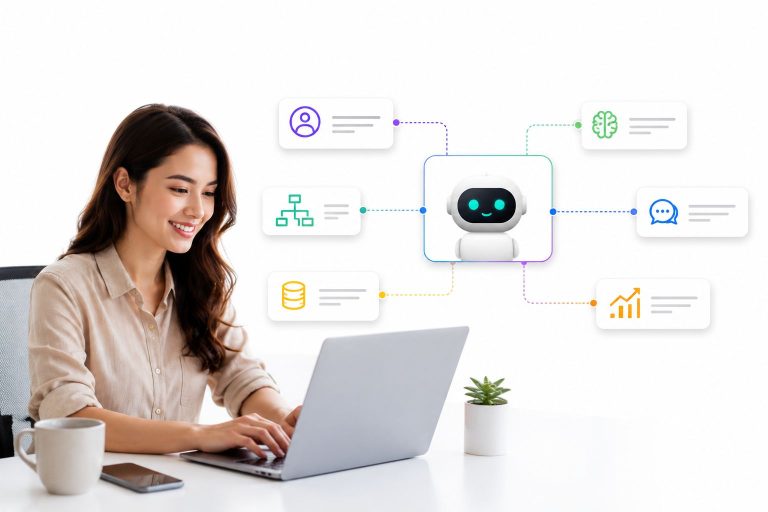
Picture a customer who messages your brand on Instagram about a delayed order, then follows up over WhatsApp an hour later, and finally calls your support line the next morning because nobody has replied. If your agent on the phone has no idea the first two conversations ever happened, you don’t have a support operation – you have three disconnected mailboxes wearing the same logo.
That gap between “we’re on every channel” and “we actually remember the customer across every channel” is exactly what an omnichannel customer service platform is built to close. It’s no longer a nice-to-have for enterprise call centers. In 2026, it’s the baseline expectation for any business that sells or supports customers through more than one messaging app – which, realistically, is almost everyone.
This guide breaks down what an omnichannel customer service platform actually is, why the difference between “omnichannel” and “multichannel” is bigger than marketing teams make it sound, what to look for before you buy, and how a modern, AI-driven approach changes the economics of support.
Launch agentic chat marketing in minutes with ChatbotX














What Is an Omnichannel Customer Service Platform?
An omnichannel customer service platform is software that unifies every channel a customer might use – live chat, WhatsApp, email, Messenger, Instagram, SMS, voice, and social comments – into a single system of record. Instead of routing each channel to a separate inbox or tool, the platform keeps one continuous conversation thread per customer, no matter how many times they switch channels.
The key word is “continuous.” A true omnichannel setup carries context forward automatically: order history, prior tickets, sentiment, and the full back-and-forth of the conversation travel with the customer, not with the channel. Agents open a single thread and see everything, rather than piecing together fragments from four different tools.
Omnichannel vs. Multichannel: Why the Distinction Matters
It’s tempting to assume that being present on many channels is the same as being omnichannel. It isn’t. A multichannel setup means your brand has a presence on WhatsApp, Messenger, and email – but each one operates independently, with its own inbox, its own history, and often its own team. Customers end up repeating themselves, and agents end up guessing.
Research from Salesforce’s State of the Connected Customer report points to a large majority of consumers expecting consistent experiences no matter which channel they pick, and the businesses that fail to deliver that consistency pay for it in churn and lost revenue. Separately, McKinsey’s omnichannel research found that most customers move across three to five channels during a single journey toward a purchase or a resolved request, which means the “single channel” support model most teams still run on is already out of step with how people actually behave.
Why Omnichannel Support Has Become Non-Negotiable in 2026

A few forces have converged to push omnichannel service from “advanced feature” to “table stakes.”
Customers now expect AI-assisted speed without losing the human touch. According to a recent Gartner survey of customer service and support leaders, the vast majority reported pressure from executive leadership to implement AI, with improving customer satisfaction, operational efficiency, and self-service success ranked as the top priorities for 2026. That pressure only makes sense if the underlying data and conversation history are unified enough for AI to act on them reliably.
Messaging has quietly become the default support channel. WhatsApp, Zalo, Instagram DMs, and web chat widgets now generate more first-contact volume than phone or email for a growing share of businesses, especially in e-commerce and D2C. A platform that treats messaging apps as an afterthought is optimizing for a channel mix that no longer reflects reality.
Fragmented tools quietly inflate cost per resolution. Every extra tool an agent has to open – a separate WhatsApp Business dashboard, a helpdesk, a CRM tab, a spreadsheet for order status – adds seconds to every single interaction. Multiply that across thousands of tickets a month and the “free” cost of running disconnected channels turns out to be one of the largest hidden line items in a support budget.
The Core Capabilities to Look For

Not every tool that markets itself as “omnichannel” actually delivers the experience customers expect. When evaluating a platform, look past the channel logos on the landing page and check for these underlying capabilities.
1. A Genuinely Unified Inbox
The most important test: when a customer switches from Instagram to WhatsApp, does the agent see one thread or two? A shared inbox that merges every channel into a single, chronologically ordered conversation is the foundation everything else is built on. Without it, “omnichannel” is just a marketing label on a multichannel tool.
2. Automation That Handles the Repetitive 80%
Order status checks, shipping updates, FAQ answers, and basic troubleshooting make up the bulk of most support volume. A visual flow builder lets teams design automated conversation paths without writing code, so routine questions get resolved instantly while agents focus on the conversations that actually need a human.
3. AI Agents That Understand Context, Not Just Keywords
Rule-based bots that match keywords break the moment a customer phrases something slightly differently. Modern platforms instead deploy AI agents that reference order history, past conversations, and product data to generate accurate, on-brand responses – and know when to hand off to a human rather than guessing.
4. A CRM That Travels With the Conversation
Customer context shouldn’t live in a separate system that agents have to alt-tab into. Built-in CRM contact management with tags, segments, and custom fields means every agent sees purchase history, previous issues, and lifecycle stage right inside the conversation window.
5. Smart Routing for Faster Resolution
Even with strong automation, some tickets need a specialist. Case routing that considers intent, urgency, and agent workload prevents the classic bottleneck of one person triaging every inbound message by hand. If you want a deeper look at how this plays out for lean teams, ChatbotX’s case routing automation guide walks through practical routing setups that don’t require an enterprise-sized support org.
6. Analytics That Show the Full Journey, Not Channel Silos
Reporting that only shows WhatsApp metrics in one place and email metrics in another makes it nearly impossible to see the real picture. Look for analytics that aggregate resolution time, CSAT, and volume across every channel in a single dashboard.
The Business Case: What Omnichannel Support Actually Delivers
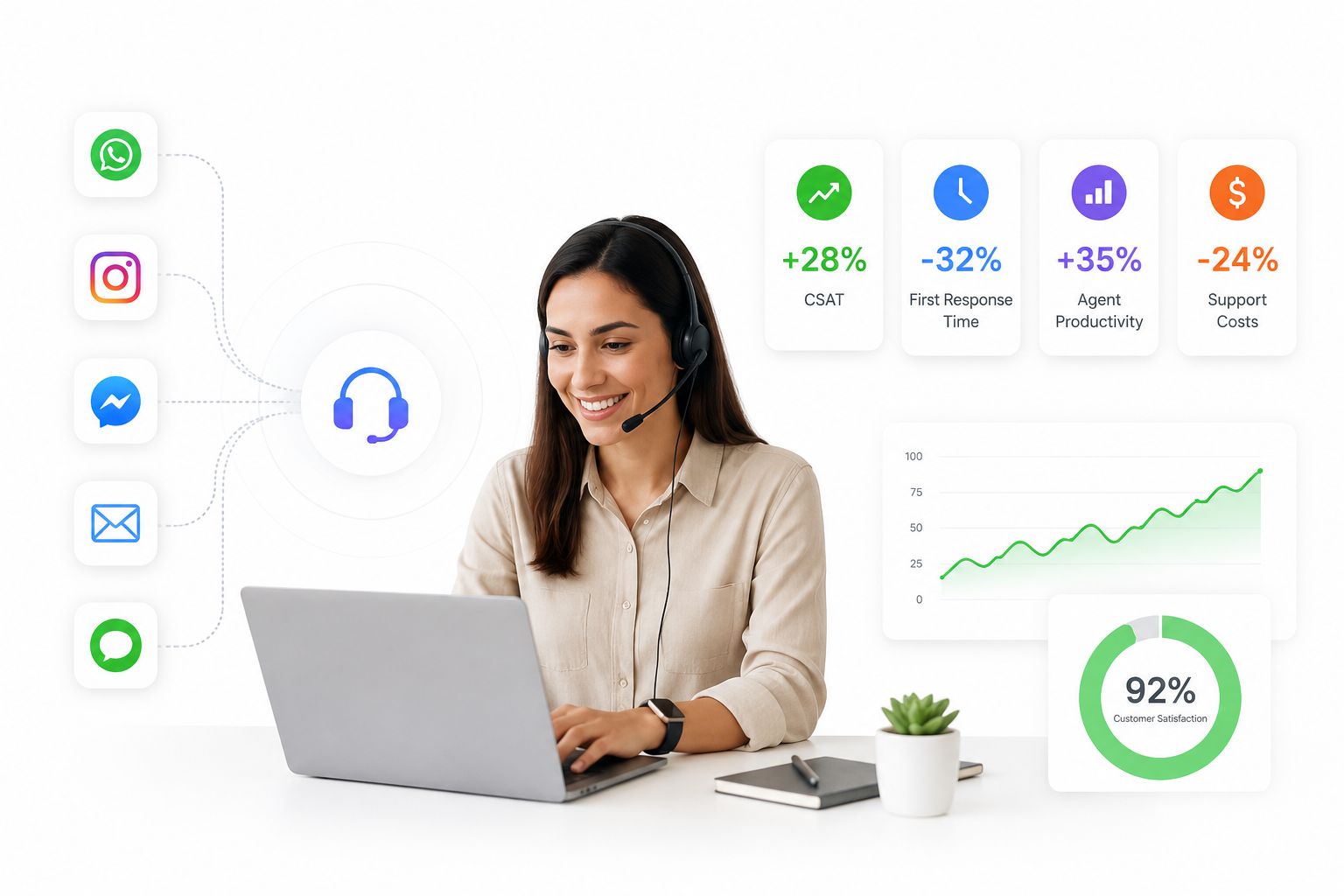
The upside isn’t just a smoother customer experience – it shows up directly in the numbers. Companies with strong omnichannel engagement strategies retain significantly more of their customer base and see measurable lifts in both loyalty and revenue compared to those running disconnected, channel-by-channel support. The pattern holds across industries: the businesses that unify context across channels resolve issues faster, repeat fewer questions back to the customer, and convert more support interactions into retained revenue rather than lost customers.
That’s also why so many teams are moving away from stitching together four or five point solutions (a WhatsApp API tool, a separate live chat widget, a CRM, and a helpdesk) in favor of a single platform that was designed to do all of it together from the start. Every extra login, every manual copy-paste between systems, and every “let me transfer you to another department” moment is friction the customer feels – and friction is what omnichannel architecture is specifically designed to remove.
There’s also a workforce dimension worth planning for. As AI takes on a larger share of routine resolution, support teams aren’t disappearing – they’re shifting toward the complex, emotionally sensitive, and judgment-heavy conversations that still need a human. A platform that lets AI and agents work from the exact same conversation thread, rather than handing off between disconnected systems, is what makes that blended model actually work in practice rather than just in a strategy deck.
Common Questions About Omnichannel Customer Service Platforms
Is an omnichannel platform only useful for large enterprises?
No. Smaller teams often benefit the most, since they don’t have the headcount to manually monitor five separate inboxes. Automation and a shared inbox let a two- or three-person support team punch well above their weight.
Do I need to replace my CRM to add omnichannel support?
Not necessarily. Many platforms sync with existing CRM and e-commerce tools via API, though having contact management built into the same system you use for conversations removes an extra integration point to maintain.
How is this different from a traditional helpdesk?
Traditional helpdesks were built around email tickets first and messaging channels second, often as add-ons. Omnichannel platforms are built channel-agnostic from the ground up, treating WhatsApp, Instagram, and webchat as first-class citizens rather than afterthoughts bolted onto an email-ticket data model.
What happens to my data if I switch platforms later?
This is exactly why data portability and self-hosting options matter during evaluation. Proprietary SaaS tools can make exporting conversation history and contact data difficult; open-source platforms typically give you direct database access, since you’re the one hosting it.
Build vs. Buy: Why Open-Source Is Reshaping This Category
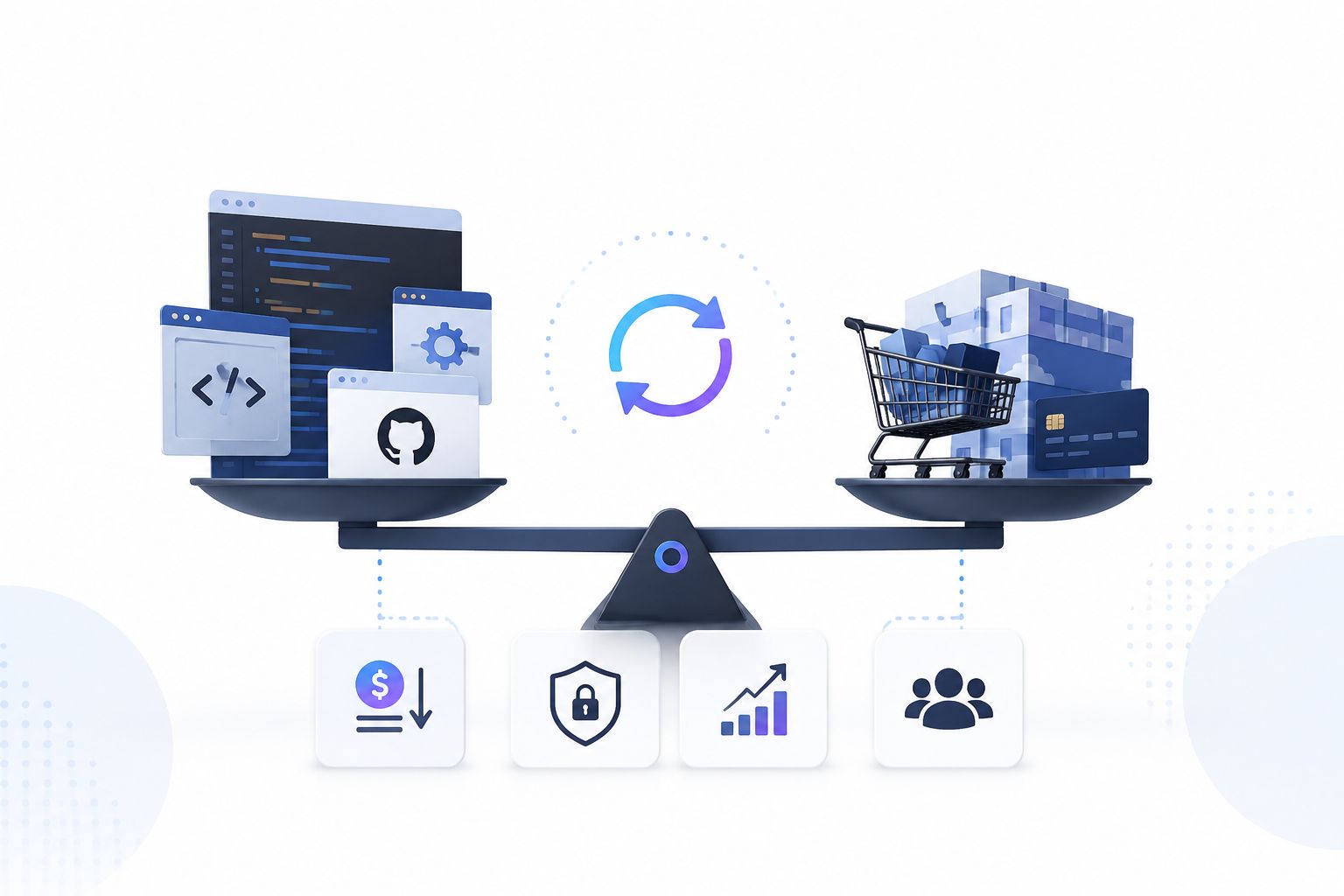
For years, “omnichannel customer service platform” meant choosing between expensive enterprise suites and rigid SaaS tools that lock you into their pricing tiers, their data policies, and their roadmap. That’s changing. Open-source alternatives now let teams self-host, white-label, and fully own their customer data and workflows, rather than renting access to someone else’s black box.
ChatbotX is one of the platforms leading that shift – an open-source, agentic omnichannel chatbot and support platform built for WhatsApp, Messenger, Instagram, Telegram, Zalo, Email, and Webchat. Rather than treating AI as a bolt-on feature, ChatbotX is built API-first, with a public API, CLI, and Model Context Protocol (MCP) support so teams can automate workflows, connect their own AI models, and extend the platform however their operation actually works. Because the entire codebase is open on GitHub, teams that want deeper technical control can inspect, extend, or self-host the platform’s channel integrations directly, instead of waiting on a vendor’s release cycle.
If you’re currently comparing established players before making a decision, it’s worth reading how the category’s incumbents stack up against newer, more flexible options – this comparison of ChatbotX against Intercom breaks down pricing, AI resolution quality, and channel coverage side by side.
A Practical Checklist Before You Choose a Platform
Before signing a contract or committing engineering time to a build, run through these questions:
- Does the platform merge every channel into one conversation thread, or does it just embed multiple channel widgets side by side?
- Can non-technical team members build and edit automated flows without a developer?
- Does the AI layer use real conversation and order context, or does it rely on static keyword rules?
- Is customer data portable, or does switching platforms later mean starting from zero?
- Does pricing scale predictably with your contact volume, or does it jump unexpectedly at growth milestones?
- Can the platform be self-hosted or white-labeled if data ownership and control matter to your business?
Answering these honestly will filter out most of the tools that only look omnichannel from the outside.
Getting Started
Omnichannel support isn’t about adding more channels – it’s about making the channels you already use behave like one continuous conversation. The gap between a customer’s experience and your team’s ability to deliver it usually comes down to whether the underlying platform was actually designed for context to travel with the customer, or bolted together after the fact.
If you’re ready to see what a unified, AI-powered omnichannel setup looks like in practice, get started with ChatbotX and connect your first channel in minutes – self-host it, white-label it for your clients, or launch on the cloud, and bring your own AI models along the way.