

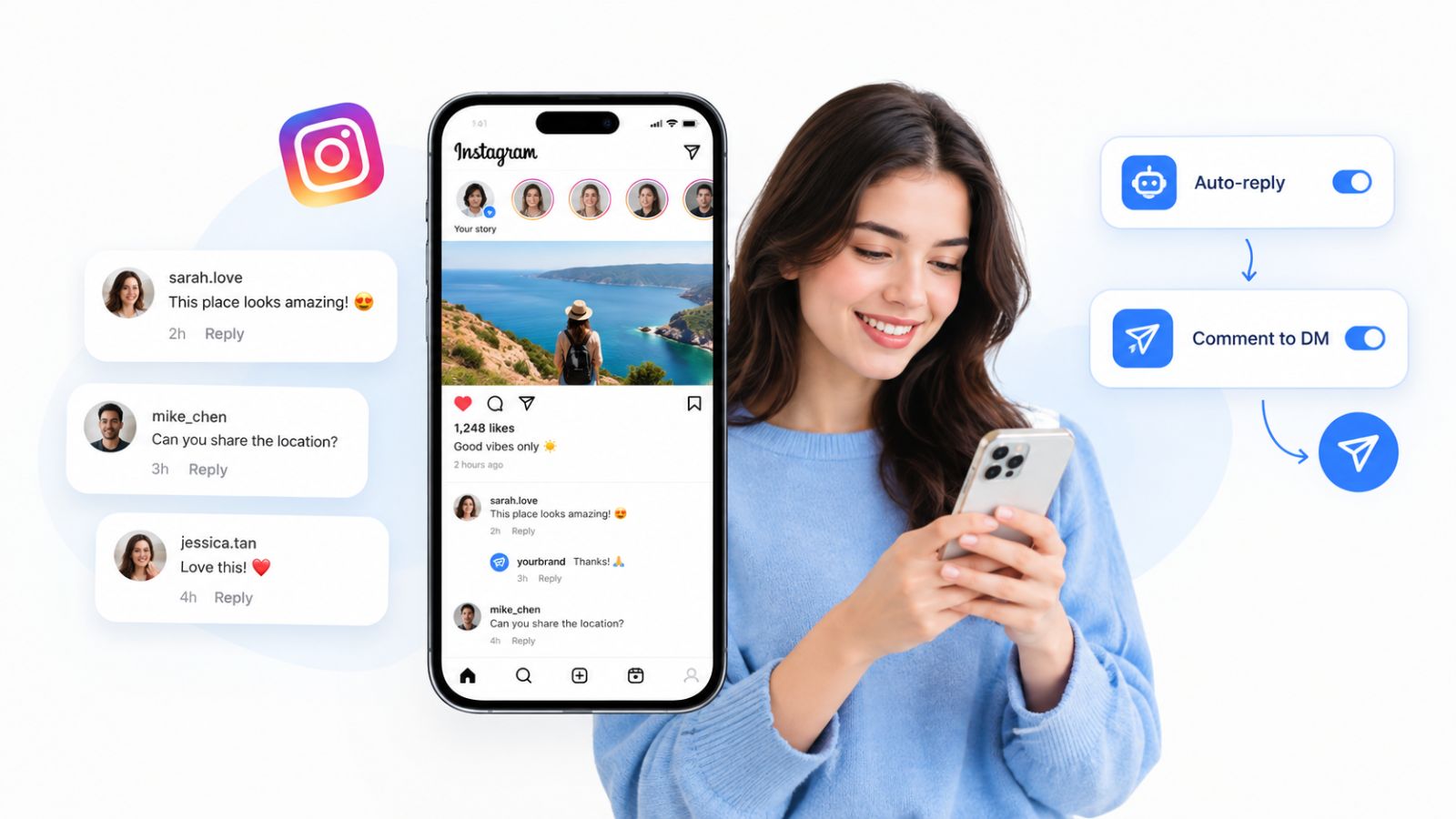
Replying to a single Instagram comment takes a few seconds. Replying to two hundred comments that all say “price?” after a reel goes viral is a different story. By the time you reach the bottom of the thread, many of those people have already bought from someone else.
This guide walks through both sides of the problem. First, the manual basics: how to reply to comments on Instagram from the app, from a computer and from a business inbox, plus how to decide whether an answer belongs in public or in a private message. Then the part that most tutorials skip: how to auto reply to Instagram comments safely with official, API-based automation, so every relevant comment gets a public response and a private follow-up within seconds.
Key takeaways
– Reply publicly when the answer helps every reader; move to DMs when the answer is personal, price-related or sales-driven.
– Manual replies stop scaling when comment volume, response time and consistency all start to slip at once.
– A safe Instagram comment bot works through Meta’s official API and only answers people who commented on your content.
– Meta allows one private reply per comment, within 7 days, so your first automated DM has to invite a response.
Launch agentic chat marketing in minutes with ChatbotX














How to Reply to Comments on Instagram (Step by Step)
In the mobile app
Open the post or reel, tap the comment icon, then tap Reply beneath the comment you want to answer. Instagram automatically starts your message with the person’s @username, so they receive a notification that you responded to them directly. Type your answer and send it.
On a computer
Open the post on instagram.com, find the comment and click Reply. The flow is identical to the app, but a keyboard makes longer answers faster to write.
From a business inbox
If you manage a professional account, you can also handle comments next to your messages from a unified inbox. That helps social media managers and support teams work through feedback without juggling phones.
Small features that change how a reply lands
- Heart the comment. It is the lightest possible acknowledgement and works well for compliments, not for questions.
- Pin the best comments. Pinning a useful question and your answer keeps it visible, so new viewers get the answer before they ask again.
- Answer with a reel. On reels, you can reply to a comment with a new video, which turns a common question into content.
- Filter the noise. Instagram’s Hidden Words settings let you hide comments that contain offensive terms or phrases you add yourself. Use them for spam and abuse, not for criticism you would simply rather not read.
Reply in public when it matters. Complaints, corrections and questions that many people share should get a visible answer. Silence under a public complaint often looks worse than the complaint itself.
Public Reply or DM? A Simple Decision Framework

Think of your comment section as a shop window, not a checkout counter. If the answer is useful to everyone, give it in public. If it is specific to one person, one size or one price, continue in a private message.
| Comment type | Best response | Why it works |
|---|---|---|
| “Love this!” | Heart it or add a short thank-you | Builds social proof with no selling needed |
| “What time do you open?” | Public reply | Every reader benefits from the answer |
| “How much?” | Short public reply, price in a DM | Keeps pricing details out of competitors’ sight |
| “Is this available in medium?” | DM | Stock and sizing are personal |
| “Interested!” | Public “check your DMs” plus a DM | High intent that needs a real conversation |
| A complaint | Public acknowledgement, then a DM | Shows you respond while solving it privately |
| Spam or abuse | Hide or delete | Protects the thread for everyone else |
Price questions are the clearest example. A short public reply such as “Sent you the details!” shows other viewers that you respond, while the actual figure stays in a private conversation you can keep building on.
That private message has an official name in Meta’s tools: a private reply, meaning a direct message sent in response to a specific comment. Every legitimate comment-to-DM tool relies on it, and it comes with rules covered below.
Why Manual Replies Stop Working

Answering comments by hand is perfectly fine at ten comments a day. It breaks down in three predictable ways:
- Volume. A giveaway, a sale or a viral reel can produce hundreds of near-identical comments. Copying and pasting the same reply and the same DM again and again wastes hours.
- Timing. A comment is a moment of interest. Someone who asks about a price late at night and hears back the next afternoon has often moved on. Fast answers win leads, and our broader Instagram automation playbook for business shows how teams build that speed into their workflow.
- Consistency. Different team members answer the same question differently, and the private follow-up is the first thing forgotten when the thread gets busy.
That is exactly where an Instagram comment bot earns its place, provided it is the right kind.
Instagram Comment Bot: The Safe Kind vs. the Risky Kind
Searches for “Instagram comment bot” mix up two very different tools:
- Engagement bots log in with your credentials and post comments, likes and follows on other people’s content to fake activity. They violate platform rules, depend on sharing your password and are a common reason accounts get restricted.
- Comment reply automation connects through Meta’s official API and only responds to people who commented on your own posts and reels. It can reply in the thread, send a private reply and hand the conversation to a human. Meta documents public replies in its comment moderation guide.
Only the second kind is appropriate for a business. It cannot message strangers who never interacted with you, and it follows the limits Meta sets in its private replies documentation:
- One message per comment. A private reply is a single message to the commenter.
- Seven-day window. The reply must be sent within seven days of the comment. For Instagram Live, it can only be sent during the broadcast.
- Follow-ups need a response. Further messages are allowed only if the person answers, and within 24 hours of that answer.
The practical consequence is simple: your one automated DM has to earn a reply. Everything that follows depends on the person answering it.
How Comment-to-DM Automation Works
Most comment-to-DM setups follow the same five-step logic, regardless of the tool you choose:
- Connect a professional account. Instagram Business or Creator accounts are required for official automation.
- Choose the trigger. Pick a specific post or reel, or watch every post, and decide which keywords should start the flow (for example “price”, “guide” or “interested”).
- Set the public reply. A short line such as “Check your DMs!” tells everyone else what to do and encourages more comments.
- Write the private reply. Deliver what the post promised, then ask one clear question.
- Hand off to a person. When the commenter answers, your team continues the conversation from one shared inbox instead of from someone’s personal phone.
Before launch, test the setup from a second Instagram account, exactly the way a customer would comment. Check the public reply, the DM and the inbox entry before you promote the post.
Automate Instagram Comments with ChatbotX

If you want these workflows without paying per-seat fees to a closed platform, ChatbotX is worth a look. It is an open-source, agentic chat marketing platform that connects Instagram with WhatsApp, Messenger, Telegram, TikTok, Zalo, Email and web chat, so the same customer context follows people from one channel to the next.
For comment automation specifically, ChatbotX gives you several building blocks:
- Comment-to-DM and Story automation. Turn keyword comments and Story mentions into private conversations, then route them into the right journey.
- A visual no-code builder. The Flow Builder lets you design conversation paths with buttons, quick replies, conditions, waits and data capture, then publish changes without disturbing the live version.
- A shared team inbox. The Shared Inbox brings Instagram, WhatsApp, Messenger and more into one place, with human takeover and conversation assignment when a lead needs a person.
- AI agents that qualify leads. AI Agents can answer questions, collect contact details and escalate complex cases to your team.
Because the platform is open source, you can also self-host it. The ChatbotX GitHub repository includes the community edition, the CLI and the MCP server, and the release notes show how quickly new features, including comment automation updates, ship. Prefer a managed setup? The cloud plans come with a free trial, and the self-hosted community plan carries no licensing fee.
Curious how Instagram fits into a wider multi-channel strategy? Our guide to omnichannel chatbot platforms explains what to look for before you commit to a tool.
Writing Replies and DMs That Actually Get Answers
Automation removes the waiting. The wording still decides whether anyone replies. These habits work consistently:
- Keep the public reply short. Its job is to show you respond and point people to their messages: “Sent you the details!” is enough.
- Keep prices out of public replies. Put the real answer in the private message.
- Answer, then ask one question. For example: “It’s $39 and 40% off this week. Which size are you looking for?” The question matters because Meta only permits follow-ups after the person responds.
- Deliver what the caption promised. If the post says “comment GUIDE for the free guide,” the DM must contain the guide, not a generic thank-you.
- Say the keyword out loud. Put it in the caption and on the video itself so viewers know exactly what to type.
- Keep a human voice. Automate the repetitive logistics and personally answer the questions that need judgment.
For more message ideas and campaign angles, see our Instagram automation guide with auto DM and AI chatbots.
How to Measure Whether Your Comment Replies Work
You do not need a complicated dashboard. Track four numbers for each automated post:
- Comments on the post.
- DMs sent, meaning the conversations your automation opened.
- Replies, the people who answered your first DM. This is the number your copy controls.
- Outcomes, such as orders, bookings or qualified leads.
If comments are high and replies are low, rewrite the DM so it answers and asks. If DMs sent are lower than the number of comments containing your keyword, loosen your matching rules so natural phrasing is caught as well.
Frequently Asked Questions
How do I reply to a comment on Instagram?
Open the post or reel, tap the comment icon, press Reply under the comment and send your answer. The person is notified because their @username is added automatically.
Can I reply to Instagram comments automatically?
Yes. Use a tool that connects through Meta’s official API, then set keyword triggers, a short public reply and a private DM. Avoid any service that asks for your Instagram password.
Is an Instagram comment bot safe?
Official, API-based comment automation is safe because it only responds to people who engaged with your content and follows Meta’s messaging limits. Bots that log in as you and comment on other accounts put your profile at risk.
How long do I have to send a private reply to a comment?
Seven days from when the comment was posted. For Instagram Live, a private reply can only be sent while the broadcast is running.
Should I answer every comment?
Not necessarily. Prioritize questions, buying signals and complaints. A heart is enough for simple compliments, and spam can be hidden.
Conclusion: Never Leave a Comment Unanswered Again

Knowing how to reply to comments on Instagram by hand still matters for compliments, complaints and conversations that need a human touch. For the repetitive part, such as price questions, “interested” comments and giveaway entries, a reply that arrives in seconds beats a perfect one that arrives tomorrow.
Start small: pick one post, choose one keyword, write a short public reply and a DM that ends with a question, then test it from a second account. Add a new rule each time a question keeps coming up.
Ready to turn every Instagram comment into a conversation? Start automating your Instagram comments with ChatbotX and see how comment-to-DM, a visual flow builder and a shared inbox can work together for your brand. Try the cloud version free, or self-host it at no licensing cost, and give every commenter the fast reply they expect.


