Standing out in social commerce has never been harder – or more rewarding. With Meta reporting over 3 billion monthly active users on Facebook, brands that know how to leverage Facebook Shop are sitting on one of the most powerful free sales channels available today. This guide walks you through everything – from first-time setup to advanced automation – so you can turn scrollers into buyers at scale.
Key Takeaways
- Facebook Shop vs. Marketplace: Facebook Shop is a branded storefront built exclusively for businesses with an official Page. Marketplace is a peer-to-peer classifieds platform – the two serve completely different purposes and audiences.
- Core Features: Product collections, in-post product tagging, and deep integration with Meta’s organic algorithm give brands free reach that most paid channels can’t match.
- Compliance Matters: Meta’s Commerce Policies are strict. Listing prohibited products – from tobacco to unverified health claims – can get your entire shop suspended overnight.
- Automation is the Multiplier: Pairing Facebook Shop with an AI chatbot platform like ChatbotX transforms passive traffic into active conversations and closes sales around the clock without additional headcount.
Launch agentic chat marketing in minutes with ChatbotX














Facebook Shop vs. Facebook Marketplace: What’s the Difference?
These two features share the same platform but serve entirely different purposes. Confusing them is one of the most common mistakes new sellers make.
Facebook Shop
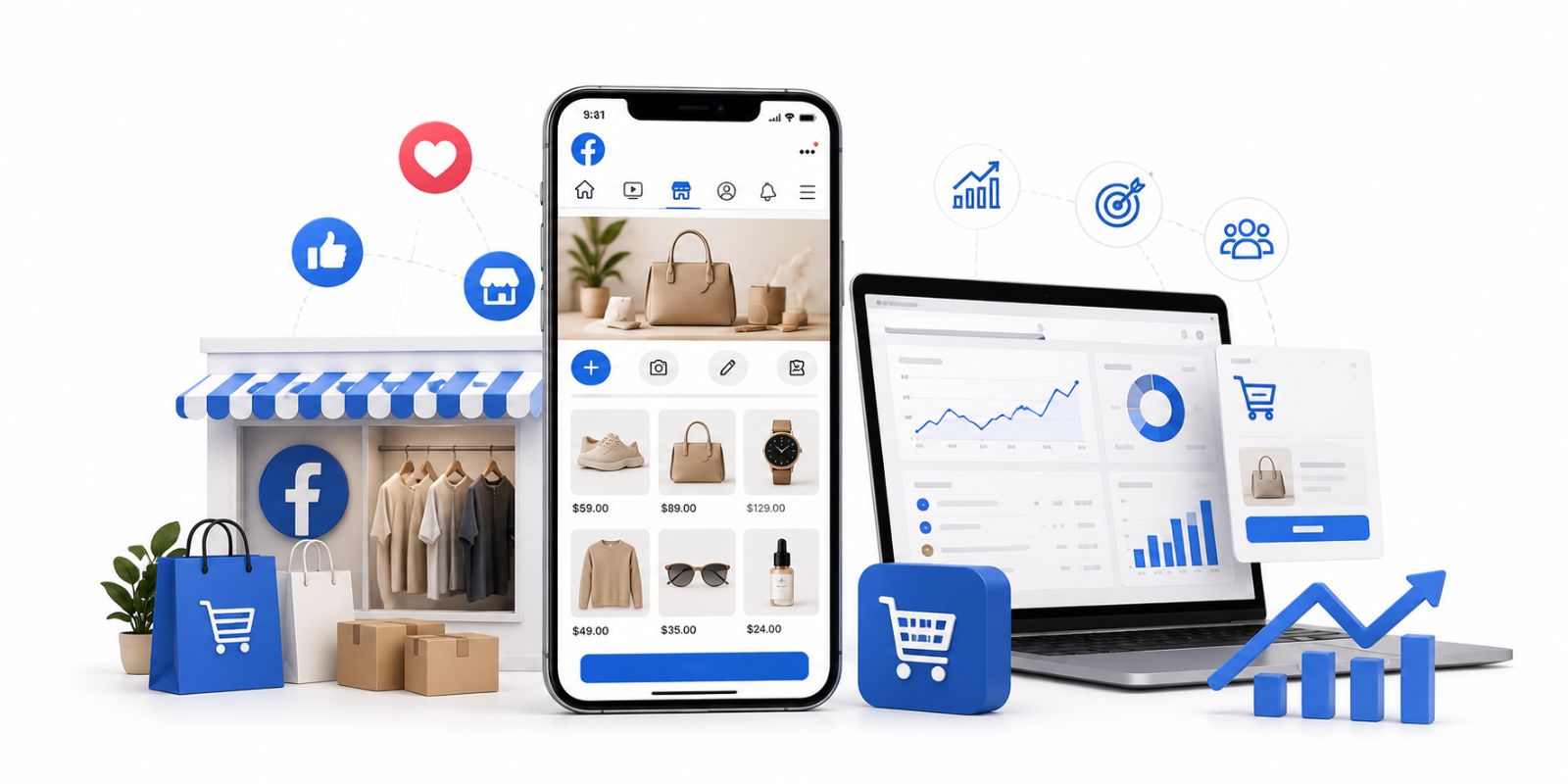
Facebook Shop is Meta’s native e-commerce solution for brands and businesses that operate a Facebook Business Page. Think of it as a branded mini-storefront embedded directly in the social feed. Merchants can build a full product catalog, organize items into curated collections, set pricing, and direct buyers toward checkout – either on an external website or via direct message. The shopping experience stays entirely within the Facebook ecosystem, which dramatically reduces friction for impulse purchases.
Facebook Marketplace
Marketplace functions more like a digital bulletin board or classifieds section. It’s designed for individuals selling secondhand goods, local items, or one-off transactions. There’s no brand identity, no catalog management, and transactions are typically settled through cash, bank transfer, or informal arrangements. For serious e-commerce brands, Marketplace is not a substitute for a properly set-up Facebook Shop.
Why Facebook Shop Still Matters in 2026
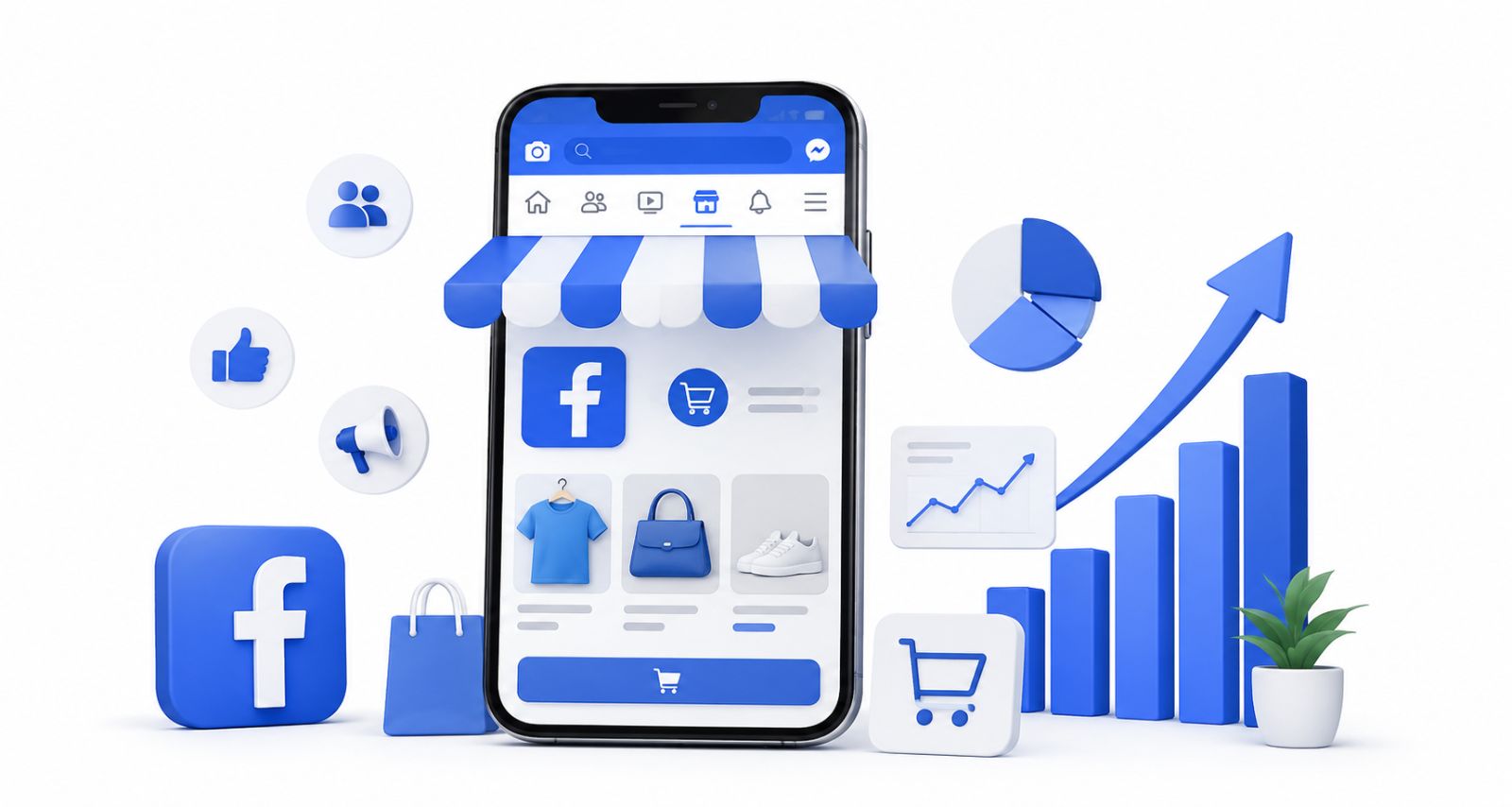
Social commerce is no longer a trend – it’s a primary revenue channel. According to Statista’s 2025 Social Commerce Report, global social commerce revenue surpassed $1.2 trillion in 2024 and is projected to continue growing. Facebook Shop is positioned at the center of this shift for one key reason: the purchase intent is built into the browsing session. A customer doesn’t need to open a new browser tab or remember a brand name – they see a product, tap a tag, and buy.
Key advantages of Facebook Shop in 2026 include:
- Zero listing fees. Creating and maintaining a Facebook Shop is completely free.
- Algorithm-boosted visibility. Meta’s ranking system actively promotes posts that include product tags, giving organic reach a measurable lift over non-tagged posts.
- Seamless mobile experience. With mobile accounting for the majority of social browsing, Facebook Shop’s in-app shopping flow is optimized for thumb-scroll buyers.
- Cross-platform catalog sharing. A single product catalog syncs across both Facebook and Instagram, doubling your storefronts with a single upload.
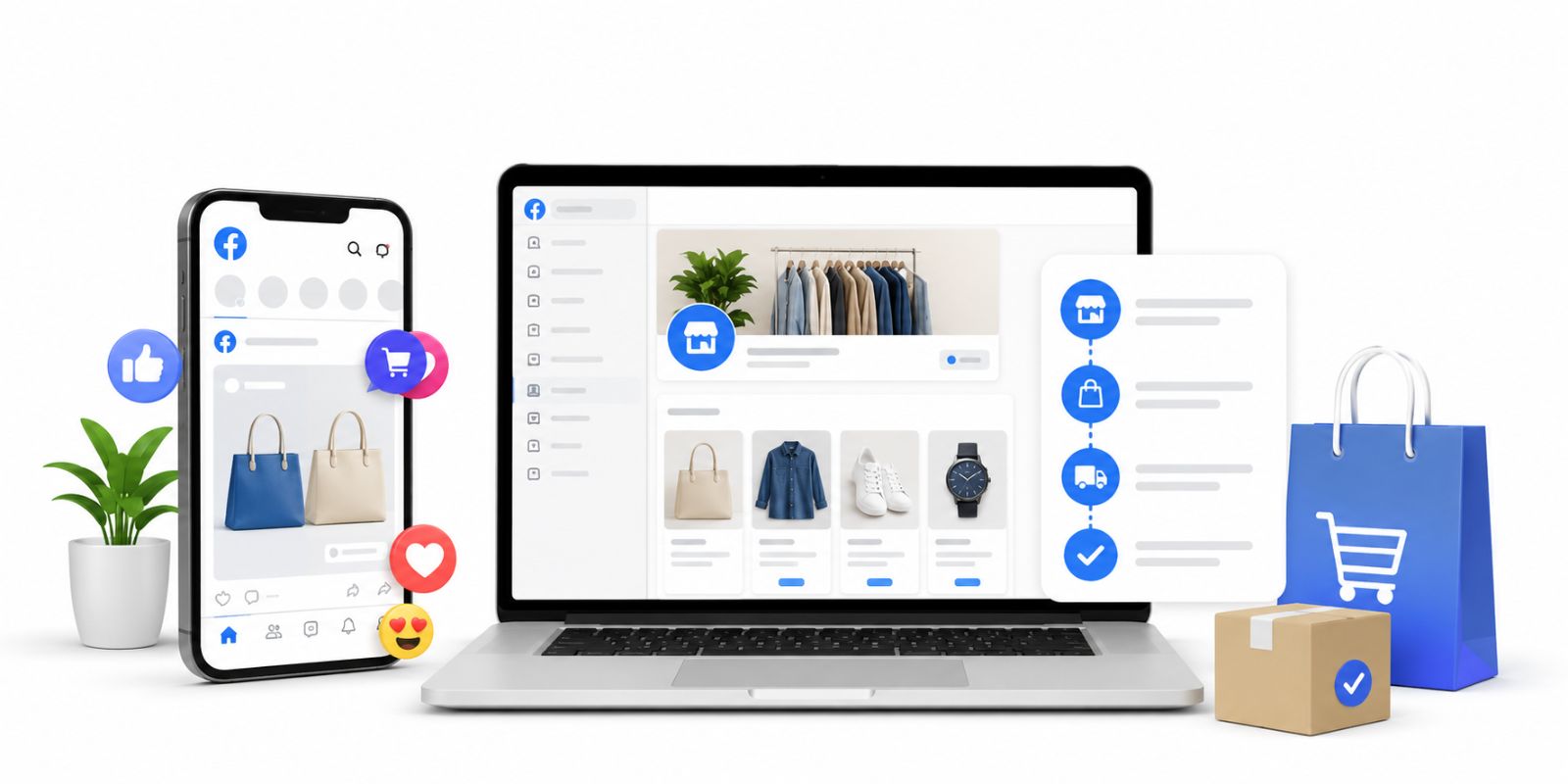
Step-by-Step: How to Set Up Your Facebook Shop
Prerequisites
Before you begin, make sure you have:
- An active Meta Business Manager account
- A published Facebook Page where you hold Admin or Editor permissions
- A Commerce Manager account (created automatically when you set up a shop)
- A product catalog ready to upload, or an existing e-commerce integration (Shopify, WooCommerce, etc.)
Setup Process
Step 1 – Open Commerce Manager
Log into Meta Business Suite, navigate to the left-hand menu, and select Commerce Manager. Click “Get Started” and choose “Create a Shop.”
Step 2 – Select Your Checkout Method
Meta currently offers three checkout options depending on your region:
| Method | Best For |
|---|---|
| Checkout on another website | Brands with an established Shopify/WooCommerce store |
| Checkout with messaging | Businesses that handle payment via DM (bank transfer, PayNow, etc.) |
| Checkout on Facebook/Instagram | Available in select regions where in-app payments are enabled |
For most markets outside the US, “Checkout on another website” or “Checkout with messaging” will be the available options.
Step 3 – Build or Connect Your Catalog
You can either create a new catalog manually by uploading a product feed, or sync automatically from your existing e-commerce platform using Meta’s native integrations. For high-volume stores, automated catalog sync via Meta Pixel is strongly recommended – it keeps pricing, stock levels, and product descriptions updated in real time without manual effort.
Step 4 – Configure Sales Channels
Select the Facebook Page (and optionally Instagram account) where your shop will appear. Both channels can share the same catalog.
Step 5 – Review & Submit
Double-check your business details, accept the Merchant Agreement, and submit for review. Meta typically completes the review within 1–5 business days. You’ll receive a notification once your shop is live.
Facebook Shop Product Restrictions: What You Cannot Sell
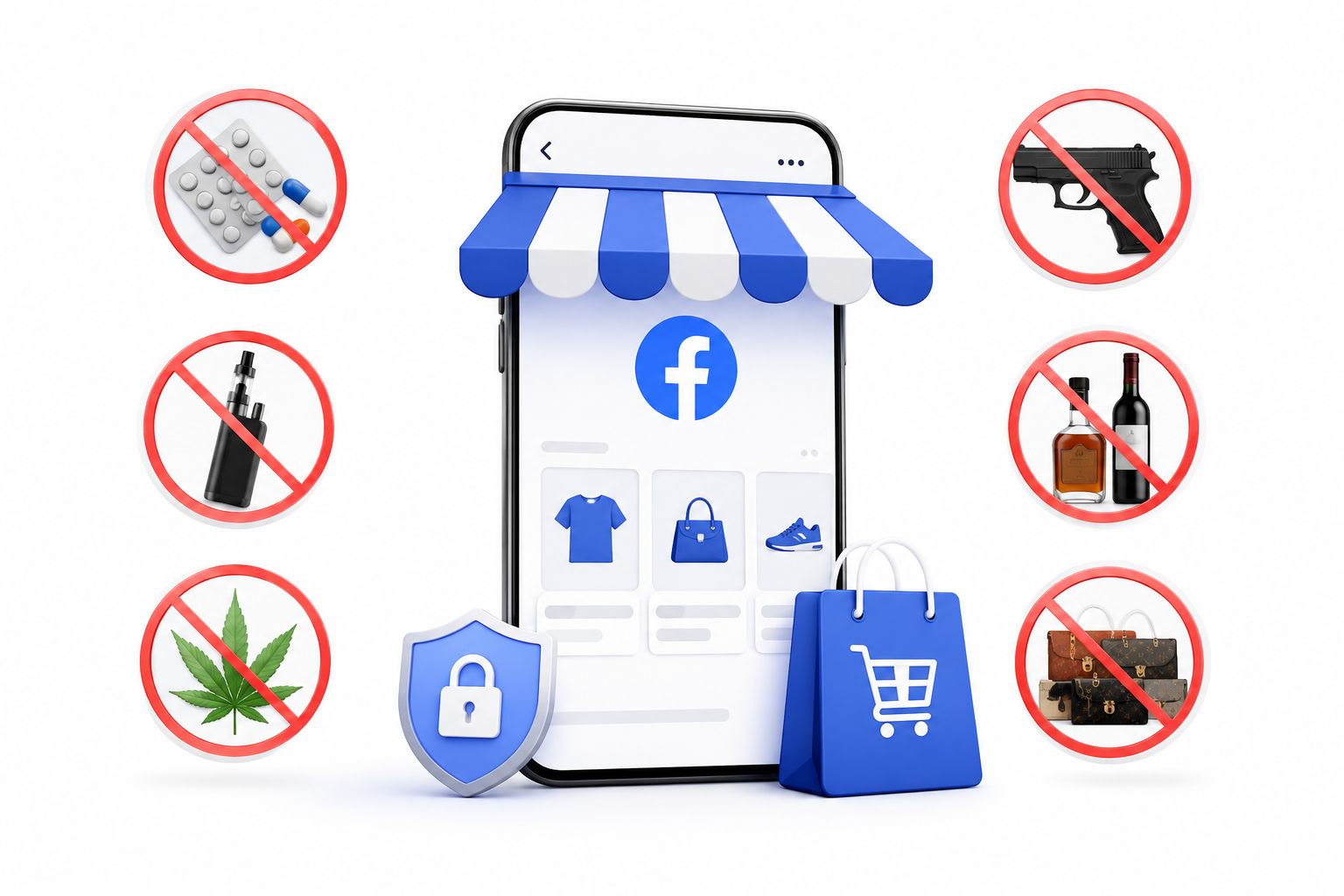
Meta enforces its Commerce Policies rigorously. Violations don’t just get individual listings removed – repeated or serious breaches can result in your entire shop being permanently disabled. Before uploading your catalog, audit it against these categories:
Strictly Prohibited:
- Illegal drugs and controlled substances
- Tobacco, e-cigarettes, and vaping products
- Weapons, firearms, and ammunition
- Adult products and services
- Counterfeit or trademark-infringing goods
Heavily Regulated (Require Prior Approval or Are Often Rejected):
- Products making medical or health claims without substantiation
- Prescription medications and medical devices
- Financial services, insurance, and lending products
- Digital goods, virtual currencies, and subscription services
- Supplements with unverified fat-burning or weight-loss claims
Practical tip: If your product description includes language like “clinically proven,” “FDA approved,” or “cures/treats/prevents,” flag it before submission. Meta’s automated review system is sensitive to health-related phrasing and will reject listings that don’t meet its standards.
5 Facebook Shop Marketing Strategies That Work in 2026
Getting your shop live is step one. Growing it requires a deliberate strategy. Here are five approaches that consistently deliver results:
1. Build Themed Collections Around Buyer Moments
Rather than presenting a flat list of products, organize your catalog into curated collections tied to specific buying occasions. Seasonal campaigns (“Mid-Year Sale Picks”), use-case bundles (“Work From Home Essentials”), and lifestyle themes (“Summer Beach Ready”) help customers discover products they didn’t know they were looking for. Collections also give your shop a polished, brand-consistent feel that builds trust on first visit.
2. Tag Products in Every Piece of Content
Product tagging is the highest-leverage feature in Facebook Shop. When you publish a post, a Reel, or go live – tag the relevant products directly on screen. This creates a shoppable moment at precisely the point when buyer intent is highest: during content consumption. Meta’s own data shows that tagged product posts receive significantly higher engagement and click-through rates than non-tagged equivalents.
3. Keep Inventory Fresh and Accurate
An outdated catalog kills conversions. If a customer clicks on a product tag only to find it’s been out of stock for three weeks, you’ve lost both the sale and the trust. Set a regular cadence for catalog audits – weekly at minimum – and configure your inventory sync to update automatically if your platform supports it. Removing sold-out items promptly is as important as adding new ones.
4. Respond Fast – Or Automate It
Speed of response is one of the strongest predictors of conversion in social commerce. Research from Harvard Business Review shows that responding to inquiries within five minutes increases conversion probability dramatically compared to a one-hour delay. For high-traffic shops, manual response simply doesn’t scale. That’s where automation becomes essential – more on that below.
5. Drive Cross-Channel Traffic Into Your Shop
Facebook Shop benefits enormously from external traffic sources. Run Meta Ads targeting lookalike audiences of your existing buyers. Post consistently on Instagram with shop tags enabled. Use email and WhatsApp broadcast campaigns to drive your existing subscriber base directly to new collections. Each channel reinforces the others, and the compounding effect on your shop’s organic visibility is significant.
How ChatbotX Supercharges Your Facebook Shop
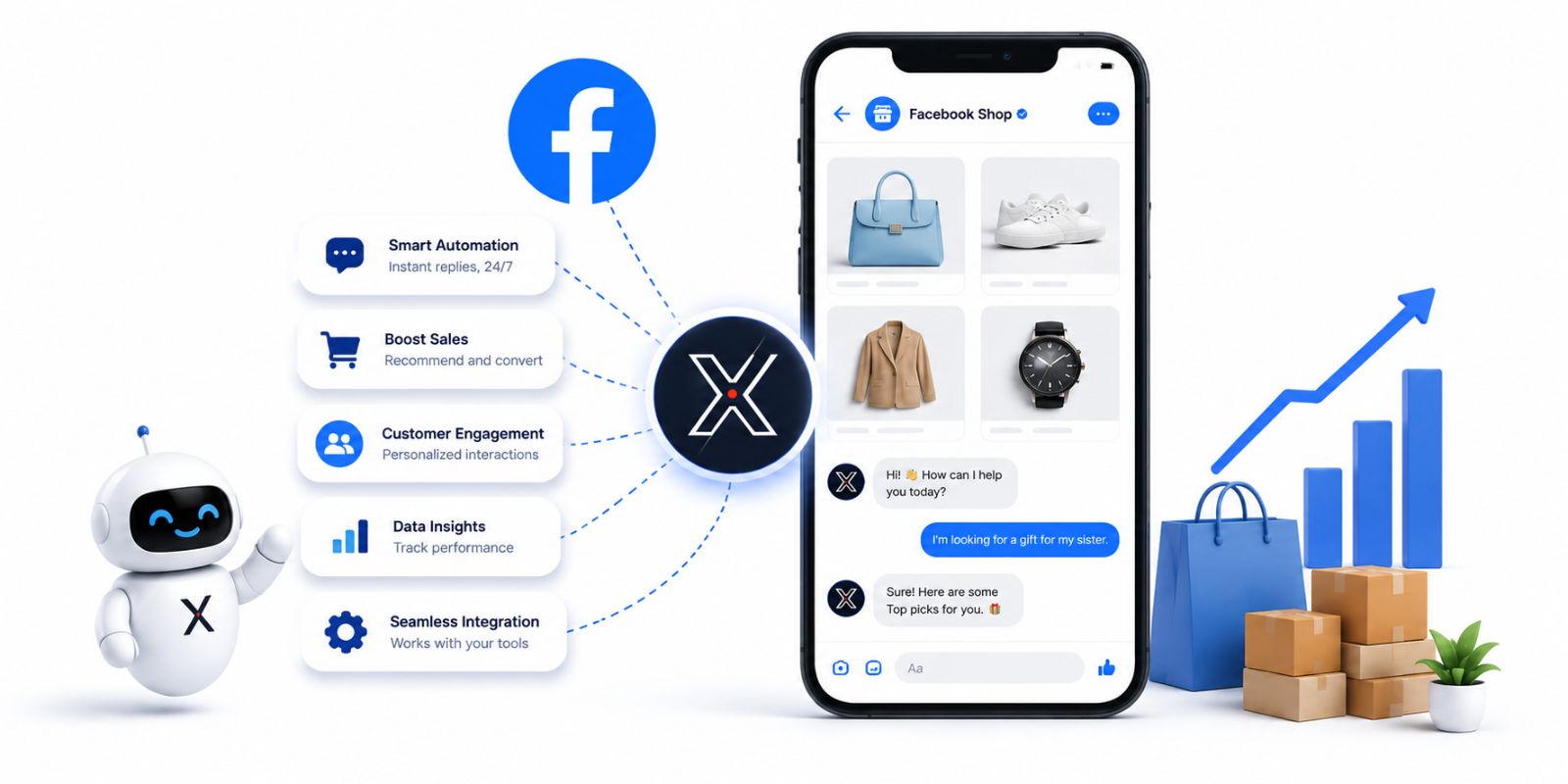
When your Facebook Shop starts generating real traction, the inbound volume – comments, DMs, product questions – can become overwhelming fast. Scaling without automation means either hiring more staff or missing sales. ChatbotX is an open-source agentic omnichannel chatbot platform built to solve exactly this problem.
Automated Comment Replies That Convert
One of the highest-ROI tactics in Facebook Shop marketing is the “comment to unlock” campaign – where customers leave a keyword comment (“+1”, “price?”, “send link”) to receive a product link or discount code in their DMs. Doing this manually at any meaningful scale is impossible.
With ChatbotX’s Flow Builder, you can configure keyword-triggered workflows that detect comment patterns, send an instant public reply for social proof, and simultaneously deliver a personalized DM with the product link, a checkout button, or an exclusive discount. The entire sequence runs in under two seconds – faster than any human team could respond.
One Inbox for Every Conversation
Facebook Shop customers don’t use just one channel. They might comment on a post, follow up via Messenger, and then ask a final question on WhatsApp before buying. Without a unified view, these conversations become fragmented across three different apps, and crucial context gets lost.
ChatbotX’s Shared Inbox consolidates every customer conversation – Facebook Messenger, WhatsApp, Instagram Direct, Telegram, Zalo, and website webchat – into a single interface. Your team sees the full conversation history regardless of where it started, enabling faster, more informed responses and a dramatically better customer experience.
AI Agents That Handle FAQs Around the Clock
Product availability, shipping timelines, return policies, size guides – these questions arrive at all hours. ChatbotX’s AI Agents can be trained on your product catalog and FAQ content to handle routine inquiries automatically, escalating only to a human agent when the question falls outside their training scope. The result: 24/7 customer support coverage with zero additional staffing cost during off-hours.
Remarketing to Warm Leads
Not every customer who taps a product tag is ready to buy immediately. ChatbotX’s remarketing workflows let you follow up with customers who expressed interest but didn’t complete a purchase – sending a timely reminder via WhatsApp or Messenger with a time-sensitive offer to re-engage them before the intent fades.
Related Reading from the ChatbotX Blog
For deeper strategy on scaling your Facebook presence alongside your Shop, explore these guides:
- Facebook Marketing in 2026: The Complete Business Guide to Growing Your Brand
- How to Get More Facebook Followers in 2026: 12 Proven Strategies That Actually Work
Frequently Asked Questions
Is Facebook Shop free to set up?
Yes. Creating and maintaining a Facebook Shop is completely free. Meta charges no listing fees or monthly subscription costs. You only pay if you run paid Meta Ads to drive additional traffic to your shop.
Can I sell digital products on Facebook Shop?
No. Meta’s Commerce Policies restrict Facebook Shop to physical goods. Digital services, virtual currencies, software licenses, and subscription-based products are not permitted.
How long does Facebook Shop review take?
Meta typically completes shop reviews within 1–5 business days. Individual product reviews for flagged or complex categories can take longer. If your shop is rejected, Meta provides a reason and an appeals process.
What’s the best checkout method for small businesses?
For businesses without an established e-commerce website, “Checkout with messaging” is the most accessible option. It directs buyers to Messenger, where you (or an automation tool like ChatbotX) can close the sale conversationally without needing a third-party platform.
How do I handle a high volume of product inquiries on Facebook Shop?
The most effective approach is deploying an AI chatbot integration. ChatbotX connects directly to your Facebook Page to automate comment replies, DM follow-ups, and FAQ responses – managing hundreds of simultaneous conversations without human intervention. You can explore the open-source codebase and deploy your own instance at github.com/ChatbotXIO/ChatbotX.
What happens if I list a prohibited product on Facebook Shop?
Meta will remove the listing and issue a policy violation notice. Repeated violations can result in temporary or permanent suspension of your shop. In serious cases, your Business Manager account may also be restricted.
Start Selling Smarter on Facebook Shop Today

Facebook Shop gives any business – from a solo creator to an enterprise retailer – a direct, frictionless path to social commerce. The brands winning in 2026 aren’t just the ones with the best products. They’re the ones who respond fastest, automate smartest, and maintain a consistent presence across every channel their customers use.
ChatbotX is the open-source platform built for exactly that.
Whether you’re managing a handful of weekly inquiries or thousands of daily conversations, ChatbotX scales with you – connecting Facebook Messenger, WhatsApp, Instagram, Telegram, and more into one powerful, AI-driven hub.
Ready to transform your Facebook Shop into an automated sales engine?
- 🚀 Get started with ChatbotX – free, open-source, and deployable in minutes.
- ⭐ Star the project on GitHub and join a growing community of builders automating social commerce at scale.
- 📖 Browse the ChatbotX documentation to see exactly how the Messenger integration, Flow Builder, and AI Agents work together.
Your next customer is already scrolling. Make sure your shop – and your automation – are ready when they arrive.