
Respond.io built a solid reputation as a unified inbox for WhatsApp, Instagram, and other messaging channels. But as more teams push automation, AI agents, and developer-level customization into their customer conversations, a growing number of businesses are asking a simple question: is there a better fit out there? If you’re weighing your options for 2026, this guide breaks down what to look for in a Respond.io alternative and why an open-source, agentic platform like ChatbotX is worth a serious look.
Launch agentic chat marketing in minutes with ChatbotX














Why Teams Look for a Respond.io Alternative
Respond.io does a reasonable job unifying WhatsApp, TikTok, Instagram, and other channels into one inbox, and its workflow builder has genuine fans among teams that have taken the time to learn it. That said, a few recurring frustrations keep pushing buyers toward other options
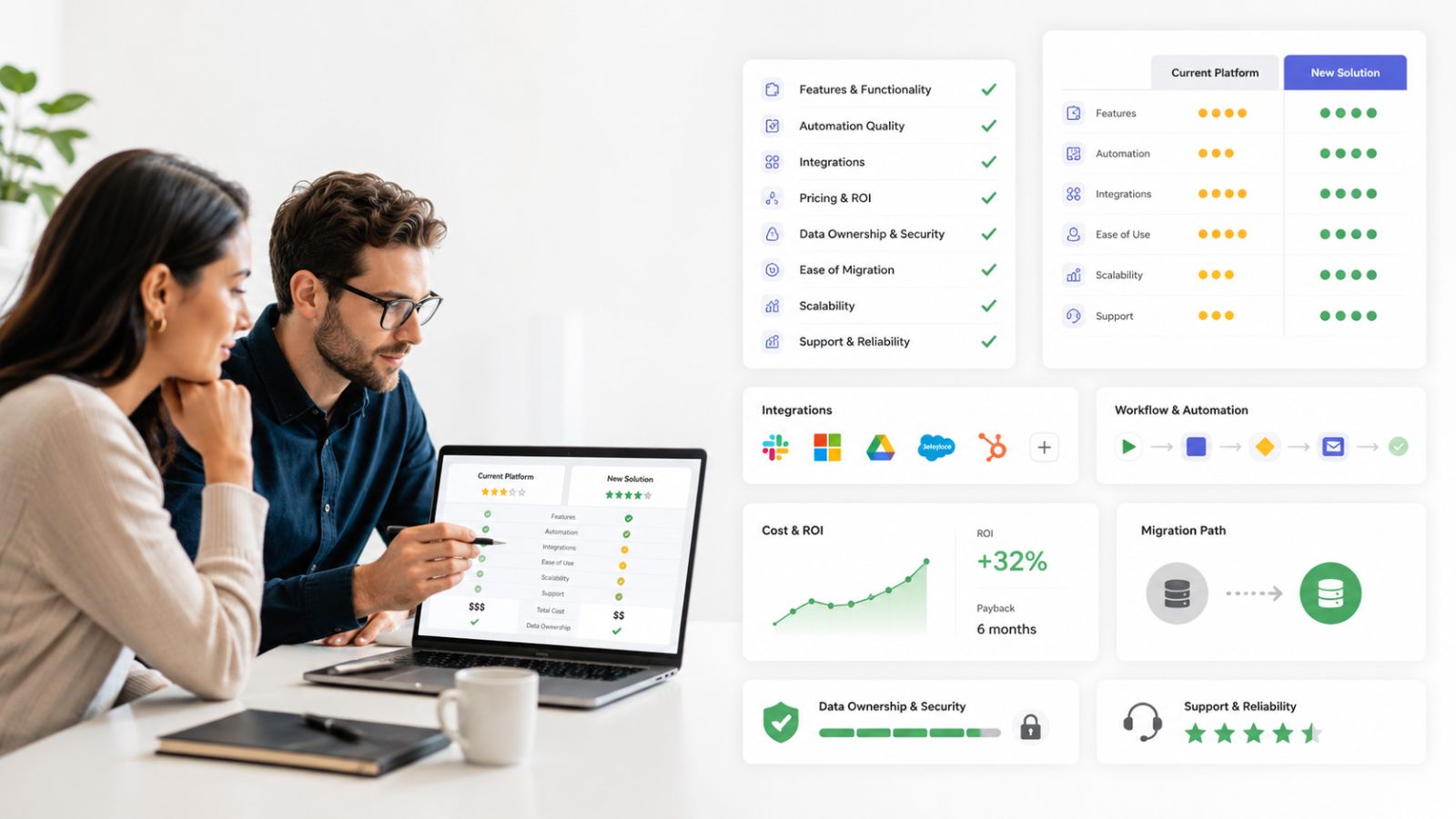
- The entry plan is a bait-and-switch for automation. The cheapest tier only unlocks basic live chat. Workflows, AI Agents, and broadcast messaging are locked behind a much pricier tier, so the sticker price rarely reflects what a team ends up paying once automation becomes necessary.
- Per-agent and per-contact pricing scales fast. As a support or sales team grows past a handful of seats, monthly costs climb quickly, and enterprise-grade capabilities like SSO or multiple workspaces sit even further up the pricing ladder.
- It’s a closed, hosted-only platform. There’s no option to self-host, inspect the underlying code, or extend the platform beyond what the vendor exposes through its own UI and API limits.
- Support experiences are inconsistent. Several reviewers on public software marketplaces describe billing friction and slow account-level support once something goes wrong.
None of this makes Respond.io a bad product. It simply means the fit depends heavily on your budget, your appetite for vendor lock-in, and how much control your team wants over infrastructure and data.
What to Look for in an Alternative
Before jumping to any specific tool, it helps to define the criteria that actually matter for a messaging and automation platform in 2026:
- Transparent, predictable pricing that doesn’t hide automation behind an upsell.
- True omnichannel coverage – WhatsApp, Messenger, Instagram, Zalo, Telegram, email, and webchat in one place, not just two or three channels.
- AI agents that can act, not just answer. Detecting intent is table stakes; taking action inside a conversation is what actually reduces manual work.
- Developer-level extensibility, including APIs, a CLI, and support for modern agent protocols like MCP.
- Deployment flexibility – the choice to self-host, white-label, or run in the cloud, rather than being locked into one hosting model.
ChatbotX: The Open-Source Alternative Built for Agentic Workflows

ChatbotX is an open-source, agentic omnichannel chatbot platform built as a modern alternative to closed tools like ManyChat, Wati, and Respond.io. It combines a visual flow builder, AI-powered agents, a shared live-chat inbox, contact CRM, broadcasting, and analytics into one system – and unlike Respond.io, teams can self-host it for free forever.
A few things stand out for teams evaluating it as their next platform:
- Deploy once, run everywhere. ChatbotX connects WhatsApp, Messenger, Instagram, Telegram, Zalo, Email, and Webchat from a single dashboard, so support and sales teams aren’t juggling separate tools per channel.
- Agentic AI, not scripted chat. The AI Agents feature lets teams plug in OpenAI, DeepSeek, Gemini, or Claude models to detect intent, qualify leads, and resolve routine questions around the clock, freeing human agents for the conversations that actually need a person.
- A real shared inbox. The team inbox centralizes every channel with human takeover, conversation assignment, and real-time collaboration, so nothing falls through the cracks during high-volume periods.
- Automation that scales with the business. The Triggers & Actions engine handles routing, tagging, and follow-up logic without needing a developer for every tweak, while the platform’s API, CLI, and MCP support gives technical teams full control to build custom, agent-driven workflows on top of the core product.
- No lock-in. Because the Community Edition is MIT-licensed and self-hostable, agencies and businesses can inspect, extend, and rebrand the platform instead of depending entirely on a vendor’s roadmap.
For a closer look at how ChatbotX stacks up against another major messaging incumbent, see the recent breakdown on ChatbotX vs Intercom, and for teams specifically trying to cut manual triage work, the guide on case routing automation walks through how automated routing shortens resolution times for lean teams.
Respond.io vs ChatbotX: Feature Comparison
| Capability | Respond.io | ChatbotX |
|---|---|---|
| Self-hosting option | Not available | Yes, free forever (Community Edition) |
| Entry-tier automation | Locked behind Growth plan | Included from the free tier |
| AI agents | Available on Growth plan and above | Unlimited AI agents on every plan |
| Channels supported | WhatsApp, Instagram, TikTok, email, calls | WhatsApp, Messenger, Instagram, Telegram, Zalo, TikTok, Email, Webchat |
| Developer tooling | API access on Growth plan | API, CLI, and MCP support built in |
| White-labeling | Not offered | Full white-label option available |
| Open source | No | Yes, MIT-licensed core |
Pricing Reality Check

Public pricing data from software marketplaces shows Respond.io’s Starter plan sitting around $79 to $99 per month, but that entry tier excludes workflow automation, AI Agents, and broadcast messaging entirely. To unlock those capabilities, teams typically need the Growth plan, priced from roughly $159 to $199 per month, with Advanced-tier features such as SSO, webhooks, and multiple workspaces pushed even higher. HubSpot’s own research on customer service trends finds that messaging and chat now account for the largest share of customer service interaction volume, ahead of self-service, phone, and email, meaning the automation features that Respond.io gates behind its priciest tiers are increasingly the ones businesses need on day one, not as a later upgrade.
ChatbotX takes a different approach: automation, AI agents, and API access are available from the free, self-hosted Community Edition, with paid Cloud plans scaling based on usage rather than penalizing teams for wanting automation early.
Migration Considerations
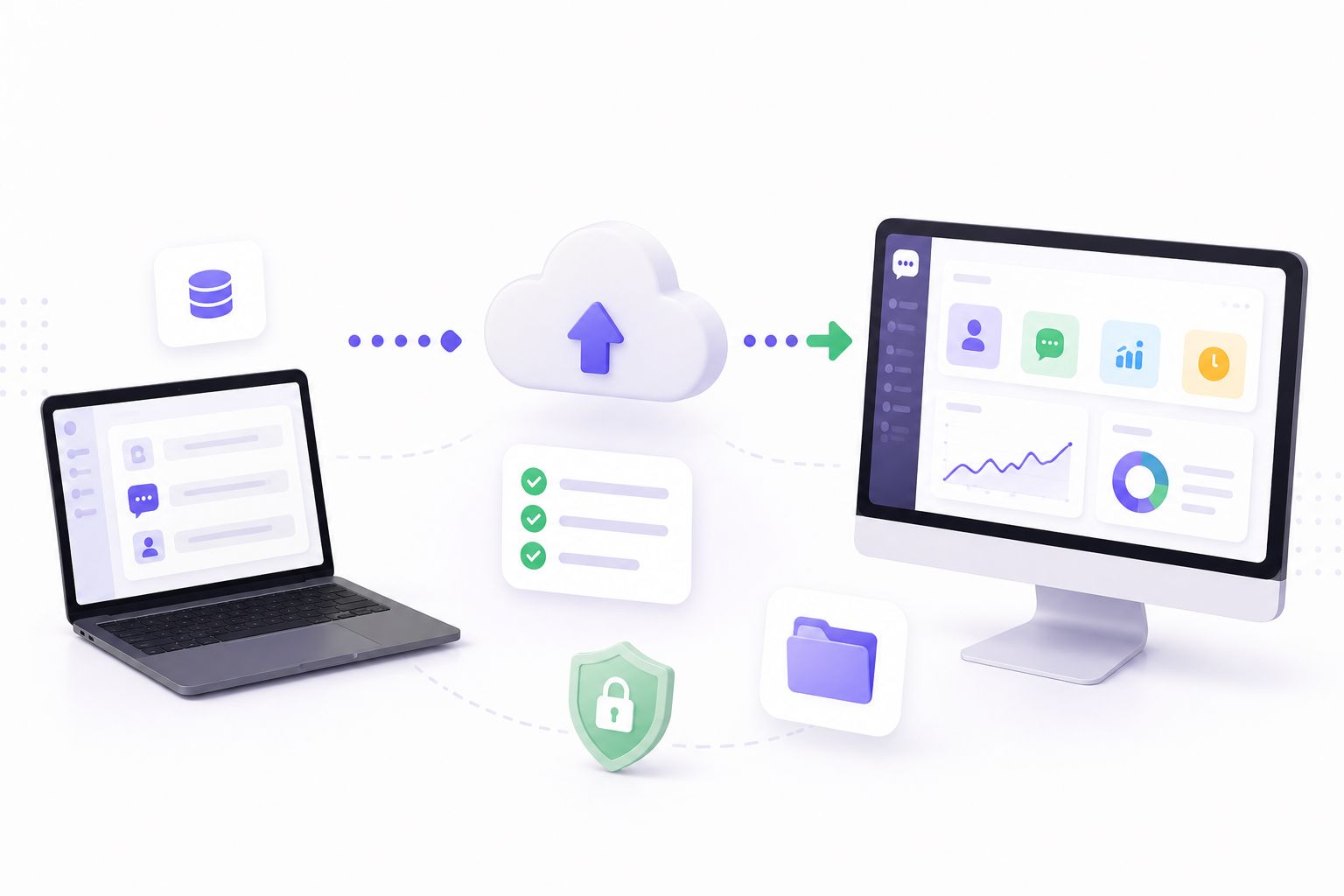
Switching platforms is rarely a five-minute decision, so it’s worth weighing a few practical factors before making the move:
- Data export. Confirm your existing contact lists, tags, and conversation history can be exported cleanly from Respond.io before committing to a switch.
- Template re-approval. WhatsApp message templates are tied to your Meta Business Account rather than the platform, but they’ll still need to be recreated and may require re-approval inside the new tool.
- Team retraining. Budget time for support and sales staff to get comfortable with a new inbox layout and automation builder – even an intuitive platform takes a few days to feel native.
- Parallel run. Many teams keep both platforms active for a short overlap period to validate that routing, tagging, and AI responses behave as expected before fully cutting over.
Salesforce’s research on connected customers highlights how much personalization and privacy expectations are shaping engagement decisions, which is a useful reminder that any migration should preserve – not disrupt – the context a business has already built with its customers.
FAQ
Is ChatbotX really free to use?
Yes. The Community Edition is open source and can be self-hosted for free with unlimited bot messages, contacts, channels, and team members. Paid Cloud and Whitelabel plans exist for teams that prefer managed hosting or need agency-level reselling features.
Does ChatbotX support WhatsApp Business API?
Yes, along with Messenger, Instagram, Telegram, Zalo, Email, and Webchat, all managed from one dashboard.
Can I migrate my existing Respond.io workflows to ChatbotX?
There’s no automatic one-click import, but the visual flow builder is designed to make rebuilding automation logic straightforward, and the CLI and API support technical teams that want to script parts of the migration.
Is ChatbotX suitable for agencies?
Yes. The Whitelabel plan supports full white-labeling and reselling to clients, which isn’t something Respond.io offers.
How does pricing compare at scale?
Respond.io’s cost grows primarily through per-seat and per-tier upgrades. ChatbotX’s Cloud pricing is based on bot messages, with unlimited contacts, channels, and team members even on paid tiers, and self-hosting removes platform fees entirely.
Final Thoughts
Respond.io remains a capable tool for teams that are comfortable paying for automation as a premium feature and don’t need to touch the underlying infrastructure. But for businesses that want AI agents, workflow automation, and true omnichannel coverage without a steep pricing curve – or the option to self-host and fully own their data – ChatbotX is one of the strongest Respond.io alternatives available in 2026.
If you’re ready to see the difference for yourself, get started with ChatbotX today, explore the source code on GitHub, or check the latest releases to see how actively the platform is evolving. Whether you self-host for free or start a Cloud trial, switching to an open, agentic omnichannel platform has never been more accessible.