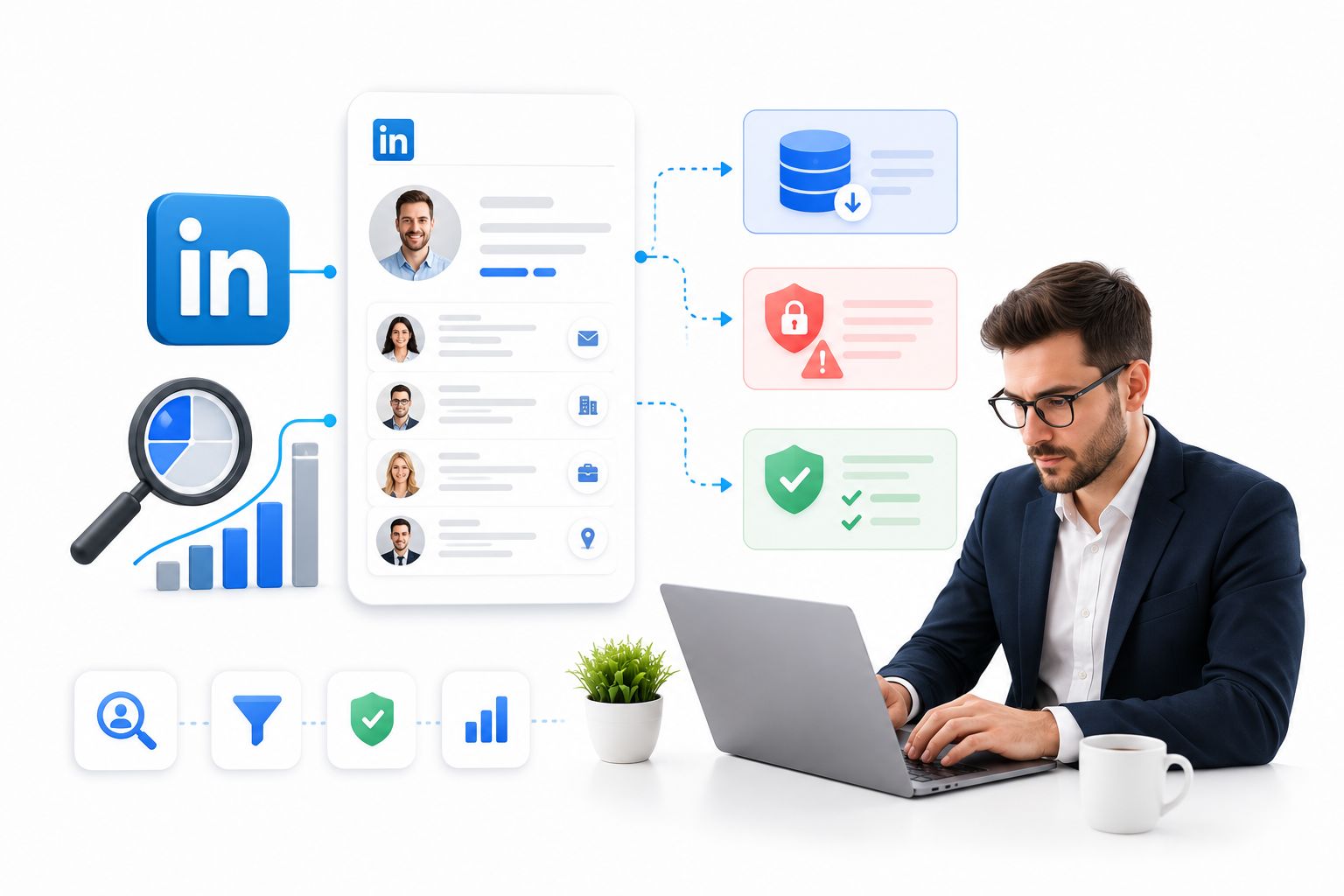
Sales and recruiting teams have spent the better part of a decade trying to pull structured information out of LinkedIn names, titles, companies, and contact details that feed into outreach lists. The tooling has changed dramatically since the early scraper days, and so has LinkedIn’s enforcement. In 2026, the conversation has shifted from “which scraper works best” to “which method won’t get my account suspended, and what do I do with the data once I have it.”
This guide walks through how profile data collection actually works today, compares the main categories of tools, flags the legal exposure most guides skip over, and because collecting a list is only step one looks at what separates teams that convert those contacts from teams that let a spreadsheet go cold.
Launch agentic chat marketing in minutes with ChatbotX














What People Mean by “Scraping LinkedIn”
At its core, this is the practice of using scripts, browser tools, or third-party platforms to pull profile fields, job history, company details, or search results off LinkedIn faster than a human could copy them by hand. Recruiters use it for sourcing, sales teams use it for prospecting, and market researchers use it for competitive tracking.
What’s legal and what isn’t depends heavily on jurisdiction, whether the data is public or gated behind a login, and how it’s later stored and used. This is genuinely a case where a quick chat with a lawyer familiar with data protection law is worth more than any blog post – including this one.
Manual Collection vs. Automated Tools
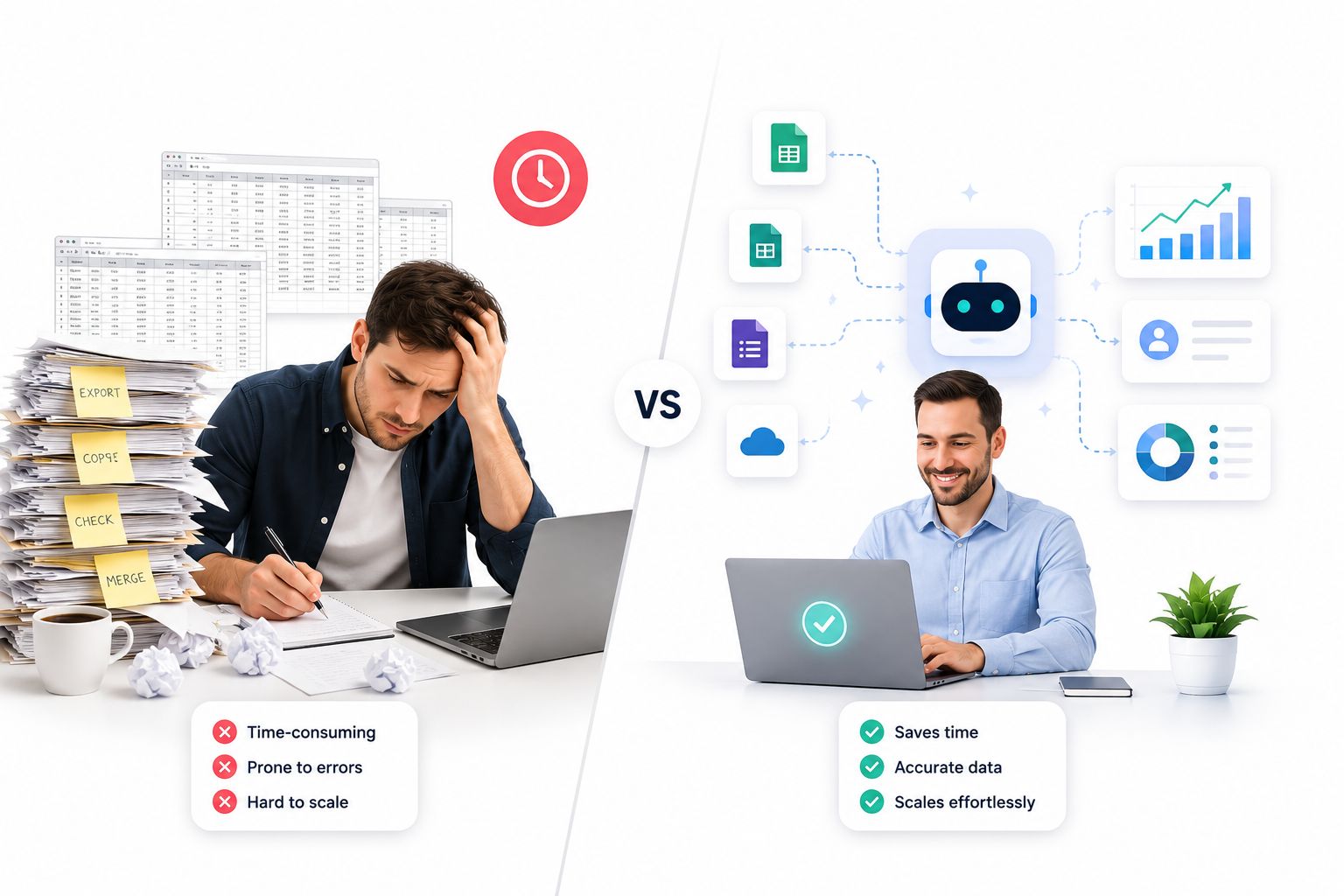
Manual research is still the lowest-risk path. Someone opens a profile, reads it, and copies the relevant fields into a sheet or CRM by hand. It’s slow and doesn’t scale, but it carries almost none of the account-suspension risk that automated tools do, and the resulting data tends to be cleaner because a person is checking it as they go.
Automated tools trade that safety for speed. Configure the target criteria once, and the tool works through search results, profiles, or group membership on its own, exporting everything into a structured format. For teams that need hundreds or thousands of contacts, this is often the only realistic option – but it comes with two real costs: LinkedIn’s detection systems flag unusual browsing patterns and can restrict or permanently ban the account behind them, and unauthorized collection at scale raises the same legal and ethical questions covered below.
The Three Common Tool Architectures
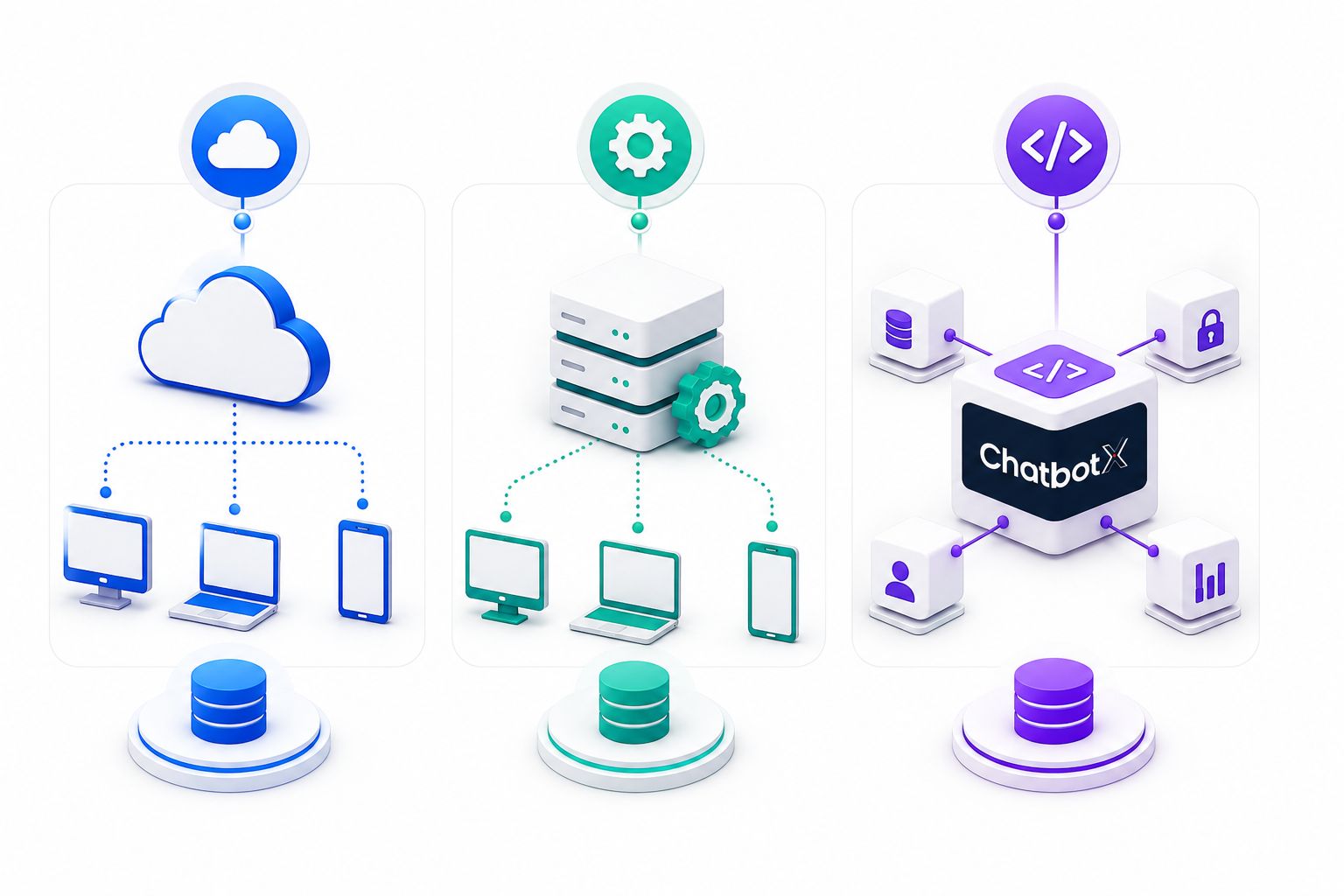
Most tools on the market fall into one of three buckets, and the difference matters more than most comparison articles let on.
Proxy-based platforms route requests through a distributed set of IP addresses rather than a single browser session. This is generally the most durable approach for large-volume collection because no single IP or account absorbs all the traffic, though it typically requires a paid, dedicated service rather than a free extension.
Cookie/session-based tools piggyback on an existing logged-in session, using the browser’s stored credentials to pull data as if a real user were browsing. It’s convenient if you’re already paying for the platform for other automation tasks, but every action still runs through your personal account, which is exactly the pattern LinkedIn’s anti-automation systems are built to catch.
Browser extensions live inside Chrome or Edge and activate while you’re actively browsing LinkedIn. They’re the easiest to set up for small, one-off jobs, but they’re also the most fragile – a routine LinkedIn interface update can break the extension overnight, and extensions are usually the first category LinkedIn’s Prohibited Software policy targets.
Popular Tools Teams Use in 2026
A quick, non-exhaustive tour of the landscape:
- PhantomBuster remains a go-to cloud automation suite built around pre-packaged “Phantoms” for different scraping and outreach tasks. It’s approachable for non-developers, though the free tier is limited and the interface can feel overwhelming at first.
- Octoparse positions itself as a no-code scraping platform with a visual point-and-click builder. It’s friendly for beginners but slows down noticeably at large scale, and its roadmap increasingly leans toward outreach features rather than pure data export.
- TexAu combines LinkedIn extraction with email-enrichment logic, pulling emails even when a profile doesn’t display one publicly. It supports desktop and cloud execution and works with proxies, but the learning curve and hourly-based pricing can catch new users off guard.
- DataMiner is a lightweight browser extension built around point-and-click templates – quick to set up, but tied to browser stability like every extension-based tool.
- Scrapy is the open-source, code-first option for teams with in-house developers who want full control over a custom crawler. It’s free and flexible, but it demands real Python skills and ongoing maintenance.
- Apify offers a marketplace of pre-built scraping “actors,” including LinkedIn-focused ones, on a cloud infrastructure with API access. It scales well but can get expensive under continuous use.
Lower-Cost and Free Options
Proxycurl offers an API-first approach with a free starter credit allowance, which makes it easy to test integration into an existing workflow before committing budget. Pricing scales with credits rather than a flat monthly fee, which suits teams with unpredictable volume.
Waalaxy works as a Chrome extension with a limited free tier; the paid plan sits in triple-digit euros per month. Setup is simple – install the extension, run a search on LinkedIn, and export selected profiles into the Waalaxy dashboard. The data returned is not as rich as an API-based tool, but it’s approachable for beginners running outbound campaigns.
The Legal and Ethical Layer Most Guides Skip

This is where a lot of tool comparisons stop short, and it’s arguably the most important section for anyone actually planning to run one of these workflows.
Automating tasks to export or scrape data from LinkedIn without consent is treated by LinkedIn as a breach of its own User Agreement, and depending on the jurisdiction, it can also intersect with privacy legislation. LinkedIn doesn’t need a court order to act on this – restricted or suspended accounts are the everyday enforcement mechanism, not a rare edge case.
Beyond LinkedIn’s own terms, once collected data includes identifiable individuals, EU and UK data protection law applies regardless of where the collector is based, if EU or UK residents’ data is involved. Under the GDPR, a data controller needs a valid legal basis before processing anyone’s personal data, and each basis carries its own obligations – consent, for instance, has to be freely given, specific, informed, and unambiguous. A list built purely from scraped profiles rarely has a clean answer to “what’s our lawful basis for holding this,” which is exactly the kind of gap that turns into a costly compliance problem later.
None of this means profile research is off the table – plenty of teams source candidates and prospects from LinkedIn every day without incident. It means the responsible path favors transparency, respects the platform’s terms, minimizes what’s collected to only what’s needed, and treats consent as a first-class requirement rather than an afterthought.
Keeping Collected Data Clean and Useful
Whatever method you use, raw exports are rarely analysis-ready. Expect to strip HTML artifacts (Python’s Beautiful Soup library is the standard tool here), trim whitespace, normalize data types, and standardize formats like phone numbers and job titles before the data is genuinely usable. Skipping this step is how CRMs end up full of duplicate, inconsistent contact records that nobody trusts.
The Part Most Teams Get Wrong: What Happens After the Export
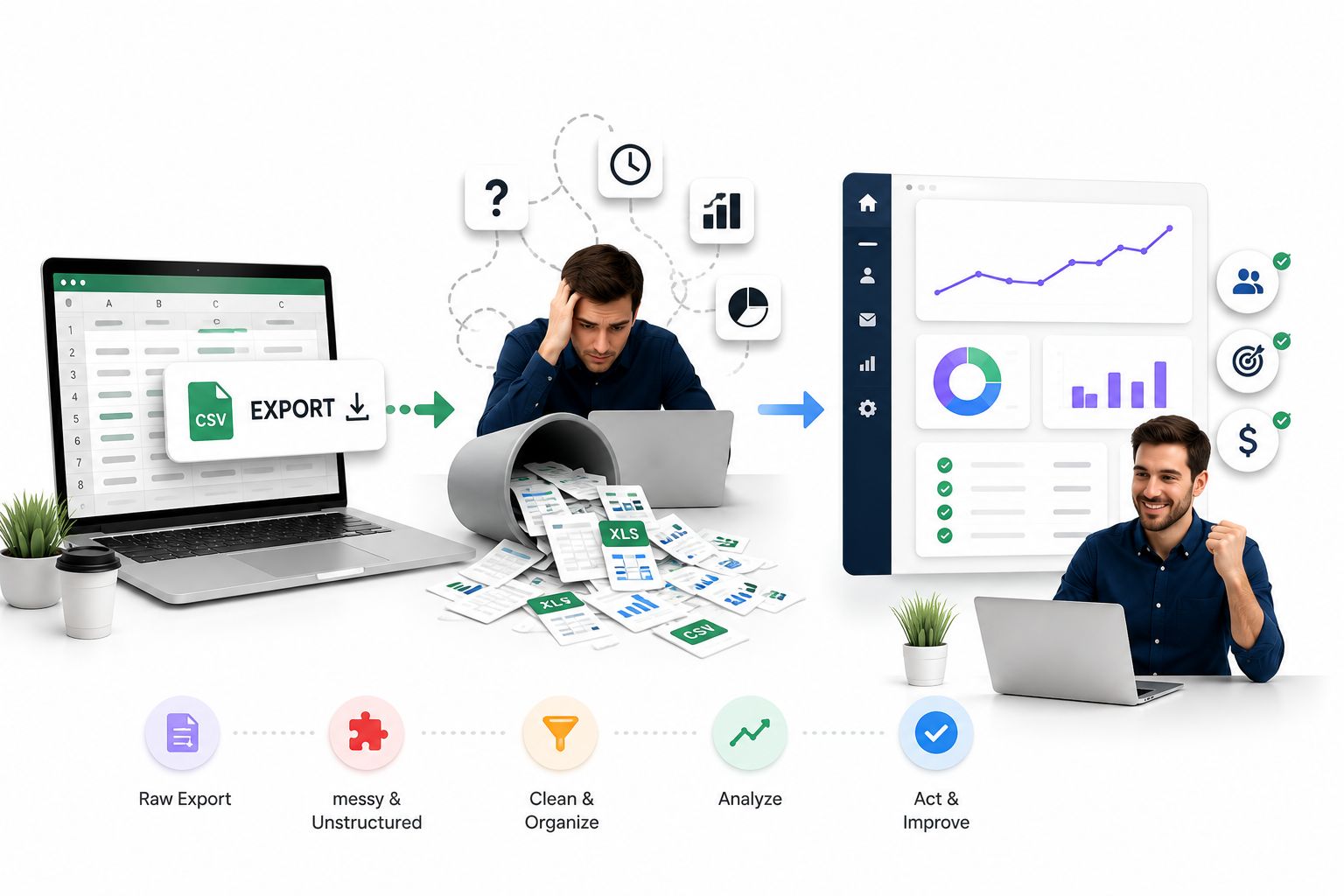
Here’s the uncomfortable truth about profile scraping: building the list is the easy 20%. The other 80% is what happens after the export finishes – and that’s where most lead-generation efforts quietly fail. Social channels have overtaken email for cold outreach response rates, with 42% of sales professionals reporting social media delivers their highest response rate compared to 26% for email, and roughly a third naming social as their top source of high-quality leads. A pile of scraped names sitting in a spreadsheet doesn’t capture any of that advantage – it only pays off once someone actually engages the contact, on the channel they’re most likely to reply on, quickly.
This is the exact gap an open-source, agentic omnichannel platform like ChatbotX is built to close. Instead of exporting contacts into a static list and hoping a sales rep gets to them before interest fades, imported leads land directly inside ChatbotX’s CRM Contacts module, complete with tags, custom fields, and segmentation – so a scraped or manually researched list becomes a working pipeline the moment it’s imported, not a dormant CSV.
From there, AI Agents can pick up first contact across WhatsApp, Messenger, Zalo, or webchat the moment a lead is added, qualifying intent and answering routine questions 24/7 instead of waiting for a rep to open the list days later – precisely the kind of delay that quietly kills conversion in B2B pipelines. Teams that want more structured journeys – a multi-step qualification sequence, a booking flow, or a staged nurture campaign – can design it visually with the no-code Flow Builder, without asking a developer to write custom logic for every new list.
ChatbotX’s approach to this problem is documented in more depth in the platform’s guide on turning Facebook Lead Ads into a working CRM pipeline, and in its companion piece on connecting Messenger conversations directly to CRM records – both walk through the same underlying principle: a lead is only as valuable as how fast and how well it gets engaged after capture.
Because the platform is fully open-source, teams that want to inspect exactly how contact data is stored, extend the integration layer, or self-host the entire stack rather than hand data to a third party can review the complete codebase on GitHub. It’s also the fastest way to see how the CRM, flow engine, and channel integrations fit together under the hood before committing to a workflow – everything, including the source repository itself, stays available for self-hosting if data residency or customization is a priority.
Building a Responsible, Effective Workflow

Putting the pieces together, a workflow that actually holds up in 2026 looks something like this:
- Choose a collection method proportional to your risk tolerance. Manual research for small, targeted lists; a reputable API-based tool like Proxycurl for moderate volume; proxy-based platforms only when scale genuinely demands it – understanding upfront that LinkedIn’s terms restrict all of them to varying degrees.
- Clean before you use. Strip formatting artifacts, standardize fields, and remove duplicates before anything reaches your CRM.
- Document your legal basis. If EU or UK residents are involved, know which GDPR basis you’re relying on before the data is stored, not after a complaint arrives.
- Automate the follow-up, not just the collection. Route new contacts straight into a CRM with tagging and segmentation, and let an AI agent handle the first response so no lead sits untouched for 42 hours while a rep gets around to it.
- Review and prune regularly. Contacts who’ve gone cold, unsubscribed, or requested deletion should be removed promptly – both for compliance and for keeping your pipeline data trustworthy.
Final Thoughts
The tools for pulling LinkedIn profile data keep getting more capable, but so does LinkedIn’s enforcement – and so does the regulatory environment around personal data. The teams winning in 2026 aren’t the ones with the biggest scraped list; they’re the ones who collect responsibly, clean what they collect, and respond to a new contact in minutes instead of days.
If your bottleneck isn’t finding leads but converting the ones you already have, that’s a problem an omnichannel AI platform solves far better than another export tool. Start building your lead-to-conversation pipeline with ChatbotX today – it’s open-source, self-hostable, and free to start, so you can see the difference a fast, automated first response makes before you change anything else in your stack.