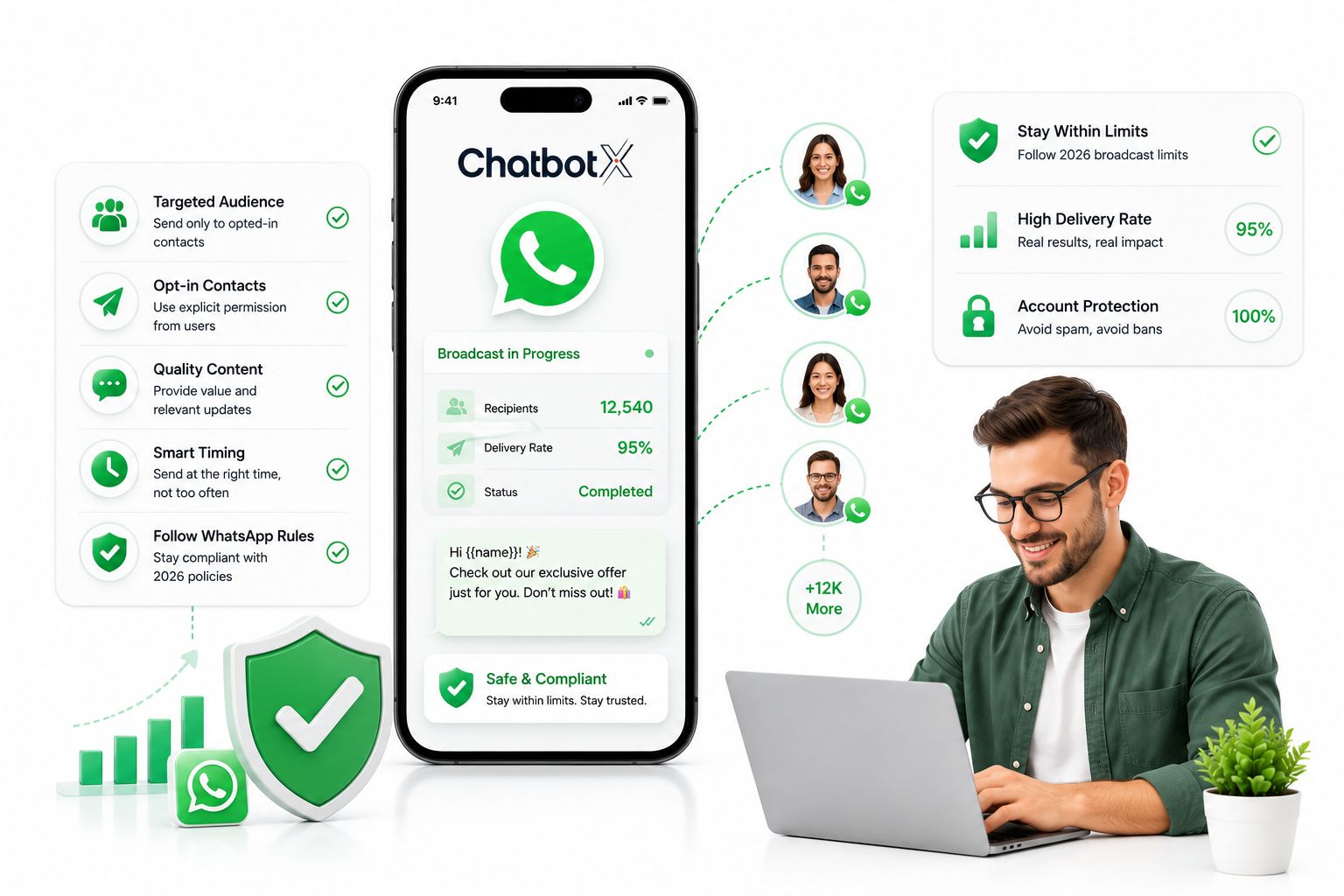
Email sits around a 20% open rate. WhatsApp routinely clears 98%, and WhatsApp’s own global consumer research found that the majority of shoppers across dozens of markets now prefer messaging a business over calling or emailing it. That gap alone explains why so many sales and support teams have quietly moved their most important announcements off the inbox and onto the world’s biggest chat app.
The catch is that WhatsApp was never designed as a mass-broadcast tool, and its built-in list features still carry the scars of that original design: hard contact caps, mandatory opt-ins, and a real risk of account suspension if you push volume the wrong way. This guide breaks down exactly where those limits sit – on Personal WhatsApp, on WhatsApp Business, and on the enterprise-grade WhatsApp Business API – and shows you how to scale past the 256-contact wall safely and compliantly.
Quick summary
- Broadcast vs. Group: A Broadcast is one-to-many and private – each recipient sees it as an ordinary 1:1 chat. A Group is many-to-many and public, capped at 1,024 members.
- Personal & Business caps: Both free tiers max out at 256 contacts per list, and both require the recipient to have already saved your number, or the message silently fails.
- The API removes the ceiling: The WhatsApp Business API drops the 256-contact limit entirely, lets you message people who’ve never saved your number, and adds cloud contact storage, scheduling, and analytics.
- Templates are mandatory outside 24 hours: Any business-initiated message to a contact who hasn’t messaged you in the last day must use a Meta-approved Template Message.
Launch agentic chat marketing in minutes with ChatbotX














Broadcast List or Group? Don’t Confuse the Two
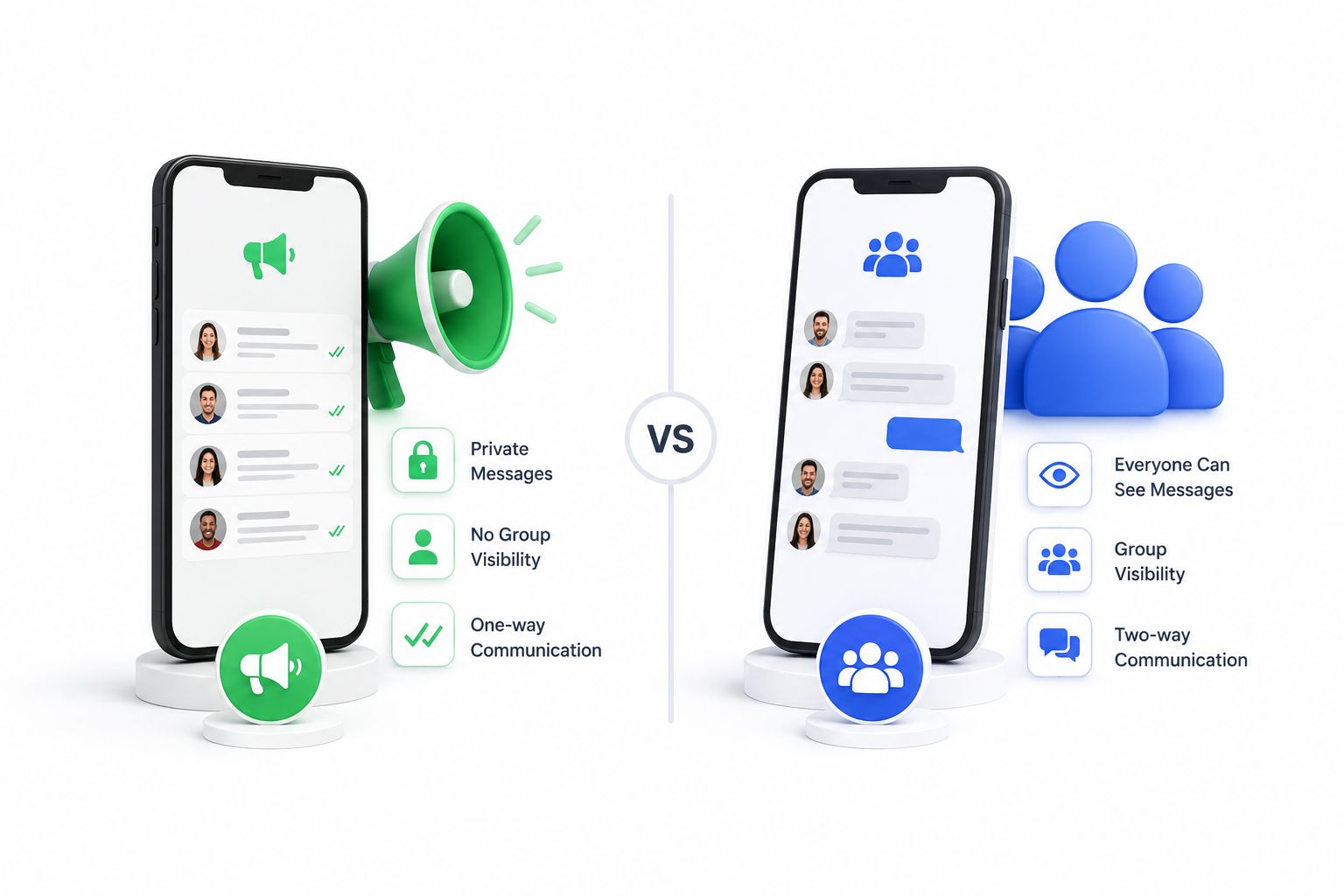
New users routinely mix these up, and the difference determines whether your campaign stays private or turns into a public thread.
- Broadcast list (one-to-many): Only you, the business, can see the full recipient list. Each contact receives the message in a private, individual chat window – it looks exactly like a personal message, and any reply only comes back to you. WhatsApp Business caps a single list at 256 recipients, while a properly provisioned WhatsApp Business API connection has no such ceiling once your account scales past the initial messaging tier.
- Group (many-to-many): Every member sees every other member’s number, and any reply is visible to the whole thread. Groups are built for open discussion, not marketing, and are limited to 1,024 participants.
If your goal is a private, brand-controlled announcement – a promo, a restock alert, an appointment reminder – a broadcast list (or its API equivalent) is almost always the right tool, not a group.
Sending Broadcasts from Personal WhatsApp
For a solo operator with a short contact list, the free consumer app is enough to get started. List creation only works from the mobile app; the desktop and web clients can’t build or edit broadcast lists.
How to set one up:
- Open Settings and select Broadcast Lists.
- Tap New List.
- Add between 2 and 256 contacts, then confirm.
- Return to the list view and tap the info icon to rename it (for example, “Repeat Buyers”) so it’s easy to find later.
The one hard rule that trips people up: the recipient must have your number saved in their phone’s address book. If they haven’t, your message shows a single grey tick forever – it was never delivered, and you’ll have no way of knowing unless they tell you directly.
The Built-In Business Broadcast List: What It Gets Right (and Where It Breaks)
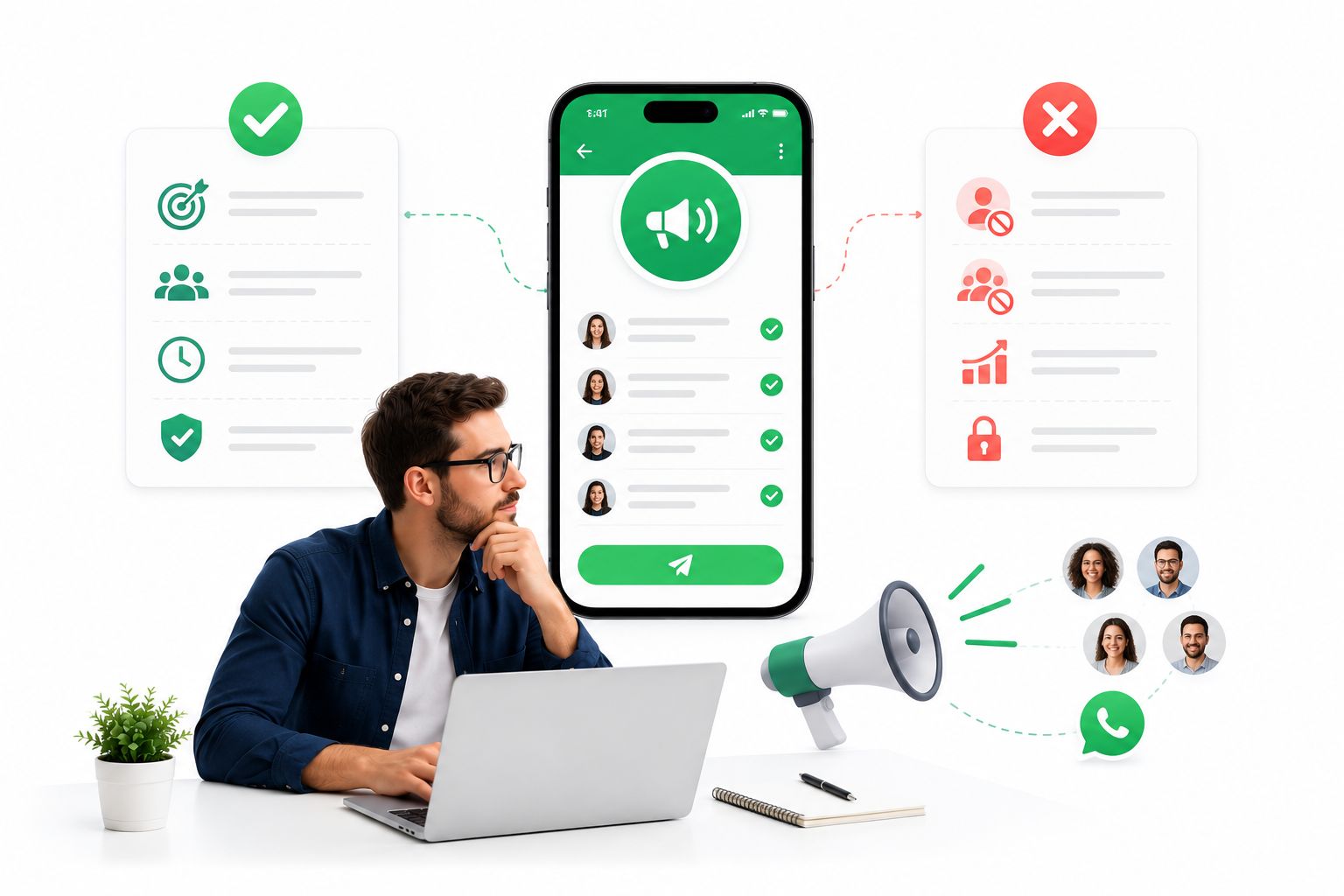
WhatsApp Business folds the same one-way broadcast concept into a free business app, which makes it a natural next step once Personal WhatsApp starts feeling limiting.
What works well:
- No cost, no setup friction. Download it, verify your business profile, and you’re sending the same day.
- Zero learning curve. The interface mirrors the consumer app almost exactly, so there’s no onboarding overhead for a small team.
Where it runs out of road:
- Still capped at 256 per list. Once your contact base grows past a few hundred, you’re manually splitting lists and duplicating effort every time you send.
- Mutual save requirement stays in place. You can only reach people who already have your number stored – cold outreach isn’t possible.
- Device limits. One phone plus up to four linked devices, and a 14-day inactivity window on the primary phone logs everything out, which makes shared, multi-agent management awkward.
- Ban risk climbs with volume. Sending the same promotional text to a large list repeatedly is exactly the pattern Meta’s spam detection is built to catch, and repeated flags can end in a permanent suspension.
WhatsApp Business Built-In Lists vs. the WhatsApp Business API
Once you need to reach thousands of contacts – including people who’ve never saved your number – the built-in list can’t get you there. The WhatsApp Business API is the only compliant path to that scale.
| Capability | WhatsApp Business (built-in list) | WhatsApp Business API |
|---|---|---|
| Contact storage | Local phone address book | Cloud-based |
| Who can receive it | Mutual contacts only | Anyone with a valid phone number |
| Scheduling | Send immediately only | Schedule for any future time |
| Recipients per broadcast | 256 | Effectively unlimited, scaling with account tier |
| Personalization | Identical message to everyone | Dynamic fields per recipient |
| Reporting | None | Delivery, read, and click-through data |
This is the point where most growing teams bring in a management layer, since the raw WhatsApp Business API has no interface of its own – it’s a set of endpoints that a platform like ChatbotX sits on top of.
Template Messages: The Compliance Layer You Can’t Skip
Meta doesn’t let API-connected businesses message anyone, anytime, in any format. If a contact hasn’t messaged your business within the last 24 hours, your next message to them has to be a pre-approved Template Message. Approval is largely automated and typically clears within one to two business days.
A complete template needs a name, a category, language variants, and any variable fields you plan to personalize. Beyond plain text, templates support images, video, clickable call-to-action buttons, and list-style menus – so a “flash sale” template can carry a product photo, a discount code variable, and a “Shop Now” button in a single approved package.
In practice, you build the template once, then import a customer list – first name, order number, personalized coupon – and the same structure adapts to every recipient automatically, which is how a single approved template ends up powering a genuinely personalized campaign at scale.
Running WhatsApp Broadcasts Through a Chat Marketing Platform
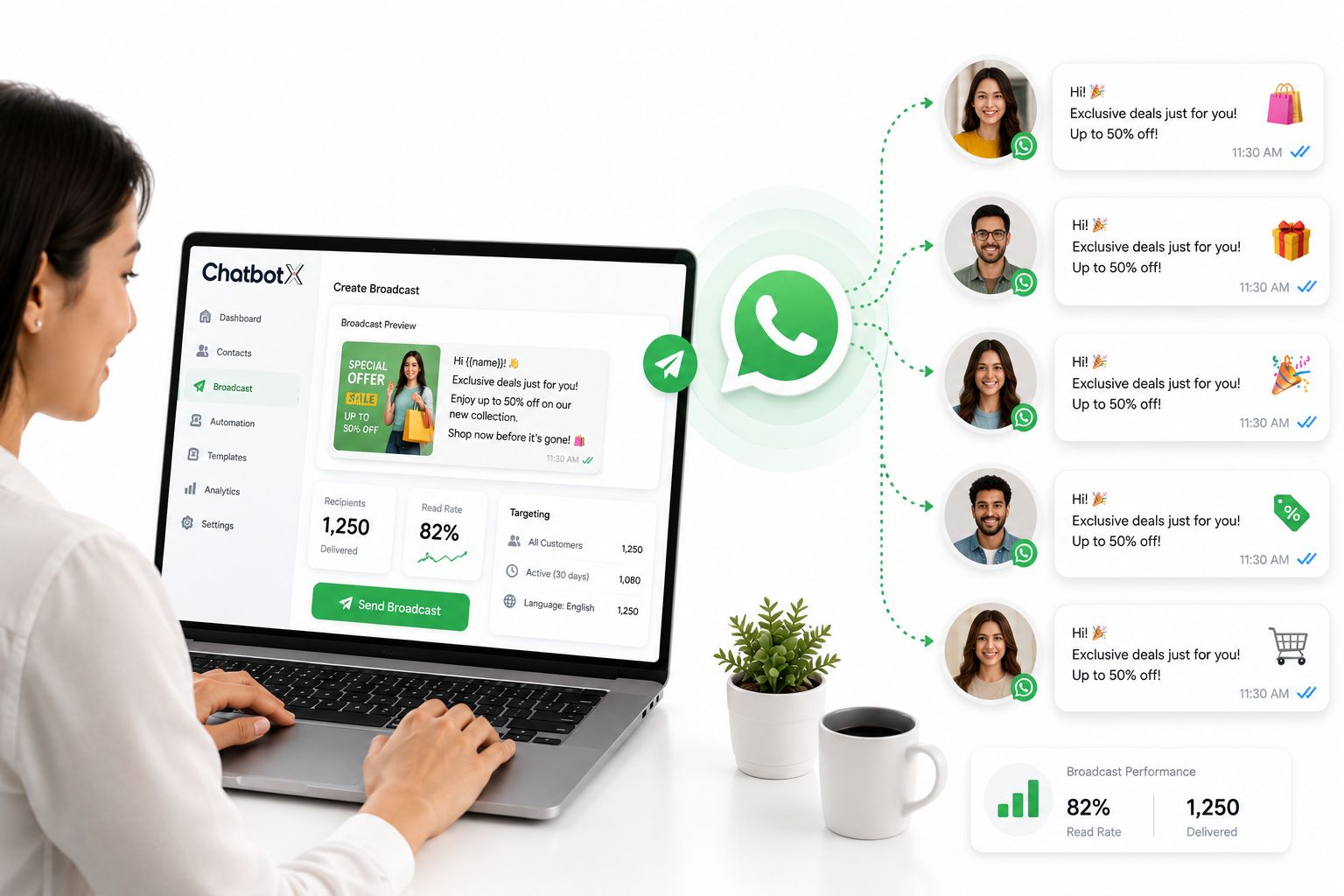
Once the API is active, the real value shows up in what a platform layered on top of it can do with contact data, scheduling, and reporting. This is also where an open-source, self-hostable option like ChatbotX tends to come up, since it exposes these API capabilities without locking your contact data or automation logic into a closed vendor.
Cloud-based contact management
Instead of storing every customer’s number on a single handset, contacts live in a searchable cloud database. You can build a segment with a few filters, save it, and reuse or refresh it for the next campaign – no more re-typing lists by hand or worrying about a lost phone wiping your customer base. ChatbotX’s CRM Contacts module handles this segmentation directly, tagging customers by behavior, order history, or lifecycle stage.
No mutual save requirement
Because messages flow through the official API rather than the consumer app, recipients don’t need to have your number saved to receive a broadcast. That single change opens up cold-to-warm campaigns that the free tiers simply can’t run – reaching a purchased or opted-in list without waiting for each contact to add you first.
Scheduled and automated sending
Rather than sitting at a keyboard at the exact moment a campaign should go out, you queue it in advance and let the platform handle delivery. ChatbotX’s Flow Builder lets non-technical teams design the entire sequence visually – trigger, delay, follow-up – so a single flash-sale campaign can fire a reminder to non-openers 24 hours later without anyone touching it twice.
Personalization at scale
A template’s variable fields only matter if the platform can populate them intelligently. Uploading a customer list and mapping fields like name, product, or order number turns one static template into hundreds of individually relevant messages, which is consistently where response rates separate from a generic blast.
Campaign-level and contact-level reporting
Beyond an aggregate delivery rate, you can drill into a single contact’s read and click history to understand exactly where a campaign is or isn’t landing. ChatbotX’s Remarketing feature ties this reporting directly to segment-level broadcast campaigns, so underperforming segments can be re-targeted with a different message instead of being written off entirely.
This shift mirrors what McKinsey has described as the rise of “conversational commerce” – brands scaling personal, natural-language interactions on the same messaging apps people already use with friends and family, rather than pulling customers onto a separate branded app.
For a broader look at how businesses are evaluating providers in this space, see this comparison of WhatsApp Business Solution Providers in 2026, and for teams running broadcasts alongside Messenger, the Facebook Messenger CRM integration guide covers how the same broadcast logic extends across channels.
Because ChatbotX is open source, teams that want full visibility into how their broadcast and messaging logic works can inspect or self-host it directly from the ChatbotXIO/ChatbotX repository on GitHub, and track what’s shipping next through the project’s release notes.
Frequently Asked Questions
What’s the maximum size for a Personal or Business broadcast list?
Both cap at 256 contacts per list, and in both cases the recipient must have saved your number – otherwise the message shows a single tick and never actually delivers.
How do I message customers who haven’t saved my number?
You need the WhatsApp Business API, activated through an official partner. Under the API, a contact doesn’t need to have saved you to receive a broadcast.
Is a Template Message required for every API broadcast?
Only for contacts who haven’t messaged you within the last 24 hours. Pre-approved templates keep the platform spam-resistant while still supporting images, buttons, and personalized variables.
Ready to Send Broadcasts That Don’t Hit a Ceiling
If your list has outgrown 256 contacts, or you’re tired of losing reach to unsaved numbers, moving to the WhatsApp Business API is the only long-term fix – and pairing it with a platform built to manage contacts, templates, and reporting in one place is what makes that migration actually manageable. Get started with ChatbotX and launch your first compliant broadcast campaign in a single afternoon.