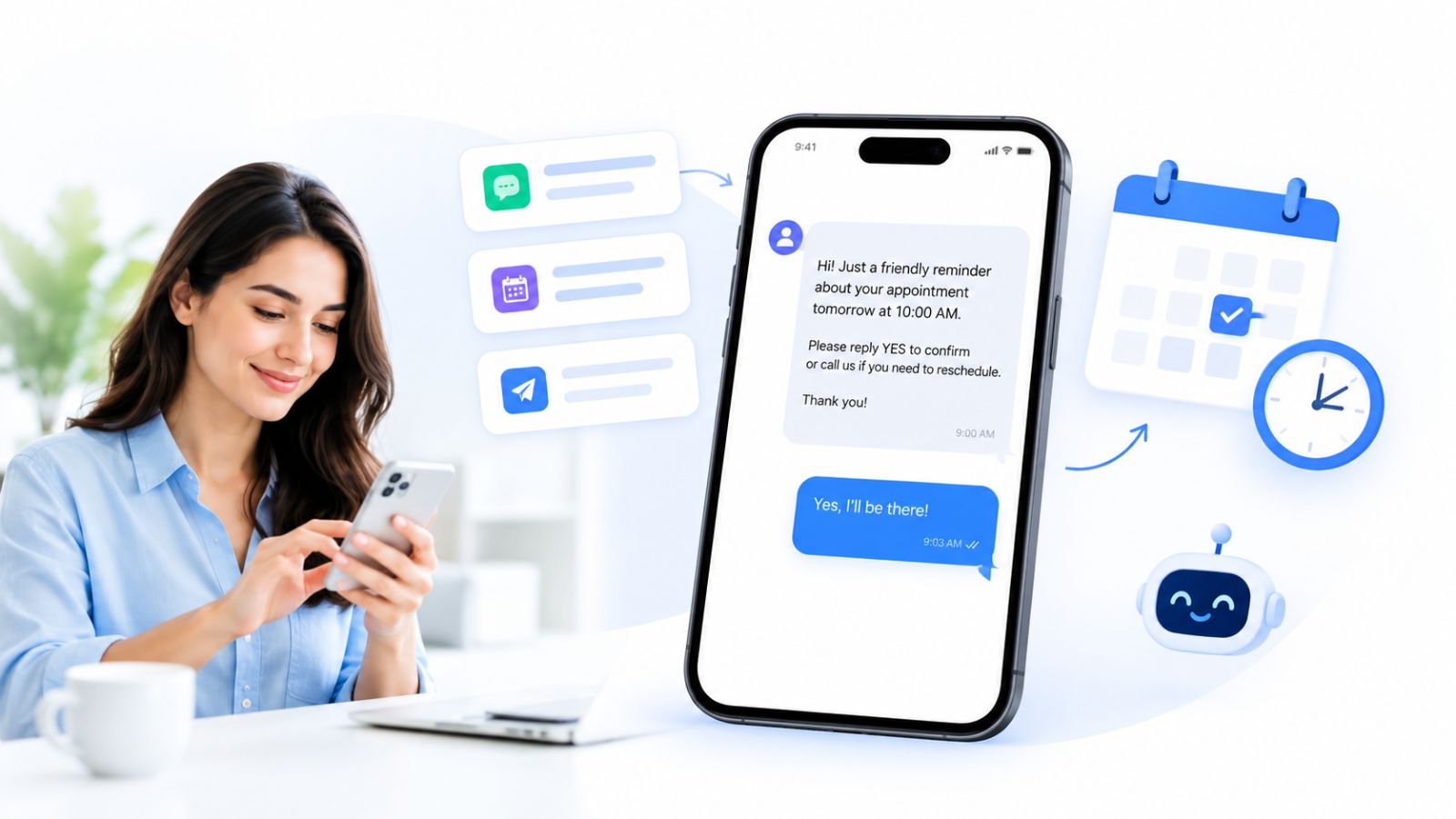
An empty chair at the appointed hour is one of the costliest things a service business can see. The slot was held, the team was on the clock, and another customer who wanted that time was turned away. A well-written appointment reminder text is one of the cheapest ways to stop that from happening, and the evidence behind it is stronger than most marketing tactics can claim.
A systematic review of 105 studies on outpatient care found that the average no-show rate sits around 23%, ranging from roughly 13% in Oceania to 43% in Africa. On the other side of the ledger, a Cochrane review of text message reminders pooled seven trials with 5,841 participants and reported attendance of 78.6% with a text reminder versus 67.8% with none. That is an improvement of nearly eleven percentage points from a message that costs pennies.
This guide gives you 20 copy-and-paste templates, a timing schedule that works, the differences between SMS, WhatsApp and email, and a practical way to automate the whole thing with ChatbotX, the open-source agentic chat marketing platform.
Launch agentic chat marketing in minutes with ChatbotX














Key takeaways
- Text reminders measurably raise attendance; the best-known review shows a gain of about 11 percentage points over sending nothing.
- Send two reminders for most appointments: one the day before and one a couple of hours ahead. Add a third a week out only for long-lead bookings.
- Every reminder needs your business name, the customer’s name, the service, the date and time with timezone, the location or link, and one clear action.
- Make replying effortless. One-word replies or tap-to-confirm buttons beat anything that requires typing a sentence.
- Keep sensitive details out of the message and respect consent and quiet hours.
- Measure no-shows before and after, so you know the reminders are working.
Why people miss appointments
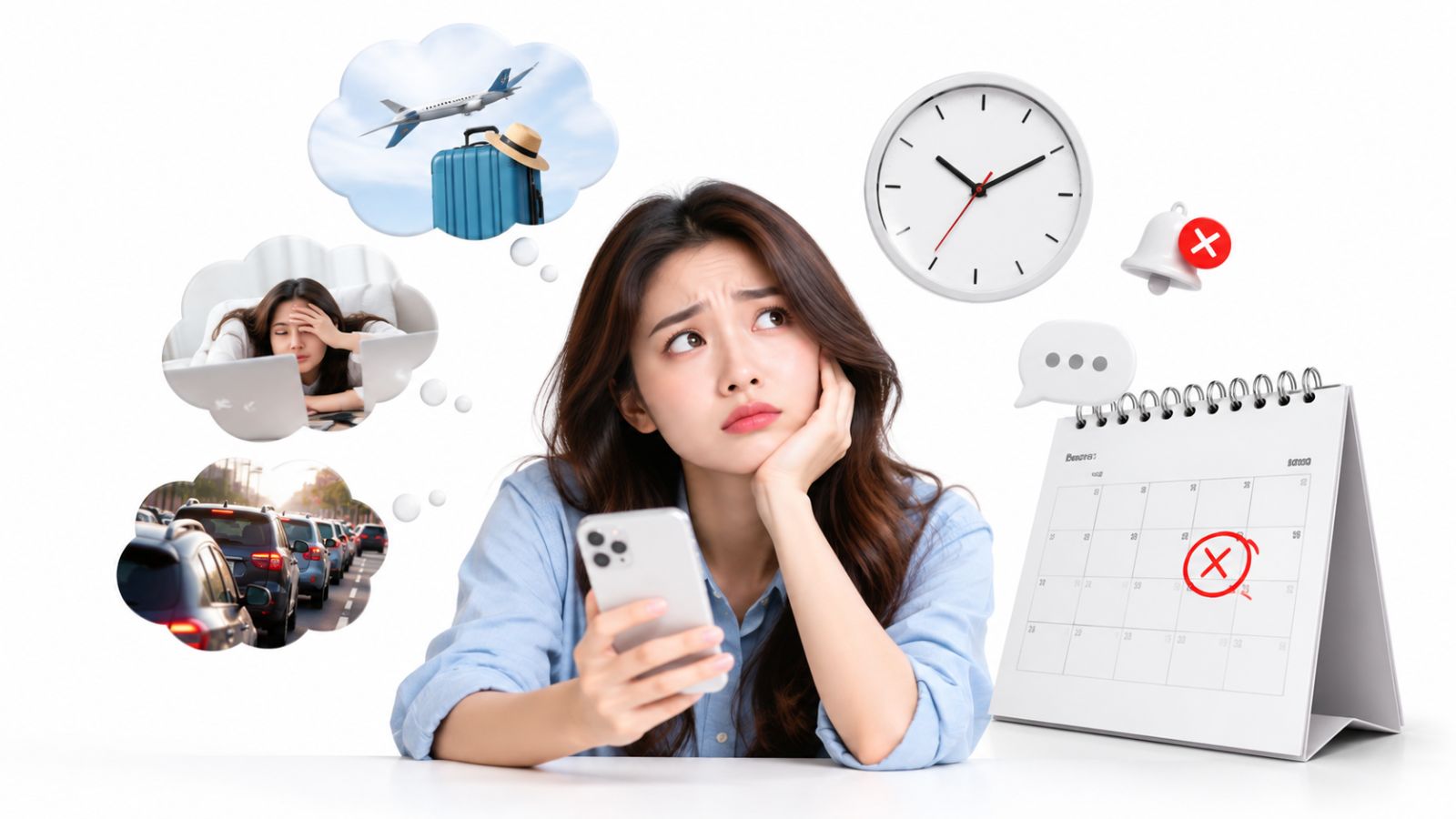
Most no-shows are not acts of disrespect. People forget, get pulled into something urgent, or have no easy way to say their plans changed. The 105-study review mentioned above identified two main predictors of a missed appointment: a long gap between booking and the visit, and a history of earlier no-shows. A slot booked three weeks ahead is simply easier to lose track of than one booked for tomorrow.
That tells us a reminder has to do three jobs at once:
- Refresh memory close enough to the appointment that it is top of mind, yet early enough to plan around.
- Lower the cost of changing plans. Someone who cannot attend will usually tell you if it takes a single tap. A cancellation two days ahead is a slot you can refill; a silent no-show is a slot you lose.
- Confirm intent. A quick “yes, I’ll be there” turns a guess into a commitment and shows your team which bookings are at risk.
Many businesses stop at the first job. The second is where the real recovery happens, because a customer who can rebook in one step often does, instead of drifting away.
What every reminder text should include
Whatever channel you choose, strong reminders share the same six ingredients:
- Who it is from. Put your business name early so the message is not mistaken for spam.
- The recipient’s name. It grabs attention and signals the message reached the right person.
- What the appointment is. “Your dental check-up” or “your demo call” is enough. Keep it generic for anything private.
- When, including the timezone. “Tue, 20 Oct, 3:00 PM GMT+7” prevents the confusion that cross-timezone bookings create.
- Where. A street address or a video link.
- One action. Confirm, reschedule or cancel, offered as buttons or as short reply words.
For SMS, aim for roughly 300 characters or fewer. Leave out discounts, upsells and “while you’re here” offers. They lengthen the message, make it feel promotional, and on WhatsApp they can cause a reminder template to be treated as marketing instead of a utility message.
A note on privacy: in healthcare and other sensitive services, never put the reason for the visit in the text. “Your appointment at Riverside Clinic” is plenty. A lock-screen preview that names a procedure is a privacy problem, and regulators generally expect you to share the minimum necessary.
When to send appointment reminders
Trials in the Cochrane review generally sent reminders within a window of one to three days before the appointment, which remains the most dependable single touchpoint. In practice, a small sequence beats a lone message:
- 24 hours before: gives people time to rearrange their day, or to cancel early enough for you to refill the slot.
- 2 hours before: catches those who remembered yesterday and forgot this morning. For video calls this is the message that carries the join link.
- 7 days before (optional): worth adding only for bookings made weeks in advance, where the long lead time is itself the risk.
Three timing rules prevent awkward messages:
- Skip reminders that would arrive after the fact. If someone books at 11 AM for a 2 PM slot, a “your appointment is tomorrow” message makes no sense. Only send reminders whose moment has not already passed at booking time.
- Honor quiet hours in the customer’s timezone. A reminder due at 11 PM should wait until morning, or be skipped if the appointment starts before then.
- Never send stale reminders after downtime. If your system was offline, a “starts in 2 hours” message delivered 20 minutes before the meeting does more harm than good.
20 appointment reminder text templates
Replace the details in braces and keep each message to a single action. Every template works over SMS, as a WhatsApp template with buttons, or as the opening lines of a reminder email.
Clinics and healthcare
1. Day-before confirmation
Hello {First_Name}, this is {Clinic_Name}. You’re booked for {Date} at {Time}. Reply YES to confirm, or tap Reschedule if something came up: {Link}
2. Morning-of nudge
Good morning {First_Name}! We’re expecting you at {Time} today at {Address}. Please arrive 10 minutes early. Can’t make it? Tell us here: {Link}
3. First visit with paperwork
Welcome to {Clinic_Name}, {First_Name}. For your first visit on {Date} at {Time}, please bring a photo ID and your insurance card. Reply YES to confirm.
Dental
4. Check-up reminder
{First_Name}, your check-up with Dr. {Doctor} is set for {Date} at {Time}. Reply YES to keep it, or RESCHEDULE to choose a new slot.
5. Cleaning with a prep tip
Hi {First_Name}, a quick note before tomorrow’s cleaning at {Time}: please avoid eating for an hour beforehand. Confirm your spot: {Link}
Salons, spas and beauty
6. Stylist booking
Hi {First_Name}, {Stylist} is looking forward to your {Service} tomorrow at {Time}. Need a different time? One tap: {Link}
7. Longer treatment
Your {Treatment} ({Duration}) at {Salon_Name} starts {Date} at {Time}. Please check in 10 minutes early. Reply CANCEL if plans changed so we can offer the slot to someone else.
Consultants, coaches and agencies
8. Online consultation
Hi {First_Name}, your call with {Host} starts at {Time} {Timezone} today. Join here: {Meeting_Link}. Need to move it? {Reschedule_Link}
9. Discovery call booked far ahead
Hi {First_Name}, a heads-up that your discovery call with {Host} is coming up on {Date} at {Time} {Timezone}. Still works? Confirm or pick another time: {Link}
Sales demos
10. Day-before demo note
Hi {First_Name}, {Rep} here. Your product demo is tomorrow at {Time} {Timezone}. Anything specific you’d like me to cover? Just reply and I’ll tailor it.
11. Fifteen minutes out
Your demo begins in 15 minutes, {First_Name}. Join here: {Meeting_Link}
Real estate
12. Property viewing
Hi {First_Name}, your viewing of {Property} is tomorrow at {Time}. {Agent} will meet you at {Meeting_Point}. Reply YES to confirm or tap to reschedule.
Fitness and wellness
13. Personal training
{First_Name}, your session with {Trainer} is tomorrow at {Time}. Please cancel by {Cutoff} if you can’t attend so another member can take the spot: {Link}
14. Group class
You’re in for {Class} on {Date} at {Time}. Classes fill fast, so free your spot here if plans change: {Link}
Home services
15. Technician visit
Hi {First_Name}, {Technician} will arrive between {Window_Start} and {Window_End} on {Date} for your {Service}. Please make sure someone is home to open the door. Need another window? Reply here.
Confirmations, changes and follow-ups
16. Booking confirmation (sent instantly)
You’re all set, {First_Name}! {Service} on {Date} at {Time}. We’ll send a reminder the day before. Add it to your calendar: {Link}
17. Reschedule confirmation
Done! Your {Service} has moved to {New_Date} at {New_Time}. See you then, {First_Name}.
18. Cancellation with a way back
Your {Service} on {Date} has been cancelled. When you’re ready to rebook, choose a new time here: {Link}
19. Missed-appointment follow-up
Hi {First_Name}, we missed you today. Life gets busy, so no worries. Pick a new time that suits you: {Link}
20. Waitlist opening
Good news, {First_Name}: a slot opened on {Date} at {Time}. Reply YES within the next 60 minutes to claim it.
Two small details make these perform. First, keep reply words to a single word (YES, RESCHEDULE, CANCEL), because people answer reminders one-handed while doing something else. Second, keep the no-show follow-up warm. A guilt-heavy message makes a second no-show more likely. If you want a deeper playbook on timing and tone for follow-ups, see our guide on how to follow up with a lead in 2026.
SMS vs WhatsApp vs email
When people say “text,” they usually mean SMS. But in markets where WhatsApp is the default messenger it is often the stronger choice, and email still earns its place for detail and calendar invites.
| SMS | |||
|---|---|---|---|
| Best for | Reaching any phone, no app required | Regions where WhatsApp is the main messenger | Details, links and calendar invites |
| Tap-to-confirm buttons | No, reply words only | Yes, quick-reply buttons | Yes, as links |
| Approval needed | Sender registration in some countries | Template approval by Meta | None |
| Consent | Required for automated texts in many markets | Opt-in required before you message | Standard email consent |
| Cost per reminder | Carrier rate per message | Per-message rate set by Meta | Close to zero |
| Attention | High | High | Lower; competes with the inbox |
SMS reaches every handset, but two-way handling is clumsy: people reply “ok,” “yes!!” or “👍,” and your system has to guess what they meant. Business texting is also regulated in many countries, so check local registration and consent rules before launching.
WhatsApp supports quick-reply buttons, so a customer can tap Confirm, Reschedule or Cancel instead of typing. It also keeps the whole conversation in one thread, which makes follow-up questions natural. If you also sell through chat, our walkthrough on WhatsApp commerce in 2026 shows how reminders fit into a wider conversational workflow.
Email is free and carries the full detail, but it competes with everything else in the inbox. Use it alongside a messaging channel rather than instead of one. For most businesses the best setup is email for everyone, plus WhatsApp for customers who opt in.
WhatsApp reminder templates and costs
A reminder you start yourself on WhatsApp must be a pre-approved template. Reminders belong in the Utility category, which covers messages triggered by something the customer did, such as booking. A few rules keep a template approved and correctly categorized:
- No promotional content. A utility template that includes marketing material can be reclassified as marketing.
- Use variables for anything that changes, such as name, service, date, time and link.
- Keep button labels short. “Confirm,” “Reschedule” and “Cancel” fit comfortably.
- Use one language per template. Serving two languages means two templates.
- Collect opt-in first. A checkbox on your booking form, such as “Send me reminders on WhatsApp,” is the simplest way to record permission.
A clean example body:
Hi {{1}}, this is a reminder of your {{2}} on {{3}} with {{4}}. Details: {{5}}. Please let us know if you can still make it.
>
[Confirm] [Reschedule] [Cancel]
Notice what the body leaves out: no mascot greeting, no emoji wall, no offer. That restraint is what keeps it a utility message.
Pricing also matters in 2026. According to Meta’s published pricing update, service messages sent in reply to customers, along with utility messages sent within an open customer-service window, became charged per message on October 1, 2026, with rates varying by market. Reminders you initiate as utility templates are billed per delivered message as well, so build your reminder schedule with cost in mind rather than sending more messages than you need.
How to automate reminders with ChatbotX
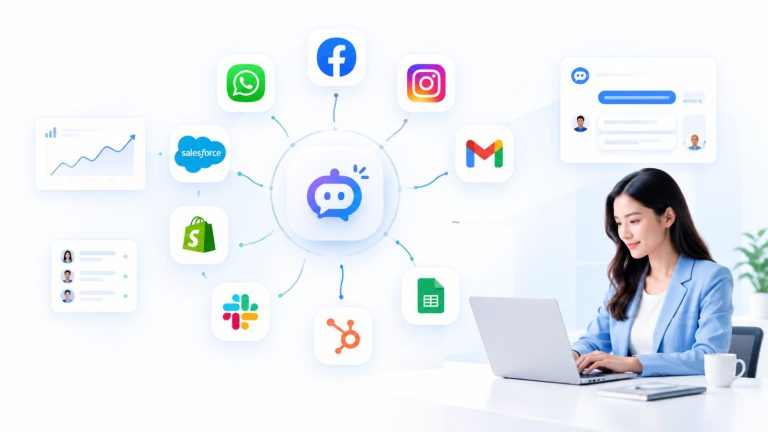
ChatbotX is an open-source, agentic chat marketing platform you can self-host or use in the cloud. It connects WhatsApp, Messenger, Instagram, Telegram, Zalo, TikTok, email and web chat in one place, and it lets you bring your own AI models. That makes it a natural home for reminder workflows that need to reach customers where they already chat and then handle their replies.
A note on scope: ChatbotX does not send SMS. Its reminder channels are the messaging apps and email listed above. If SMS is essential, use the templates in this guide through your SMS provider and let ChatbotX handle the conversational channels.
Here is a straightforward way to set up the full loop.
Step 1: Bring your bookings in. ChatbotX supports webhooks and HTTP requests inside flows and offers integrations with automation tools such as Make and n8n. Use whichever fits to send a booking from your calendar or scheduling tool into ChatbotX the moment it is created or changed.
Step 2: Store the appointment details on the contact. Use CRM contacts with tags and custom fields to hold the service, date, time, location and host. Tags such as confirmed, rescheduled or no-show also give you clean segments for reporting later.
Step 3: Design the reminder in the visual builder. In the Flow Builder, drag together a message with quick-reply buttons for Confirm, Reschedule and Cancel, then branch on what the customer taps. A Confirm tag marks the booking safe, Reschedule sends a booking link, and Cancel releases the slot and offers a way back.
Step 4: Schedule the touchpoints. Use triggers and actions together with scheduled sequence steps to fire reminders at your chosen offsets, for example one day and two hours ahead. If your booking tool already knows the exact appointment time, let it call ChatbotX through a webhook at each offset so every reminder lands precisely when intended.
Step 5: Handle replies in one inbox. When someone answers with a question instead of tapping a button (“can we do 4 PM instead?”), the conversation lands in the shared inbox, where your team or an AI agent can reply without losing context. Replying fast matters here too; our piece on speed to lead in 2026 explains why the first useful answer so often wins.
Step 6: Close the loop. Tag outcomes after each appointment and review the numbers in analytics, which brings us to measurement.
How to measure your no-show rate
Reminders are easy to switch on and easy to forget, so measure them. The formula is simple:
No-show rate = appointments missed without notice ÷ total appointments booked
Track it for a month before you turn reminders on and for a month after. Count late cancellations separately. A cancellation the day before is a win for your reminder, not a failure, because you had time to refill the slot.
Then read the patterns:
- If most no-shows come from bookings made more than two weeks ahead, add the 7-day reminder.
- If customers confirm but still do not show, the final reminder may be arriving too late to change their plans. Try sending it three or six hours ahead instead of two.
- Send template 19 to every no-show. A friendly invitation to rebook wins back a meaningful share of them.
FAQ
What should an appointment reminder text say?
It should name your business, greet the person by name, state the service, give the date and time with timezone, show the location or video link, and offer one clear action such as confirming or rescheduling.
How far in advance should I send an appointment reminder?
Twenty-four hours before is the most reliable single reminder. Add a second one about two hours before, and a third a week ahead only for appointments booked far in advance.
Do appointment reminder texts really reduce no-shows?
Yes. A Cochrane review of seven trials found attendance of 78.6% with text reminders compared with 67.8% without them. Results vary by industry and audience, so measure your own before-and-after rate.
Is WhatsApp better than SMS for appointment reminders?
It depends on your market. WhatsApp adds tap-to-confirm buttons and a threaded conversation, but requires template approval and opt-in. SMS reaches any phone but handles replies less gracefully. Many businesses use email for everyone and WhatsApp for customers who opt in.
Can I automate appointment reminders without coding?
Yes. A visual flow builder lets you create the reminder, buttons and follow-up branches by dragging blocks together. ChatbotX offers this, and developers who prefer code can also use its API, CLI and MCP server.
Final thoughts
A no-show is rarely a customer who does not care. It is usually someone who forgot, or who could not easily tell you their plans changed. A clear appointment reminder text, sent at the right time with a one-tap way to confirm, reschedule or cancel, fixes both problems at once.
Start with the two-reminder schedule, choose the templates above that suit your business, and send them on WhatsApp to customers who opt in and by email to everyone else. Then let automation do the repetitive work.
Ready to stop chasing empty slots? Build your first reminder flow with ChatbotX today. Sign up from the ChatbotX homepage and start a 7-day free trial on a paid plan, or run the free Community edition on your own server. You can also explore the code, star the project and follow new releases in the ChatbotX README on GitHub. Set up one reminder this week, track your no-show rate for a month, and let the results make the case for you.