
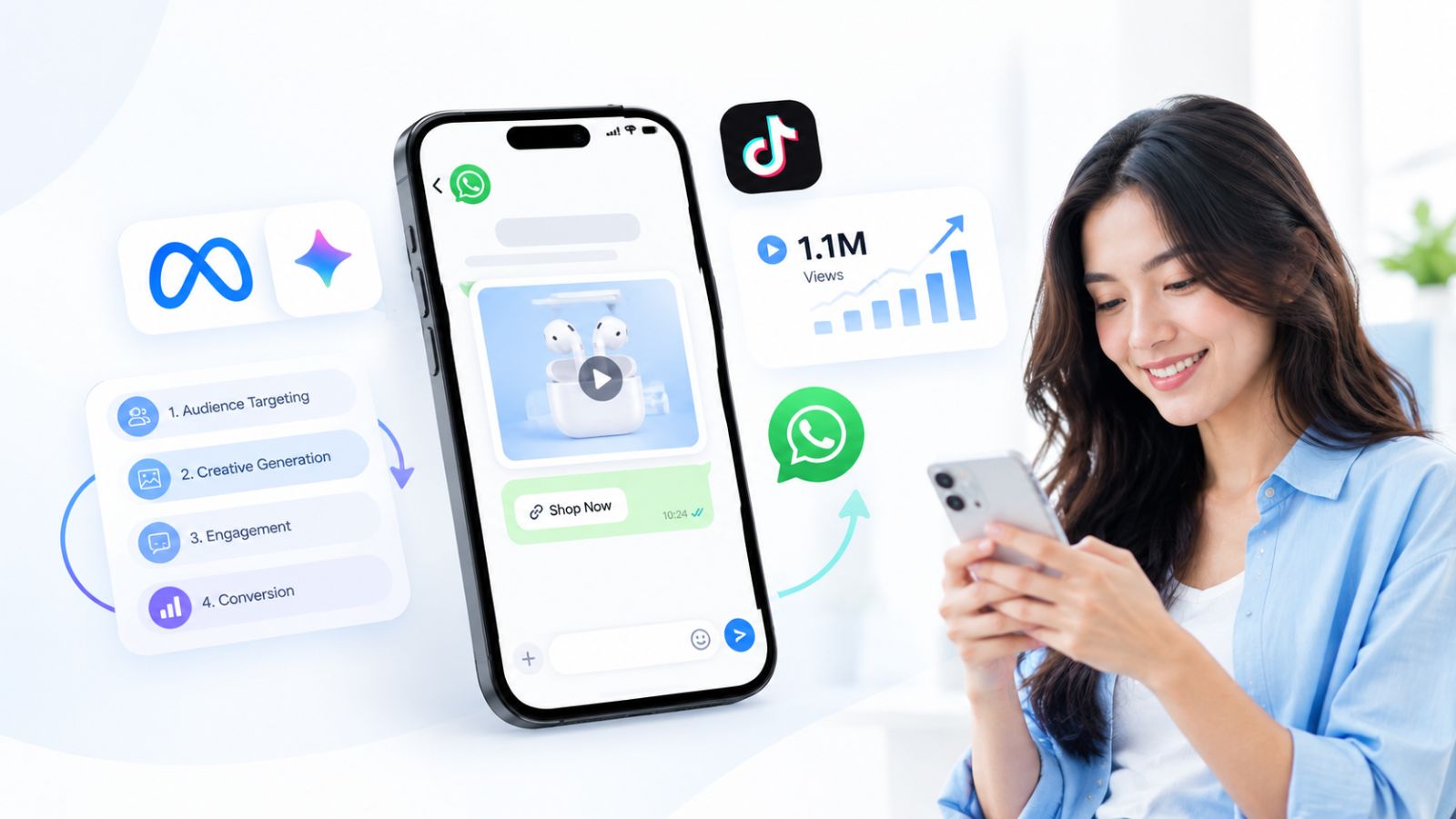
What happens when you manage an entire week of organic TikTok marketing from a single WhatsApp thread? One app marketer found out by treating Meta Muse for app marketing like a junior teammate: brief it once, send short follow-up messages, and keep every creative decision in human hands.
The test subject was a habit-change app for people who want to drink less. The TikTok account was brand new, with no followers, no back catalog and no past hit to lean on. Within the first week of posting, the slideshows produced by this workflow collected over a million views. This guide breaks the process into seven repeatable steps, shows what the AI handled, what a person still had to fix, and how you can adapt the same loop to your own product.
Credit: the experiment was first shared publicly by app growth creator Pedro Pérez on X. The detailed workflow was documented in the original Postiz write-up. This article is an independent, rewritten analysis with added context and takeaways.
Key Takeaways
- One conversation can carry the whole workflow. Research, concepts, slide creation, variations and scheduling all happened in one WhatsApp chat, while the marketer approved every creative choice.
- Ask for evidence, not inspiration. The agent was told to find real posts that were already performing and to explain why each worked, rather than to brainstorm “viral ideas.”
- Copy the mechanism, never the topic. The best-performing concept delayed the app until the second slide, where it appeared as a phone notification inside the story.
- Variations multiply a winner. One approved concept became several posts by changing the scenario while keeping the same curiosity structure.
- Distribution is the last mile. Posts were spaced across the week at no more than two per day, and a human reviewed the calendar before anything went live.
Launch agentic chat marketing in minutes with ChatbotX










What Is Meta Muse?
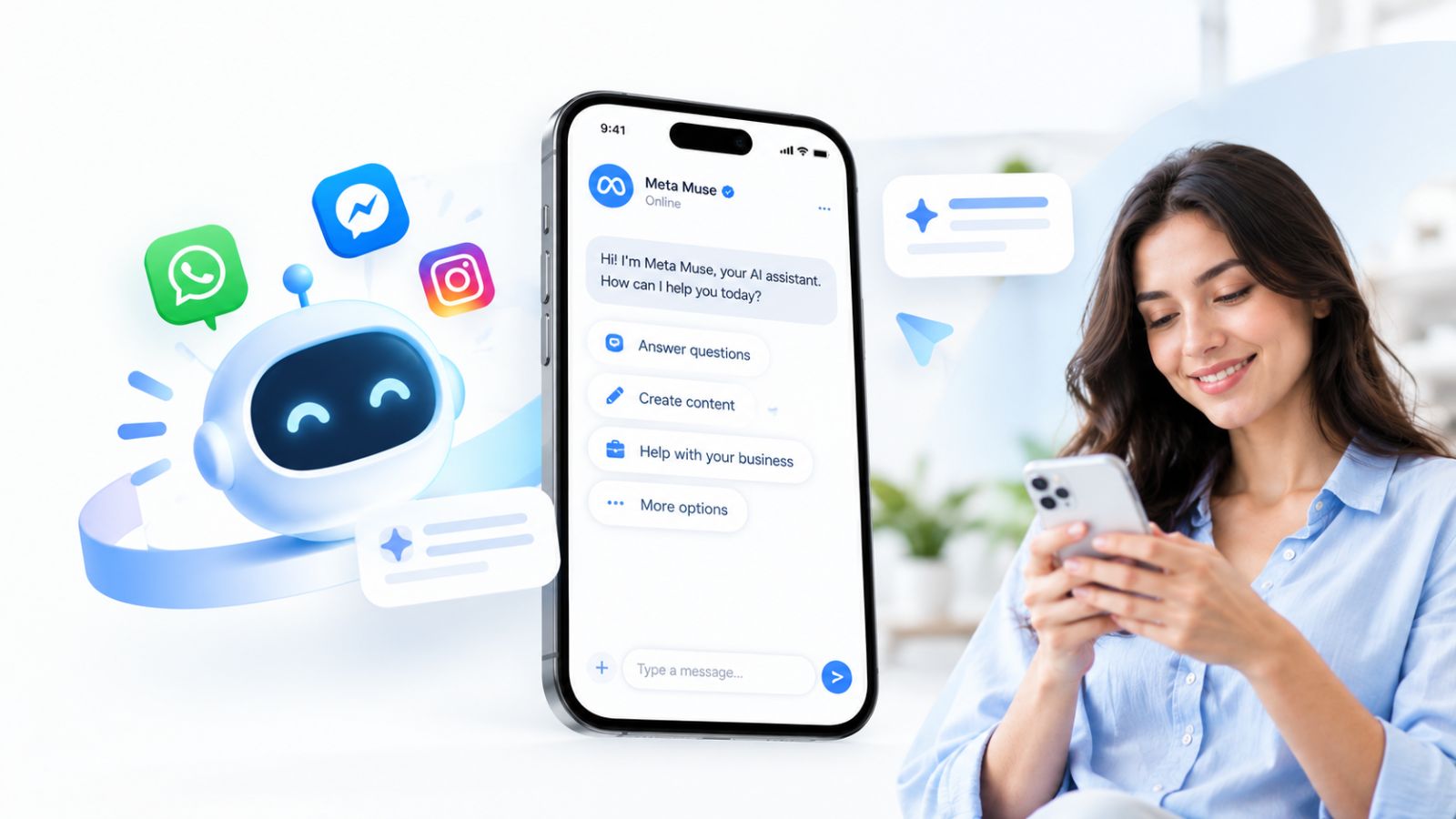
Meta Muse is a personal AI agent that Meta introduced on September 8, 2026. Unlike a classic chatbot that only answers questions, Muse performs tasks such as researching, drafting, booking and buying through connectors to the apps you already use. It is available as a mobile app on iOS and Android, on the web, and inside WhatsApp, and it is powered by Meta’s Muse Spark model.
Two traits make it interesting for marketers:
- A messaging-first interface. Because Muse lives in WhatsApp, you can brief it in short messages across the day, the same way you would brief a freelancer, and it remembers the context of the thread.
- An approval-first design. According to Reuters reporting republished by The Star, Meta says Muse will not publish content, send messages or complete purchases without the user’s consent. That maps neatly onto a “machine prepares, human approves” workflow.
On pricing, Muse offers a free tier plus paid Power (about $20 per month) and Maximum (about $100 per month) plans, based on The Neuron’s getting-started guide. As of late October 2026, it had no built-in TikTok connector, so posting to TikTok required adding a custom connector to a scheduling tool.
The Results at a Glance
| Metric (first week of posting) | Result |
|---|---|
| Post views | 1.1M |
| Profile views | 10.3K |
| Likes | 11.8K |
| Comments | 998 |
| Shares | 2.1K |
The account’s analytics stayed flat until the first slideshow went live on October 5, then climbed sharply. Profile views matter as much as raw views here, because they show attention turning into curiosity about the app itself.
The Setup: One Chat, One App, One Fresh Account
The app helps people cut back on alcohol or quit entirely. Its growth strategy relies on organic short-form video, mostly TikTok, and on formats that do not feel like ads: photo slideshows and UGC-style posts built around relatable messages, conversations and moments.
The unusual part was the interface. Muse sat in the WhatsApp contact list like a coworker. The marketer opened with a single plain request: help run this app’s organic marketing for the next 24 hours, with background details to follow. No giant prompt, no new dashboard, no tool-juggling.
That choice paid off. By feeding context gradually and keeping later instructions short, the marketer avoided the familiar chore of pasting the same background paragraph into every new AI prompt.
Step 1: Onboard the AI Agent Like a New Hire
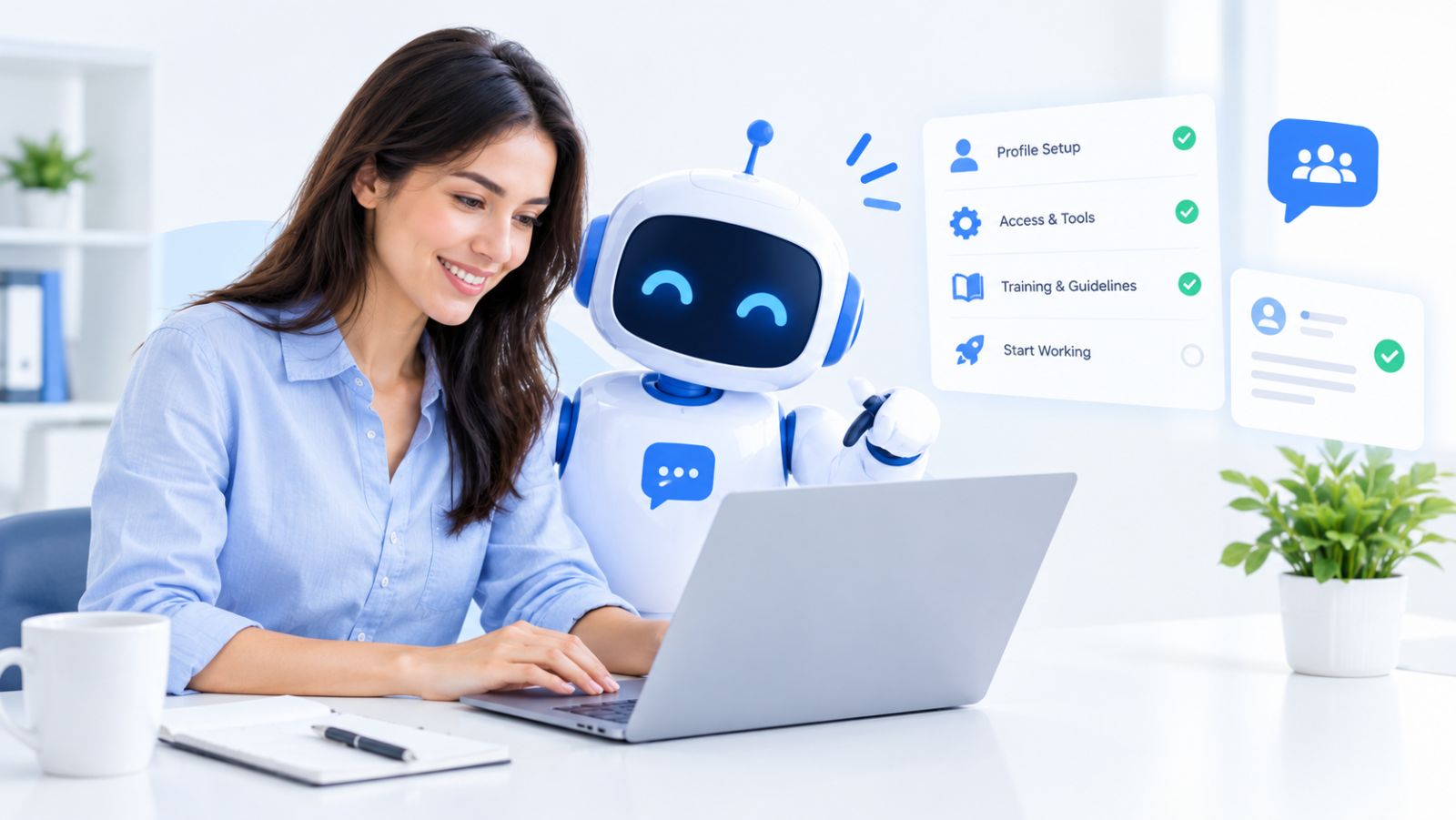
Asking an AI for “20 viral TikTok ideas” usually produces bland results, because the model knows nothing about your product, audience or past winners. Before requesting anything, the marketer gave Muse the orientation a new employee would receive on day one.
A reusable onboarding brief looks like this:
Over the next 24 hours you will help me run organic marketing for my app.
- Product: [one-sentence description]
- Main channel: short-form video, mainly TikTok
- What works for us: native-feeling stories, not ads; curiosity-led hooks
- Formats: photo slideshows and UGC-style posts
- Your role: research opportunities, explain why they work, adapt them
to my product, and prepare posts for my review
- Rules: no generic advice; base ideas on real, proven posts; never force
the product into the story; drop anything that sounds like an ad;
I make the final creative decisionsThe final rule carries the most weight. Research, collecting references, structuring drafts and organizing variations are worth delegating. Judging whether a post feels native enough to publish is not.
Step 2: Request Research, Not “Content Ideas”
For most apps, finding the right idea takes longer than producing the post. So the first real task was research, phrased to prevent the agent from inventing things:
Find 10 real short-form posts that are performing well in my niche or a


neighboring one (relationships, personal stories, text-message stories,


habits, transformations). For each, give me the source link, the hook,


the format, what happens first, where the curiosity comes from, why


people keep swiping, and how to adapt it for my app without copying it.


Quality over quantity.
Two details matter. A volume cap discourages padding, and searching adjacent niches opens up formats your direct competitors have not tried. What you borrow is the mechanism, not the subject. For every reference, ask:
- Why did the viewer stop scrolling?
- Why did they need to see the next slide?
- What did the hook deliberately leave unsaid?
- Where did the payoff arrive?
Muse returned ten references and was candid about sourcing: five were verified live on TikTok, and the rest came from press coverage. Always request that kind of disclosure from a research agent. The top three included a rival app’s milestone clip with millions of plays, a notification-style slideshow system pulling tens of millions of weekly views, and “day 365” milestone stories that perform reliably in the sobriety niche.
The marketer did not pick the post with the most views. They picked the one with the clearest path from its core mechanism to their own app.
Step 3: Rebuild One Proven Mechanism Around Your Product

The chosen concept was the notification format: the app never appears on slide one, and arrives on slide two as a phone notification inside the story. The instruction to Muse was to keep the reason the original works and replace everything else.
The result was a short, ready-to-produce story. Slide one hooked viewers with a relatable Friday-evening moment. Slide two showed a lock screen where the app checked in at a risky hour, sitting right above a friend’s message about drinks. The product appeared once, as a rescue rather than a pitch.
When a first draft arrives, resist both extremes of accepting everything or starting over. Read it once, hunt for anything that sounds like marketing, and send small, specific fixes:
- If the app appears too early, push it back.
- If the hook explains too much, trim it.
- If the story sounds corporate, ask for a version a real person would post.
Because everything lives in one thread, each correction is a single short message.
Step 4: Let the Agent Produce, Then Fix Only What Is Wrong
With the structure approved, Muse generated the slideshow images directly in the chat, aiming for the look of a real person’s phone photos rather than a polished ad.
The first version was close. The payoff slide was perfect, but the hook’s text styling did not match the formats that perform best on TikTok. One sentence fixed it: use white text with a black outline and leave slide two untouched. Muse changed only the hook and kept the approved slide.
That habit is what makes AI creative work fast. Expect an imperfect first pass, pinpoint what feels off, and correct only that. The usual suspects are:
- the font
- the text position
- framing that looks too polished
- imagery that reads as an advertisement instead of a casual photo
Step 5: Turn One Winning Concept into Several Posts

Once a concept works, the next move is variations, not a brand-new idea. The marketer asked for three versions that preserved the curiosity structure but changed the scenario, hook and story, so each could stand alone on the same account.
Not every variation was produced. The marketer kept the two with the best odds, then asked Muse to build them using the same visual and realism rules already established in the thread. AI is excellent at generating options, but that does not mean every option deserves to be published.
This matters because organic content is partly a numbers game. A concept you love can flop while a small variation takes off. A handful of smart variations on a proven mechanism usually beats forcing a fresh idea every day. If you want to build the same kind of branching logic into conversations after the click, our guide on building AI agent flows without code shows how the same “one idea, many variants” thinking applies to chat automation.
Step 6: Schedule the Posts and Review the Calendar
At this point there were concepts, finished slides and variations. The bottleneck became distribution: finished posts sitting on a phone do not grow an account, and uploading each slideshow by hand would eat the whole experiment.
The marketer already used a social media scheduler, so the instruction to Muse was short: spread the final posts over the next few days, publish no more than two per day, leave generous gaps, and never post the strongest variations back to back, so that the only job left was reviewing the schedule.
A human still reviewed the calendar for lead order, spacing between similar posts and the overall rhythm of the week. What disappeared was the most repetitive task in organic marketing: moving files from a phone into upload screens one at a time.
How the connection works. Muse has no settings screen for custom connectors. Instead, you send it a message containing the scheduler’s MCP link and ask it to save a skill that routes social posting requests through that tool. Authorization happens through an OAuth sign-in link, so no API key is pasted into the chat. After approval, Muse lists your connected channels and can create posts.
Two TikTok settings worth knowing. A direct-post method publishes immediately, while an upload method sends the post to the TikTok app’s inbox as a draft so you can add a trending sound by hand. Photo posts can also let TikTok attach music automatically. If you prefer maximum control, have the agent save posts as drafts and approve each one yourself.
Step 7: Stop Tinkering and Read the Analytics

Once the calendar was approved, the campaign was frozen: no caption edits and no tweaks after posting. Until that point the workflow could only be judged on taste. After that, the numbers decide.
Posts built on nearly identical concepts landed very differently. Sometimes the hook made the difference, sometimes the first image, sometimes a small story change that made people curious enough to keep swiping. One variation can barely move while another takes off.
Views are the headline, but they are not the scoreboard. When the data is available, profile visits, downloads and trial starts show whether attention became something useful. The AI did not uncover a secret strategy. The marketer already had a strategy that worked. What changed was the speed of everything around it: finding opportunities, shaping concepts, producing variations and getting them scheduled without starting from zero each time, mostly from a phone.
Who Did What: Meta Muse vs. the Human
| Stage | What the AI agent did | What the human did |
|---|---|---|
| Onboarding | Absorbed the brief and kept context all day | Wrote the brief: product, channel, formats, rules |
| Research | Found 10 references, analyzed hooks, flagged sourcing | Chose the one concept worth testing |
| Concept | Rebuilt the mechanism as a two-slide story | Cut anything that felt like an ad |
| Production | Generated both slides, reworked only the hook | Spotted the text style that felt unnatural |
| Variations | Wrote three variants, produced the chosen two | Decided which variants deserved to exist |
| Scheduling | Spread posts across the week, two per day at most | Reviewed and approved the calendar |
| Results | Hands off after publishing | Tracked views, profile visits, downloads, trials |
The pattern is clear: the AI took every step that is slow but mechanical, and the human kept every step that requires taste.
What Should Stay Manual
Even with most of the workflow running through an agent, three jobs belong to a person:
- Choosing which ideas deserve a test.
- Reviewing every final creative before it goes live.
- Judging whether a post feels native, whether the product is pushed too hard, and whether a concept needs another pass.
The value of an AI marketing agent is not replacing the person who knows what works. It is removing the friction around those decisions so research, organization, structure, variations and scheduling stop consuming the day.
Is Meta Muse a Good AI Marketing Agent? Honest Review

Based on this experiment, Muse is a strong assistant for operators who already know what works and want to move faster. It is not a substitute for that knowledge.
Where it shines
- A natural interface. Briefing in short WhatsApp messages beats writing one enormous prompt, and the thread preserves context.
- Research with receipts. It supplied real references with performance numbers and said which ones it had verified itself.
- Surgical edits. It kept an approved slide and changed only the broken part.
- In-chat production. It generated slideshow images inside the conversation.
Where it needs help
- No native TikTok publishing. You need a custom connector to schedule outside Meta’s own apps.
- Research needs a sanity check. Half the references came from press coverage rather than live posts.
- Taste stays human. A concept can reveal the app too early or over-explain the hook.
- Mistakes happen. Meta itself acknowledges that, and that prompt injection is still unsolved, per The Neuron’s guide. Keep approvals on, or keep posts as drafts until you sign off.
From Views to Conversations: Where ChatbotX Fits

Here is the part most TikTok growth guides skip. A million views is attention, not revenue. The moment a viewer comments, taps your profile or asks a question is the moment a conversation can start, and that conversation needs somewhere to go.
That is the gap ChatbotX is built to fill. It is an open-source, agentic chat marketing platform that brings WhatsApp, Messenger, Instagram, Telegram, Zalo, TikTok, email and web chat into one workspace. You can connect your own AI agents (including OpenAI, Claude, Gemini and DeepSeek models), and the platform also exposes an API, a CLI and MCP tools, so the same agent-first thinking behind this Muse workflow carries over to the customer-conversation side of your funnel.
A few capabilities pair naturally with an organic TikTok engine:
- A visual Flow Builder, triggers and API access. Explore the full ChatbotX feature set to see how flows, triggers and developer tools connect.
- WhatsApp automation. Turn curious viewers into qualified leads with the WhatsApp channel: broadcasts, AI agents and shared inbox in one place. For deeper context, read how agentic chatbots transform sales, support and marketing on WhatsApp.
- Website conversations. Send TikTok traffic to a landing page that answers questions instantly with ChatbotX Webchat, complete with live human handoff.
- Agentic marketing playbooks. If the idea of autonomous agents handling conversations is new to you, the agentic chat marketing playbook explains the building blocks.
Prefer to own your stack? The community edition is released under the MIT license, and you can inspect the code, self-host it and follow updates in the ChatbotX GitHub repository. Recent releases have also added TikTok comment automation, including comment-to-message private replies, which you can track on the ChatbotX release page.
The 7-Step Meta Muse Workflow at a Glance
- Onboard it. Send one brief covering product, channel, formats and rules, including who makes final calls.
- Ask for research. Request 10 real, already-performing posts with the hook, format and reason each works.
- Pick one mechanism. Choose the reference you can adapt most naturally and have the agent rebuild it for your app.
- Produce and correct. Generate the slides, then fix only the parts that feel off.
- Multiply. Request three variations and produce the best two.
- Schedule and review. Connect a scheduler, spread posts across the week, then approve the calendar.
- Measure. Track views, profile visits, downloads and trials per variation, and feed winners into the next round.
Frequently Asked Questions
What can Meta Muse do?
Meta Muse researches, drafts, generates images and takes actions in connected apps such as Gmail, Google Calendar and Instagram, asking for approval before it publishes or sends anything. In this experiment it researched TikTok references, wrote slideshow concepts, produced the slides, created variations and scheduled posts through a custom connector.
Can Meta Muse post to TikTok?
Not on its own. As of late October 2026, Muse’s connector directory did not include TikTok. You can add a social scheduler as a custom MCP connector, after which Muse can schedule TikTok slideshows and videos, along with posts for many other platforms.
Can you use Meta Muse on WhatsApp?
Yes. Muse works inside WhatsApp as well as in its mobile apps and on the web. The entire experiment in this article ran from one WhatsApp chat.
Is Meta Muse free?
Muse has a free tier. Heavier use moves to the Power plan at roughly $20 per month or the Maximum plan at roughly $100 per month, according to The Neuron.
Is Meta Muse safe to use for social media?
Meta says the agent will not publish, message or buy without your approval, and OAuth-based connectors avoid pasting secret keys into chat. Meta also admits mistakes will happen and that prompt injection is unresolved. The safest setup is to create drafts and approve each post yourself.
Meta Muse vs. ChatGPT: which is better for marketing?
Muse’s edge in this workflow was the WhatsApp thread: short briefs across a whole day, preserved context and slides generated in the chat. ChatGPT and other agents can run similar research-and-content loops, so the best choice is the assistant your team already works in.
How often should you post on a new TikTok account?
There is no official number. This experiment capped a brand-new account at two posts a day, spaced them out and avoided publishing the strongest variations back to back.
How do I turn TikTok views into customers?
Views alone rarely convert. Capture interest where it happens: reply to comments, route curious viewers into a messaging flow, and qualify leads with an AI agent that can hand off to a human when needed. A chat marketing platform such as ChatbotX is designed for exactly that step.
Conclusion: Let the Agent Do the Heavy Lifting, Then Convert the Attention

The lesson of this experiment is not that an AI found a magic growth hack. It is that a clear brief, evidence-based research, small targeted edits and a disciplined posting schedule can compress days of organic marketing work into one chat thread, as long as a human keeps the creative veto.
Once the views start arriving, the next competitive advantage is what you do with them. Every comment, DM and profile visit is a chance to start a conversation that can end in a sale, a booking or a loyal user.
Ready to turn attention into conversations? Start free with ChatbotX, connect your first channel, build a flow with a drag-and-drop canvas, and let AI agents greet every lead around the clock while your team keeps control. Prefer to self-host? Star the project on GitHub, deploy it your way, and build your own agentic chat marketing stack today.
Sources: workflow and results from the original experiment documented by Postiz and first shared by Pedro Pérez on X; Meta Muse approval model reported by Reuters via The Star; pricing and risk notes from The Neuron. Details reflect information available on October 28, 2026 and may change.