Instagram has quietly become one of the most powerful storefronts on the internet. What started as a photo-sharing app has evolved into a full-scale social commerce engine – one where discovery, consideration, and purchase all happen within a single scroll. In 2026, launching an Instagram Shop is no longer optional for product-based businesses; it is a foundational move that separates growing brands from stagnant ones.
This guide breaks down everything you need to know: what an Instagram Shop actually does, the four core features driving conversions, whether you need a business registration to operate one, how to complete setup in five structured steps, and the marketing tactics that separate top-performing stores from the rest. We also explore how pairing your IG Shop with AI-powered chatbot automation can help you capture every lead and never miss a sale.
Launch agentic chat marketing in minutes with ChatbotX














What Is an Instagram Shop?
An Instagram Shop is a native storefront embedded directly inside a professional or creator account that has activated Meta’s Shopping feature. Unlike earlier iterations of Instagram selling – where merchants relied on a single bio link or manually negotiated prices inside DMs – an active IG Shop transforms every piece of content into a shoppable touchpoint.
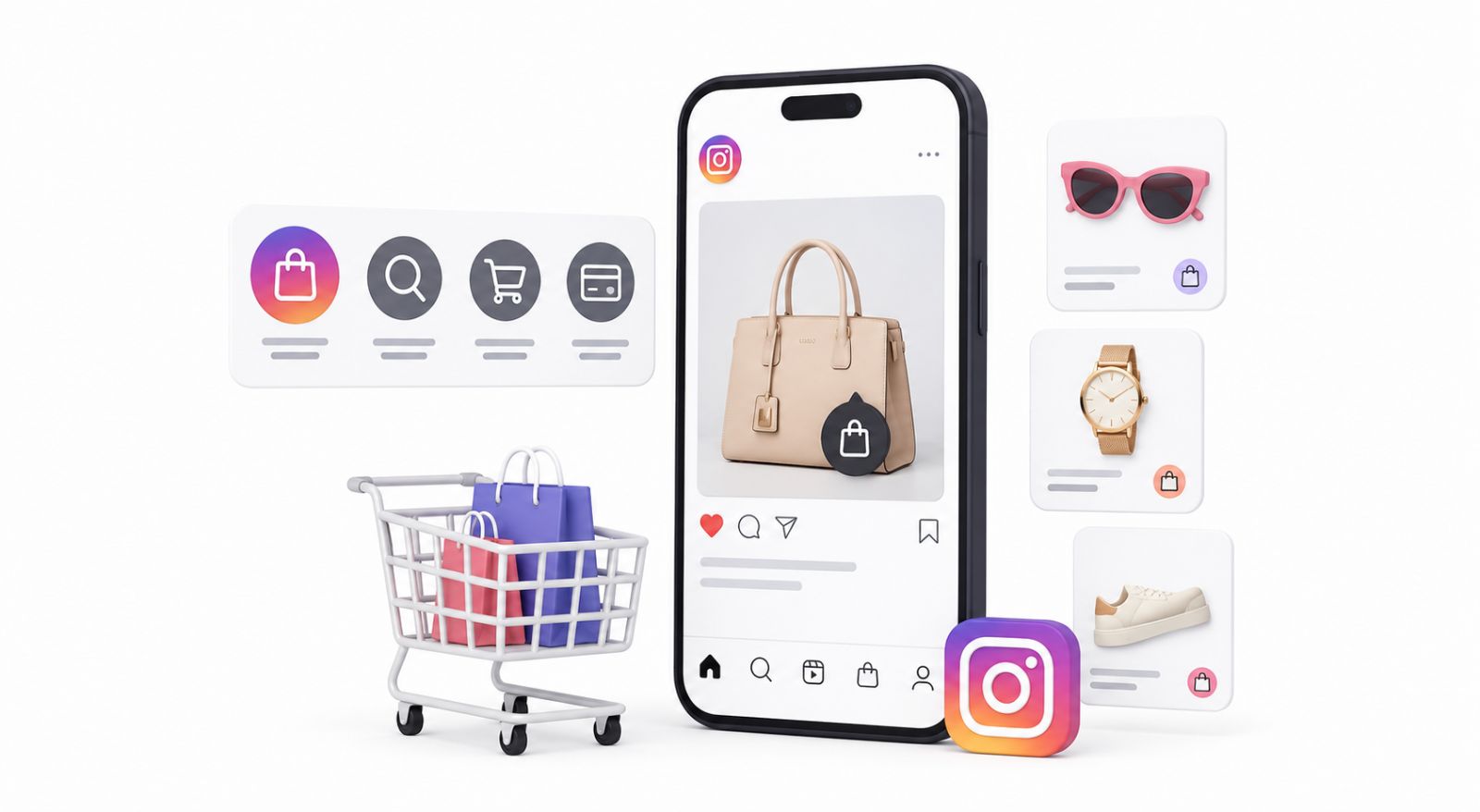
With the feature enabled, sellers can embed product tags into standard feed posts, Reels, Stories, and even live streams. Tapping any tag surfaces an instant product card showing price, variants, and a description – all without leaving the app. A single additional tap sends the shopper directly to the merchant’s website checkout page, compressing what used to be a four-to-six step buying journey into two frictionless taps.
According to Meta’s Business Help Center, Instagram Shopping is available in dozens of markets and continues to expand, making it one of the fastest-growing social commerce channels globally.
Core Features That Drive Sales
1. Product Tagging Across All Content Formats
The product tag is the foundation of every Instagram Shop. Merchants can apply tags to photos, carousel posts, Reels, Stories, and live broadcasts – turning organic content into a direct revenue channel. Rather than asking followers to “check the link in bio,” a tagged post immediately bridges inspiration and purchase intent. This single feature alone can significantly increase conversion rates compared to traditional bio-link approaches.
2. Themed Collections
Instagram’s Collections feature lets merchants group products into curated sets – seasonal arrivals, flash sale picks, gift guides, or style edits. Rather than presenting visitors with an undifferentiated product catalogue, collections create a focused, editorial browsing experience. Shoppers spend more time exploring, which research consistently links to higher average order values.
3. Dedicated Product Detail Pages
Each product in an IG Shop receives its own persistent detail page: a structured view displaying images, full descriptions, pricing, available variants, and inventory status. Think of it as a 24/7 digital sales associate that answers the most common pre-purchase questions without human involvement. Related product recommendations at the bottom of each detail page also support cross-selling.
4. Personalised Save Lists (Wish Lists)
Shoppers can bookmark any product to a private wish list with a single tap. This feature is underutilised by most merchants, yet it is a powerful signal of high purchase intent. Customers who save a product are far more likely to convert within the next 30 days than those who simply view and scroll past. Strategies that re-engage wish-list savers – through Stories, DMs, or retargeting – consistently outperform cold audience campaigns.
Do You Need a Business Registration?
This is one of the most common questions from first-time sellers, and the answer varies by jurisdiction. In markets like Hong Kong, for example, business registration is legally mandatory for any commercial activity conducted for profit – including online sales through Instagram. Operating without one exposes merchants to regulatory penalties, and failing to display legitimate credentials also erodes buyer trust in a market where social commerce fraud is a genuine concern.
Beyond legal compliance, a verified business registration adds credibility to your store profile. Customers who see evidence of a legitimate registered entity are measurably more likely to complete a purchase, particularly for higher-ticket items or first-time transactions with an unfamiliar brand.
Before activating Instagram Shopping, check the specific requirements in your market. In most cases, you will also need to agree to Meta’s Commerce Policies and connect an approved product catalogue to a verified business domain.
How to Set Up Instagram Shopping in 5 Steps
Step 1: Convert to a Professional Account
Open your Instagram profile and navigate to Settings → Account → Switch to Professional Account. Select Business as your account type (rather than Creator, unless you are a solo influencer), choose the most accurate category for your products, and add your public contact details. A Professional Account unlocks the full suite of IG Shop features and provides access to audience analytics.
Step 2: Connect a Facebook Business Page
Instagram Shopping is built on Meta’s Commerce infrastructure, which requires a linked Facebook Business Page. Go to Edit Profile → Page and connect an existing Business Page, or create a new one directly from this screen. This connection enables catalogue synchronisation and ensures your products meet Meta’s approval requirements.
Step 3: Build and Connect Your Product Catalogue
You have two routes here:
Manual Upload via Meta Commerce Manager: Log into Meta Commerce Manager, create a new catalogue, and add products individually with images, descriptions, prices, and direct website URLs. This approach suits very small inventories (fewer than 20 SKUs) or merchants just getting started.
Platform Integration (Recommended): If you run your store on Shopify, WooCommerce, or a similar e-commerce platform, install the official Meta Sales Channel integration. Your entire product catalogue – including inventory levels, variant pricing, and images – syncs automatically and stays current without manual updates.
Step 4: Submit for Meta Shopping Review
Inside Instagram, go to Settings → Business → Set Up Instagram Shopping. Follow the on-screen prompts to link your catalogue and verify your website domain (Meta requires domain verification via DNS record or a meta-tag placed in your site’s HTML). Once submitted, the review process typically concludes within two to five business days, after which you receive an in-app notification of approval.
Step 5: Activate Product Tags
Once approved, visit Settings → Business → Shopping and confirm your connected catalogue. From this point forward, every time you create a new post, Reel, or Story, you will see a Tag Products option. Tap the image at the relevant spot, search your catalogue, and confirm the tag. Publish your content and your audience can shop directly from it.
Instagram Marketing Tactics for 2026
Lead With Reels for Organic Discovery
The Instagram algorithm in 2026 continues to heavily favour Reels content in its recommendations engine. Short-form videos – ideally between 15 and 45 seconds – with strong opening hooks, trending audio, and clear product demonstrations reach audiences far beyond your existing follower base. Product-focused Reels that add genuine value (styling tips, usage demos, behind-the-scenes production) consistently outperform purely promotional content in both reach and save rates.
Use Precision Hashtag Strategy
Blanket hashtags like #fashion or #lifestyle have become noise. In 2026, the highest-performing strategy combines a small cluster of niche, intent-specific tags (e.g., #SustainableKitchenTools instead of #Kitchen) with a few mid-volume tags in your exact category. Limiting total hashtag count to eight to twelve – all tightly relevant – tends to outperform the old strategy of stuffing thirty maximum tags into every post.
Leverage Stories for Real-Time Engagement
Instagram Stories remain the highest-engagement surface for maintaining an active relationship with your existing audience. Poll stickers, question boxes, and emoji sliders invite immediate responses and signal strong algorithmic relevance. Use Stories to preview upcoming product drops, run flash discount countdowns, collect product feedback, or tease behind-the-scenes content that feeds curiosity. Stories with product link stickers provide one of the most direct paths to your checkout page available within the platform.
Plan Seasonal and Event-Driven Campaigns
Buyers make purchasing decisions in concentrated bursts – around holidays, seasonal changes, cultural events, and limited-time promotions. Brands that plan their IG Shop catalogue updates, collection launches, and promotional posting schedules around these windows consistently generate disproportionate revenue spikes. Build a content calendar at least six weeks ahead of major commercial moments in your market.
Automating Your IG Shop with ChatbotX
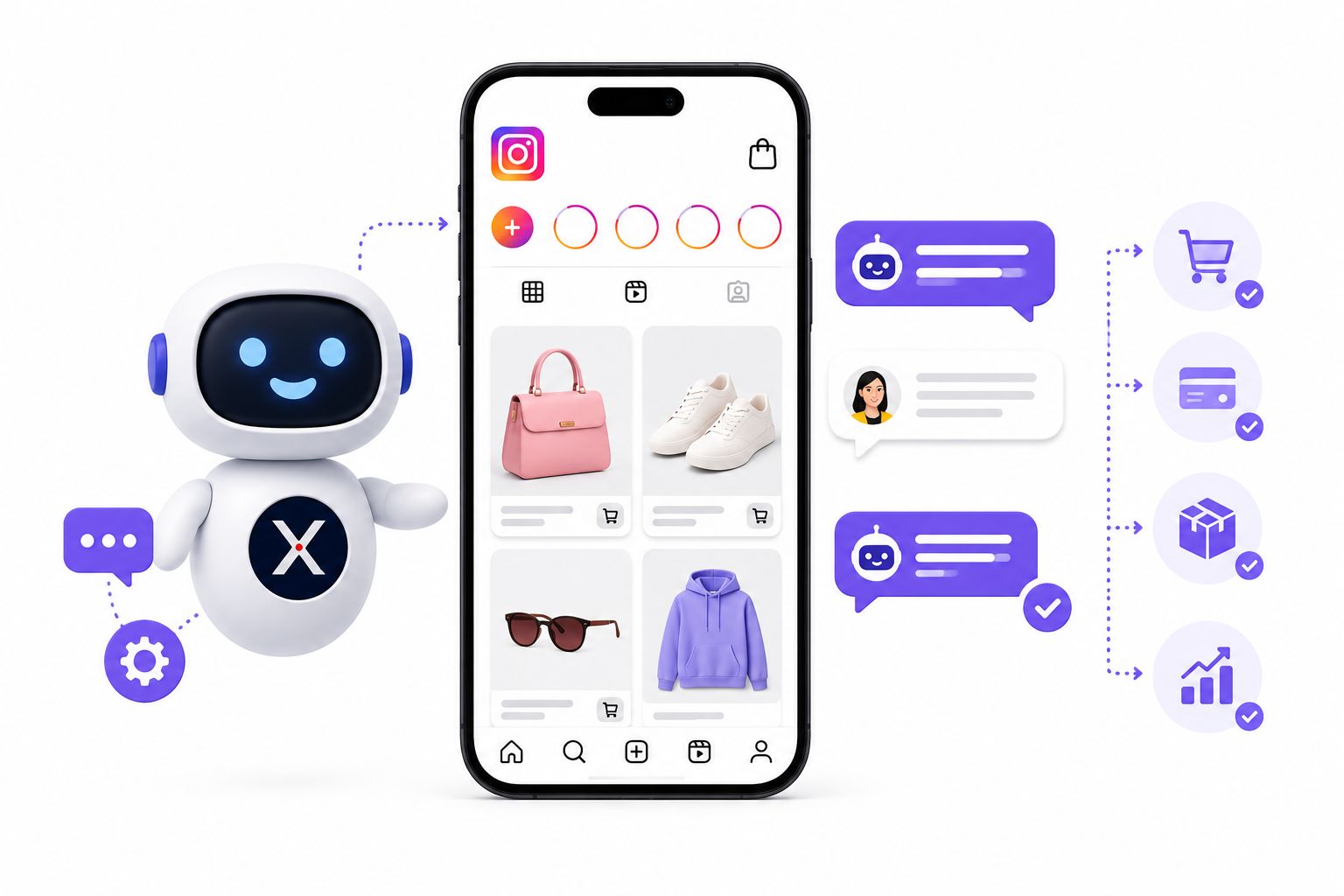
Running a high-performing Instagram Shop generates a volume of customer interactions that manual management simply cannot sustain. When a Reel goes viral, a flash sale post goes live, or a new product drop attracts hundreds of comments, the ability to respond instantly – to every comment and every DM – is the difference between capturing a sale and losing it to a competitor who responds faster.
This is precisely where ChatbotX changes the game. ChatbotX is an open-source agentic omnichannel chatbot platform with native Instagram channel integration built in. It connects directly to your Instagram account and automates the conversations that close deals.
Automated Comment-to-DM Flows
When a follower comments a keyword – “+1,” “price?” or “link” – under any of your posts, Reels, or live broadcasts, ChatbotX detects the trigger and fires two simultaneous actions: a public reply beneath the comment (which boosts engagement signals visible to the algorithm) and a private DM to that user containing the product link, discount code, or specific product information they requested. This closes the gap between social interest and purchase action in seconds, not hours.
24/7 AI Agent for Instagram DMs
Using ChatbotX’s AI Agents feature, you can deploy an intelligent conversational assistant inside your Instagram DM inbox that handles common inquiries around the clock – product specifications, shipping timelines, return policies, store hours, size guides – without any human intervention. The AI agent can also qualify leads, tag contacts by interest, and escalate complex conversations to a human agent when needed, all managed through ChatbotX’s shared team inbox.
For merchants who want to go further, ChatbotX is fully open source and self-hostable. Explore the ChatbotX GitHub repository to review the codebase, contribute features, or deploy your own instance. You can also check the ChatbotX releases page to follow the latest updates and new channel integrations as they ship.
To see how other brands are growing their Instagram presence in 2026, read the ChatbotX blog post on How to Grow Your Instagram Followers in 2026: 13 Proven Strategies and How to Grow on Social Media in 2026: The Creator’s Strategy That Actually Works.
Why Automation Matters at Scale
According to Salesforce’s State of the Connected Customer report, 80% of customers now consider the experience a company provides to be as important as the product itself. Response speed on social platforms is a core component of that experience. Brands that reply within five minutes of a customer inquiry are dramatically more likely to qualify that contact than those who respond hours later.
The Sprout Social Index reinforces this: consumers expect responses on social media within four hours – a bar that is impossible to meet through manual staffing alone during high-traffic periods.
Conclusion & Call to Action
Instagram Shopping in 2026 is a mature, high-converting channel – but only for sellers who treat it as a complete system rather than a content afterthought. Setting up your IG Shop correctly, maintaining a disciplined marketing cadence, and deploying intelligent automation to handle the customer conversation layer are the three pillars that separate stores with modest revenue from brands that genuinely scale on social.
The good news is that you do not need a large team or a big budget to get there. Open-source tools like ChatbotX make enterprise-grade Instagram automation accessible to businesses of every size – with full transparency, self-hosting options, and a growing community of contributors improving the platform continuously.
Ready to transform your Instagram followers into customers on autopilot?
👉 Get started with ChatbotX free at chatbotx.io and connect your Instagram Shop today.
👉 Want to explore the code or self-host your own instance? Star ChatbotX on GitHub and join the open-source community.
FAQ
What is the difference between an Instagram Shop and a regular business account?
A regular Instagram business account gives you analytics, contact buttons, and advertising access. An Instagram Shop adds the full Shopping layer on top: product catalogues, shoppable tags across all content formats, dedicated product detail pages, and a native storefront accessible directly from your profile.
Can small sellers with just a handful of products benefit from an Instagram Shop?
Yes – in fact, small catalogues are often easier to manage through IG Shop than larger ones, since manual catalogue maintenance through Meta Commerce Manager is straightforward. Even with five products, shoppable tags reduce the friction between content and purchase and can meaningfully improve conversion rates compared to bio-link-only approaches.
Is Instagram Shopping available worldwide?
Instagram Shopping is available in a growing number of markets across North America, Europe, Latin America, the Asia-Pacific region, and beyond. Availability depends on local Meta policies and the merchant’s business registration status in their country. Check Meta’s official Commerce Eligibility Requirements for the most current list of supported markets.
How does chatbot automation integrate with Instagram Shopping?
Platforms like ChatbotX connect to Instagram via the Meta Messaging API and monitor comment and DM activity on your account in real time. When a customer interacts with a shoppable post or sends a DM inquiry, the chatbot responds instantly with product links, answers questions, and guides the shopper toward a purchase decision – all without manual input from your team.
Do I need coding skills to set up ChatbotX for Instagram?
No. ChatbotX includes a visual Flow Builder that lets you design conversation workflows using a drag-and-drop interface. For merchants who want deeper customisation or want to self-host, the full source code is available on GitHub.
What content format performs best for Instagram Shopping in 2026?
Reels with embedded product tags are currently the highest-reach format on the platform. Short-form video content (15–45 seconds) paired with product tags drives discovery among non-followers, while Stories with link stickers convert warm audiences most efficiently. A consistent mix of both formats, supported by regular feed posts, creates the broadest funnel from awareness to purchase.