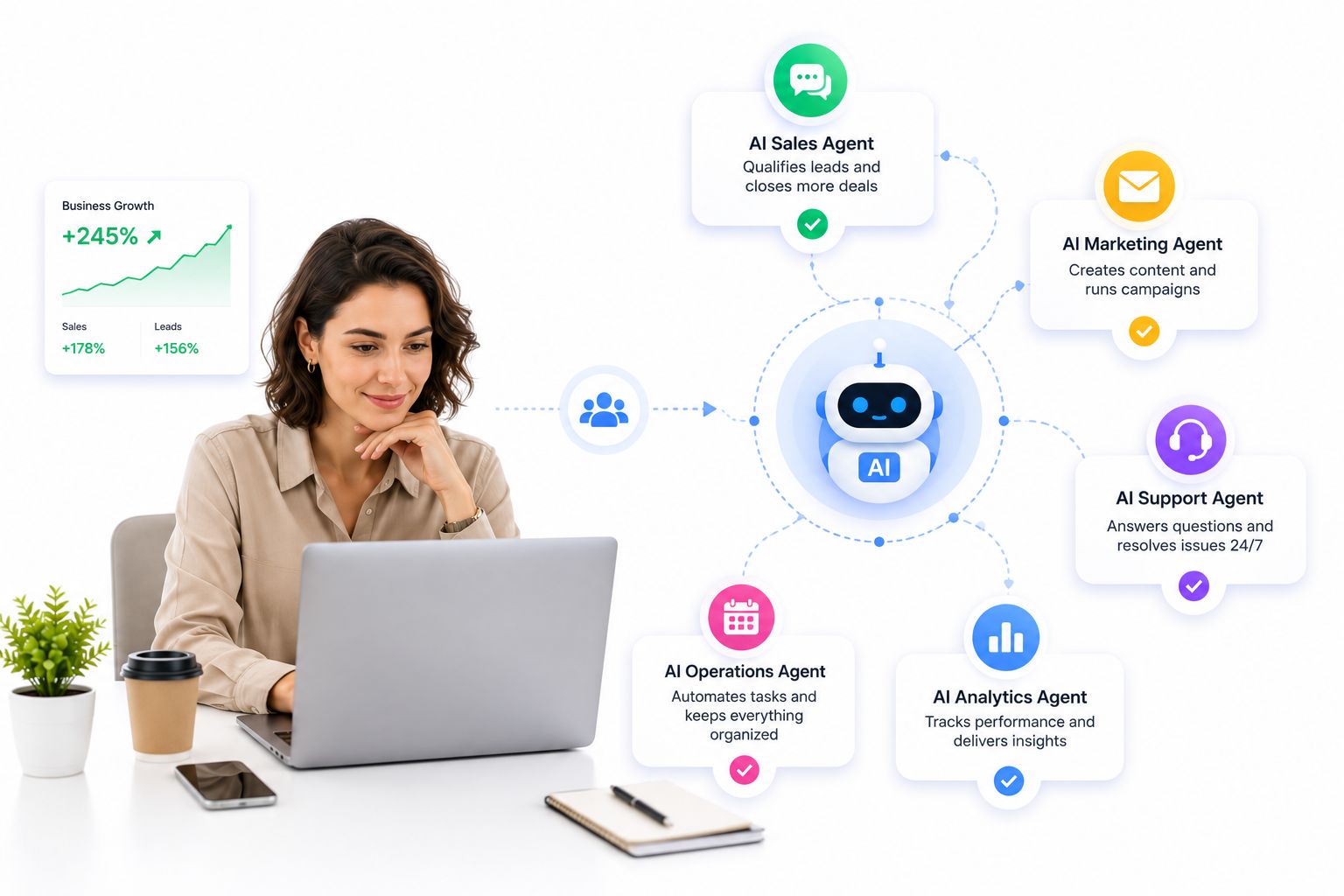
A few years ago, “AI agent” meant a single chatbot answering a single question. In 2026, that idea looks almost quaint. The businesses pulling ahead right now aren’t running one assistant – they’re running a coordinated team of them, each handling a different slice of the workload at the same time, around the clock, without adding a single line item to payroll.
For small and midsize teams, this shift matters more than it does for large enterprises. A ten-person company doesn’t have the luxury of a dedicated ops department to chase down leads, triage support tickets, and keep a CRM updated in parallel. Multi-agent AI closes that gap – not by replacing the team, but by giving it reinforcements that never clock out.
Launch agentic chat marketing in minutes with ChatbotX














What Exactly Is a Multi-Agent AI System?
A single AI agent behaves like a competent assistant: give it a task, and it figures out how to complete it without step-by-step supervision. A multi-agent system takes that same idea and multiplies it. Instead of one assistant juggling every request, you deploy several specialized agents that each own a narrow job and pass work to one another automatically.
Picture a real shift at a small business: one agent greets an incoming WhatsApp message and answers a pricing question, a second agent silently checks whether that same contact matches a warm lead in the CRM, and a third drafts a personalized follow-up email – all inside the same few seconds, with no human touching a keyboard. None of the three agents is waiting on the others to finish. That parallel handoff is the entire point of a multi-agent architecture, and it’s why the approach scales so much better than a single do-everything bot.
Employee Agents vs. Customer-Facing Agents
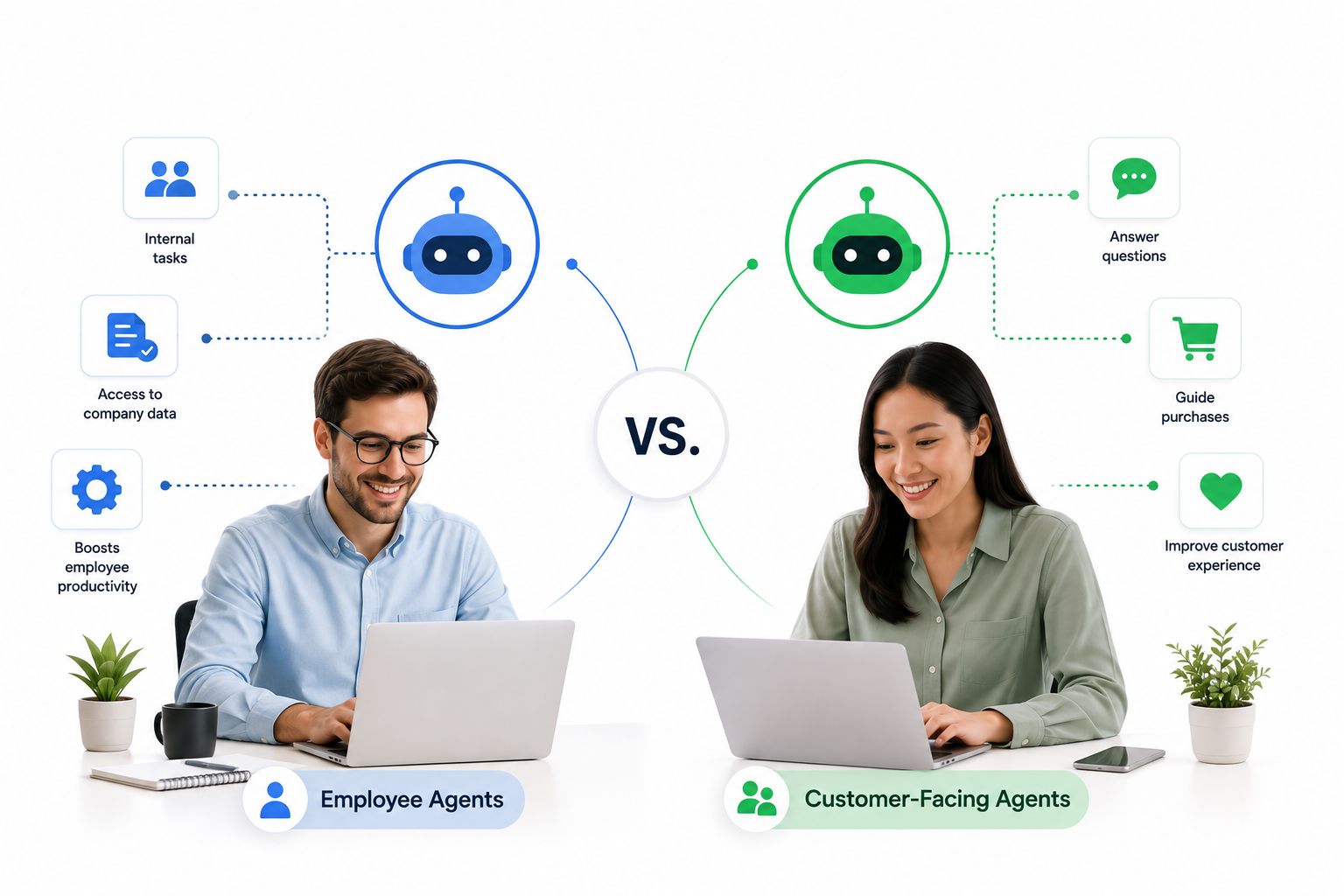
Not every agent in the system plays the same role. It helps to think of them in two broad categories:
- Employee-facing agents work quietly in the background – summarizing conversation history, pulling deal status, or drafting internal notes. They act as a force multiplier for research and admin work, freeing your team to focus on decisions instead of data entry.
- Customer-facing agents talk directly to buyers – answering FAQs, qualifying a lead, or walking someone through checkout. They deliver always-on coverage and a level of personalization that used to require a dedicated support shift.
Run both categories together on the same platform, and the effect compounds: your customer-facing agent’s conversation instantly updates the record your employee-facing agent is working from, so nobody repeats the same question twice.
Why the Shift Is Happening Now

The scale of adoption is no longer a small-business experiment – it’s an enterprise-wide trend that’s trickling down fast. Gartner forecasts that 40% of enterprise applications will carry task-specific AI agents by the end of 2026, up from under 5% just a year earlier – one of the fastest technology adoption curves on record. McKinsey’s most recent organizational research points in the same direction, with leaders increasingly describing AI agents as active collaborators rather than passive tools inside day-to-day workflows.
That trend lines up with what Salesforce recently reported about SMB sentiment toward agentic AI: most small businesses already using or planning to use AI agents view them as a genuine growth lever, not just a cost-saving trick. The pattern is consistent across every source – multi-agent adoption is moving from “nice to have” to “how modern teams operate.”
Setting Up Multi-Agent AI Without an IT Department
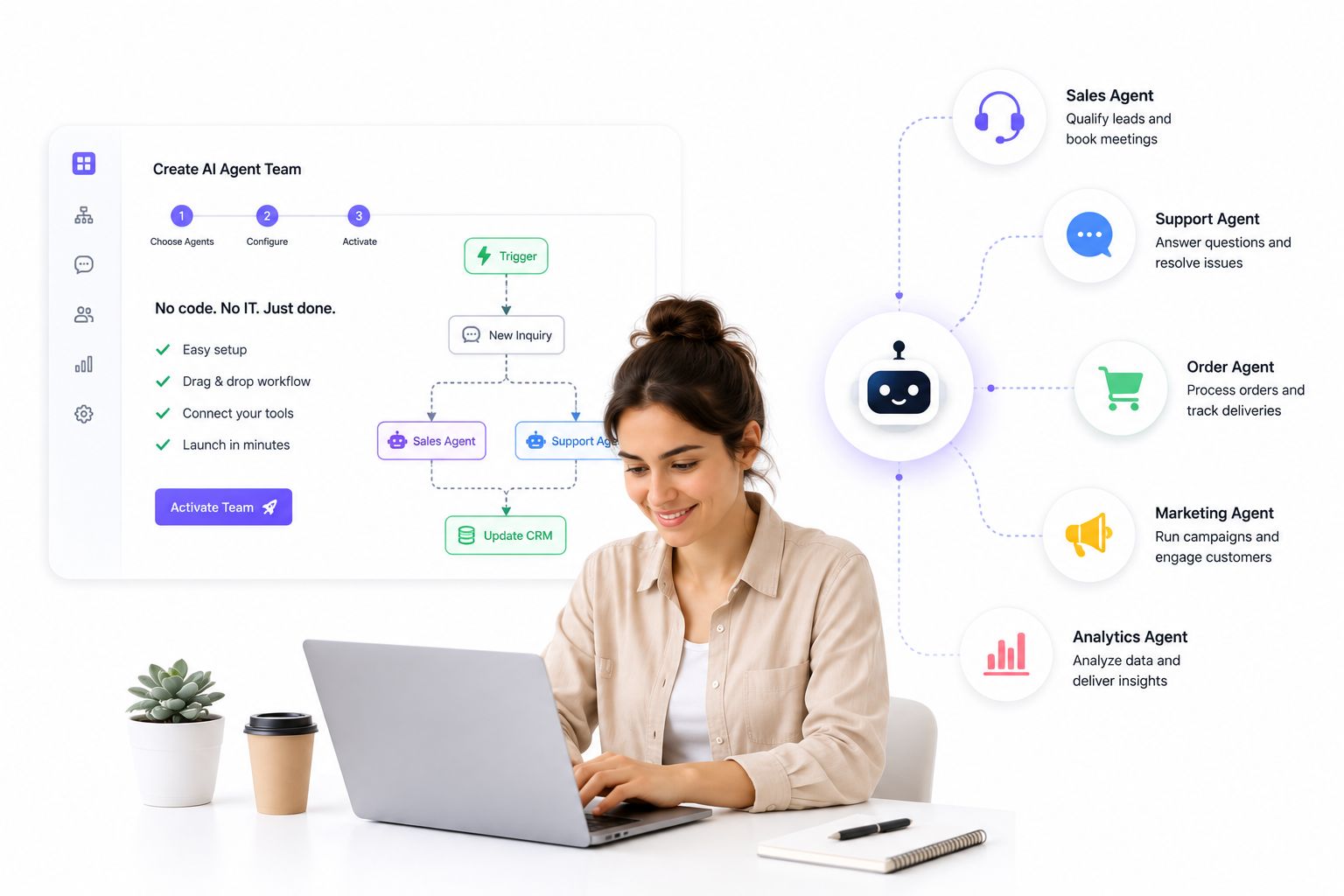
The most common objection small business owners raise is that a multi-agent setup sounds like something only enterprises with dedicated engineers can pull off. In practice, the barrier to entry has dropped dramatically. What used to require custom development can now be assembled with pre-built building blocks:
- Ready-made agent templates for common jobs – lead qualification, order status, appointment booking – that go live the same day, not after a multi-week build.
- Visual, no-code workflow design so a non-technical team member can map out how an agent should respond, escalate, or hand off a conversation.
- Native integration with your existing contact and conversation data, so every agent acts on the full picture instead of guessing from a blank slate.
This is where an open-source agentic omnichannel platform like ChatbotX fits naturally into the picture. Rather than stitching together a separate chatbot tool, a separate CRM, and a separate broadcast tool, ChatbotX lets a small team spin up specialized AI Agents for sales, support, and lead qualification, then arrange how they hand off tasks to each other using a visual Flow Builder – no developer required. Every conversation, regardless of which agent (or channel) handled it, lands in one shared inbox, so the team never loses context between a bot’s reply and a human’s follow-up.
Why a Connected System Beats a Pile of Separate Tools
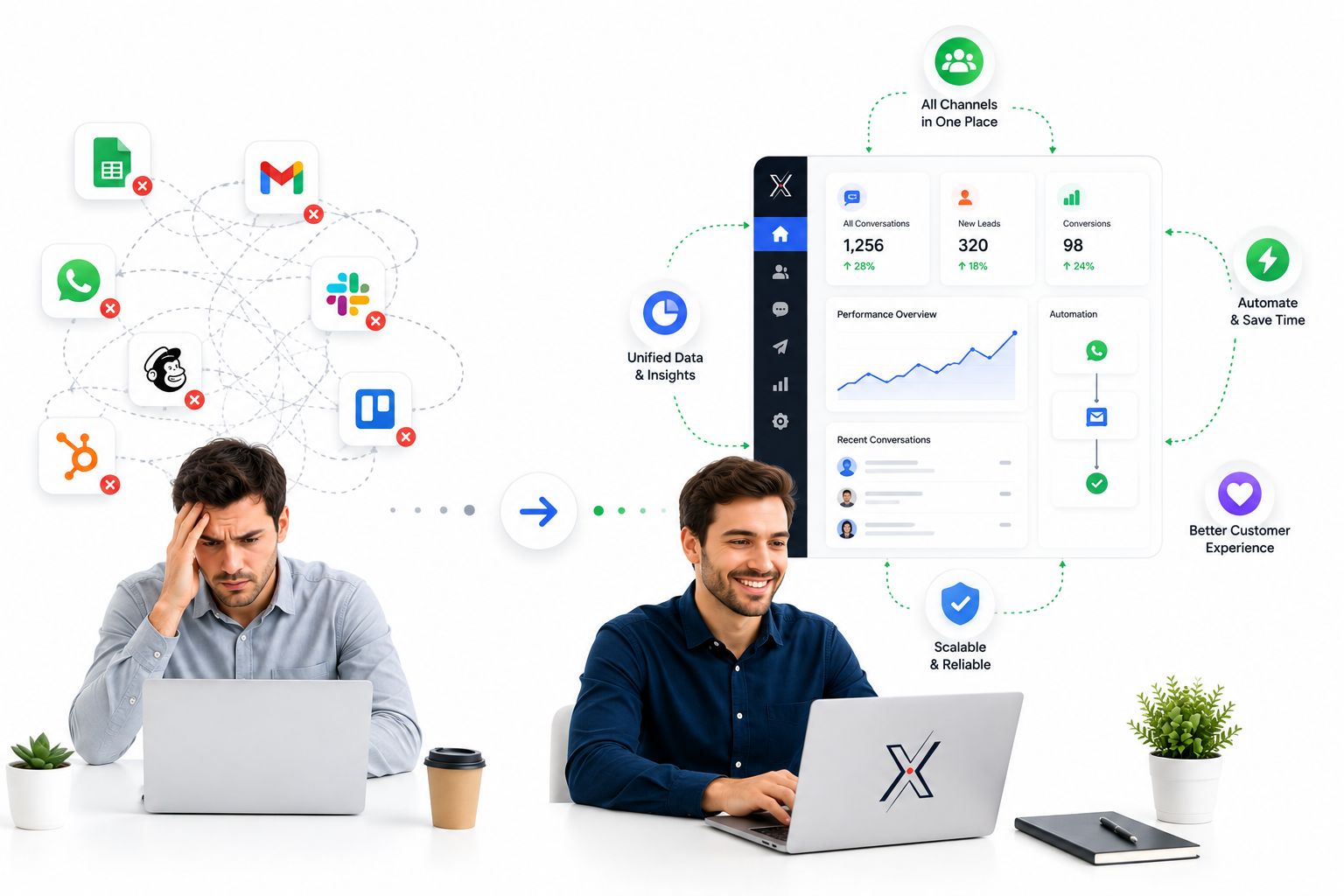
The risk of adopting AI piecemeal is ending up with several disconnected bots that each do something useful in isolation but never share what they know. A support bot that has no idea a customer already talked to a sales agent yesterday isn’t really “smart” – it’s just automated in a silo.
A true multi-agent setup avoids that trap because every agent draws from the same underlying data. The remarketing agent that re-engages a cold lead is working off the exact same conversation history the support agent used last week, which means messaging stays consistent and nothing gets asked twice. For teams weighing this trade-off, our guide on building a unified AI chatbot with CRM integration breaks down exactly how that shared data layer should be structured, and our omnichannel customer service platform buyer’s guide walks through what to look for when comparing vendors.
Getting Started: A Practical First Step
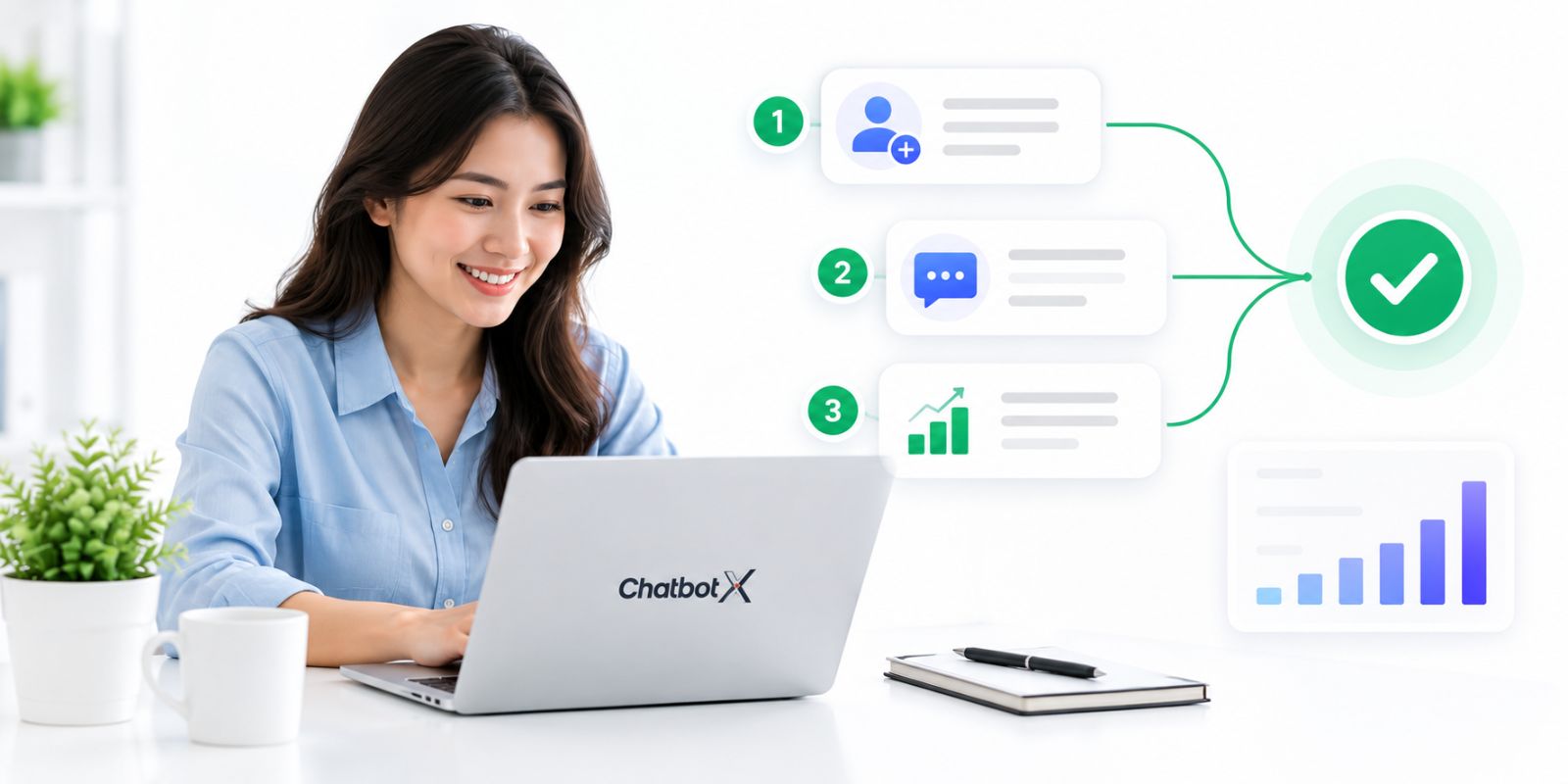
You don’t need to deploy a full agentic workforce on day one. The smartest path is to identify the single workflow eating the most manual hours right now – lead qualification, repetitive FAQ handling, or post-purchase follow-ups – and let one agent take that off your plate first. Once that agent is proven, add a second for a different function, and let them start handing tasks to each other.
Because ChatbotX is fully open-source, teams that want deeper customization can inspect and extend the platform directly from the ChatbotX GitHub repository, and track what’s shipping next through the release changelog – useful if your roadmap depends on a specific integration or channel landing soon.
Ready to Put Multi-Agent AI to Work?
You don’t need a big team, a big budget, or a long implementation timeline to start seeing results from multi-agent automation. Start small, connect the channels your customers already use, and let your first agent earn its place before adding the next one.
If you’re ready to see what a coordinated team of AI agents can do for your sales and support pipeline, start your free ChatbotX trial today – no credit card required, and no developer needed to launch your first automated workflow.