Customers today expect answers in seconds, not hours. A late reply on WhatsApp, a missed comment on Instagram, or a support ticket sitting untouched for a full business day can quietly push a buyer toward a competitor. That pressure is exactly why customer support automation software has moved from “nice to have” to a core part of how modern companies operate.
This guide breaks down what customer support automation software actually does, why it matters more in 2026 than ever before, which capabilities separate a strong platform from a weak one, and how to choose a solution that grows with your business.
Launch agentic chat marketing in minutes with ChatbotX














What Is Customer Support Automation Software?
Customer support automation software is a category of tools that use rules, workflows, and artificial intelligence to handle repetitive service tasks without requiring a human agent for every single interaction. Instead of a support rep manually reading, tagging, routing, and replying to every message, the software does the heavy lifting: understanding the customer’s intent, pulling the right answer from a knowledge base, updating a CRM record, or escalating the conversation to a live agent only when it truly needs a human touch.
The technology sits at the intersection of three things:
- Conversational AI – natural language understanding that interprets what a customer is actually asking, even when the wording is messy or informal.
- Workflow automation – pre-built logic that decides what happens next: send a template, tag a contact, open a ticket, or route the conversation to the correct department.
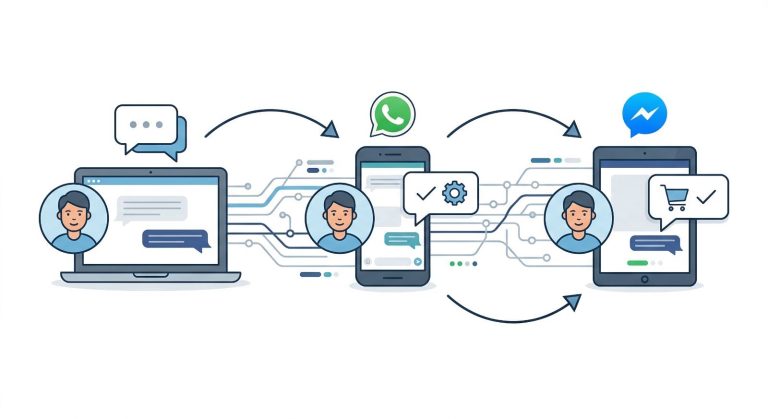
- Omnichannel connectivity – the ability to manage every channel a customer might use (website chat, WhatsApp, Messenger, email, Instagram) from one place instead of ten separate inboxes.
Why Support Automation Matters More in 2026
A few shifts have made automated support unavoidable rather than optional:
- Messaging has replaced phone and email as the default channel. Buyers now expect to message a business the same way they message a friend, and they expect a reply just as quickly.
- Support teams are being asked to do more with less. Headcount budgets are tight, but ticket volume keeps rising, especially for growing e-commerce, fintech, and service businesses.
- AI has finally become reliable enough for real conversations. Large language models can now handle nuanced, multi-turn support conversations instead of just matching keywords to canned replies.
- Customers judge a brand by its response speed. A slow first reply is one of the fastest ways to lose trust, regardless of how good the product itself is.
Put together, these trends mean that businesses which fail to automate at least part of their support workflow are simply going to lose ground to those that do.
Core Capabilities to Look For in a Support Automation Platform

Not every “chatbot” tool is built the same way. When evaluating customer support automation software, look closely at the following capabilities.
1. Intent-Aware AI Agents
The best platforms don’t just fire off scripted replies – they run goal-oriented AI agents that detect what a customer actually wants, answer directly from approved knowledge, and only hand the conversation to a human when the situation genuinely requires judgment. This is the difference between a bot that frustrates people and one that quietly resolves the majority of incoming questions on its own.
2. A Unified, Shared Inbox
When conversations come in from five or six different channels, your team needs one place to see and answer all of them. A well-designed shared inbox keeps agents from juggling browser tabs, prevents duplicate replies, and gives managers visibility into how quickly the team is actually responding.
3. Visual Flow Builders
Not every automation should require a developer. A drag-and-drop flow builder lets support and marketing teams design conversation paths, FAQ trees, and escalation rules visually, then adjust them the moment a product changes or a new question starts trending.
4. Reporting and Analytics
Automation without measurement is a guess. Solid analytics tools show first-response time, resolution rate, deflection percentage, and where conversations are getting stuck, so teams can keep improving the system instead of setting it up once and forgetting about it.
How Automation Improves Response Time and Resolution Rates

The impact of automation is measurable, not theoretical. Industry research on service chatbots consistently points to double-digit gains in both speed and containment. Modern AI-driven support tools are able to independently resolve a large share of incoming questions without ever looping in a human agent, according to recent analysis from Zendesk. Separate reporting on the broader support-chatbot category from Nextiva highlights how integrating automation with the wider customer experience stack – not just running it as an isolated bot – is what produces the biggest gains in deflection and customer satisfaction. B2B-focused platforms studied by TeamSupport show a similar pattern: automation performs best when it’s grounded in approved knowledge and tightly connected to account-level context, rather than operating as a generic, one-size-fits-all bot.
The common thread across all of this research is simple: automation works best when it’s connected – to your channels, your data, and your existing support workflow – rather than bolted on as an afterthought.
Choosing the Right Platform for Your Business

When comparing customer support automation software, a few practical questions tend to separate the platforms worth trialing from the ones that will frustrate your team six months in:
- Does it cover the channels your customers actually use? WhatsApp, Messenger, Instagram, Telegram, email, and web chat all behave differently, and a platform that only handles one or two will leave gaps.
- Can non-developers build and adjust automations? If every change requires an engineering ticket, the automation will fall behind your business.
- Is pricing tied to something predictable, like active contacts, rather than punishing you for growth?
- Can you own your data and, if needed, self-host or white-label the platform rather than being locked permanently into one vendor’s infrastructure?
This is the exact gap that platforms like ChatbotX were built to close – an agentic, omnichannel chatbot platform that unifies WhatsApp, Messenger, Instagram, Telegram, and web chat into a single automation layer, with AI agents that can plug into models like Claude, GPT, or Gemini depending on what a business already relies on. Teams that have covered similar ground in more depth have written about how small teams are resolving tickets faster through smarter case routing and what a practical AI virtual assistant playbook looks like for lean support teams heading into 2026.
Open-Source and Developer-Friendly Options
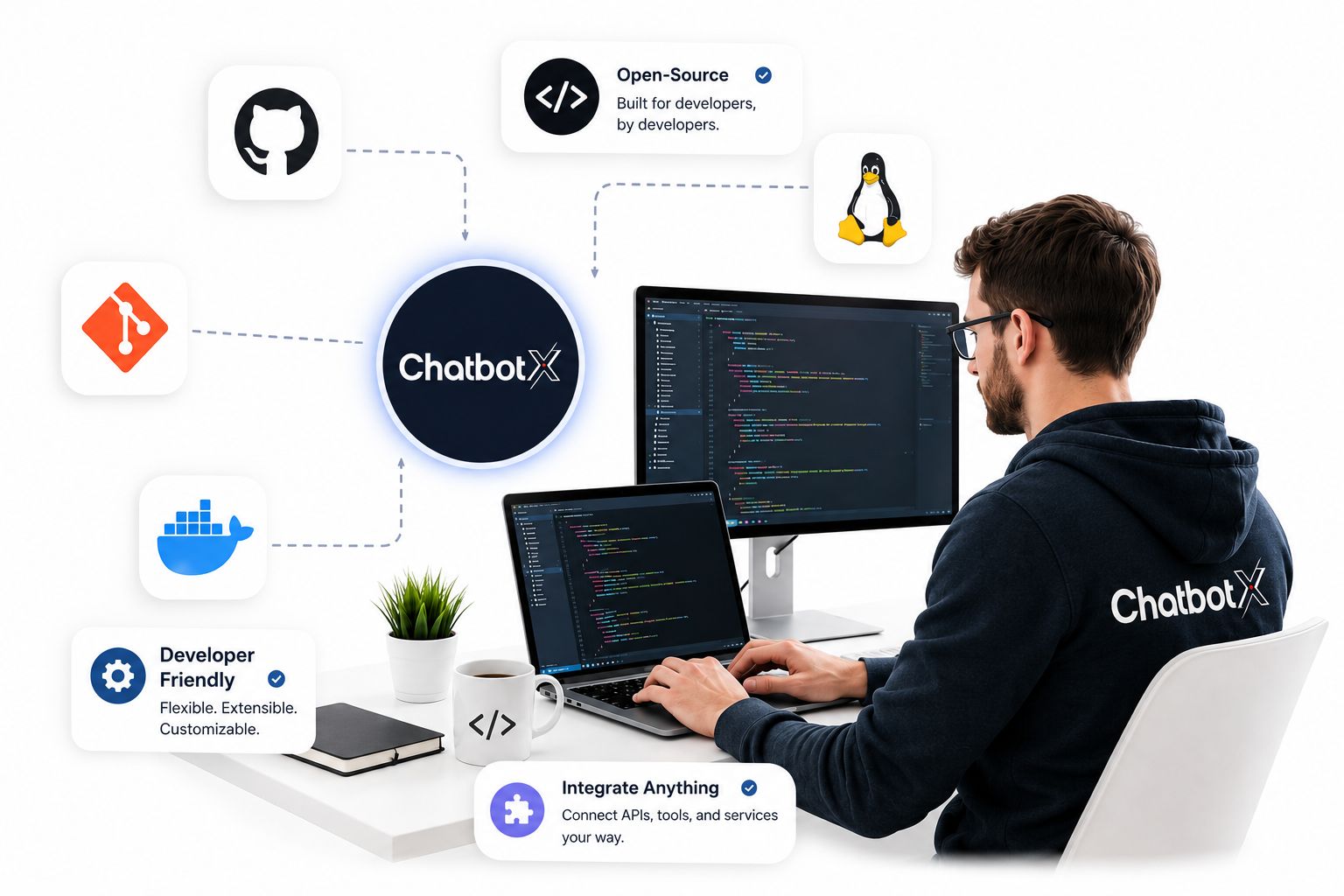
Not every business wants a black-box SaaS tool. For teams with technical resources, open-source support automation offers full control over data, hosting, and customization. ChatbotX, for example, publishes its core platform on GitHub, giving developers the option to self-host, extend, or white-label the software rather than depend entirely on a closed vendor. For teams tracking how the platform evolves, the project’s release history on GitHub is a useful way to follow new features and updates as they ship.
Best Practices for Rolling Out Support Automation
- Start with your highest-volume questions. Automate the ten questions your team answers most often before trying to automate everything at once.
- Keep a clear escalation path. Automation should make it easy – not harder – for a frustrated customer to reach a human.
- Review conversation analytics weekly, not quarterly. Small adjustments made early prevent bigger problems later.
- Train the AI on your actual product and policies, not generic industry knowledge, so answers stay accurate and specific to your business.
- Treat automation as a living system. The best-performing teams revisit their flows every few weeks as products, pricing, and customer questions evolve.
Final Thoughts
Customer support automation software isn’t about replacing your team – it’s about giving them room to focus on the conversations that actually need a human. The businesses winning on customer experience in 2026 are the ones combining fast, intent-aware AI with a support team empowered to step in exactly when it matters.
If you’re ready to see what an omnichannel, AI-powered support workflow looks like in practice, ChatbotX offers a free trial with no long-term commitment – you can connect your channels, build your first automated flow, and see the impact on response time within a day. Explore the platform, try it with your own team, and find out how much of your support workload can finally run itself.