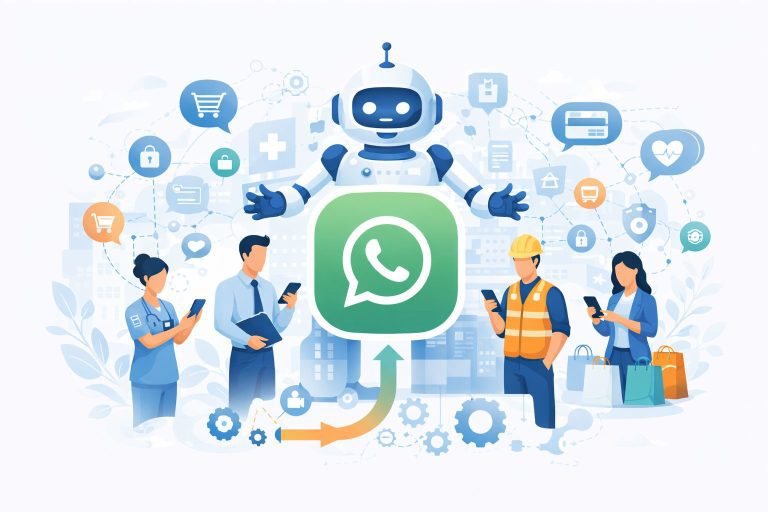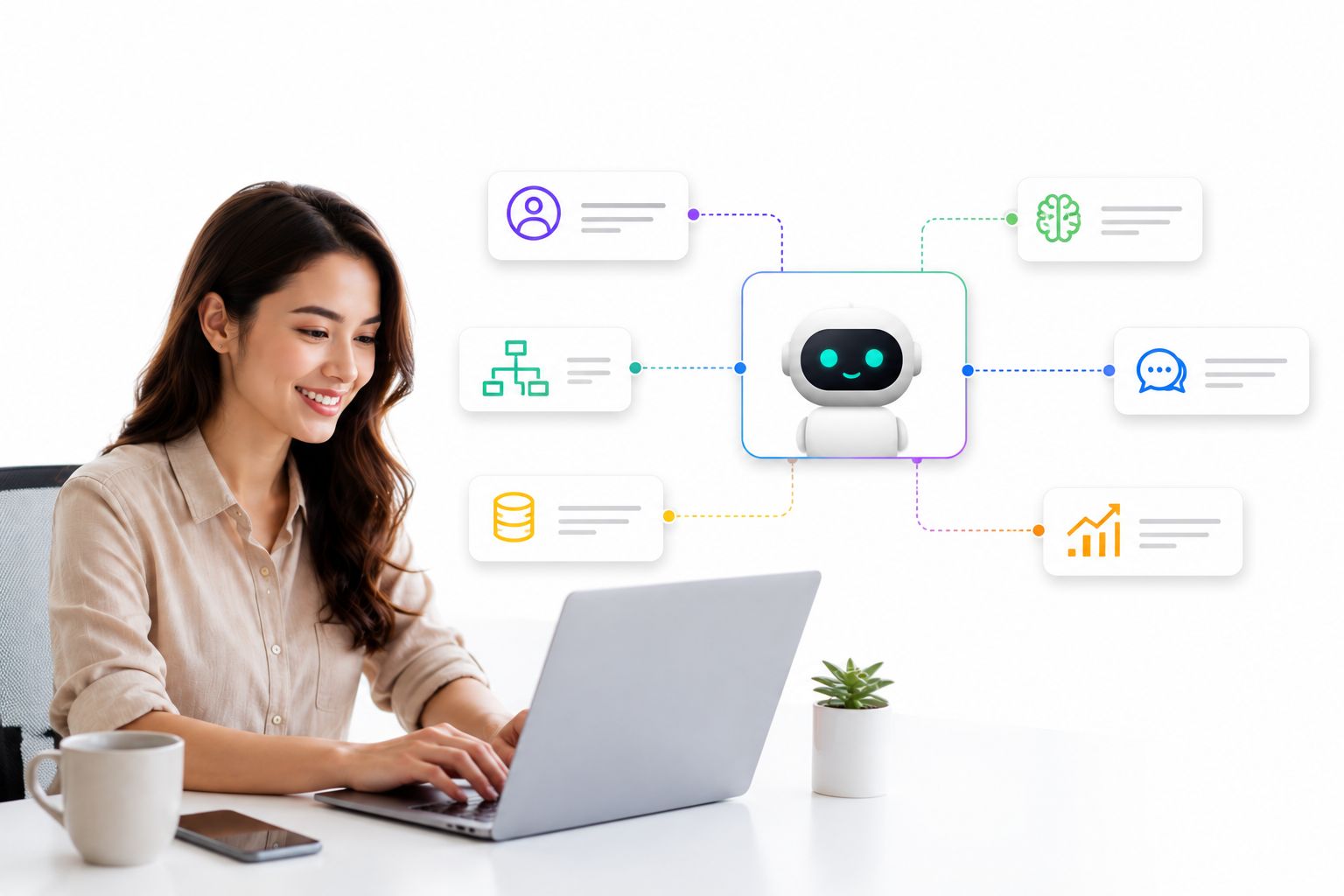
Not long ago, putting an autonomous AI agent to work meant hiring engineers, wiring together APIs, and spending weeks on infrastructure before a single conversation ever reached a customer. That barrier has quietly collapsed. A new generation of visual, drag-and-drop platforms now lets marketers, support leads, and solo founders build agents that reason, remember context, and take action – without touching a line of code.
This guide breaks down what a no-code AI agent builder actually is, why adoption is accelerating so fast in 2026, the core components every serious platform needs, and a practical framework for launching your first agent this week.
Launch agentic chat marketing in minutes with ChatbotX














What Is a No-Code AI Agent Builder?
A no-code AI agent builder is a visual platform that lets you design, configure, and launch an autonomous AI agent through drag-and-drop canvases, pre-built templates, and plain-language settings instead of custom code. Rather than scripting every conditional branch by hand, you assemble the agent’s behavior from ready-made blocks: what it should know, how it should speak, which tools it can call, and where it should send its replies.
The important distinction is between a scripted chatbot and a true agent. A scripted bot follows a fixed decision tree – if the customer types X, respond with Y. An agent reasons about the request, decides which action fits the situation, pulls from a knowledge base when it needs context, and can hand off, escalate, or trigger a workflow on its own. No-code tooling doesn’t just simplify chatbot creation anymore; it’s now the primary way most businesses stand up genuinely agentic systems.
Why No-Code AI Agent Builders Are Exploding in 2026

The shift isn’t cosmetic – it’s driven by a hard economic reality. Building agent infrastructure from scratch (memory stores, tool orchestration, channel connectors, guardrails) used to take a development team months. According to industry research from MindStudio’s 2026 comparison of leading agent platforms, the global AI agent market has grown from under $8 billion in 2025 toward a projected figure well above $50 billion by the end of the decade, yet a striking share of enterprise AI pilots still fail to produce measurable business results – largely because the tooling required specialized engineering skill that most teams simply don’t have in-house.
Analyst commentary points in the same direction. Enterprise software forecasts from Forrester’s predictions for AI agents and workplace culture in 2026 describe a broader move away from user-centric software toward systems built around a hybrid workforce of humans and autonomous agents – a shift that only scales if non-developers can configure and maintain those agents themselves. No-code builders are the mechanism making that shift practical outside of Silicon Valley engineering teams.
The Core Building Blocks Every No-Code AI Agent Builder Needs
Not every “no-code” platform on the market delivers the same depth. Before committing to one, check that it covers these five layers.
1. A Visual Workflow Canvas
The foundation is a drag-and-drop builder where you connect messages, decision logic, and actions as a visible map rather than buried code. You should be able to zoom into a customer journey, see every branch, and edit a single step without breaking the rest of the flow. ChatbotX’s Flow Builder is a good reference point here: it separates flow management (folders, search, status toggles) from the editing canvas itself, and keeps a draft version isolated from the live one so you can test changes safely before publishing.
2. A Business-Aware Reasoning Layer
An agent is only as useful as the context it can draw on. Look for a platform that lets you define a system prompt, attach a knowledge library (PDFs, product docs, policy files), and set structured “functions” that tell the agent exactly what data to collect and what to do with it. ChatbotX’s AI Agents feature is built around exactly this layered model – prompt, knowledge, functions, and external tools working together so the agent answers with real business context instead of generic filler.
3. Tool and API Connectivity
A genuinely capable agent needs to reach outside the conversation window. That could mean calling a CRM, checking inventory, or triggering an internal workflow. Platforms built for technical depth expose this through robust APIs, a command-line interface, and Model Context Protocol (MCP) support, so engineering teams can extend the no-code layer without abandoning it – see ChatbotX’s API, CLI & MCP capabilities for a working example of this hybrid approach.
4. Event-Driven Automation
Agents rarely operate in isolation. A rule layer that watches for tags, field changes, new contacts, or sequence events – then automatically fires the right response – is what turns a single agent into an operating system for your customer conversations. ChatbotX’s Triggers & Actions module, paired with outbound webhooks, lets teams route conversations, update records, and notify external tools the moment a condition is met.
5. Guardrails and Publish Safety
Because non-developers are configuring live customer-facing behavior, a builder needs draft-versus-published separation, permission controls, and a way to revert changes instantly if something goes wrong. This is the difference between a toy demo and a platform teams can trust with real traffic.
No-Code AI Agent Builder vs. Traditional Development
| Factor | Custom-Coded Agent | No-Code AI Agent Builder |
|---|---|---|
| Time to launch | Weeks to months | Hours to days |
| Required skill set | Backend engineers, DevOps | Marketers, support leads, founders |
| Iteration speed | Slow – requires redeploys | Instant – edit the canvas live |
| Infrastructure ownership | Fully custom, fully your responsibility | Handled by the platform (or self-hosted) |
| Best fit | Highly specialized, proprietary logic | 90%+ of common business use cases |
The definition of an autonomous agent itself is worth grounding in first principles: as Wikipedia’s overview of intelligent agents puts it, an agent is fundamentally a system that perceives its environment and acts to pursue goals without needing constant human direction. No-code builders don’t change that definition – they just remove the engineering overhead standing between the idea and a working implementation.
How to Build Your First No-Code AI Agent in Five Steps
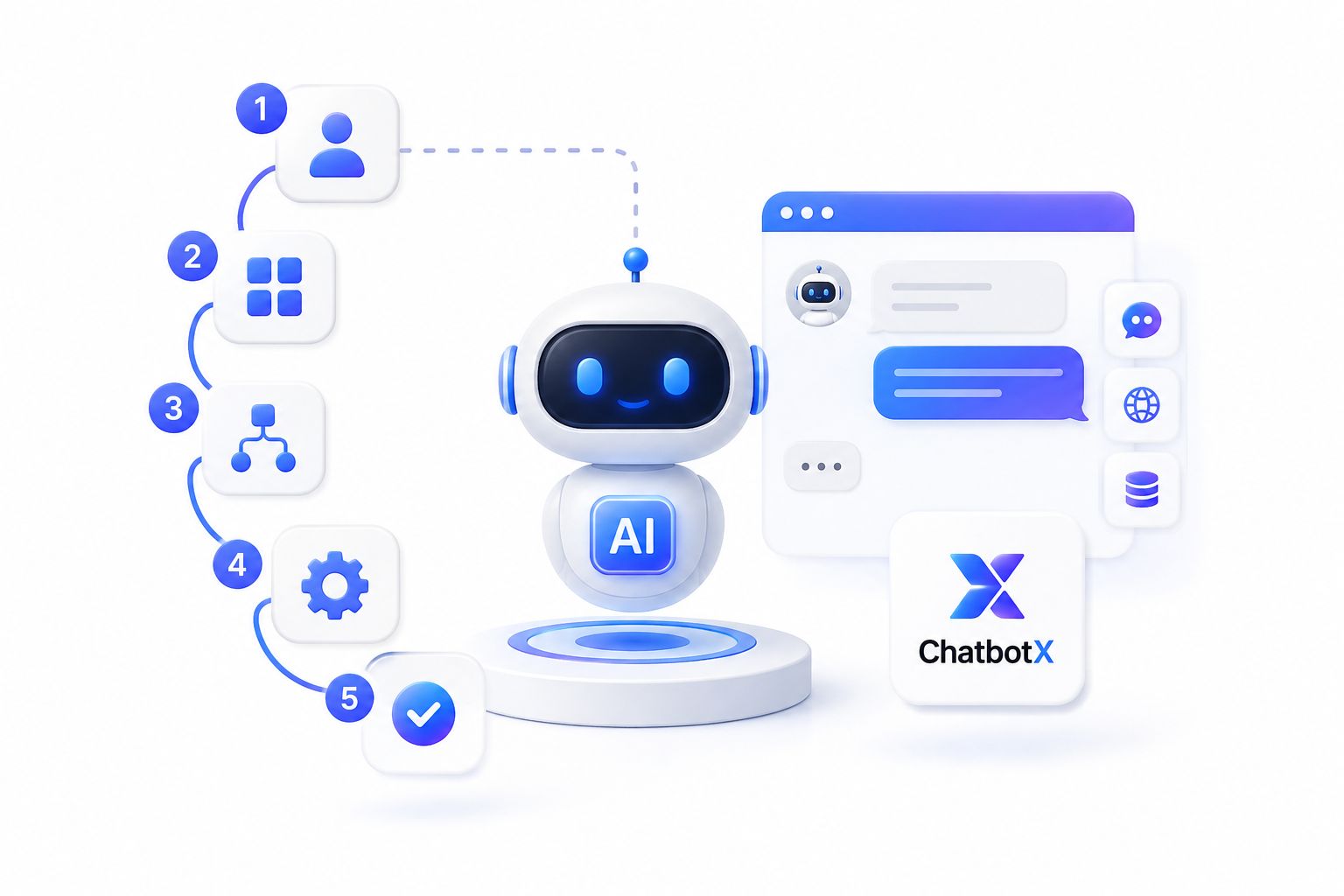
- Define the job, not the script. Decide what outcome the agent owns – qualifying leads, resolving FAQs, booking appointments – rather than trying to map every possible sentence a customer might type.
- Feed it real business knowledge. Upload your product documentation, pricing sheets, and policy files so the agent answers from your actual business instead of guessing.
- Design the visual flow around the agent. Even the smartest agent needs entry points, escalation paths, and fallback logic. Build this on a canvas you can see end to end.
- Connect the tools it needs. Whether that’s a CRM webhook, a spreadsheet, or an external API, wire in the systems the agent needs to take real action, not just talk about it.
- Publish in draft, test, then go live. Never push directly to production. Run real conversations against the draft version first, then promote it once you trust the behavior.
For a deeper look at applying this same discipline to a broader personal or team workflow – not just a single customer-facing agent – see how a personal AI agent can be designed as a daily operating system and the companion, more technical walkthrough on building a personal AI agent that actually runs your day. Both apply the same building-block logic described above to a broader automation stack.
Where No-Code AI Agents Deliver the Most Value
- Customer support – resolving routine questions instantly, 24/7, before escalating anything genuinely complex to a human.
- Lead qualification – asking the right follow-up questions automatically and routing warm leads to the right team member.
- Appointment and booking flows – collecting the required fields conversationally instead of relying on a static form.
- Internal operations – syncing data between tools, updating records, and triggering downstream workflows without manual entry.
If you’re still deciding whether a full AI agent or a simpler scripted chatbot fits your use case, it’s worth reading through the fundamentals first – this breakdown of what an AI chatbot actually is and how to deploy one effectively is a useful starting point before you commit to a more advanced agent architecture.
Choosing the Right No-Code AI Agent Builder for Your Team
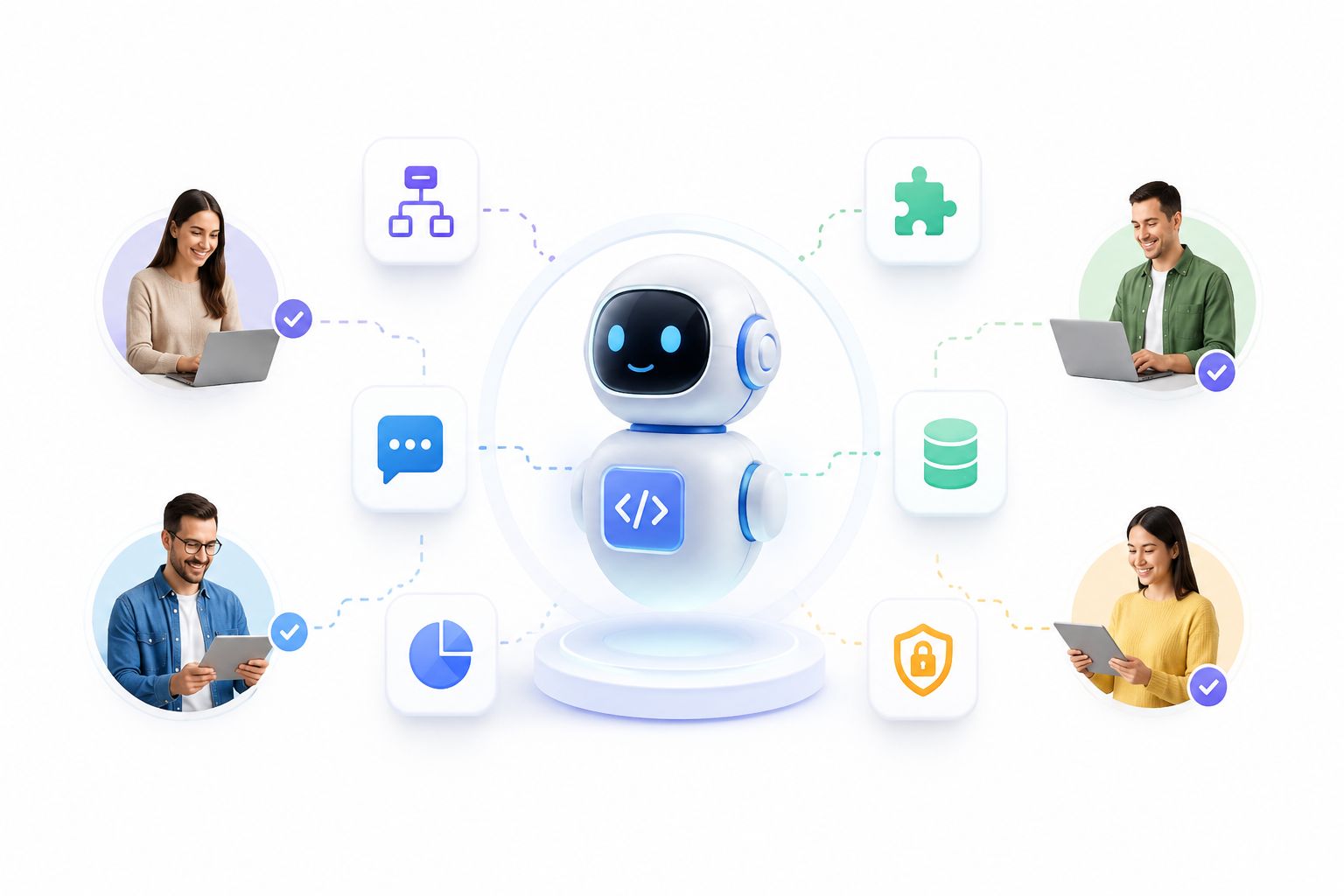
A few questions worth asking before you commit:
- Can you own the platform, not just rent it? Open-source, self-hostable options give you control over data residency and long-term cost that closed SaaS tools can’t match.
- Does it scale from no-code to full-code? The best platforms let non-technical teams start visually, then hand deeper logic to developers through APIs and CLI tooling when requirements grow.
- Is the reasoning layer actually business-aware? An agent that can’t read your documents or trigger structured functions is really just a chatbot with a new name.
- How transparent is the codebase? Being able to inspect, extend, or self-host a platform matters for teams that care about long-term control – ChatbotX, for example, keeps its full source open on GitHub, including a public release history so teams can track exactly what’s shipping and when.
Frequently Asked Questions
Is a no-code AI agent builder the same as a chatbot builder?
Not quite. A chatbot builder typically produces scripted, rule-based conversations. A no-code AI agent builder adds reasoning, memory, knowledge retrieval, and tool access, so the agent can decide what to do rather than just follow a fixed script.
Do I need any technical background at all?
No – the core workflows (prompt setup, knowledge upload, visual flows) are designed for non-developers. Technical teams can still extend the platform through APIs, CLI tools, and MCP integrations when needed.
Can a no-code agent connect to my existing CRM or helpdesk?
Yes, provided the platform supports webhooks and API access. This is one of the clearest signals of platform maturity – look for native triggers and outbound webhook support rather than one-off, hard-coded integrations.
Is a no-code AI agent builder secure enough for production traffic?
Look for draft/publish separation, granular permissions, and audit logs. Mature platforms treat this as a first-class requirement, not an afterthought.
Final Thoughts
The gap between “having an AI idea” and “having a working AI agent” has never been smaller. A no-code AI agent builder puts the entire stack – reasoning, knowledge, automation, and multi-channel delivery – into a visual interface that a marketer or support lead can operate with confidence, while still leaving room for developers to go deeper through APIs, CLI tooling, and MCP integrations when the use case demands it.
If you’re ready to put this into practice, ChatbotX gives you exactly that combination: an open-source, agentic omnichannel platform where you can build your first AI agent visually in minutes, connect it to WhatsApp, Messenger, Instagram, and more from a single dashboard, and extend it with your own tools the moment you outgrow the defaults. Start building on the community plan for free, or explore the documentation to see exactly how the pieces fit together – no credit card, and no code, required to get your first agent live today.