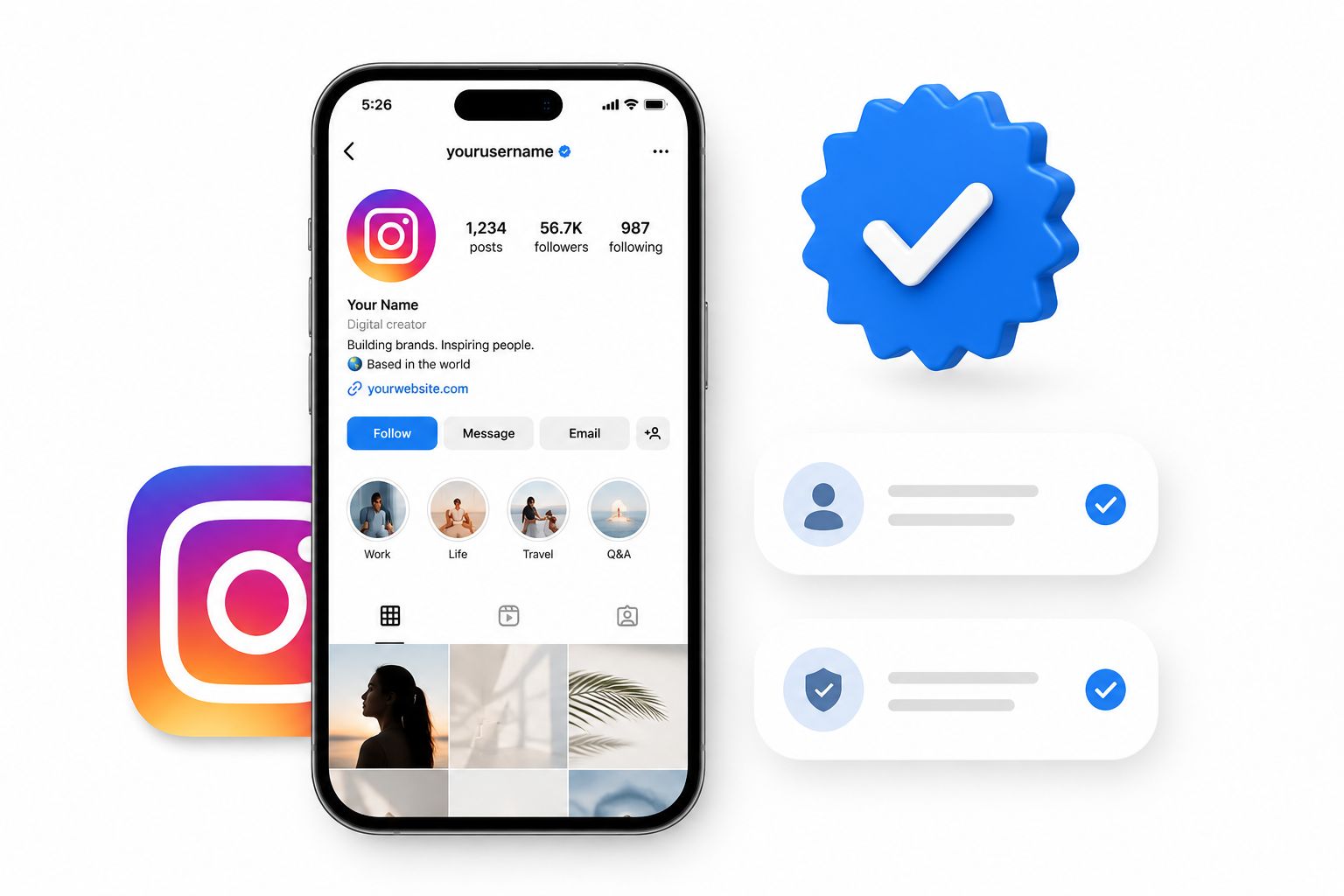
The blue verification badge on Instagram is more than a status symbol – it is a trust signal that shapes how people perceive your brand, how the platform surfaces your content, and how effectively you protect your identity online. In 2026, Instagram offers two distinct routes to that badge, and understanding the differences between them is the first step toward earning one.
This guide walks you through both paths in detail: the paid Meta Verified subscription and the free notable figure route. You will find eligibility requirements, step-by-step processes, and practical strategies for strengthening your application – no matter which path makes sense for your account.
Launch agentic chat marketing in minutes with ChatbotX














What Does the Blue Check Actually Mean?
When you see a blue badge next to an account name on Instagram, it signals one of two things: the account has passed Meta’s identity verification process, or it belongs to a public figure, brand, or organization that Instagram has independently confirmed as authentic and notable.
Before Meta Verified launched, only the second type existed. Verification was an invite-only recognition reserved for celebrities, journalists, athletes, and major brands. The introduction of Meta Verified changed that equation by making badge access available to individuals who can prove their identity and pay a monthly fee.
Instagram now distinguishes between these two categories clearly. The badge looks identical, but the underlying criteria – and what the badge implies – differ meaningfully.
Meta Verified vs. Notable Figure: Key Differences
| Feature | Meta Verified (Paid) | Notable Figure (Free) |
|---|---|---|
| Monthly cost | From $14.99/month | Free |
| Who can apply | Anyone 18+ with a valid government ID | Accounts representing well-known entities |
| Primary signal | Identity confirmed + active subscriber | Authentic, unique, and widely recognized |
| Priority support | Yes | No |
| Impersonation protection | Proactive monitoring | Standard platform policies |
| Processing time | Up to 48 hours | Up to 30 days |
| Profile photo required | Face photo required | Profile photo required |
Both routes result in the same blue badge, but they serve different purposes. Meta Verified is best suited to creators, small business owners, and professionals who want immediate credibility and account protection. The notable figure route is designed for public figures, established brands, and organizations that have built verifiable public presences.
Benefits of Getting Verified on Instagram
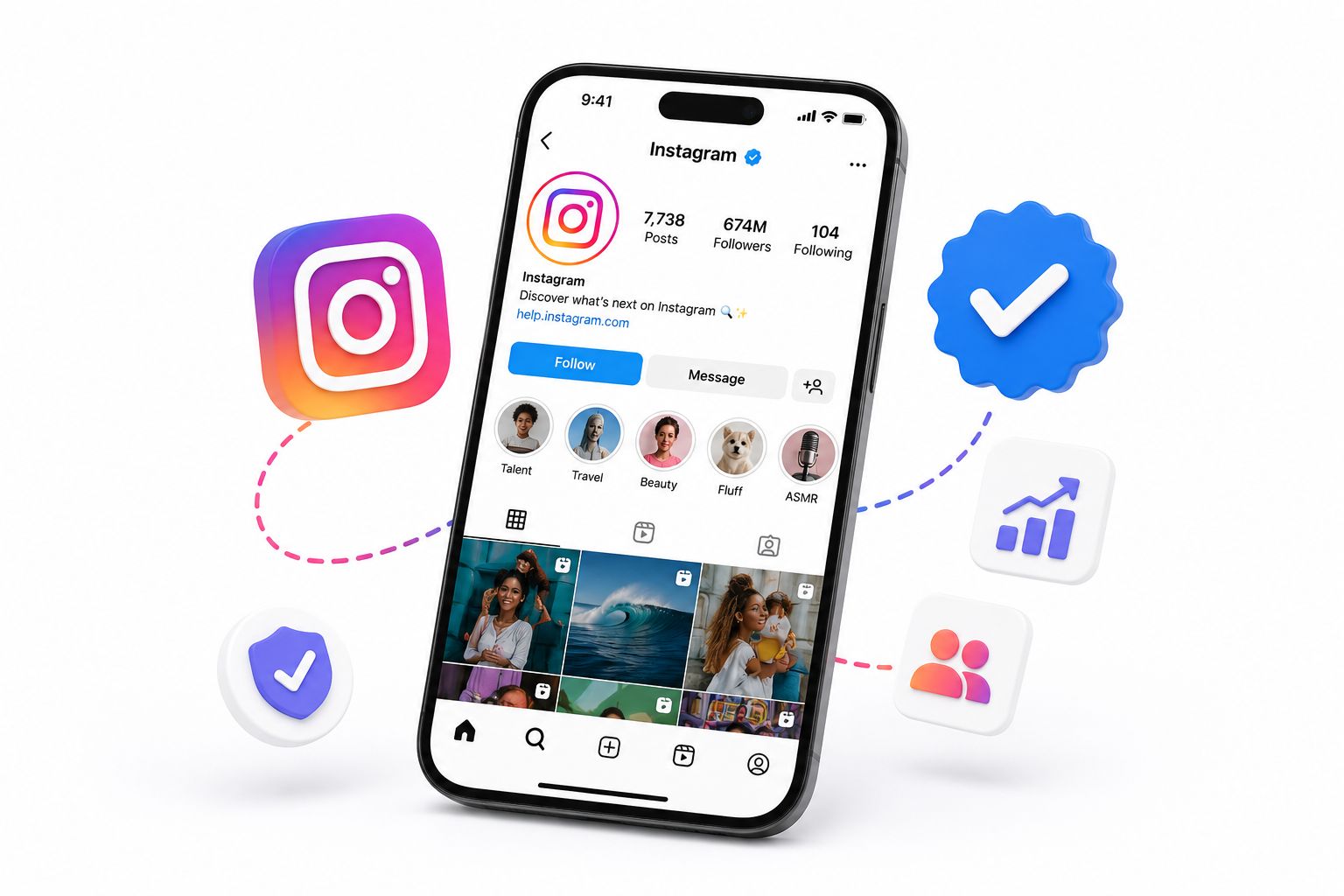
Regardless of which route you take, verification delivers several tangible advantages.
Credibility and trust. A verified badge signals to followers, potential partners, and new visitors that your account is genuine. This matters especially if you are sharing health information, financial advice, news, or research where accuracy is paramount.
Impersonation protection. Instagram will not grant the same verified badge to multiple accounts representing the same person or brand. This makes it significantly harder for bad actors to impersonate your identity and deceive your audience.
Search visibility. Verified accounts tend to rank higher in Instagram’s internal search results, making it easier for new users to discover your profile when looking for your name or brand.
Enhanced support (Meta Verified only). Subscribers gain access to a dedicated support channel for account and subscription-related issues – something standard accounts do not have.
Subscriber-exclusive features (Meta Verified only). Meta continues to roll out additional perks for verified subscribers, including exclusive stickers, expanded reply features, and early access to new tools.
According to Instagram’s official Help Center, the verified badge exists to help people find the accounts they are actually looking for. That visibility benefit alone makes verification worthwhile for most serious creators and brands.
Path 1: Get Verified via Meta Verified (Paid)
Meta Verified is the straightforward, paid route to the blue badge. Here is how to go through the process from start to finish.
Step 1: Confirm You Meet the Eligibility Requirements
Before you open the app, make sure your account qualifies. Meta Verified requires:
- Age: You must be at least 18 years old.
- Profile completeness: Your account must use your real full name and include a profile photo that shows your face (not a logo).
- Activity history: Instagram expects to see prior posting activity. A brand-new account with no posts will not qualify.
- Government-issued photo ID: Your driver’s license, passport, or national ID must match both your profile name and profile picture.
- Two-factor authentication (2FA): This must be enabled before you apply. You can set it up under Settings > Security > Two-Factor Authentication.
- Community compliance: Your account must not have any active violations of Instagram’s Terms of Use or Community Guidelines.
Step 2: Navigate to the Meta Verified Menu
- Open the Instagram app and go to your profile by tapping your avatar in the bottom-right corner.
- Tap the hamburger menu (three horizontal lines) in the top-right corner.
- Select Meta Verified from the menu options.
- Read through the feature overview, then tap Next.
Step 3: Choose Your Accounts and Complete Payment
Instagram will prompt you to select which Meta accounts (Instagram, Facebook, or both) you want to include in your subscription. After selecting your accounts, you proceed to payment. Pricing starts at $14.99 per month for a single platform on mobile, though regional pricing may vary.
Once your payment is processed, the blue badge and associated benefits should appear on your profile within 48 hours. You will receive an in-app notification when the process is complete.
Important: Your subscription must remain active to keep the badge. Canceling your Meta Verified plan will remove the badge from your profile.
Path 2: Get Verified as a Notable Figure (Free)
The free route requires more groundwork but carries significant long-term credibility. Instagram evaluates these applications based on notability – whether your account represents a real, widely recognized person, brand, or organization.
Step 1: Meet the Basic Eligibility Requirements
Every account applying for notable figure verification must:
- Comply fully with Instagram’s Terms of Use and Community Guidelines
- Represent a real person or legally registered business
- Represent the unique presence of that person or entity – Instagram verifies only one account per individual or brand
- Have a complete profile: active account, biography, profile photo, and a history of public posts
Step 2: Build a Demonstrable Public Presence
This is where the real work happens. According to Instagram, notable figure verification is reserved for accounts that represent “a well-known, highly searched-for person or entity.” The clearest indicator Instagram looks for is coverage in multiple independent news sources.
Paid content, sponsored articles, and promotional features do not count. Earned media – organic coverage in legitimate publications – is what moves the needle. Instagram has expanded its definition of qualifying outlets to include publications serving Black, LGBTQ+, and Latinx communities, as well as international media, making the process more globally inclusive than in previous years.
Relevant third-party data from Pew Research Center continues to confirm that verified accounts attract significantly higher trust scores among users, reinforcing why brands and creators should pursue this route seriously.
Step 3: Submit Your Verification Request
Once you believe your account is ready, submit the request directly from within Instagram:
- Go to your profile and tap the hamburger menu in the top-right corner.
- Navigate to Creator tools and controls (or Business tools and controls, depending on your account type).
- Scroll to the bottom and tap Request verification.
- Complete the application form: upload a government-issued ID, select your category (creator, journalist, brand, etc.), and provide links to external coverage – articles, interviews, and features that demonstrate your public presence.
- Tap Submit.
Instagram reviews applications within 30 days. You will receive a notification in the app if your application succeeds. If it is declined, you may reapply after 30 days.
Critical note: Submitting multiple applications before Instagram reviews your first one will cancel the entire process. Submit once, then wait.
5 Strategies to Strengthen Your Verification Application
Whether you are applying now or building toward an application, these strategies meaningfully improve your chances of success.
1. Grow a Genuine, Engaged Following
Follower count is not an official requirement, but Instagram’s algorithm interprets it as a signal of notability. More importantly, an actively engaged audience demonstrates that your account represents someone people genuinely want to follow. Focus on consistent, high-quality content, use Instagram Reels for discoverability, and engage with your community regularly.
2. Earn Organic Media Coverage
Reach out proactively to journalists, industry publications, and bloggers who cover your niche. A thoughtful pitch highlighting a compelling angle – a new product launch, a unique perspective on a trending topic, or a milestone achievement – can result in the type of coverage Instagram wants to see. Aim for at least three to five independent articles before submitting your application. If budget allows, working with a publicist or PR agency accelerates this process considerably.
3. Keep Your Profile Fully Optimized
A sparse or inconsistent profile undermines your credibility before a human reviewer even looks at your media coverage. Ensure your bio clearly states who you are and what you do, use a professional profile photo, and maintain an active posting schedule. Inconsistency in your name, username, and linked external profiles raises flags.
4. Time Your Application Strategically
Context matters. If a piece of your content is going viral, a product launch is generating press buzz, or you have just received a cluster of media mentions, that is precisely the right moment to file your application. Timing your request when your public presence is peaking gives reviewers the most favorable impression of your account.
5. Automate Instagram Engagement to Stay Active
Staying consistently active on Instagram is easier said than done, especially when you are also running a business. ChatbotX’s Instagram automation features allow you to respond to DMs automatically, follow up with story engagers, and send personalized replies to comment interactions – all without manual effort. Consistent engagement signals to Instagram that your account is actively managed, which supports your verification case.
How ChatbotX Helps You Build a Verification-Ready Instagram Presence
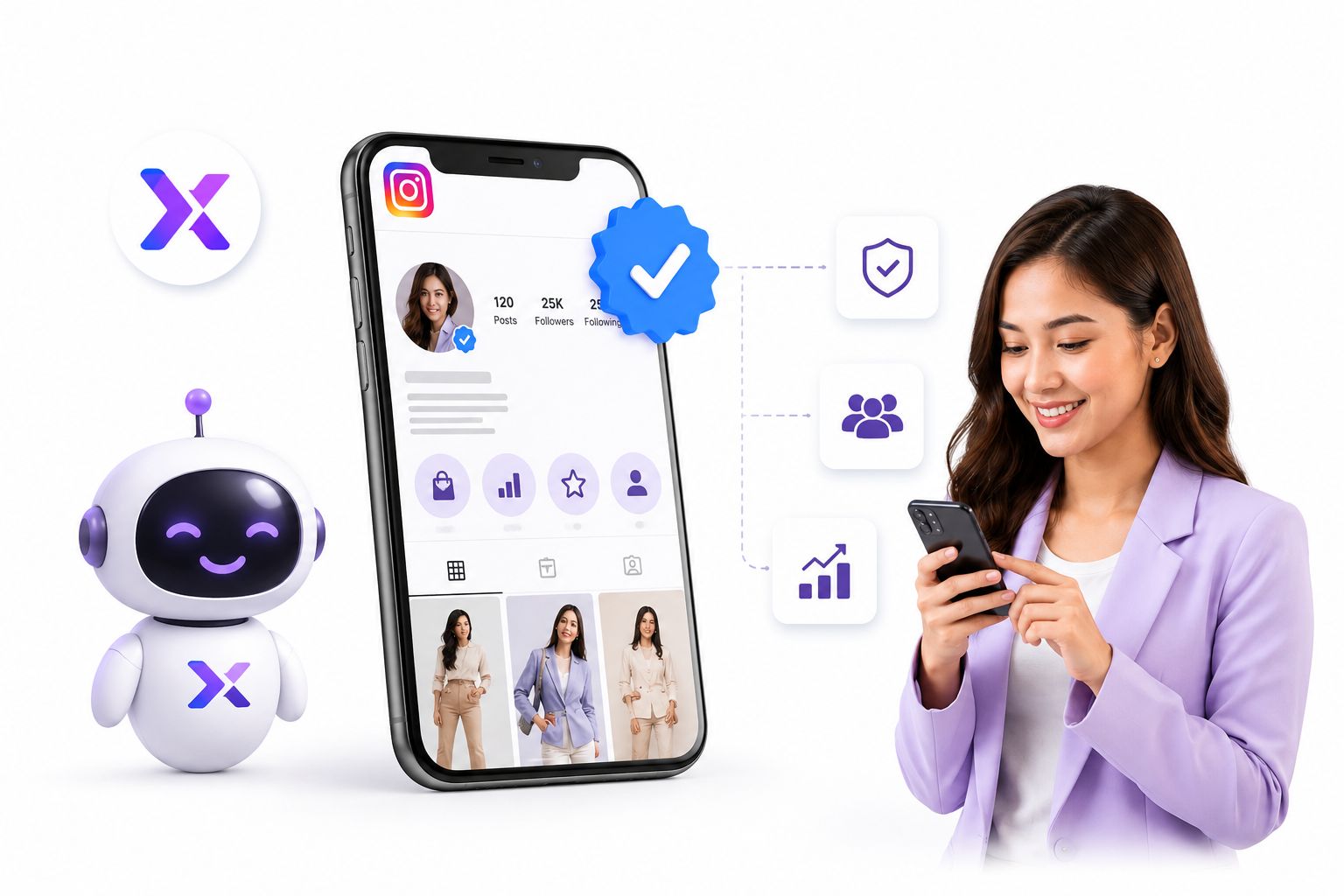
Verification is not a single action – it is the culmination of sustained effort across content quality, community engagement, and public visibility. ChatbotX is an open-source agentic omnichannel chatbot platform designed to help brands and creators build exactly that kind of presence across Instagram and every other major messaging channel.
Here is how ChatbotX supports your path to verification:
Automated Instagram DM flows. With ChatbotX’s Flow Builder, you can design multi-step conversation sequences that respond to new followers, answer product questions, and guide users through your content funnel – all triggered automatically when someone interacts with your account. Consistent, fast responses improve your audience satisfaction scores, which Instagram monitors.
Remarketing to re-engage your audience. ChatbotX’s Remarketing feature enables you to send follow-up broadcast messages to users who have previously engaged with your Instagram content. Re-engaging dormant followers keeps your account metrics healthy and demonstrates ongoing relevance to the platform.
Growth tools across every channel. ChatbotX connects Instagram with WhatsApp, Messenger, TikTok, Telegram, and more, allowing you to drive traffic from every channel toward a unified audience – strengthening your overall digital footprint and making your notability easier to demonstrate.
You can explore the full ChatbotX platform on GitHub, where the project is open-source and actively maintained. Developers can review the architecture, contribute features, or deploy a self-hosted instance. The ChatbotX GitHub repository also includes detailed setup documentation for teams who prefer full control over their deployment environment.
For more strategies on building your Instagram presence from the ground up, read the ChatbotX blog post on how to grow on social media in 2026. And if you run an Instagram Shop alongside your creator account, the ChatbotX guide to Instagram Shop setup and automation strategies is an essential read for turning your verified profile into a direct revenue channel.
For further reading on Instagram’s algorithmic signals and how engagement patterns affect account visibility, Sprout Social’s Instagram statistics report provides annually updated benchmarks that are useful context for any creator building toward verification.
FAQs About Instagram Verification in 2026
How do I get verified on Instagram?
There are two routes. The first is Meta Verified: open your Instagram app, navigate to the hamburger menu on your profile, select Meta Verified, complete the ID verification, and pay the monthly subscription fee. Your badge will typically appear within 48 hours. The second route is the free notable figure application: go to Creator/Business tools and controls, tap Request verification, upload a government ID, select your category, and submit links demonstrating media coverage. Instagram reviews these applications within 30 days.
Can anyone get verified on Instagram?
The Meta Verified route is open to anyone aged 18 or older who can pass a government ID check and pay the monthly subscription. The free notable figure route is restricted to accounts that Instagram considers authentic, unique, complete, and widely recognized through independent media coverage.
How many followers do you need to get verified?
There is no official follower threshold for either verification route. However, a larger, more engaged audience strengthens your notability case for the free route and signals to Instagram that your account attracts genuine public interest.
How long does verification take?
Meta Verified subscriptions are processed within 48 hours of payment. Notable figure applications can take up to 30 days, though approvals often come sooner depending on reviewer workload.
Do I have to pay to get verified?
Not necessarily. The notable figure route is free if your account qualifies. However, if you are not yet a publicly recognized figure, Meta Verified is the most accessible path. Be cautious of third-party services claiming to get you verified for a fee – Instagram will only process verification through its official app channels.
How much does Meta Verified cost?
Meta Verified starts at $14.99 per month for a single platform. Pricing may vary by region and can change, so always check the current rate within the app before subscribing.
What should I do if my verification request is rejected?
You can resubmit your application after 30 days. Use the waiting period productively: pursue additional media coverage, grow your follower base, strengthen your bio and profile photo consistency, and ensure your content activity is high. A stronger application with more external proof points significantly improves your approval odds on resubmission.
Is the Meta Verified badge permanent?
No. The badge remains active only while your subscription is paid and your account remains in good standing with Instagram’s policies. Canceling your subscription or receiving a serious policy violation will result in badge removal.
Start Building Your Verified Instagram Presence Today
The blue verification badge is within reach – but getting there requires deliberate, sustained effort whether you choose the paid or free route. The accounts that earn and keep that badge are the ones that consistently produce quality content, engage authentically with their audiences, and present a credible, well-documented public presence.
Ready to accelerate your path to verification? ChatbotX gives you the automation infrastructure to stay consistently active on Instagram, engage every follower at scale, and run remarketing campaigns that keep your audience growing. It is free to explore on GitHub, and getting started takes minutes.
Start building the engagement signals that Instagram’s verification team actually looks for – and turn your profile into a verified, trusted brand that stands out in every feed.