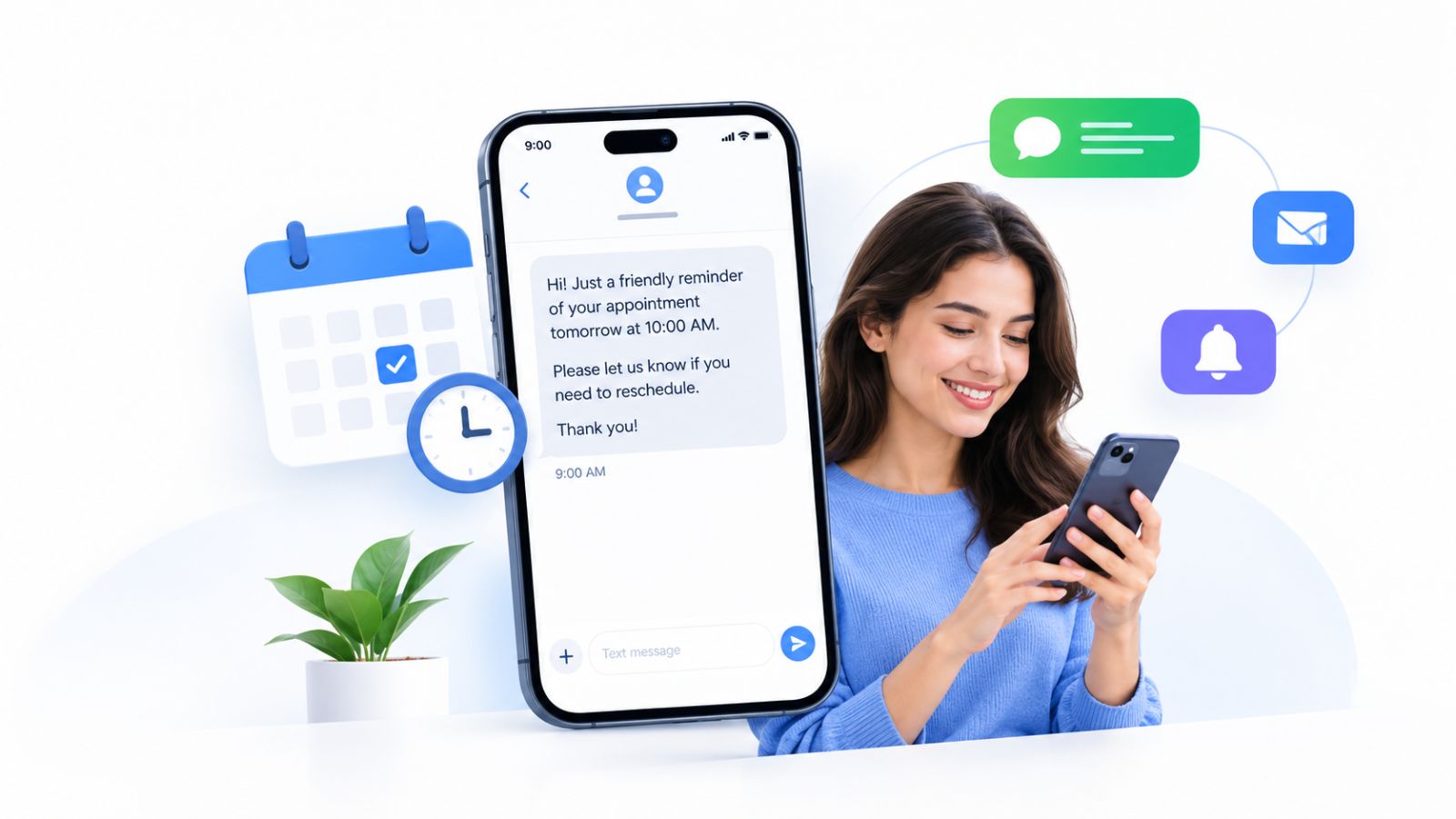
An unfilled slot is quietly one of the costliest problems in any appointment-based business. The time was held, the team was ready, and another customer may have been told “sorry, we’re full.” A well-written appointment reminder text is the cheapest, fastest way to protect that slot, and the evidence behind it is strong.
Key Takeaways
- Text reminders measurably improve attendance. A Cochrane review found attendance rose from roughly 68% to roughly 79% when reminders were sent.
- Send two reminders for most appointments: one about 24 hours before and one a couple of hours before.
- Every reminder should answer one question: “Can you still make it?” Give people a one-tap way to confirm, reschedule or cancel.
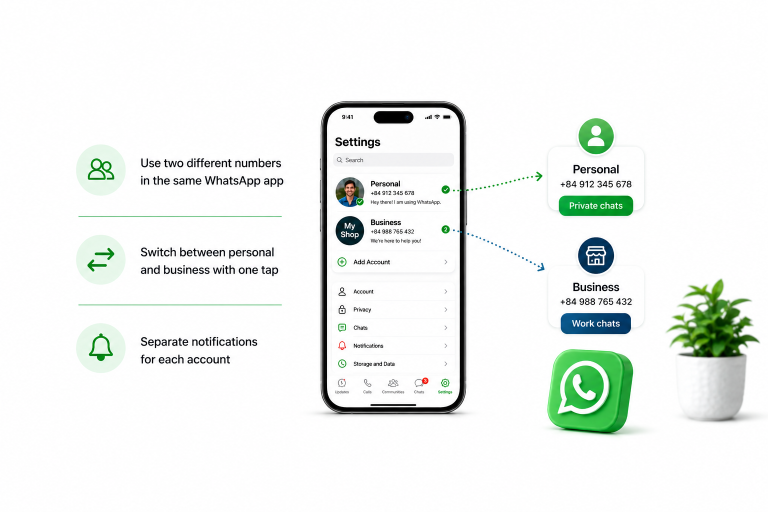
- Use WhatsApp, SMS and email together. Each channel has different consent, cost and template rules.
- Automating reminders removes the human-memory problem entirely.
Launch agentic chat marketing in minutes with ChatbotX










How Big Is the No-Show Problem?
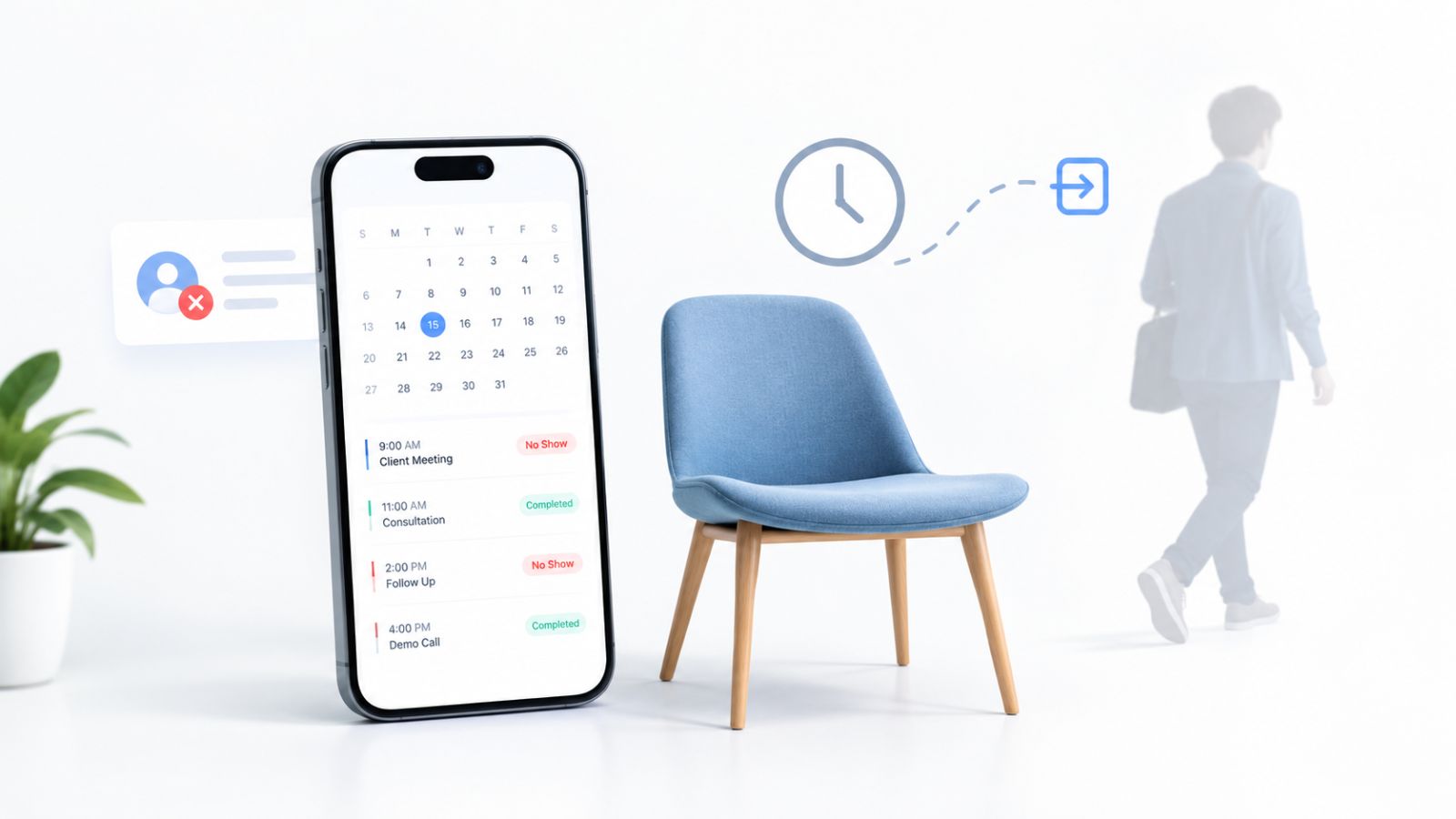
A systematic review of 105 studies on outpatient care put the average missed-appointment rate at about 23%, with regional figures ranging from roughly 13% to 43% (Dantas et al., Health Policy, 2018). Private practices and service businesses often do better than that average, but even a single-digit no-show rate adds up across a month of bookings.
The same review pointed to two strong warning signs: a long gap between booking and appointment, and a history of earlier no-shows. In other words, people rarely skip appointments out of disrespect. They forget, get busy, or can’t see an easy way to change the plan.
On the solution side, a Cochrane review of seven trials with 5,841 participants found that mobile text reminders raised attendance from 67.8% to 78.6% compared with sending nothing (Cochrane Library). That is an improvement of roughly 11 percentage points from a message that costs a few cents.
What a Reminder Message Actually Has to Do
A good reminder is not just a nudge. It does three jobs at once:
- Refreshes memory at a moment close enough to feel relevant but early enough to act on.
- Makes changing plans effortless. A customer who cancels two days ahead gives you time to refill the slot. A customer who silently disappears does not.
- Confirms intent. A quick “yes, I’ll be there” reply tells your team which bookings are safe and which need attention.
Most businesses handle job one and ignore jobs two and three. That is where the biggest gains hide, because a customer who cancels with no easy way to rebook often never returns.
The Six Building Blocks of a High-Performing Reminder
Whatever the channel, strong reminders share the same anatomy:
| # | Element | Why it matters | Example |
|---|---|---|---|
| 1 | Sender name | Prevents the message from looking like spam | “Hi, it’s Sunrise Dental” |
| 2 | Customer’s first name | Raises attention and confirms the right recipient | “Hi Linh” |
| 3 | What the appointment is | Gives context at a glance | “your 30-minute consultation” |
| 4 | Date, time and timezone | Removes ambiguity, especially for online sessions | “Fri 6 Nov, 2:00 PM GMT+7” |
| 5 | Location or join link | Saves a last-minute scramble | Street address or video URL |
| 6 | One clear action | Turns a notification into a decision | Confirm / Reschedule / Cancel |
Length: aim for roughly 300 characters or fewer for SMS. Skip discounts, upsells and long sign-offs. Promotional content makes the message feel like an ad, and on WhatsApp it can push a reminder out of the utility category into marketing, which is priced and regulated differently.
Privacy note for health and other sensitive services: leave the reason for the visit out of the text. “Your appointment at Riverside Clinic” is plenty. Notification previews appear on lock screens, so keep details minimal.
When to Send Appointment Reminders
Trials in the Cochrane review generally sent reminders between 24 and 72 hours ahead, which remains the most dependable single touchpoint. In practice, a two-step schedule performs better than one message:
| Timing | Purpose | Best for |
|---|---|---|
| 7 days before (optional) | Counteracts long booking lead times | Appointments booked weeks in advance |
| 24 hours before | Gives time to rearrange or cancel early | Almost every appointment type |
| 2 hours before | Catches last-minute forgetfulness; carries the video link | Online calls, demos, same-day services |
Three timing rules prevent awkward or counterproductive messages:
- Never send a reminder that would arrive after the fact. If someone books at 11 AM for 2 PM, a “your appointment is tomorrow” message makes no sense. Only send reminders whose scheduled time is still in the future when the booking is made.
- Respect quiet hours in the customer’s timezone. Hold anything due late at night until the morning, and skip it entirely if the appointment starts before then.
- Don’t send stale reminders after an outage. A “starts in 2 hours” message that lands 20 minutes before the start does more harm than good.
20 Appointment Reminder Text Templates You Can Copy
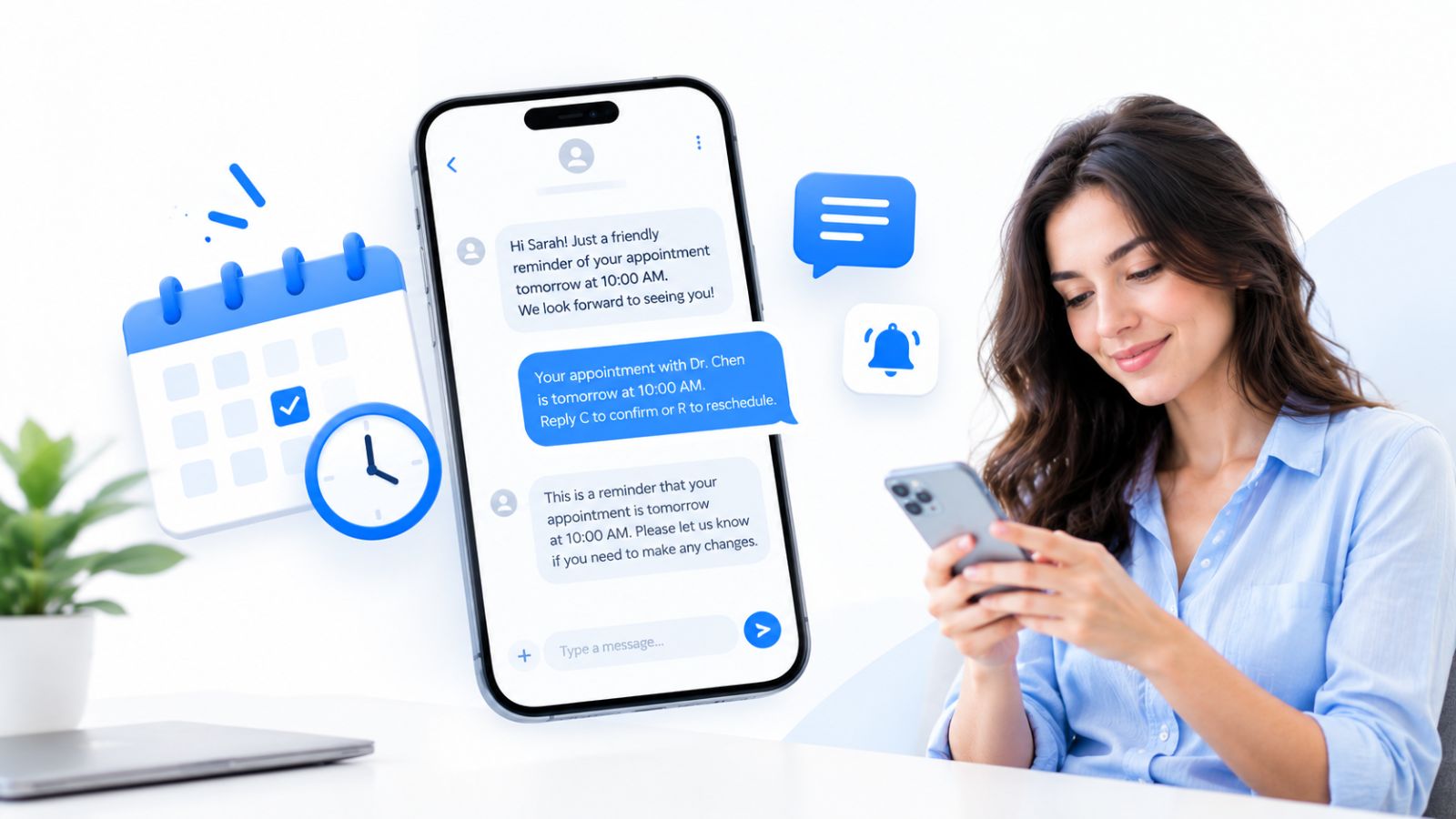
Replace the bracketed details, keep each message to a single action, and use one-word reply options (YES, RESCHEDULE, CANCEL). People answer reminders quickly, often with one thumb.
Clinics and healthcare
1. One day before
Hi [Name], Riverside Clinic here. You’re booked for [Day, Date] at [Time]. Reply YES to confirm or tap to pick a new slot: [link]
2. Morning of the visit
Good morning [Name]! We’ll see you at [Time] today at [Address]. Please arrive 10 minutes early. Can’t make it? [link]
3. First-time patient
Hi [Name], your first visit with us is on [Date] at [Time]. Please bring photo ID and a list of current medications. Reply YES to confirm.
Dental
4. Routine check-up
Hi [Name], a quick reminder of your check-up with Dr. [Surname] on [Date] at [Time]. Reply YES to confirm or RESCHEDULE for another time.
5. Cleaning with a prep tip
Hi [Name], your teeth cleaning at Sunrise Dental is tomorrow at [Time]. Please avoid heavy meals an hour beforehand. Tap to confirm: [link]
Salons, spas and beauty
6. Stylist booking
Hi [Name], your [service] with [Stylist] at Studio Nine is tomorrow at [Time]. Need a different time? Tap here: [link]
7. Longer spa treatment
Hi [Name], your [90-minute treatment] at Calm Rooms is on [Date] at [Time]. Please arrive 15 minutes early so we can start on schedule.
Consultants, coaches and agencies
8. Online consultation
Hi [Name], your strategy session with [Host] begins today at [Time + timezone]. Join here: . Need to move it? [link]
9. Discovery call booked far ahead
Hi [Name], just checking in on your discovery call with [Host] on [Date] at [Time + timezone]. Still works for you? Confirm or change it: [link]
Sales demos
10. Day-before demo reminder
Hi [Name], looking forward to showing you [Product] tomorrow at [Time + timezone]. Anything specific you’d like us to cover? Just reply here.
11. Fifteen-minute heads-up
Hi [Name], your demo starts in 15 minutes. Join here:
Real estate
12. Property viewing
Hi [Name], your viewing of [Property] is tomorrow at [Time]. [Agent] will meet you at the entrance. Confirm or reschedule: [link]
Fitness and wellness
13. Personal training session
Hi [Name], your session with [Trainer] is tomorrow at [Time]. Please cancel by tonight if plans change so we can offer the slot to someone else: [link]
14. Group class
Hi [Name], you’re booked into [Class] on [Day] at [Time]. Spaces are limited, so please release your spot here if you can’t attend: [link]
Home and field services
15. Technician visit
Hi [Name], [Technician] will arrive at [Address] tomorrow between [Window] for your [service]. Please make sure someone is home. Reply to adjust the time.
Confirmations, changes and follow-ups
16. Instant booking confirmation
You’re all set, [Name]! [Service] on [Date] at [Time]. We’ll send a reminder the day before. Add it to your calendar: [link]
17. Reschedule confirmation
Done, [Name]. Your appointment now takes place on [New date] at [New time]. See you then.
18. Cancellation with an easy way back
Your [Service] on [Date] has been cancelled. Whenever you’re ready, you can book a fresh time here: [link]
19. Friendly no-show follow-up
Hi [Name], we missed you at your [Time] appointment today. No worries, it happens. You can pick a new time here: [link]
20. Waitlist opening
Hi [Name], a [Time] slot just opened up tomorrow. Want it? Reply YES within the hour and it’s yours.
Tone tip: keep the no-show follow-up warm. A guilt-trip message makes a second no-show more likely, not less.
SMS vs WhatsApp vs Email: Which Channel Should You Use?
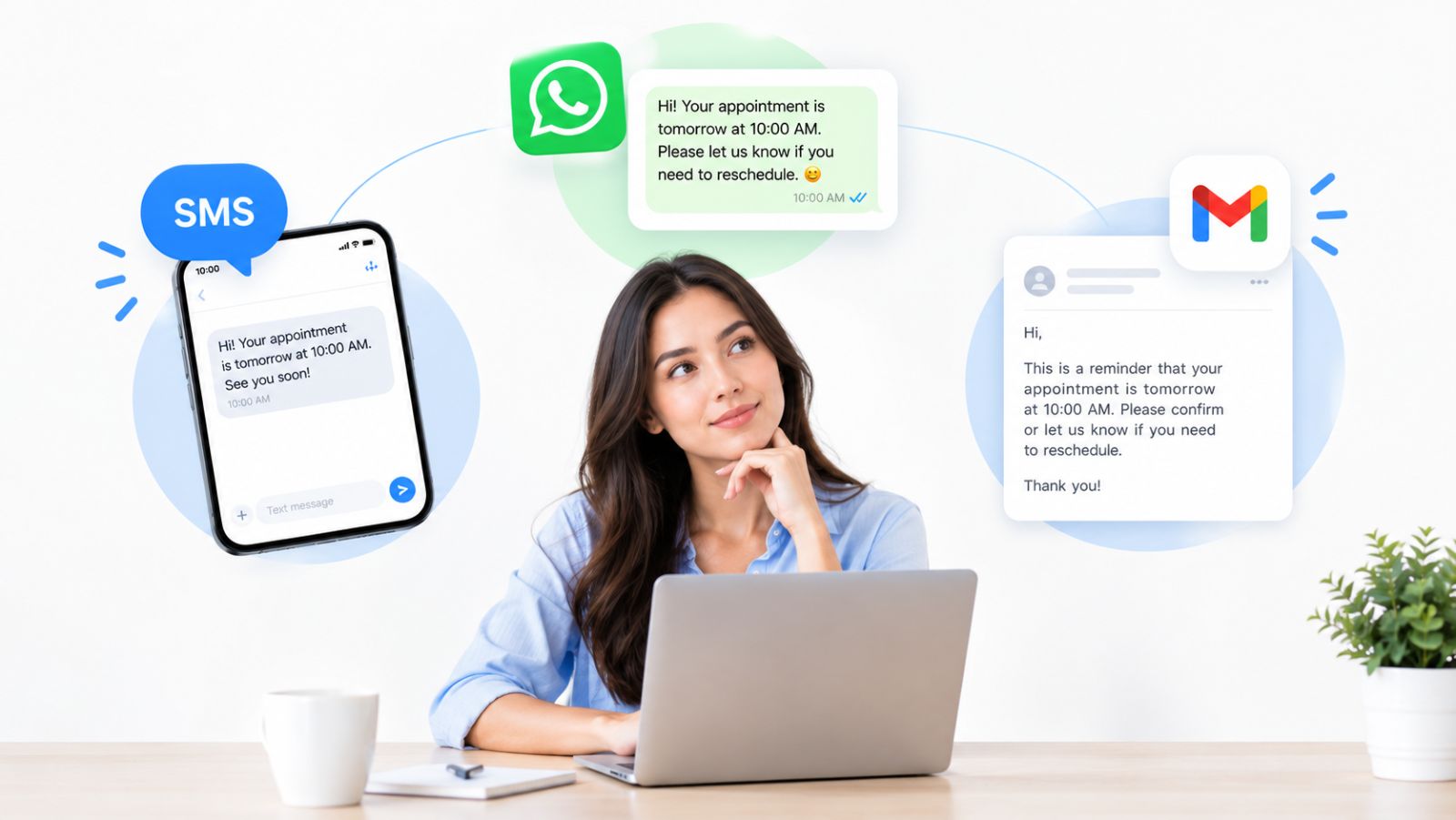
“Text” usually means SMS, but in markets where WhatsApp is the default messenger it is often the stronger option. Email still earns a place for detail and calendar invites.
| SMS | |||
|---|---|---|---|
| Best for | Reaching any phone without an app | Regions where WhatsApp dominates | Full details, links, calendar invites |
| One-tap buttons | No (reply words only) | Yes (quick-reply buttons) | Yes (as links) |
| Approval needed | Sender registration in some countries | Meta-approved templates | None |
| Consent | Often required for automated texts | Opt-in required | Standard email consent |
| Cost | Carrier rate per message | Meta per-message rate | Effectively free |
| Attention | High | High | Lower |
SMS reaches everyone, but two-way handling is clumsy because people reply with “ok”, “yes!!” or “sure,” and your system has to interpret them. Business texting also comes with local rules. In the United States, for example, automated texts require recorded consent and registration for business messaging numbers.
WhatsApp lets customers tap Confirm, Reschedule or Cancel instead of typing. Reminders you initiate must use a pre-approved message template, and each message is billed under Meta’s pricing rules, which change from time to time. Check Meta’s official WhatsApp pricing documentation for current rates before budgeting.
Email costs almost nothing and carries the most detail, but it competes with a crowded inbox. Use it alongside a messaging channel, not instead of one.
Best setup for most businesses: email for everyone, plus WhatsApp for customers who opt in. Email guarantees coverage, while WhatsApp adds the one-tap confirmation that changes behaviour.
How to Write a WhatsApp Reminder Template That Gets Approved
A WhatsApp reminder you start must be a template that Meta approves in advance. Reminders belong in the Utility category, which covers messages triggered by something the customer already did, such as booking. To keep your template approved and correctly categorized:
- Leave out promotions. Marketing language can cause automatic re-categorization.
- Use variables for anything that changes, such as name, service, date, time and link.
- Keep button labels short. Quick-reply labels have a tight character limit, so “Confirm”, “Reschedule” and “Cancel” are ideal.
- Use one language per template. Serving two languages means two templates.
- Collect opt-in first. A simple checkbox on your booking form (“Send me reminders on WhatsApp”) is the easiest way to record permission.
A clean example:
Hi {{1}}, a reminder of your {{2}} on {{3}} with {{4}}. Details: {{5}}. Can you still make it?
>
[Confirm] [Reschedule] [Cancel]
Notice what is missing: no emoji wall, no brand slogan, no offer. That restraint keeps it a utility message.
Automate Reminders with ChatbotX
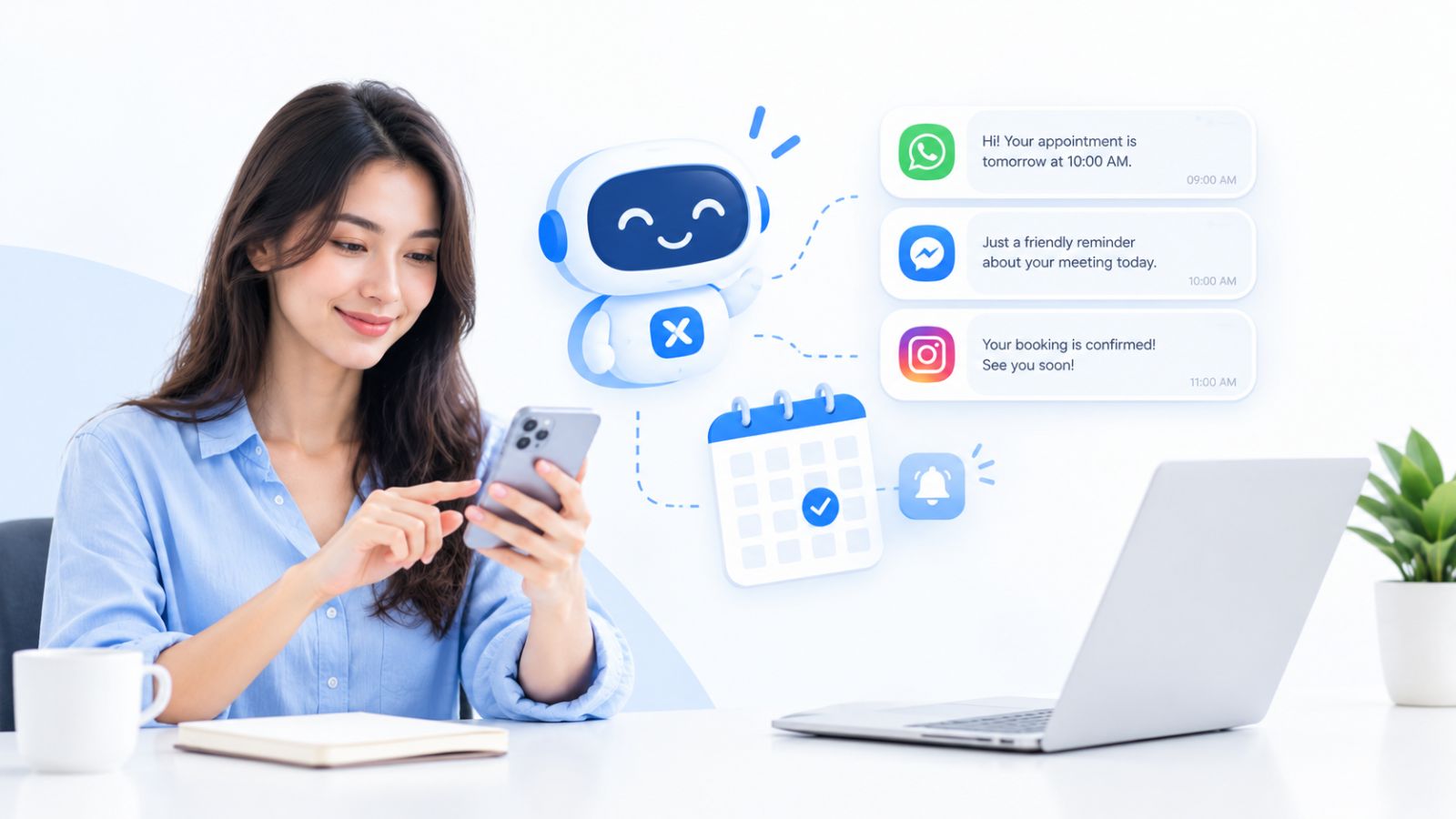
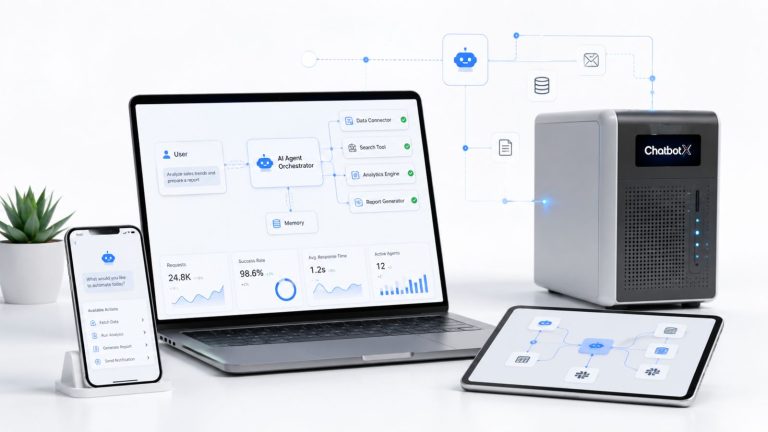
Manually sending reminders works for a handful of bookings and collapses beyond that. This is where chat automation earns its place. ChatbotX is an open-source, agentic chat marketing platform that connects WhatsApp, Messenger, Instagram, Telegram, Zalo, TikTok, email and web chat in one workspace. Here is how its building blocks map to a reminder workflow:
- Schedule and trigger. Use Triggers & Actions to start a reminder sequence when a booking is created or a contact is tagged, then space your messages with delays (for example, a 24-hour reminder followed by a 2-hour one).
- Keep every reply in one place. When a customer answers “can we do 4 PM instead?”, the message lands in the Shared Inbox, where your team can take over from automation at any moment.
- Handle questions automatically. Let AI Agents answer common follow-ups such as directions, parking or preparation, and hand complex conversations to a person.
- Self-host if you prefer. The project is open source, so developers can explore the code, read the quick-start guide and run it on their own infrastructure from the ChatbotX GitHub repository.
Reminders are only one use of the same toolkit. If you are mapping out where else automation can save time, these related guides are a good next stop:
- Small Business Chatbot: 9 Problems Owners Want Fixed First covers common pain points for clinics, salons and local services.
- Speed to Lead in 2026 shows how to answer new enquiries in under a minute.
- How to Follow Up With a Lead in 2026 explains how to keep customers engaged after the first message.
Tip: Plans, limits and features change over time. Check the current details on the ChatbotX site before you commit.
How to Measure Whether Your Reminders Work
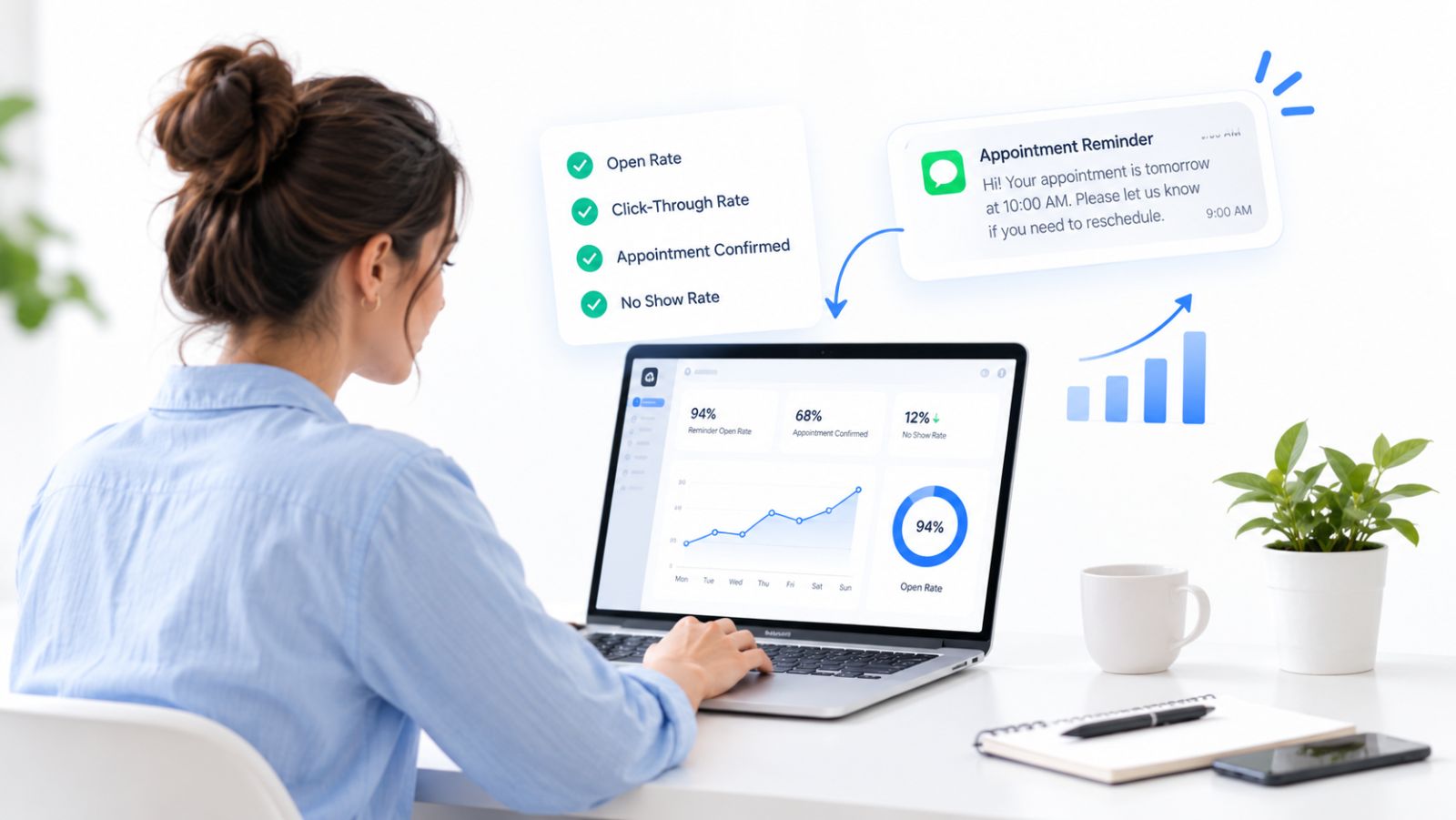
Reminders are easy to switch on and just as easy to forget about, so measure them.
No-show rate = appointments missed without notice ÷ total appointments booked
Track the number for one month before launching reminders and one month after. Count last-minute cancellations separately: a cancellation made the day before is a success for your reminder, because you now have time to refill the slot.
Then look for patterns:
- Most no-shows come from bookings made more than two weeks ahead? Add the 7-day reminder.
- Customers confirm but still don’t show up? Your final reminder may be too close to the start time. Try sending it 3 to 6 hours ahead.
- Many people cancel and never rebook? Make sure every cancellation message includes a link to book again (template 18).
- Send template 19 to every no-show. A friendly invitation to rebook wins back a meaningful share of them.
Frequently Asked Questions
What should an appointment reminder text say?
Include your business name, the customer’s name, what the appointment is, the date and time with timezone, the location or video link, and one clear action such as confirm, reschedule or cancel.
How far in advance should I send an appointment reminder?
For most businesses, send one reminder about 24 hours before and a second about two hours before. Add a 7-day reminder only for appointments booked weeks ahead.
Do appointment reminder texts really reduce no-shows?
Yes. A Cochrane review of seven trials found text reminders increased attendance from 67.8% to 78.6% compared with no reminder.
Is WhatsApp better than SMS for appointment reminders?
It depends on your market. WhatsApp supports tap-to-confirm buttons and is the default messenger in many regions, while SMS reaches every phone without an app. Many businesses use WhatsApp for opted-in customers and email for everyone else.
Do I need customer consent to send automated reminders?
In many markets, yes. SMS and WhatsApp rules often require permission before you send automated messages, so add an opt-in checkbox to your booking form and check the regulations where you operate.
Can I send appointment reminders for free?
Email reminders are effectively free. SMS and WhatsApp carry per-message costs, and some tools offer free or self-hosted plans that reduce the platform fee.
Start Sending Reminders That Customers Actually Answer
A no-show is rarely a customer who doesn’t care. More often it is someone who forgot, or who couldn’t tell you their plans had changed. A clear appointment reminder text, sent at the right moment with a one-tap way to confirm, reschedule or cancel, solves both problems.
Start with the two-reminder schedule, pick the templates above that fit your business, and let automation do the remembering. Ready to put it into practice? Build your first reminder sequence in the ChatbotX Flow Builder today, or follow the project’s latest releases on GitHub if you’d rather self-host it for free. Your next empty chair could be a confirmed booking.