

Add Generate Code to a Flow
1
Open the Flow
Open the Flow that needs to create a unique code.
2
Add a Perform Action node
Add a Perform Action node before the Flow sends or stores the code.
3
Choose Generate Code
Open the node, click Create, then select Tools > Generate Code.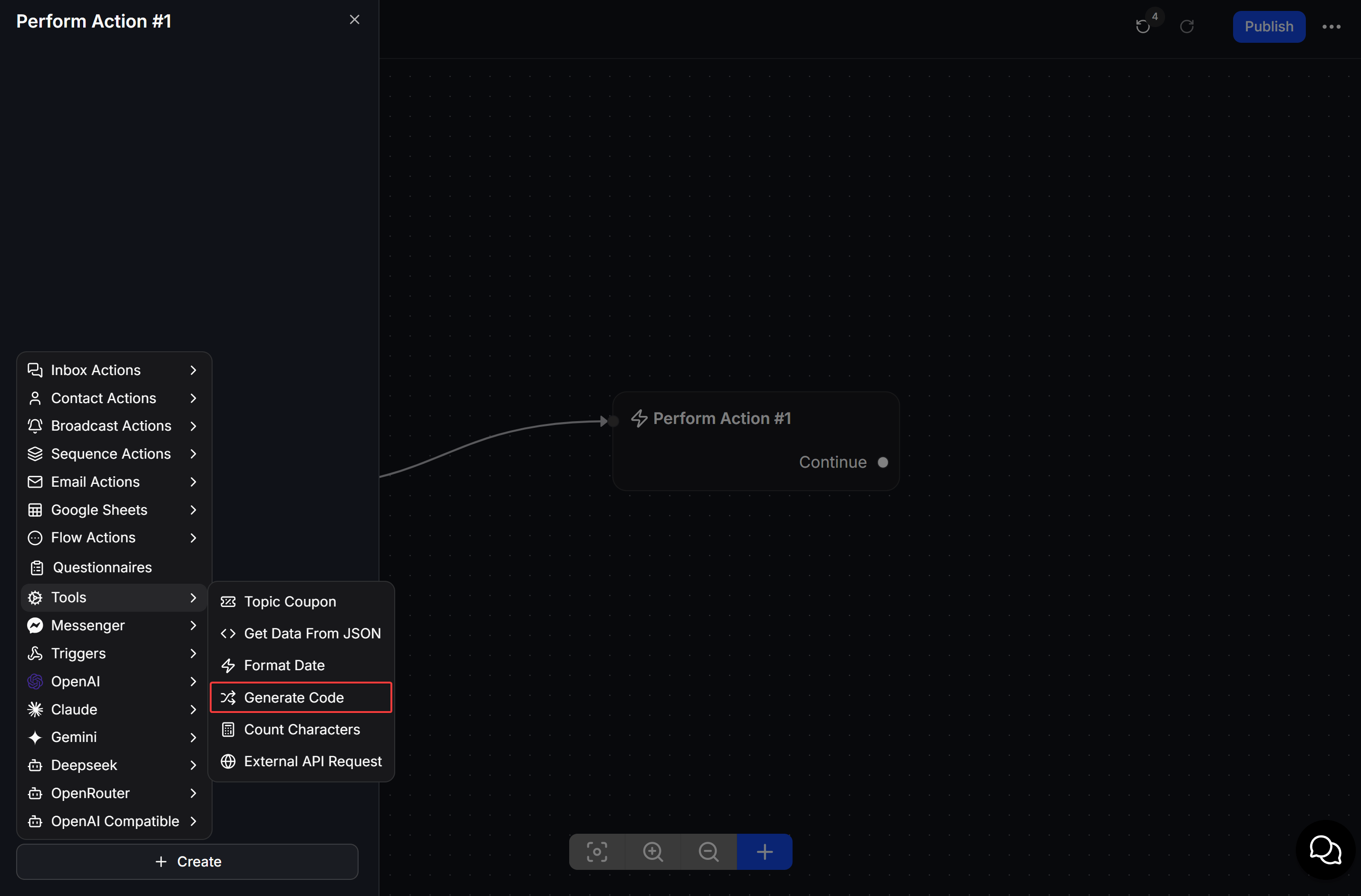
4
Configure and save the code
Select a Type, set the values required by that type, choose the Custom Field that will receive the code, then click Save.
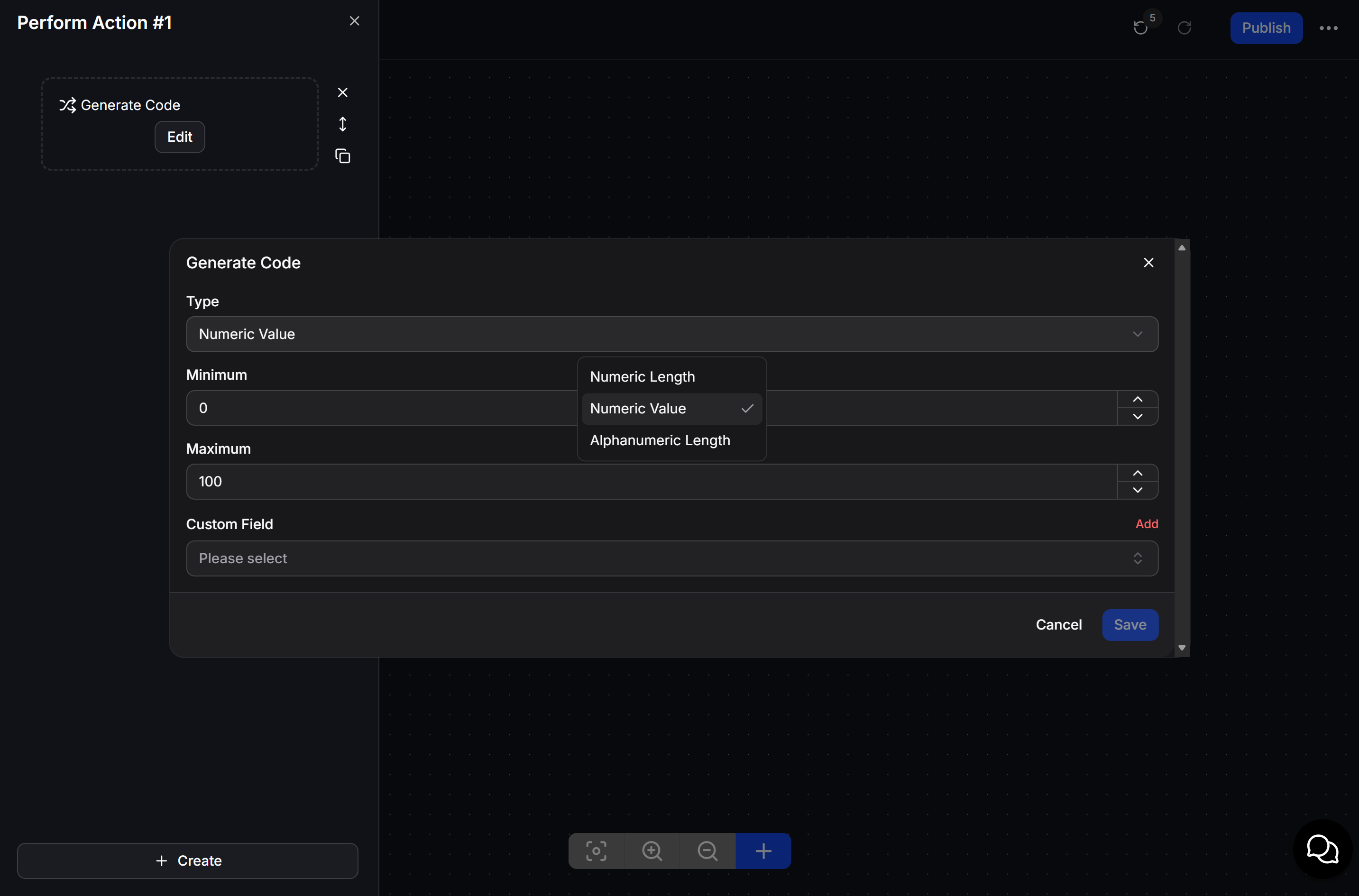
Choose a code type
Select the Custom Field where ChatbotX should save the generated result. Use Add when you need a new Custom Field.
Example: send a check-in code
When a customer registers for an event, the Flow runs Generate Code and saves the result. The next message sends the code to the customer as their check-in reference.Generate the code before the message that displays it. This ensures the Flow has a value ready to insert for the customer.